Base
Hardened build
minimal ports, security patches applied at build time

LibreTime, a self hosted radio automation platform that manages your audio library, schedules shows on a calendar and streams your station live over Icecast.
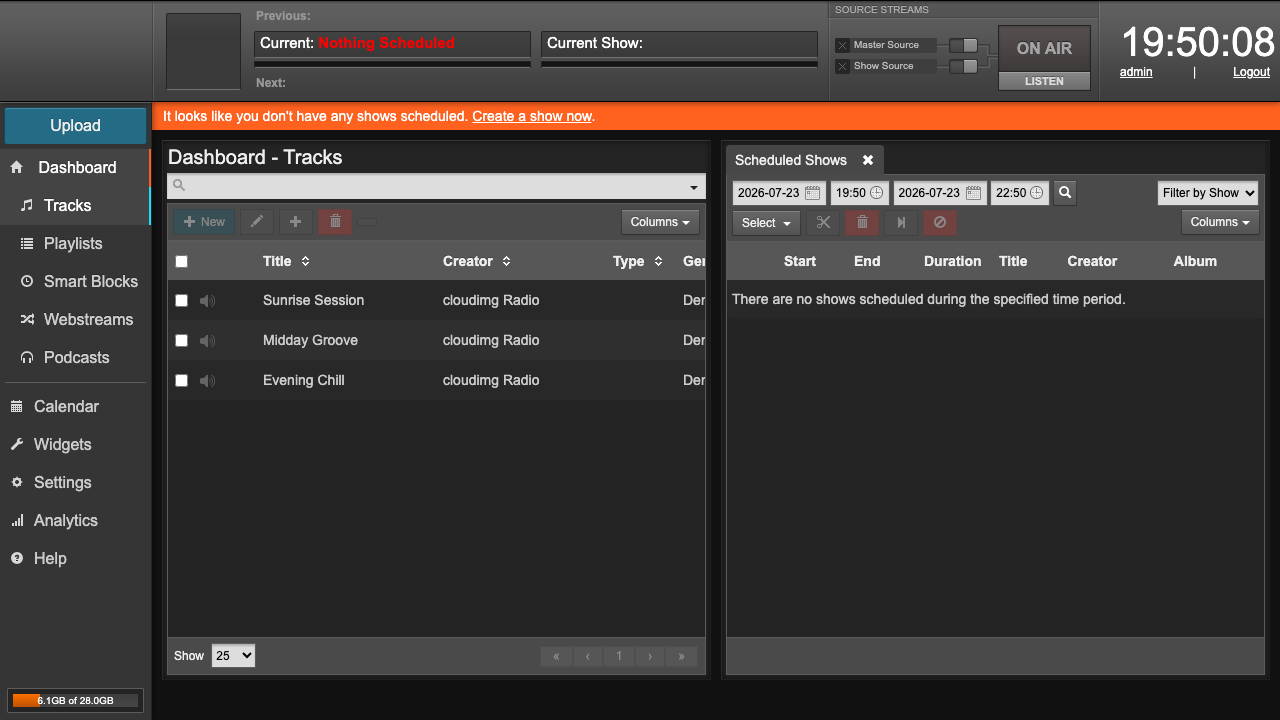
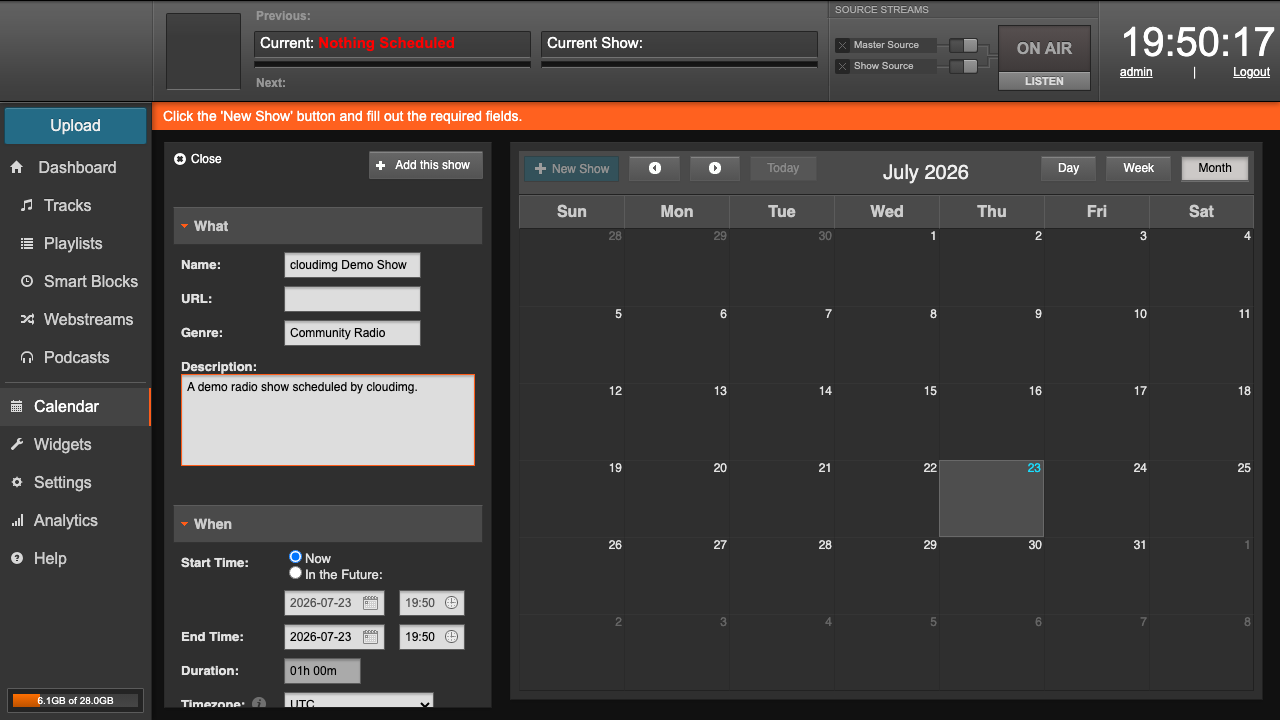
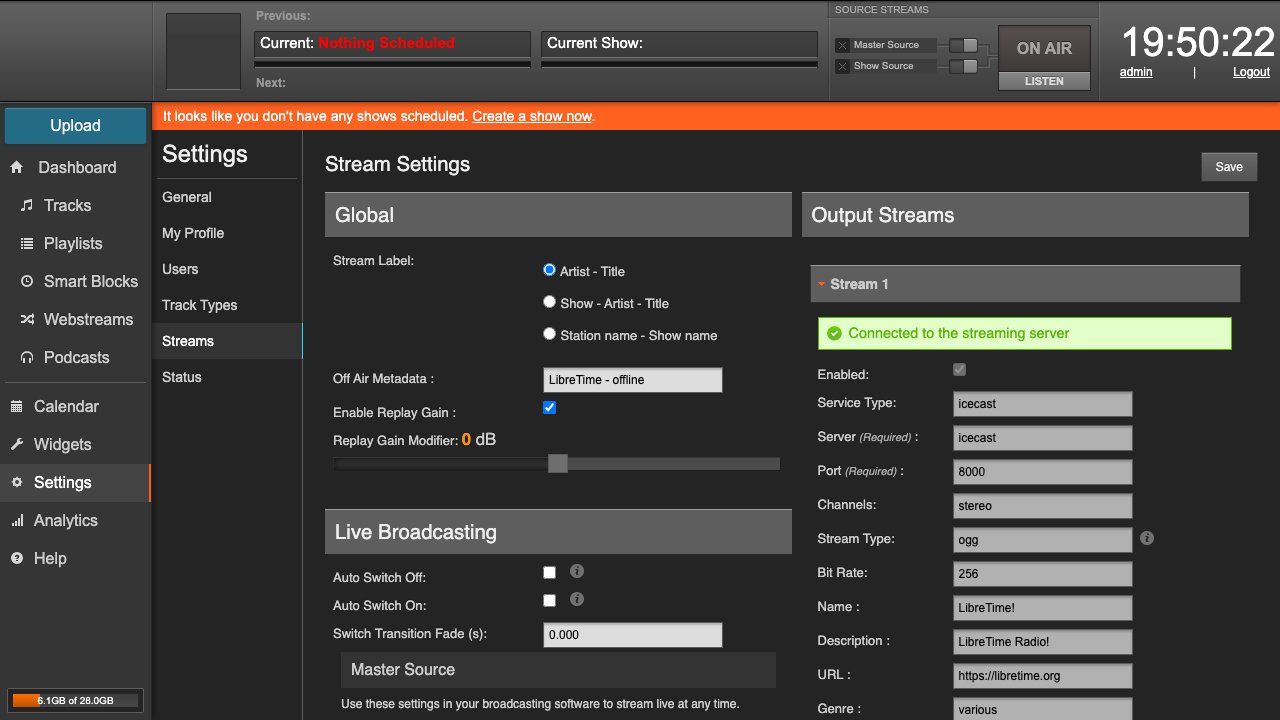
LibreTime is an open source, self hosted platform for running an internet or community radio station. It gives you a browser based studio where you upload and organise a music and audio library, build playlists and smart blocks, and lay shows out on a scheduling calendar, then it plays your programming out automatically and streams it live to listeners. The playout engine mixes scheduled tracks, live studio input and remote sources, and broadcasts the result through a built in Icecast server, while a dashboard shows what is on air right now. It is the community maintained successor to Airtime, and it suits community stations, campus and student radio, podcasters and anyone who wants to run an always on station on infrastructure they control.
The upstream project ships a single default administrator account and default service passwords, so cloudimg makes every instance secure by default before the port is ever public. LibreTime runs as its official container stack behind one reverse proxied web interface on port 80, with the Icecast stream on its own port. On first boot each instance generates its own database, message queue and Icecast passwords plus the application secret key, and the default administrator login is replaced with a random password written to a root only file, so nothing usable is baked into the image and no two instances share a secret. The database and media library are created fresh per instance. Every deployment is fully patched with unattended security updates enabled and comes with a paired deploy guide and 24/7 cloudimg support.
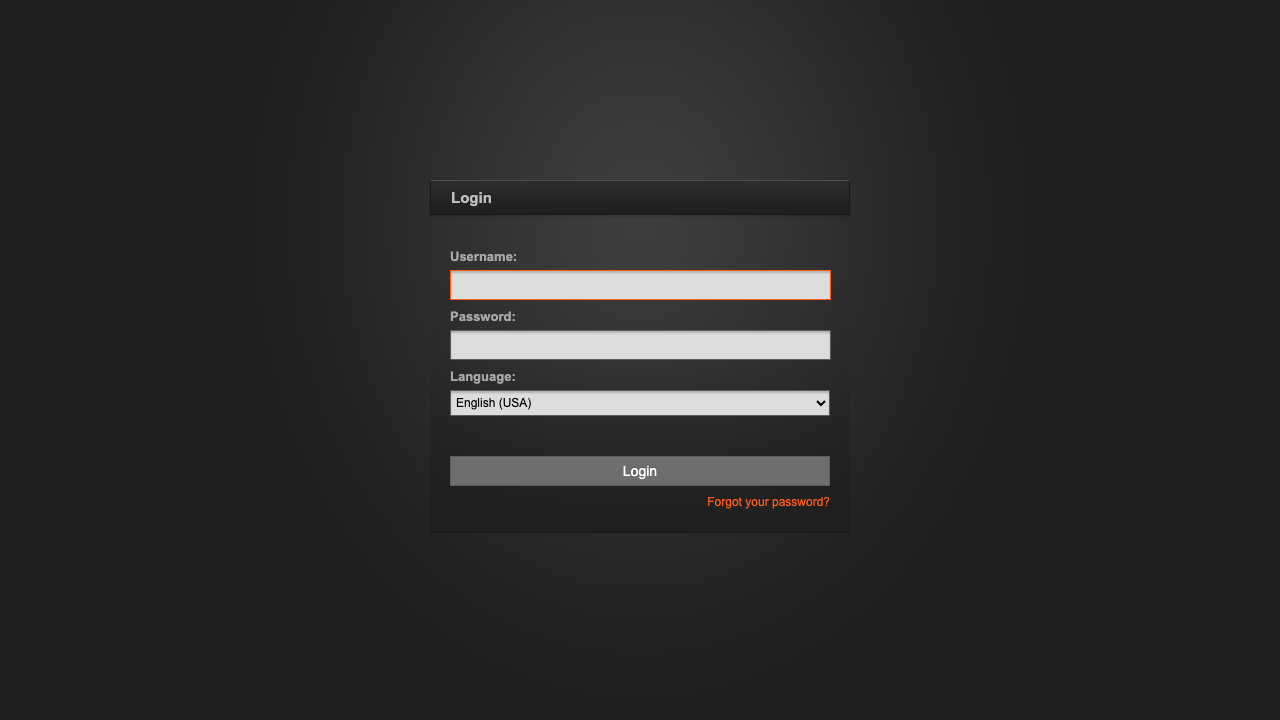
Real screenshots taken while testing this image against its deployment guide.

This appliance ships the afserver coordinator and its Web Monitor as a secure, standalone, single-VM appliance.

Codex on Ubuntu 24.04 LTS preconfigured machine image for Microsoft Azure, hardened and verified with 24/7 support by cl...

Coppermine Photo Gallery is a mature open-source, multi-user web photo gallery: categories and albums, user accounts wit...
Euterpe on Ubuntu 24.04 preconfigured machine image for Microsoft Azure, hardened and verified with 24/7 support by clou...

Flamenco is an open source render farm manager from Blender Studio that coordinates rendering jobs and distributes them ...

This image is a complete internet radio station on Ubuntu 24.04 LTS, pairing two open source projects into one ready to ...