Base
Hardened build
minimal ports, security patches applied at build time

Codex, a self hosted comic and ebook library server with a reader built into the browser, that indexes the comic archives you already own into a searchable catalogue.
Codex is an open source, self hosted library server and reader for comic and ebook archives. You point it at folders of files you already own and it indexes them into a browsable catalogue with cover art, embedded metadata and full text search, organised by publisher, imprint, series, volume, creator, character and story arc. The reader runs in any modern browser, remembers where you stopped, and offers single page or two page spreads, several fit modes, and right to left reading for manga. It reads the common comic archive formats as well as PDF, watches your folders so new titles appear on their own, and publishes a standard OPDS catalogue so e readers and reader apps can browse and download from the same library. Accounts, groups and per library permissions let a household or a small team share one server without sharing one login. It suits anyone who wants their own collection organised and readable from any device rather than scattered across drives.
cloudimg ships Codex as a ready to run appliance that is reachable and readable within minutes of launch, with a reverse proxy already configured for the live update connection the interface depends on. The image is secure by default and carries no usable credential at all: the built in administrator ships with an unusable password, so the documented upstream default never exists on a running instance, and nothing is bound to the public port until first boot has generated a unique administrator password and unique application secret keys into a root only file. Anonymous browsing and open sign ups are both switched off, so a fresh instance is private until the owner decides otherwise. The catalogue database, the cover cache and the library itself live on a dedicated data volume, separate from the system volume and independently resizable, and a sample title ships so the reader works on the very first sign in. Every deployment is paired with a step by step deploy guide and backed by 24/7 cloudimg support.
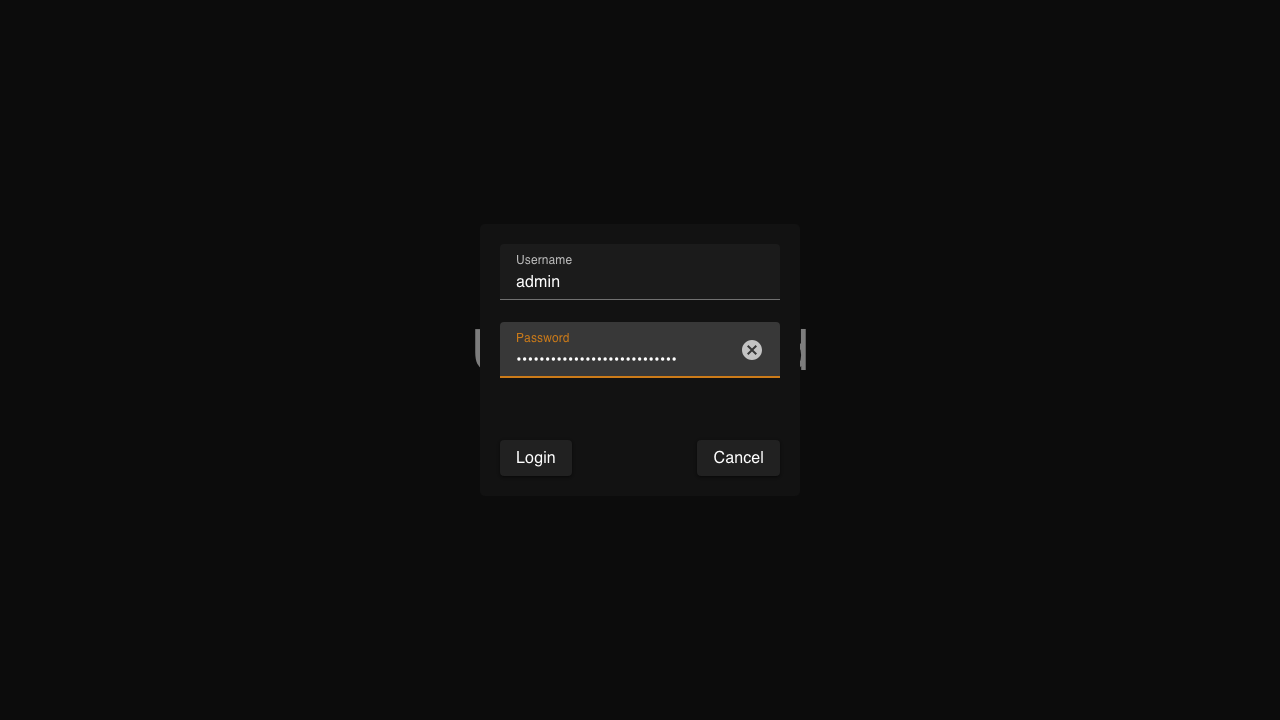
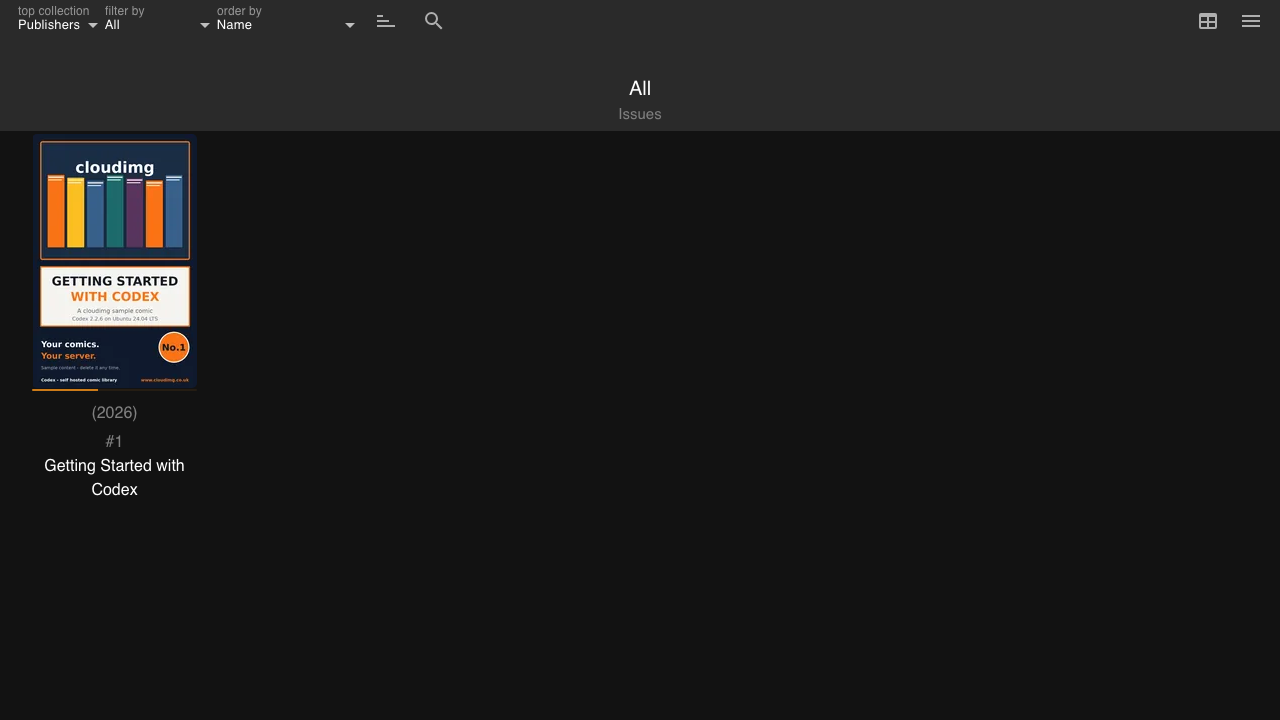
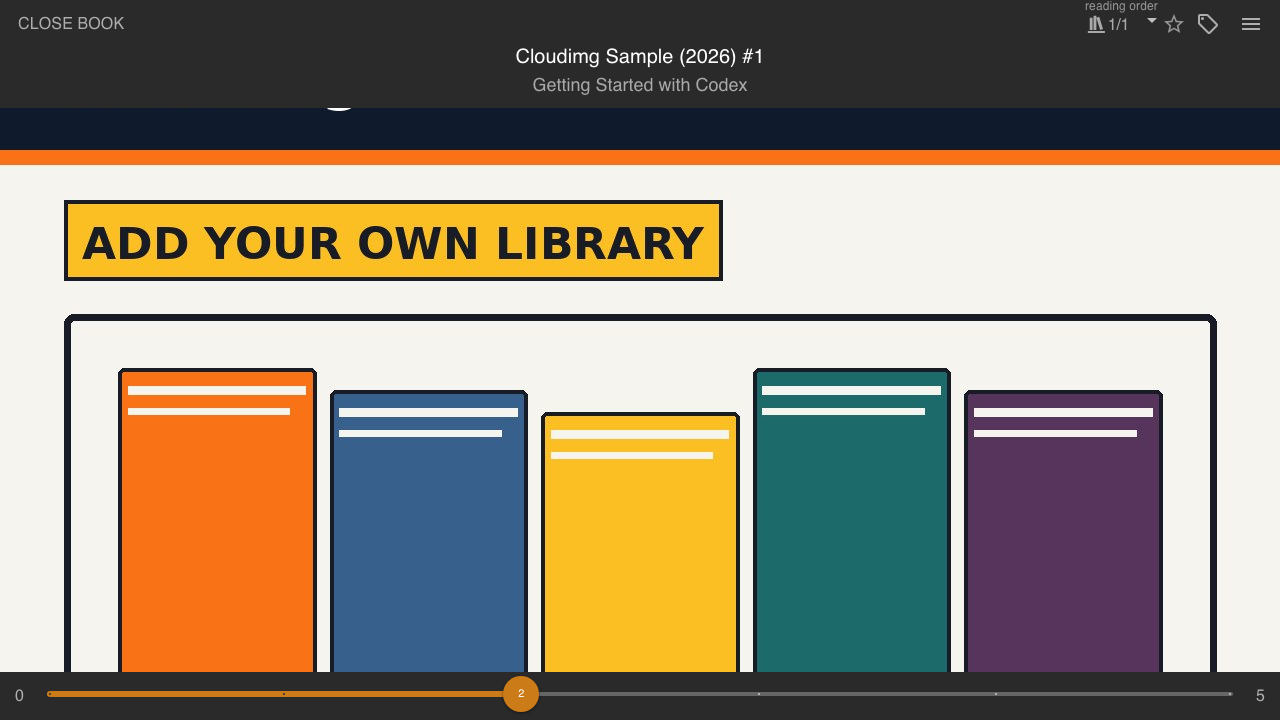
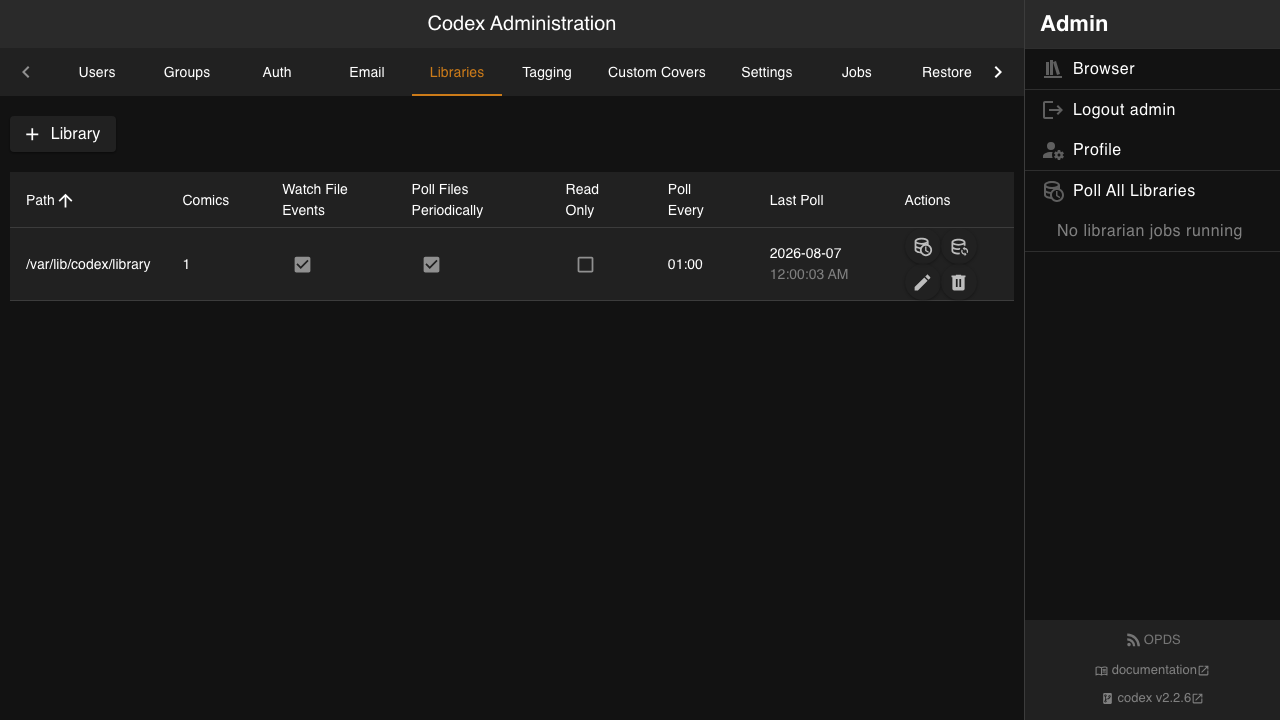
Real screenshots taken while testing this image against its deployment guide.

This appliance ships the afserver coordinator and its Web Monitor as a secure, standalone, single-VM appliance.

Coppermine Photo Gallery is a mature open-source, multi-user web photo gallery: categories and albums, user accounts wit...
Euterpe on Ubuntu 24.04 preconfigured machine image for Microsoft Azure, hardened and verified with 24/7 support by clou...

Flamenco is an open source render farm manager from Blender Studio that coordinates rendering jobs and distributes them ...

This image is a complete internet radio station on Ubuntu 24.04 LTS, pairing two open source projects into one ready to ...

Karaoke Eternal is a popular open source, self hosted karaoke party system. You point it at your own collection of karao...