Django
Overview
Django, the open source Python web framework, preinstalled with gunicorn, nginx and PostgreSQL. A clean starter project is ready on first boot, so the customer drops in their own app and ships. Backed by 24/7 cloudimg support.
See it running
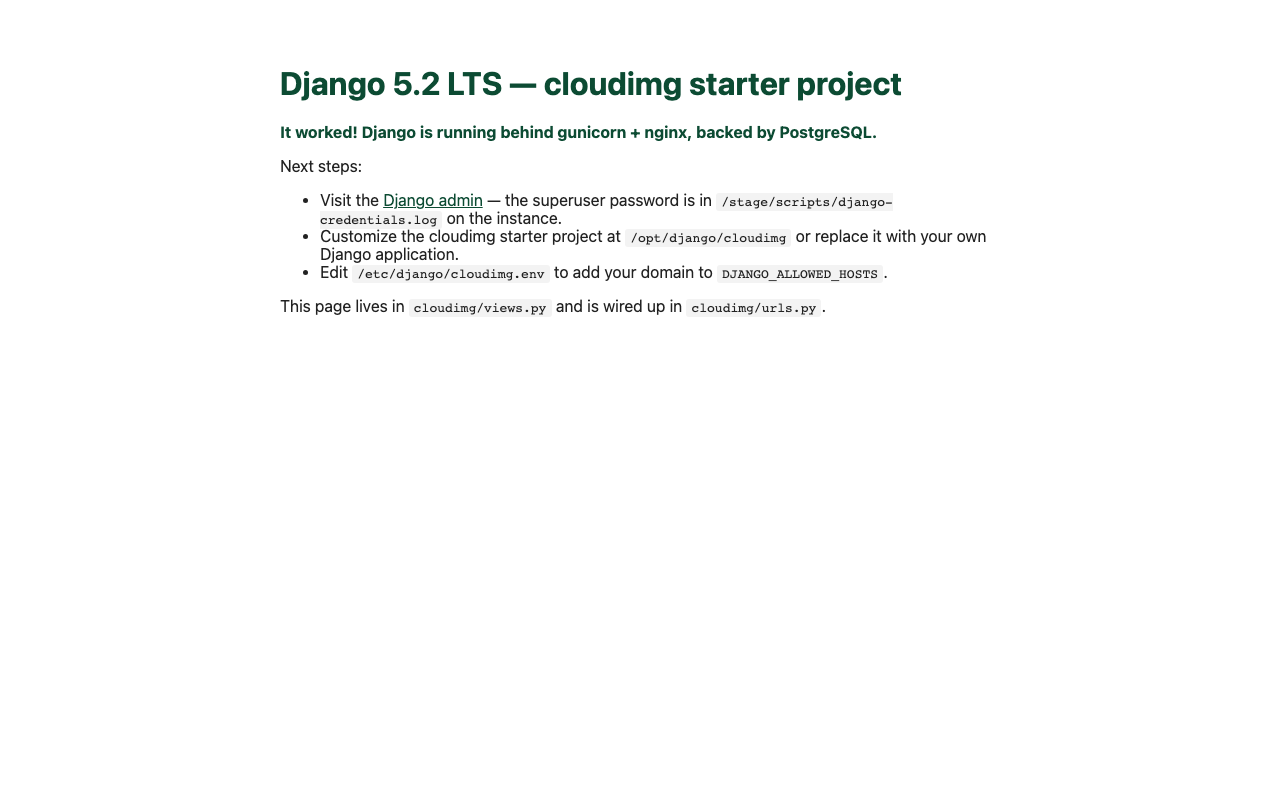
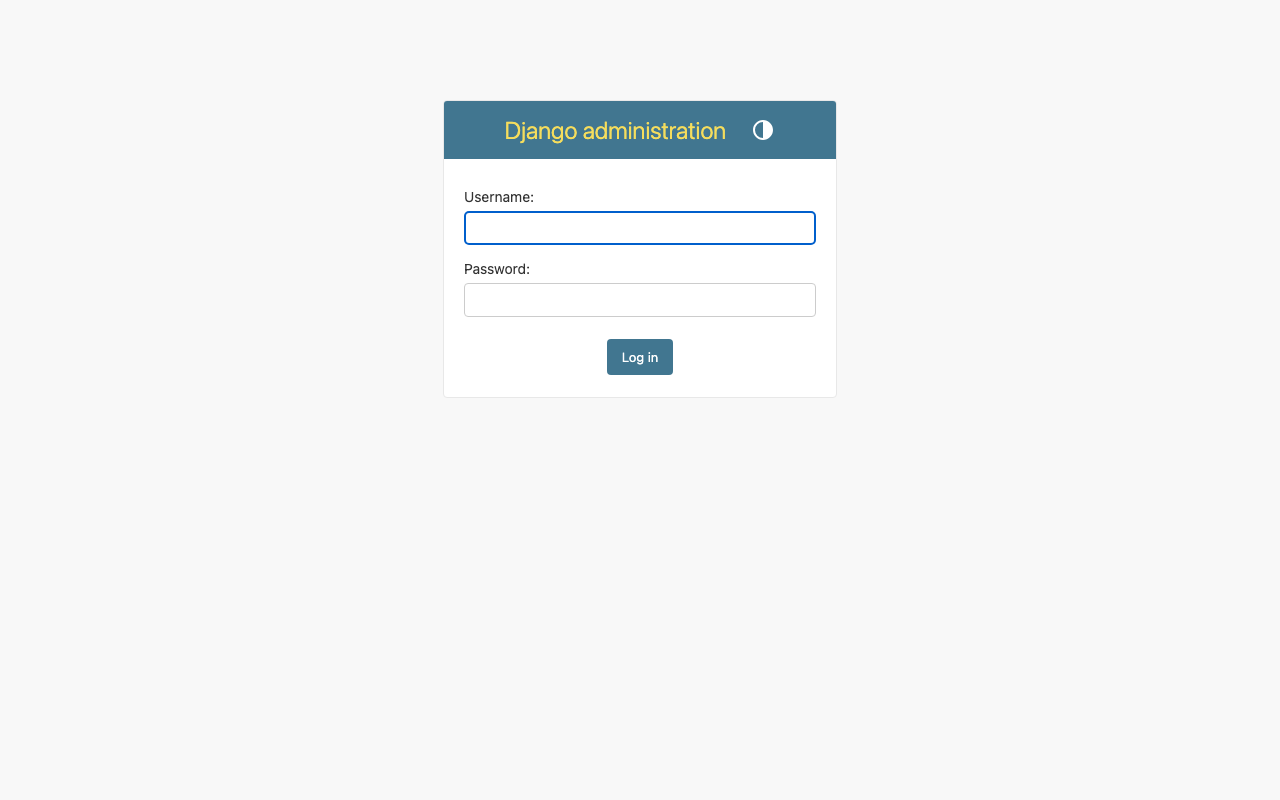
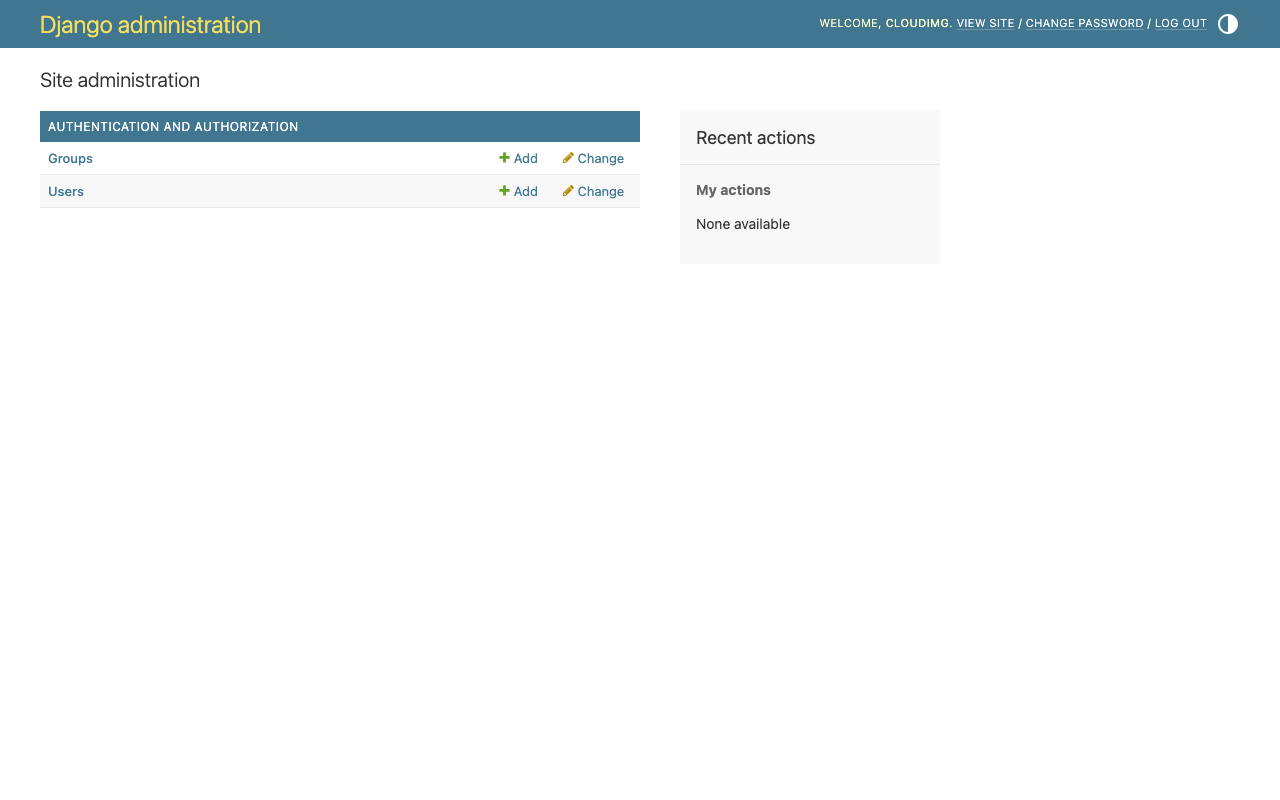
Real screenshots of this software running on the cloudimg image, taken while testing the deployment guide.
Description
This is a repackaged open source software product wherein additional charges apply for cloudimg support services.
Overview
Django is the leading open source Python web framework, the batteries-included framework that powers Instagram, Mozilla, Pinterest, the Washington Post and tens of thousands of production sites. This image delivers a complete, production-grade Django runtime, so a Python web application server is running within minutes of launch with no package installation, virtualenv setup, database provisioning or reverse-proxy wiring required.
What Is Included
Django installed in an isolated Python 3.12 virtualenv at /opt/django/venv. gunicorn as the WSGI application server, bound to a Unix socket and managed by systemd. nginx as the reverse proxy on TCP 80, serving static and media files directly. PostgreSQL as the default database, with the psycopg driver. A clean cloudimg starter Django project at /opt/django/cloudimg the customer customizes or replaces with their own application code.
Dedicated Storage Tiers
The PostgreSQL data directory and the Django application tier live on separate, independently resizable EBS volumes. The database can be grown without disturbing the application code, and neither tier shares the operating system root volume.
Per-Instance Credentials On First Boot
A one-shot systemd service rotates every secret at the first boot of every instance. The Django SECRET_KEY, the PostgreSQL role password and a Django admin superuser password are all freshly generated. ALLOWED_HOSTS is pre-populated with the instance public IP. The rotated credentials are written to /stage/scripts/django-credentials.log with mode 0600.
Ready To Use
The Django admin UI is reachable on http://
cloudimg Support
24/7 technical support by email and chat. Help with Django deployment, gunicorn and nginx tuning, PostgreSQL configuration, TLS termination and framework upgrades.
Use Cases
Python web application hosting. Internal admin tools, dashboards and back-office systems. REST APIs with Django REST Framework. Multi-tenant SaaS platforms. Content management and publishing stacks.
All product and company names are trademarks or registered trademarks of their respective holders. Use of them does not imply any affiliation with or endorsement by them.
Key Features
- Django in a Python 3.12 virtualenv with gunicorn, nginx and PostgreSQL, all preinstalled, configured and started on boot, with no setup required
- PostgreSQL data and the Django application tier each on their own independently resizable EBS volumes, kept off the operating system disk
- 24/7 technical support from cloudimg, with expert assistance for Django deployment, gunicorn and nginx tuning, PostgreSQL and TLS termination
Related Technologies
Related Products

Apache Airflow - Workflow Orchestration
This image runs Apache Airflow as a single node deployment. Airflow is installed into a dedicated Python virtual environ...
Apache Archiva Repository Manager
This image runs Apache Archiva, the open source build-artifact repository manager - a central, governed store for the bi...
Appsmith Open-Source Low-Code Platform
This image runs Appsmith Community Edition, the open source low-code platform for building internal tools, admin panels,...
Appwrite
Appwrite is an open source backend as a service platform, a self-hosted Firebase alternative that gives developers a com...
changedetection.io - Website Change Monitor
This image runs changedetection.io, the self-hosted service that monitors web pages for changes and notifies you when so...
CloudBeaver - Web Database Manager
CloudBeaver CE is a web-based database manager - a browser edition of the popular DBeaver desktop tool - that lets you c...