Base
Hardened build
minimal ports, security patches applied at build time

a modern, self-hosted knowledge base and Confluence alternative: organise docs into spaces, build them from reusable content blocks, and search across everything
Documize is an open source, self-hosted knowledge base and documentation platform - a modern alternative to Confluence for internal and external docs. Content is organised into spaces and documents built from reusable content blocks and templates, grouped with categories, and found through full-text search, while Documize keeps a version history and enforces per space, role based access. It runs as a single Go binary backed by a SQL database, so teams keep their knowledge on their own infrastructure rather than a third party service, with local accounts plus optional LDAP, Keycloak, CAS and OAuth authentication and a REST API for automation.
cloudimg ships Documize Community assembled and hardened, running as a single Go binary under systemd behind nginx and backed by MariaDB on loopback, so a working knowledge base answers within minutes of launch. There is no shared credential in the image: Documize's unauthenticated first-run setup is completed at build time with an unknowable placeholder, so a customer instance never exposes a setup wizard, and on first boot each instance mints its own database password, administrator password and JWT signing salt, rotating the administrator before the Documize service is ever allowed to start. The Documize server is pinned to loopback and reached only through nginx, access is gated by Documize's own per instance administrator login, and the Community edition is fully functional with no paid licence key. Every deployment is paired with a step by step guide and backed by 24/7 cloudimg support.
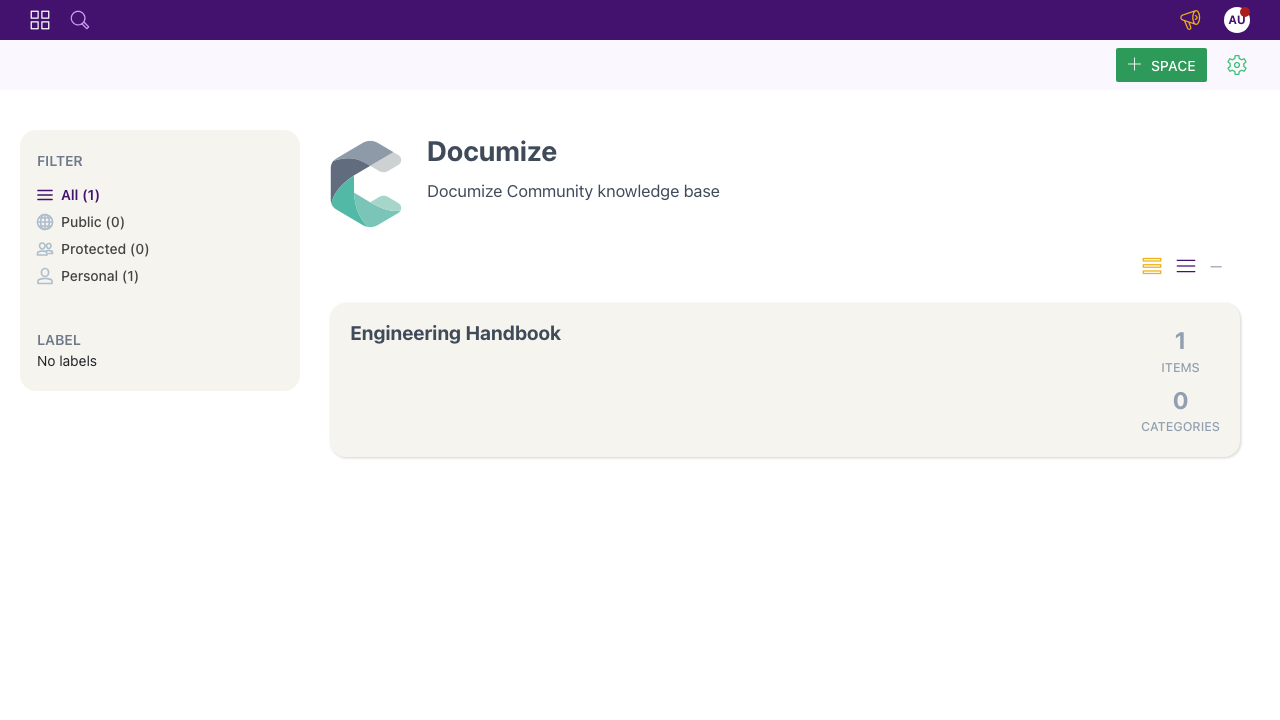
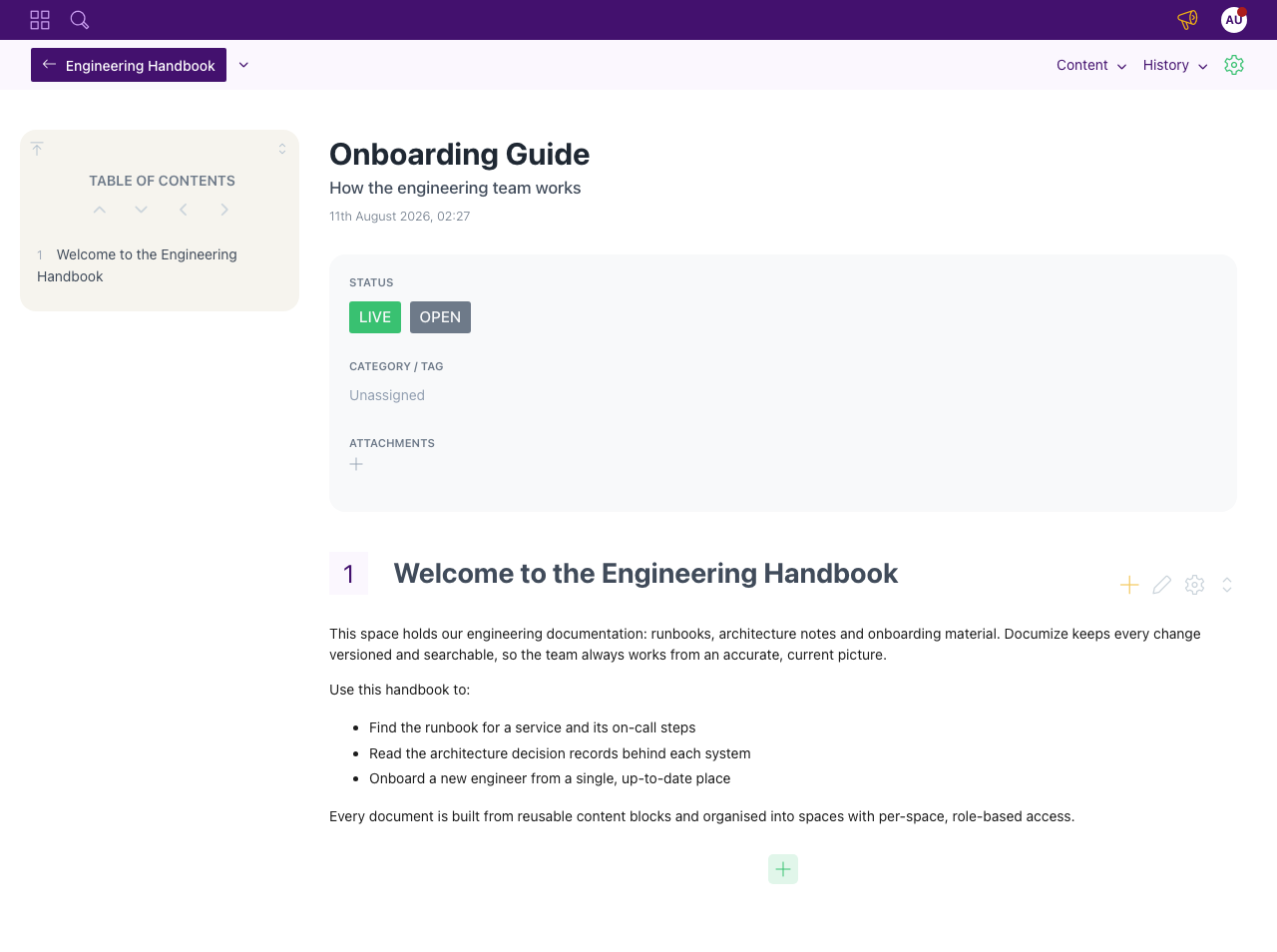
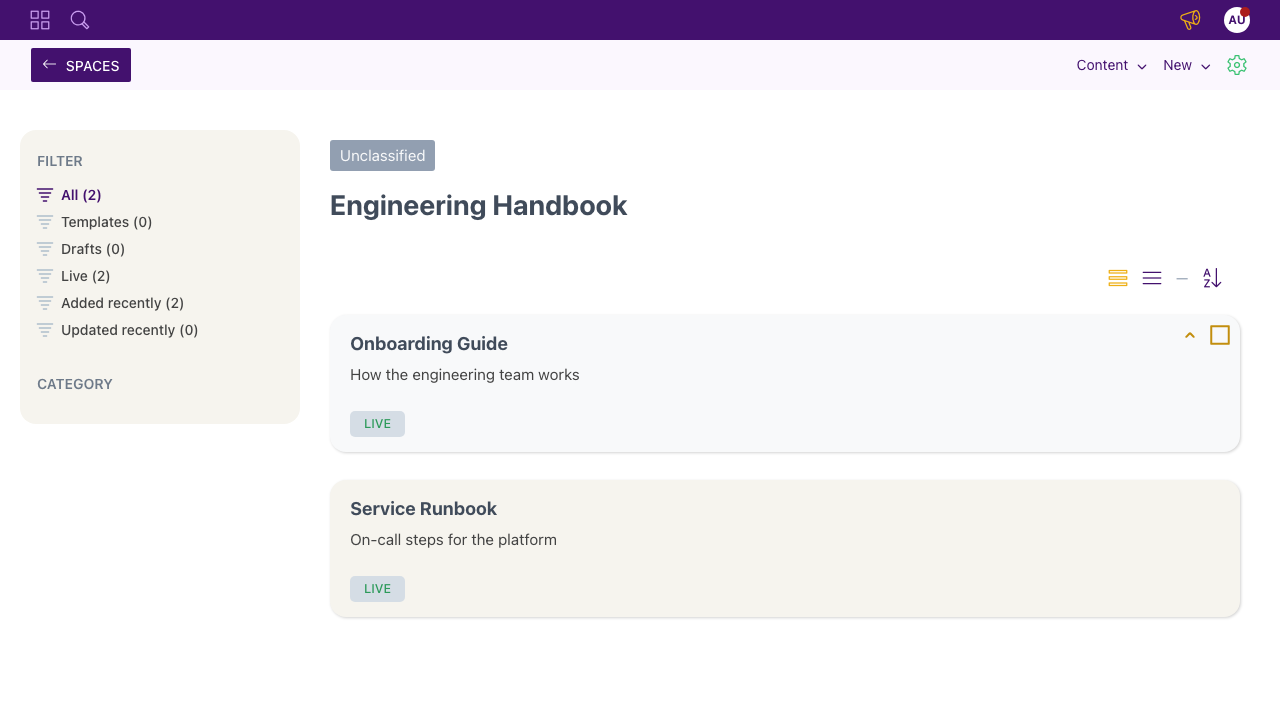
Real screenshots taken while testing this image against its deployment guide.

Actual Budget is a free, open source, local first personal finance application built around the proven envelope budgetin...

Admidio is the open source membership management platform for clubs, associations and non profit organisations.

AdventureLog is a self-hosted travel companion. It lets you log the countries and regions you have visited, plan future ...
Aim is an open-source ML experiment tracker: your training code logs metrics, hyperparameters and other artifacts as it ...

The cloudimg image ships the free and open source, GPL-3.0 licensed AirTrail application, run the officially supported w...
Akkoma is a lightweight, highly customisable open-source server for the fediverse: a self-hosted, federated microbloggin...