Base
Hardened build
minimal ports, security patches applied at build time

Dradis Community Edition for collaborative security assessment and penetration test reporting, with per instance secrets and TLS by default.
Dradis Community Edition is an open source collaboration and reporting framework for security assessments and penetration tests. Testing teams import output from the tools they already use, including Nmap, Nessus, Burp Suite, OpenVAS and Qualys, organize findings on a shared project tree of nodes, issues and evidence, manage methodologies and checklists, and generate consistent client reports.
Dradis is prebuilt and hardened, served over TLS behind an nginx reverse proxy, so a working reporting platform is reachable within minutes of launch. The shared login password and the application secret are generated on each instance's first boot rather than baked in, the first run setup is completed automatically so no open setup page is exposed, the database and uploaded evidence live on a dedicated independently resizable data volume, a paired deployment guide walks through the whole process, and cloudimg provides 24/7 support.
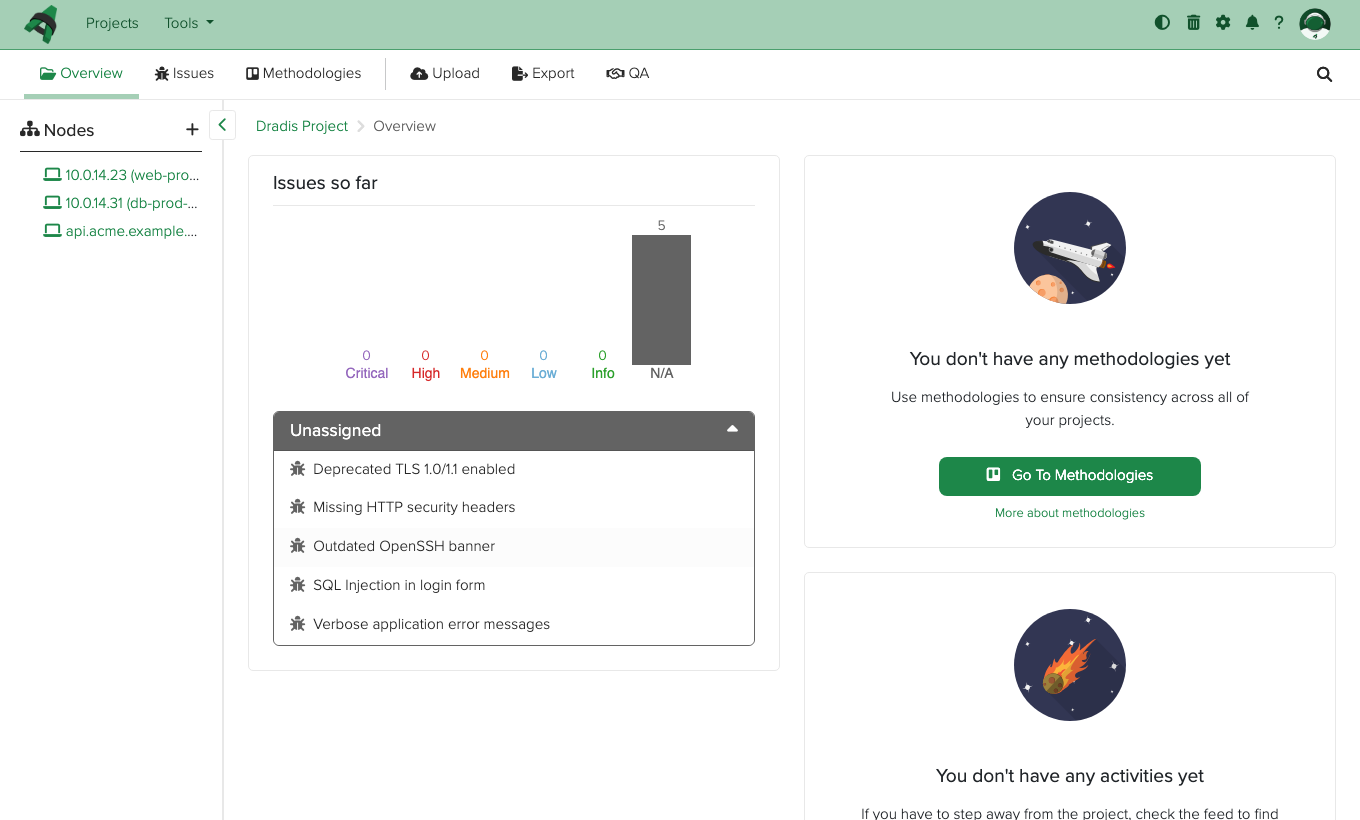
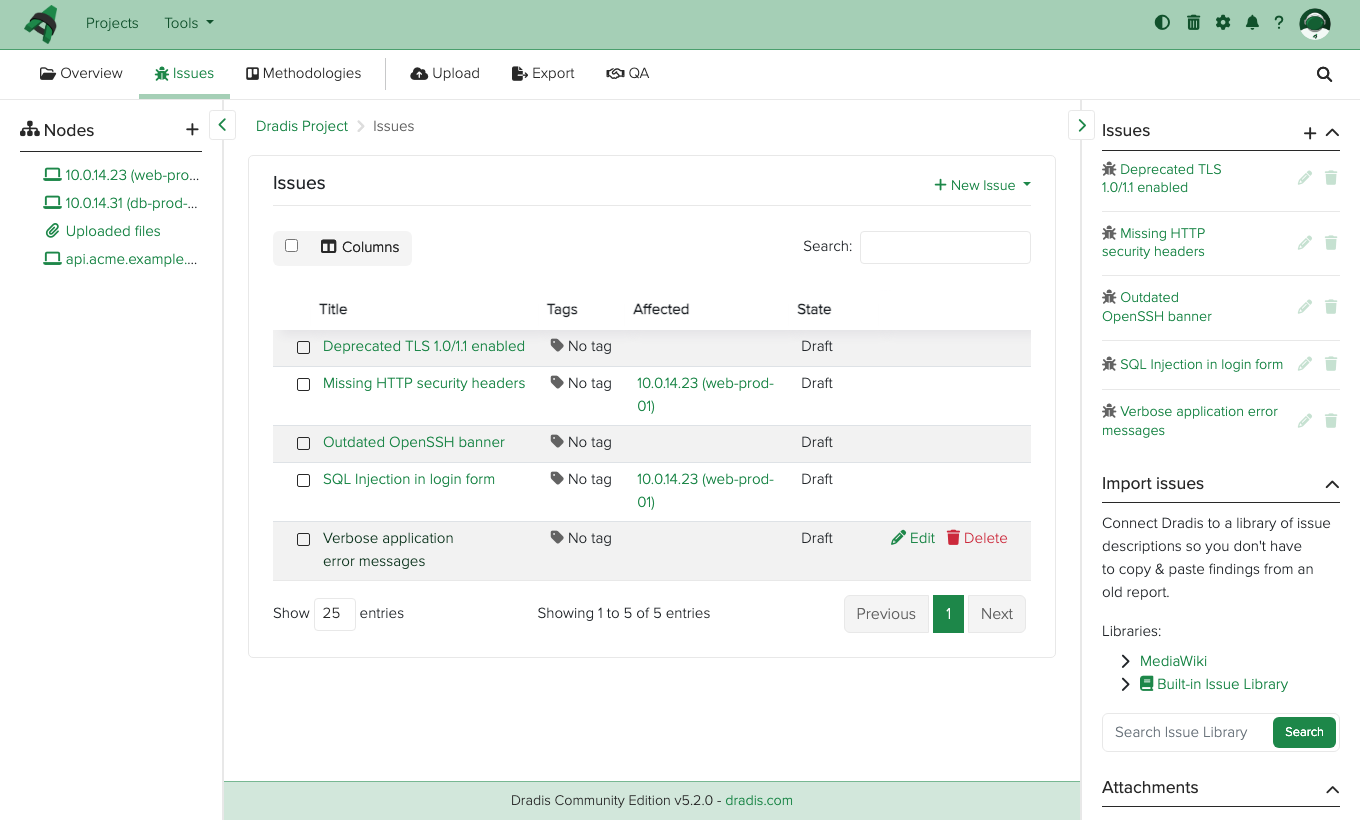
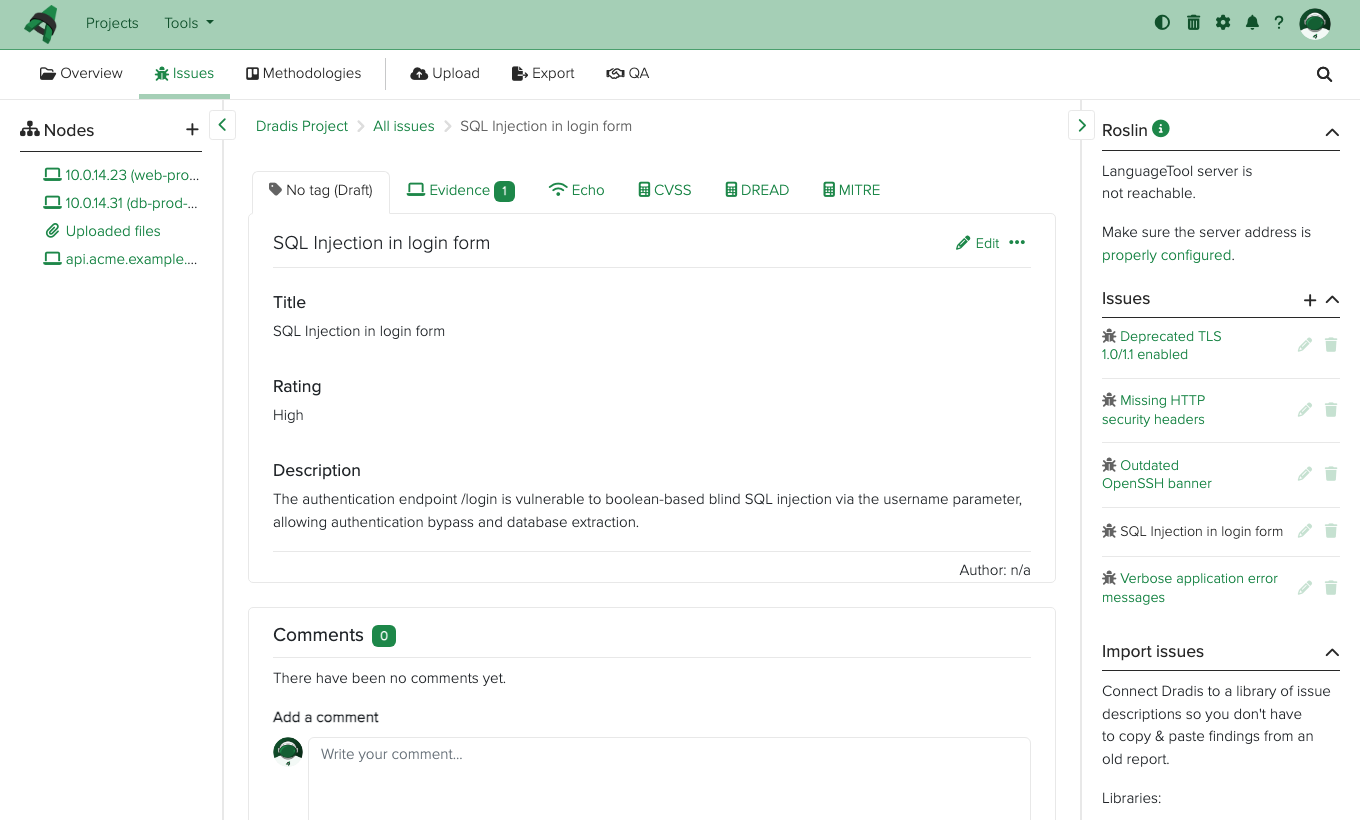
Real screenshots taken while testing this image against its deployment guide.
This is a repackaged open source software product wherein additional charges apply for cloudimg support services.
## Overview
Dradis Community Edition is an open-source collaboration and reporting framework for security assessments and penetration tests. It has been actively developed for over a decade and integrates with widely used security tools including Nmap, Nessus, Burp Suite, OpenVAS, and Qualys. Testing teams use Dradis to import scanner output, organize findings on a shared project tree of nodes, issues, and evidence, manage methodologies and testing checklists, and generate consistent client reports. Under the hood, Dradis is a Ruby on Rails application backed by SQLite, with Redis and a background worker for long-running jobs. This AMI delivers Dradis installed, hardened, and secured so a working reporting platform is operational within minutes of launch.
## Why This Image vs. a Manual Install
Standing Dradis up by hand means installing a specific Ruby toolchain, building the application from source at a known-good release, precompiling assets, wiring up Redis and a background worker, generating the Rails secret key base, and putting an authenticated encrypted front door in front of it. This image completes every one of those steps at build time:
## Security Hardening
This image follows a defence-in-depth approach:
## Concrete Use Cases
## AWS Integration
Deploy on any EC2 instance type; the recommended size is m5.large. Terminate TLS at an Application Load Balancer with your own certificate, or keep the per-instance self-signed certificate. Back up the SQLite database and uploaded evidence using EBS snapshots or AWS Backup, and resize the dedicated data volume independently of the OS disk as your projects grow.
## Getting Started
Launch the AMI, wait for the instance to reach a running state, and navigate to the public IP over HTTPS. Retrieve the generated shared password from the root-only credentials file via SSH. From there, create your first project, import scanner output, and begin organizing findings. For a guided walkthrough of deployment options - including ALB termination with your own domain, per-user account setup, and EBS backup scheduling - contact cloudimg support.
## cloudimg Support
24/7 technical support by email and chat. Help with deployment, enabling per-user accounts, reverse-proxy termination with your own domain and certificate, importing scanner output, tuning report templates, and backup planning for your assessment data.

This image runs AIDE (Advanced Intrusion Detection Environment), the open source, GPL-2.0 licensed host-based file and d...

This image runs Apache Directory Server (ApacheDS) 2.0, the Apache Software Foundation's extensible, embeddable director...
This image runs Beelzebub, the open source low code honeypot and deception framework.
The image installs the official Casdoor release, a single self contained Go binary that bundles its pre built web consol...

This image runs Certimate, the open source platform that automates the full life cycle of your SSL/TLS certificates.

This image runs Checkov, the open source static analysis and policy-as-code scanner that finds security and compliance m...