Base
Hardened build
minimal ports, security patches applied at build time

EGroupware, the open source collaboration suite bringing calendars, contacts, tasks and files together on one server you control, ready the moment it boots.
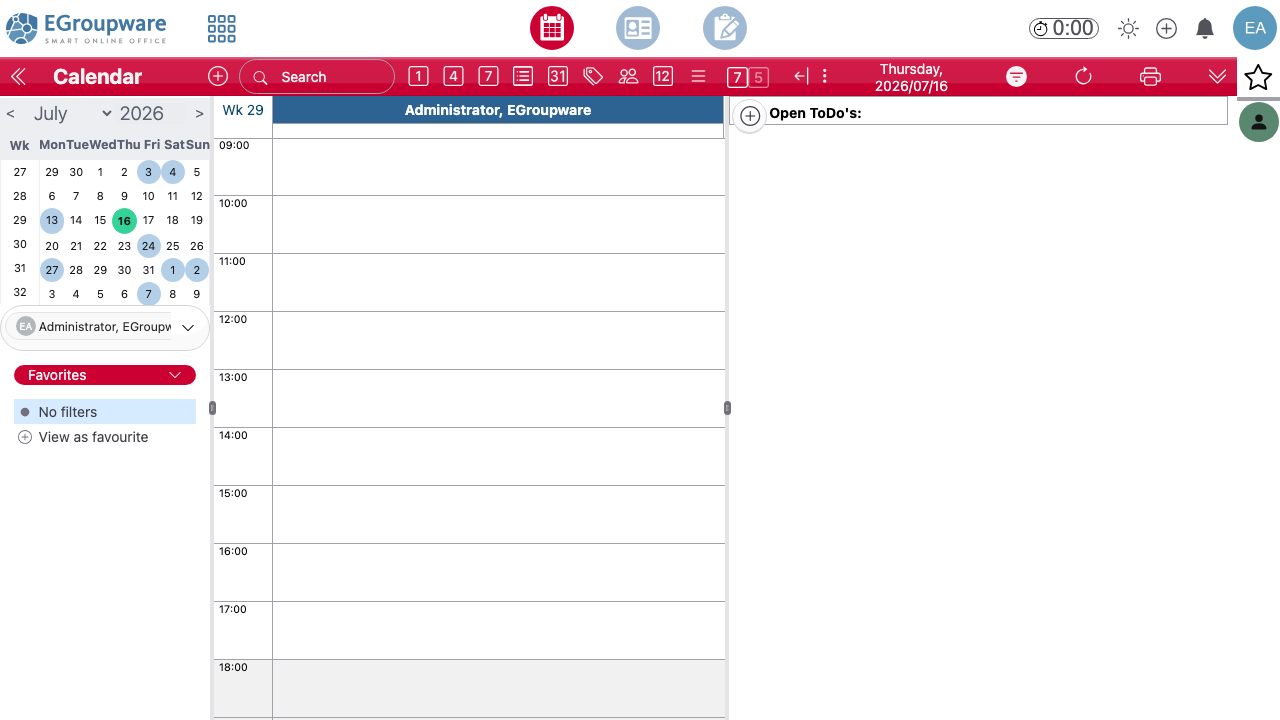
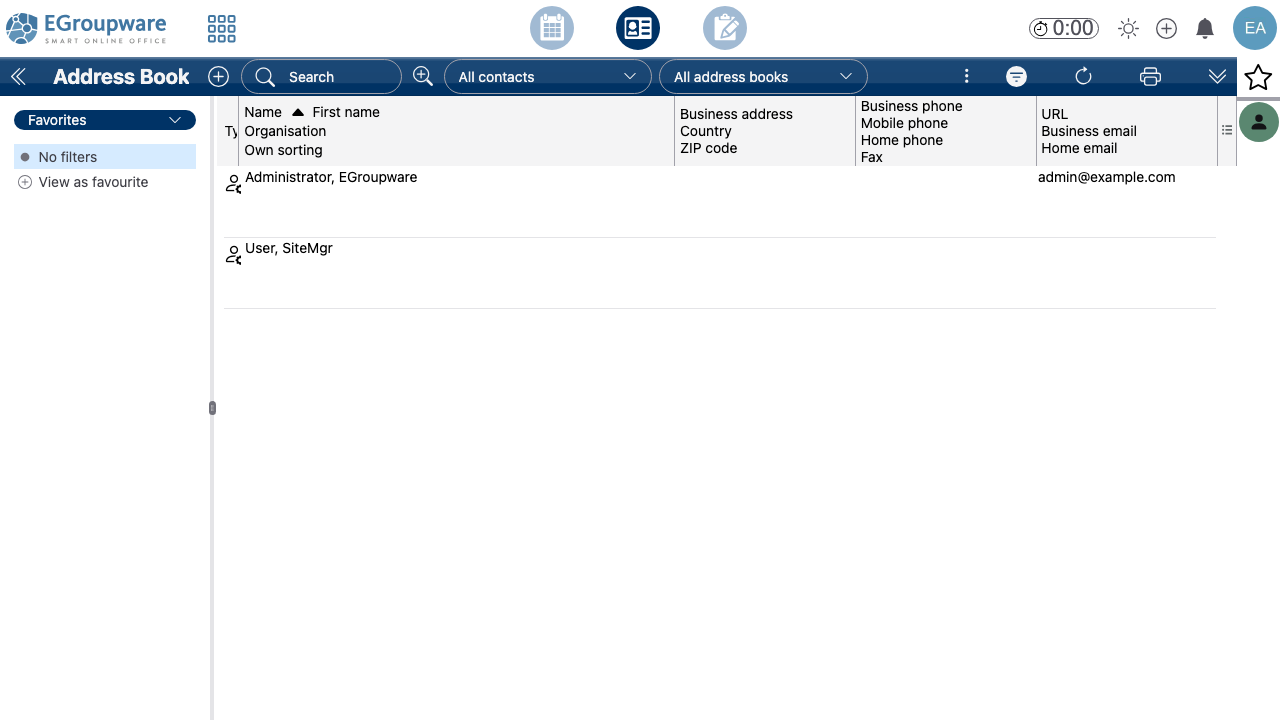
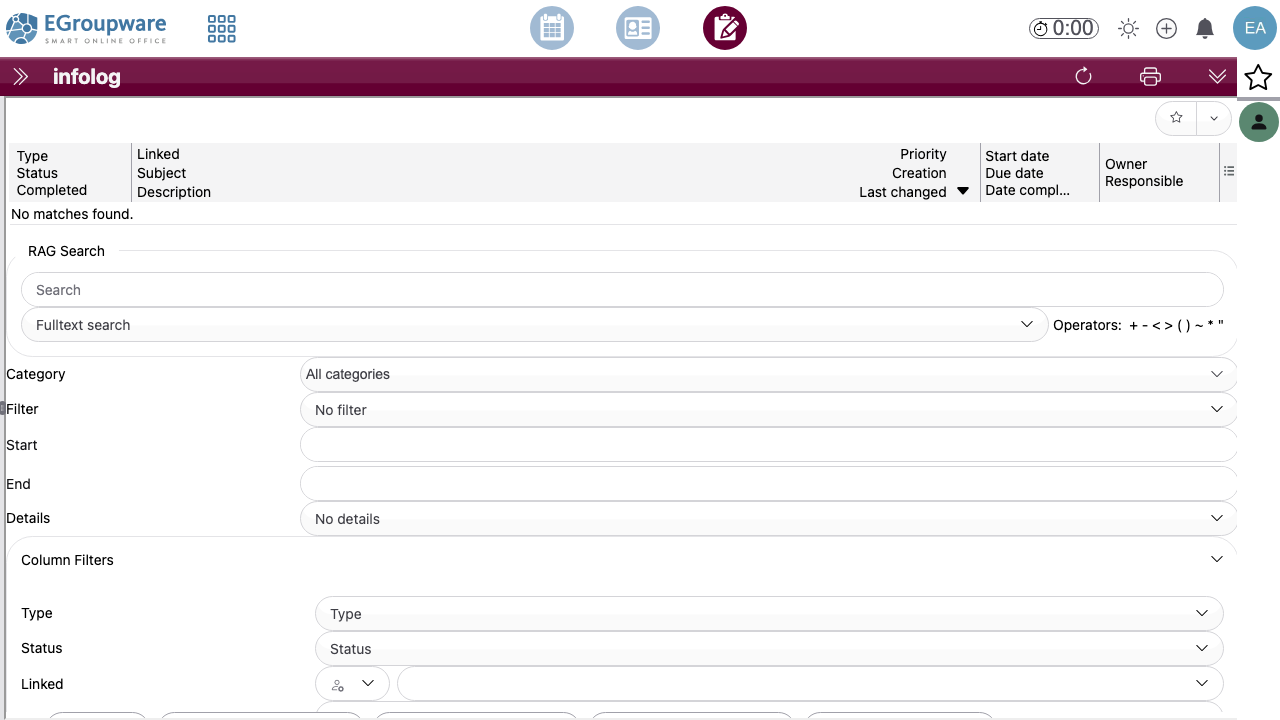
EGroupware is a mature open source collaboration and groupware suite used by businesses, public sector bodies, schools and non profit organisations to run their shared calendars, contacts, projects and documents on infrastructure they control. It brings together a group calendar with resource booking and free or busy scheduling, shared and personal address books, InfoLog for tasks, notes and tickets, a versioned file manager, project manager, time sheet, wiki, bookmarks and news administration, all behind one sign in with fine grained per group access control.
Calendars and contacts synchronise to phones, tablets and desktop clients over CalDAV and CardDAV, so people keep using the clients they already have while the data stays on your server. The mail app is a client rather than a mail server: point it at an IMAP and SMTP service you already run, or leave it unconfigured and use the rest of the suite on its own. EGroupware can authenticate against its bundled database or against your existing LDAP or Active Directory.
It suits any organisation that wants the everyday collaboration tools of a hosted office suite without handing its calendars, contacts and documents to a third party, and without per seat licensing.
cloudimg delivers EGroupware fully patched on a hardened Ubuntu 24.04 base, with the installer already completed and the setup console locked away behind a denial so no customer ever meets an installer or finds an exposed setup page. Unique administrator, database and setup console passwords are generated on the first boot of every instance and written to a file only the root user can read, so no default or shared login ships anywhere in the image. The image is address agnostic: EGroupware is configured with a relative web server URL, so it works unchanged on a public IP, a private address, your own DNS name, or behind a TLS terminating proxy, with nothing to reconfigure when your address changes. The bundled MariaDB listens only on the loopback interface and never on the network, and both the database and the file store live on a dedicated managed data disk you can snapshot independently of the operating system disk. Backed by 24/7 cloudimg support.
Real screenshots taken while testing this image against its deployment guide.

Actual Budget is a free, open source, local first personal finance application built around the proven envelope budgetin...

Admidio is the open source membership management platform for clubs, associations and non profit organisations.

AdventureLog is a self-hosted travel companion. It lets you log the countries and regions you have visited, plan future ...
Aim is an open-source ML experiment tracker: your training code logs metrics, hyperparameters and other artifacts as it ...

The cloudimg image ships the free and open source, GPL-3.0 licensed AirTrail application, run the officially supported w...
Akkoma is a lightweight, highly customisable open-source server for the fediverse: a self-hosted, federated microbloggin...