Base
Hardened build
minimal ports, security patches applied at build time

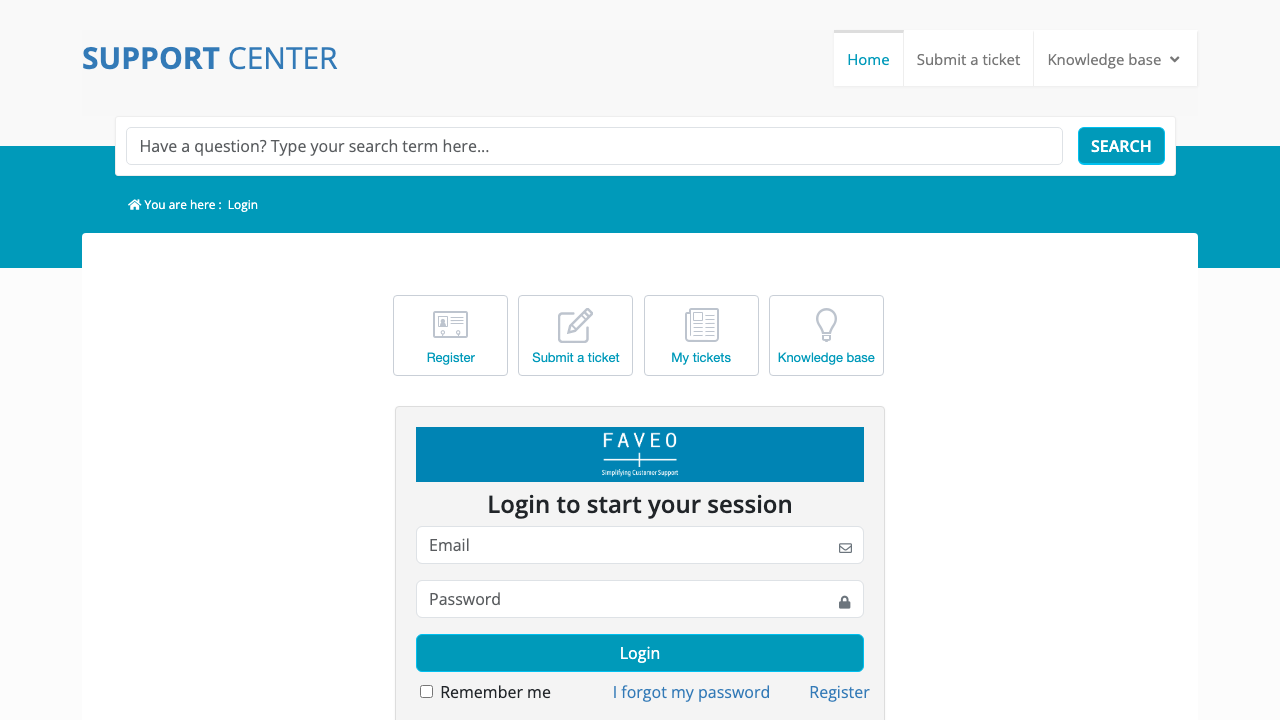
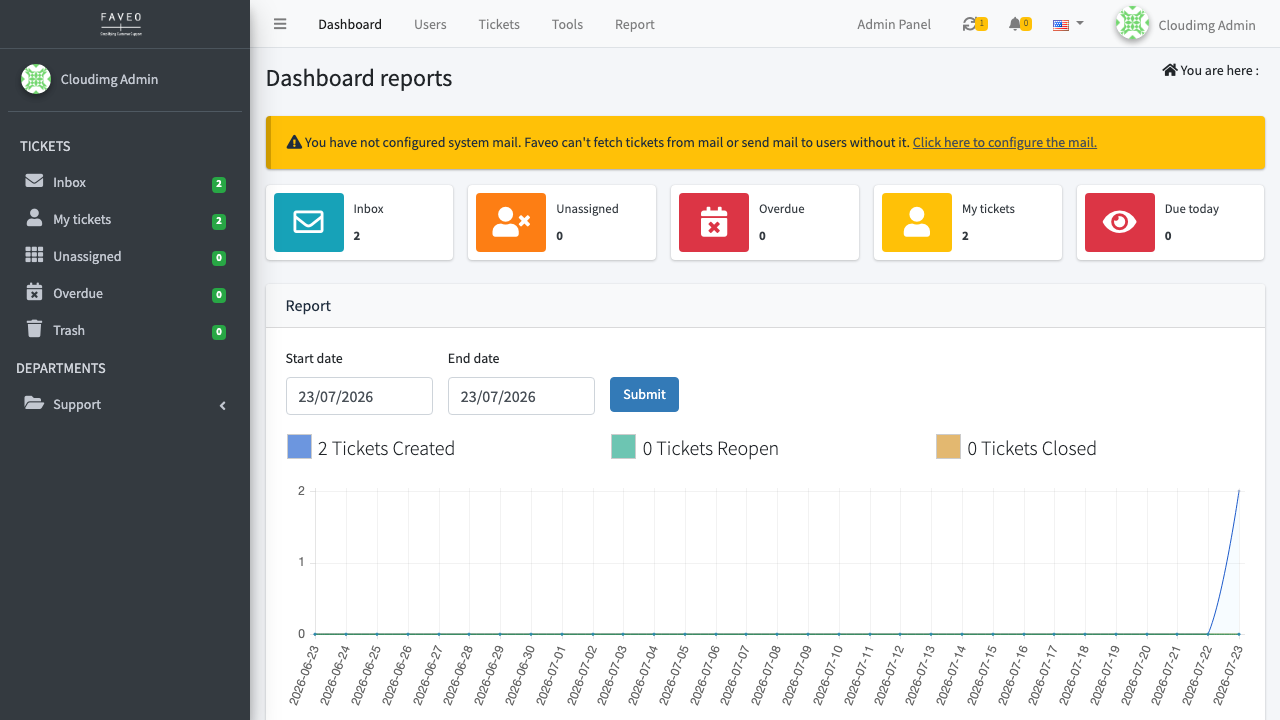
Faveo Helpdesk, an open source support ticketing system with an agent console and a customer self service portal, ready the moment it boots.
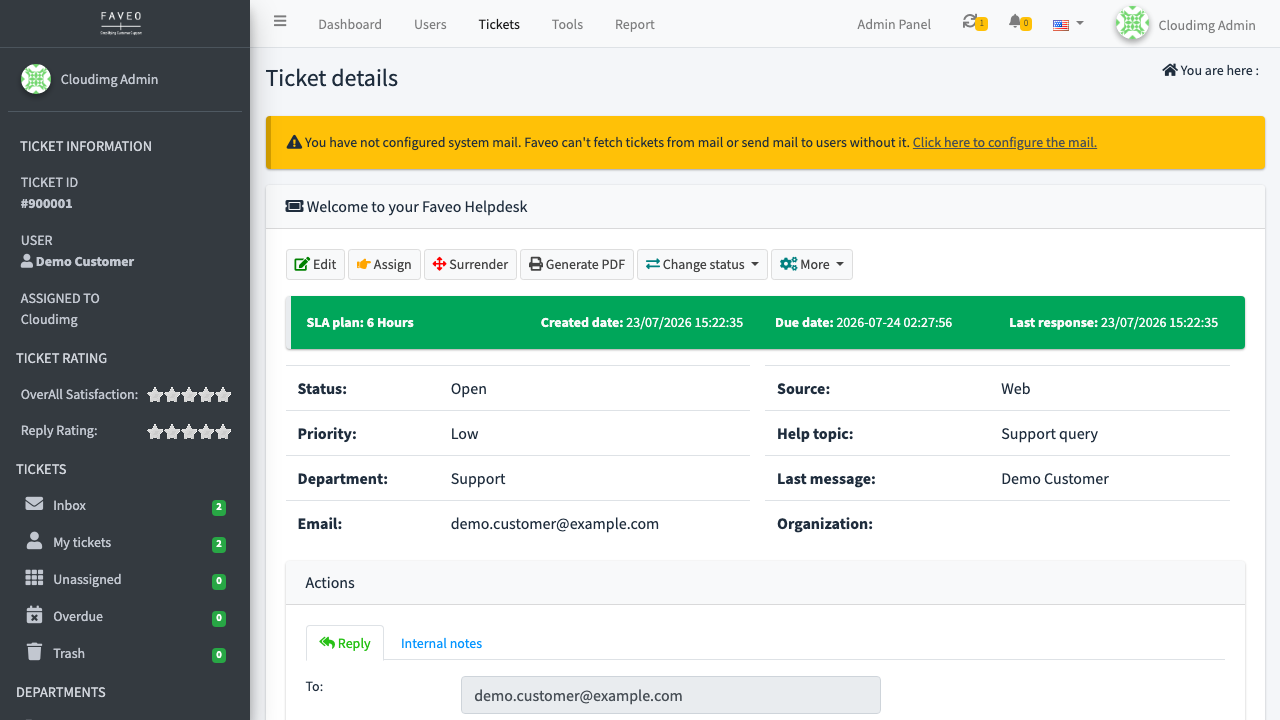
Faveo Helpdesk is a free, open source support ticketing and helpdesk system built on the Laravel framework. It turns inbound email and web requests into tickets, routes them to departments and agents, enforces SLA plans, and gives customers a self service portal and knowledge base, all from a clean agent and admin console.
It suits customer support teams, IT service desks, and any organisation that wants a self hosted alternative to SaaS helpdesk products, with email to ticket inboxes, multi department routing and SLA tracking under its own control.
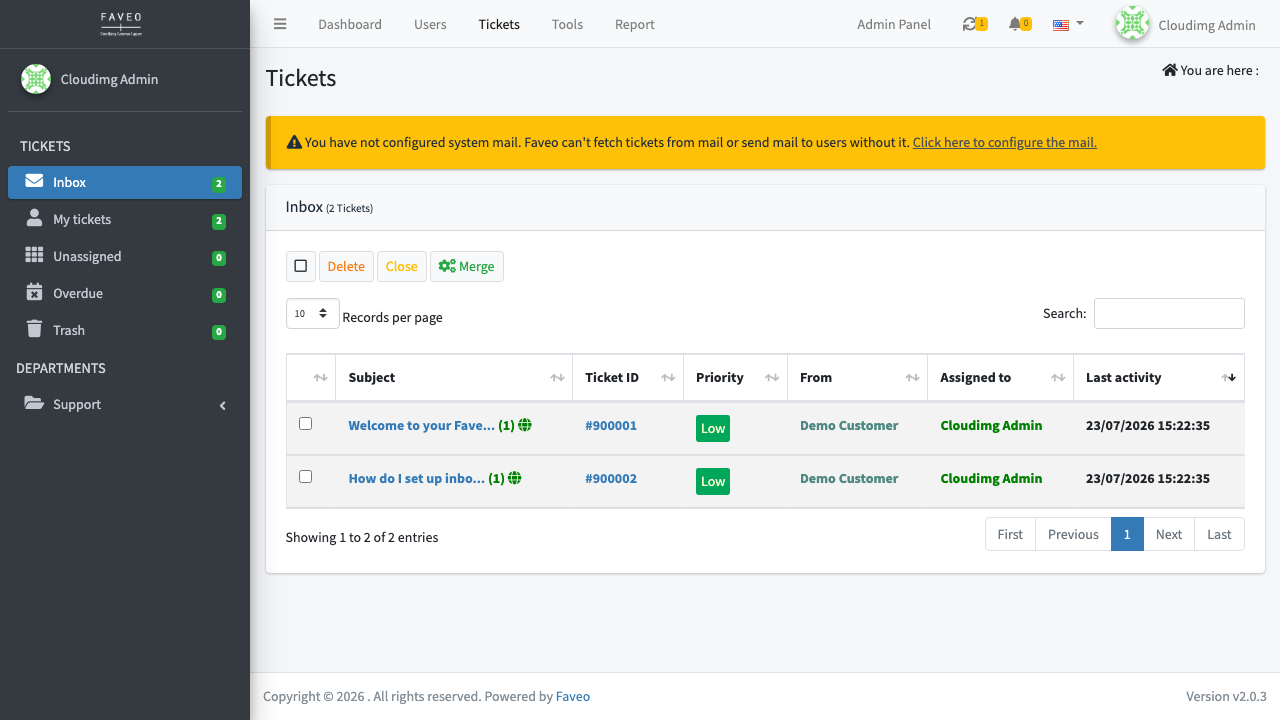
cloudimg delivers Faveo hardened, fully patched and preconfigured, with the setup wizard already run and locked so the sign in page is served immediately over HTTPS with a certificate generated uniquely for your instance. A unique administrator account, application key and database password are generated on first boot with no default login, the application tree and database sit on dedicated volumes you can snapshot and resize independently, two sample tickets are seeded so the console is not empty, and every deployment is backed by a paired deployment guide and 24/7 support.
Real screenshots taken while testing this image against its deployment guide.

Actual Budget is a free, open source, local first personal finance application built around the proven envelope budgetin...

Admidio is the open source membership management platform for clubs, associations and non profit organisations.

AdventureLog is a self-hosted travel companion. It lets you log the countries and regions you have visited, plan future ...
Aim is an open-source ML experiment tracker: your training code logs metrics, hyperparameters and other artifacts as it ...

The cloudimg image ships the free and open source, GPL-3.0 licensed AirTrail application, run the officially supported w...
Akkoma is a lightweight, highly customisable open-source server for the fediverse: a self-hosted, federated microbloggin...