Base
Hardened build
minimal ports, security patches applied at build time

Froxlor, the open source server administration and web hosting control panel for managing customers, domains, mailboxes, databases and TLS certificates from one web interface.
Froxlor is a widely used open source server administration and web hosting control panel. It gives hosting providers, agencies and IT teams a single web interface for managing customers, domains and subdomains, web space, FTP accounts, email accounts and forwarders, MySQL databases, DNS records, per domain PHP settings, Let's Encrypt certificates, traffic accounting and cron jobs, instead of hand editing configuration files across the server.
It suits anyone running shared or reseller hosting who wants a proven control panel on infrastructure they own and control: create a customer, assign them domains and mailboxes, and let the panel apply those changes to the web server, mail and database services automatically on a schedule.
cloudimg delivers Froxlor fully patched on a hardened Ubuntu 24.04 base with the single biggest risk of a shared image removed entirely. The captured image ships with no Froxlor installation and no administrator account at all, and the web server is held closed by a systemd condition so the setup wizard can never be claimed by whoever browses to the instance first. On the first boot of each instance a one shot service performs the installation using Froxlor's own unattended installer, then generates a unique administrator password and unique database passwords and writes them to a file only the root user can read, so no default or shared credential ships anywhere in the image and no two deployments share a secret. The bundled MariaDB listens only on loopback and is never exposed to the network, the panel serves on whatever hostname or address you reach it on so links and sign in work immediately, and every deployment is paired with a step by step deploy guide and backed by 24/7 cloudimg support.
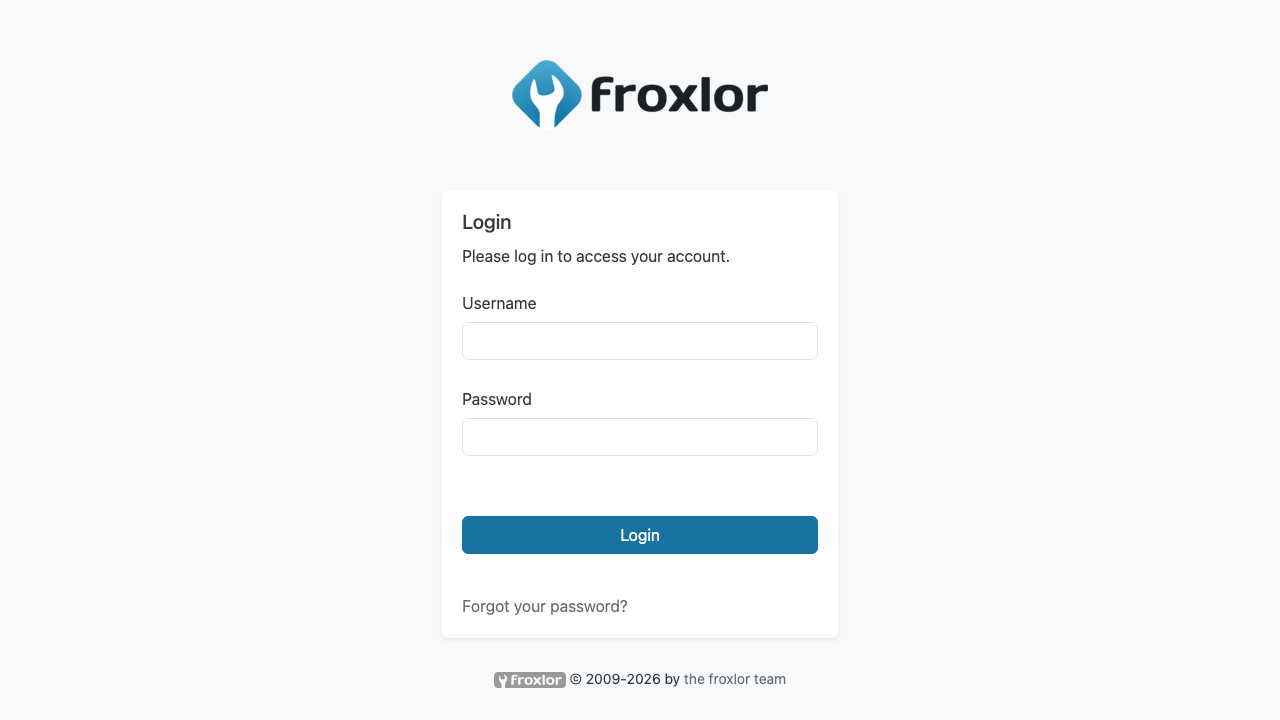
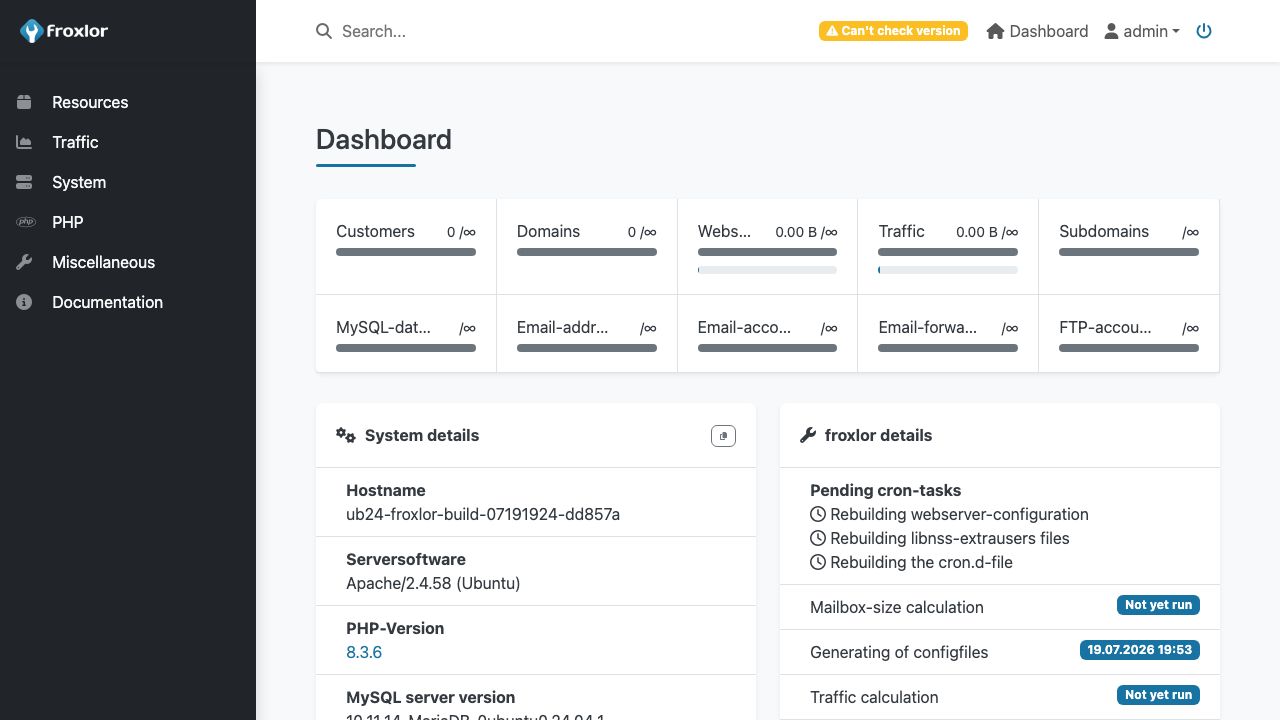
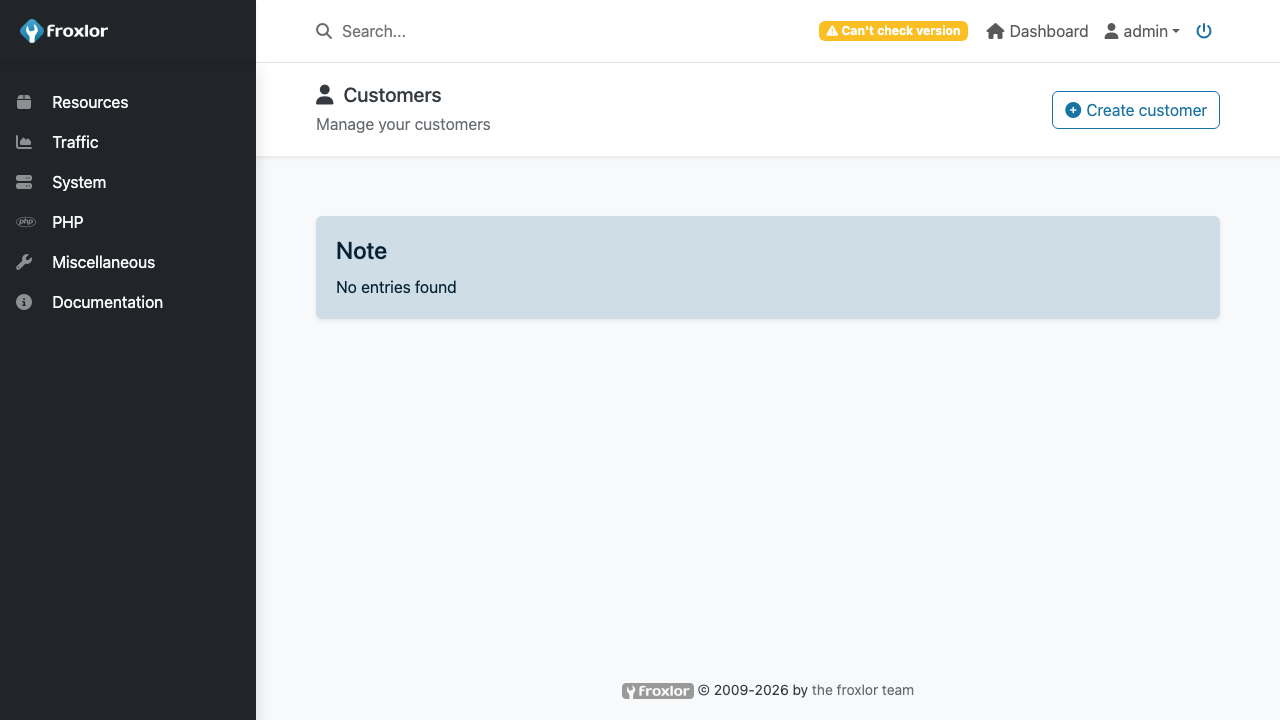
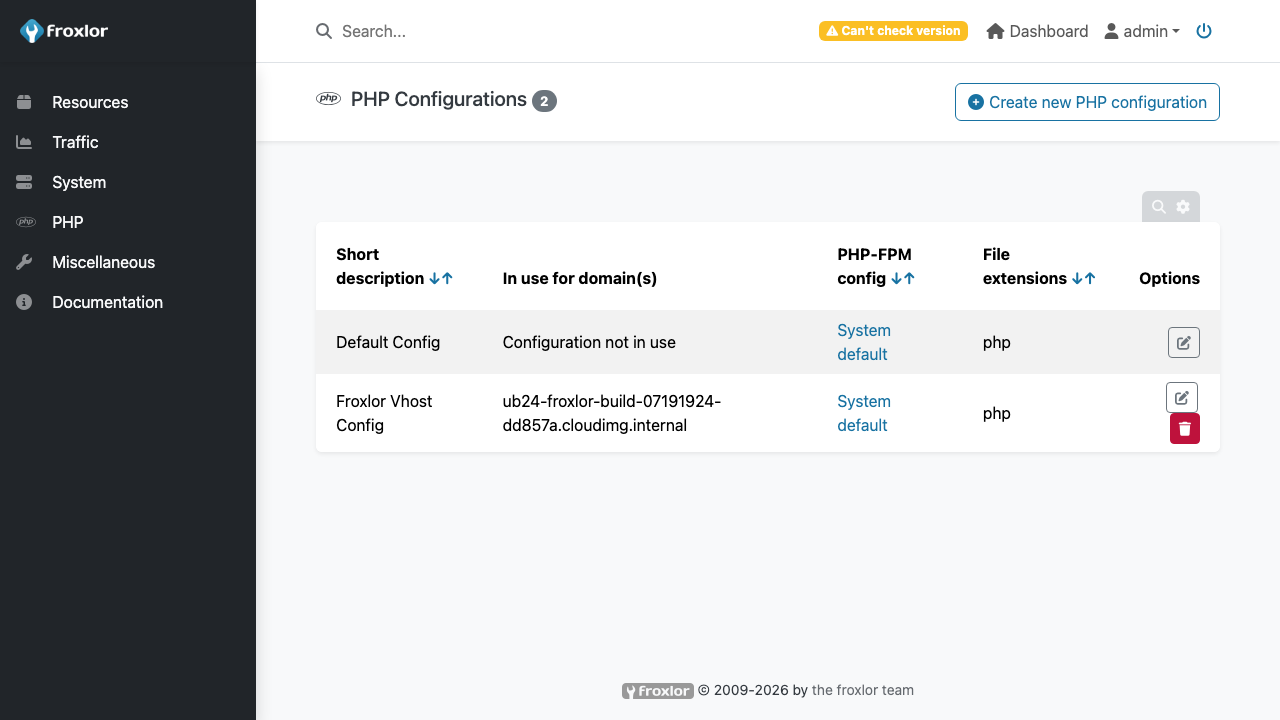
Real screenshots taken while testing this image against its deployment guide.

Actual Budget is a free, open source, local first personal finance application built around the proven envelope budgetin...

Admidio is the open source membership management platform for clubs, associations and non profit organisations.

AdventureLog is a self-hosted travel companion. It lets you log the countries and regions you have visited, plan future ...
Aim is an open-source ML experiment tracker: your training code logs metrics, hyperparameters and other artifacts as it ...

The cloudimg image ships the free and open source, GPL-3.0 licensed AirTrail application, run the officially supported w...
Akkoma is a lightweight, highly customisable open-source server for the fediverse: a self-hosted, federated microbloggin...