Base
Hardened build
minimal ports, security patches applied at build time

the complete GNU Mailman 3 mailing list suite: run discussion lists with the Postorius web admin and the HyperKitty web archive, backed by PostgreSQL and a local mail server, all on one machine
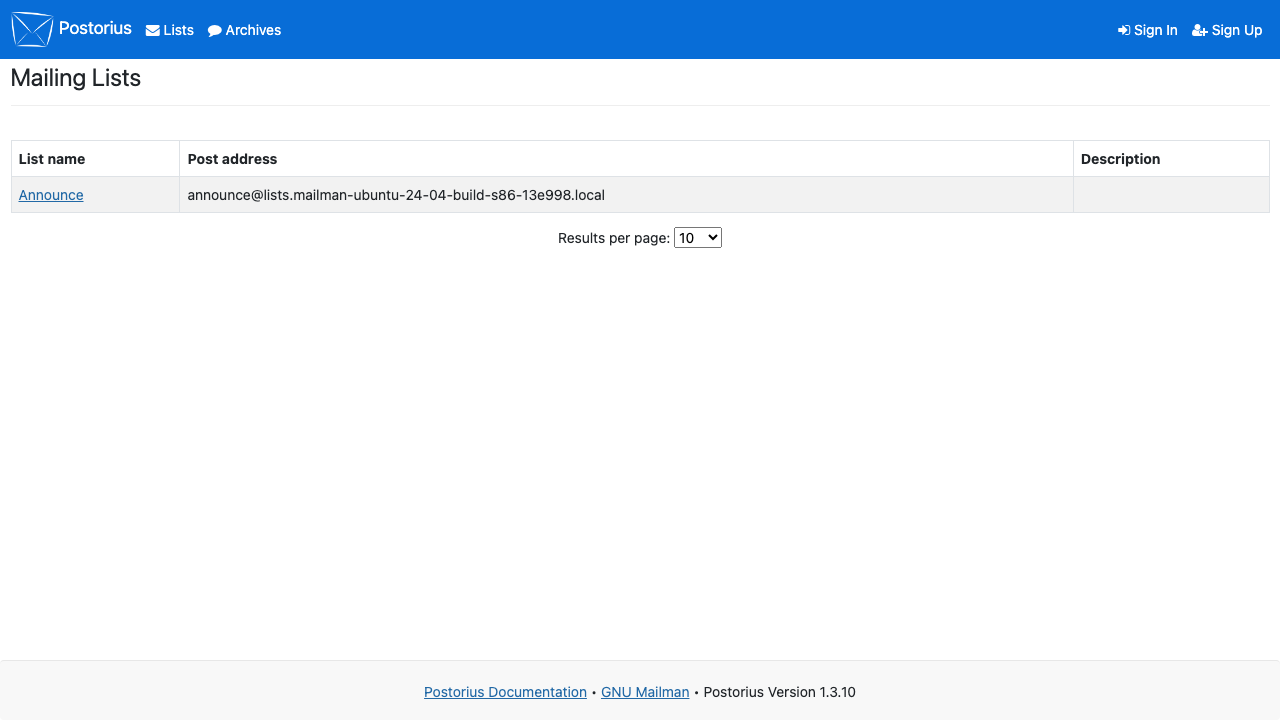
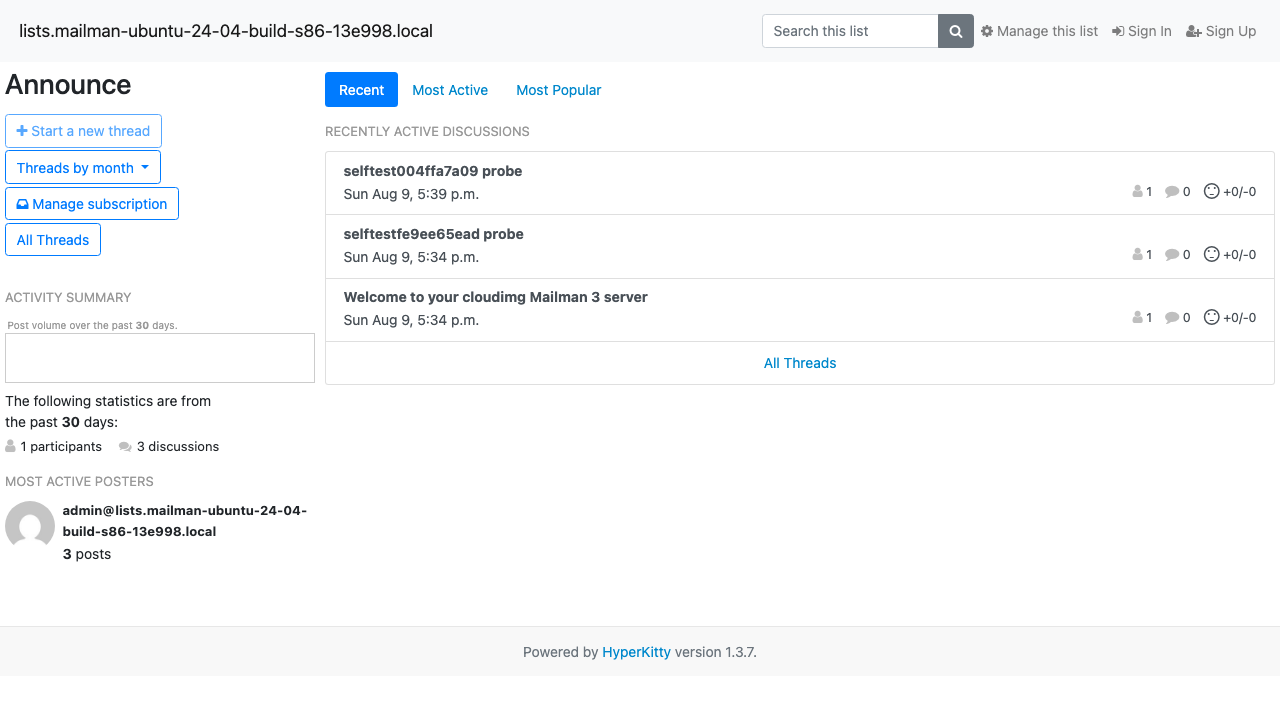
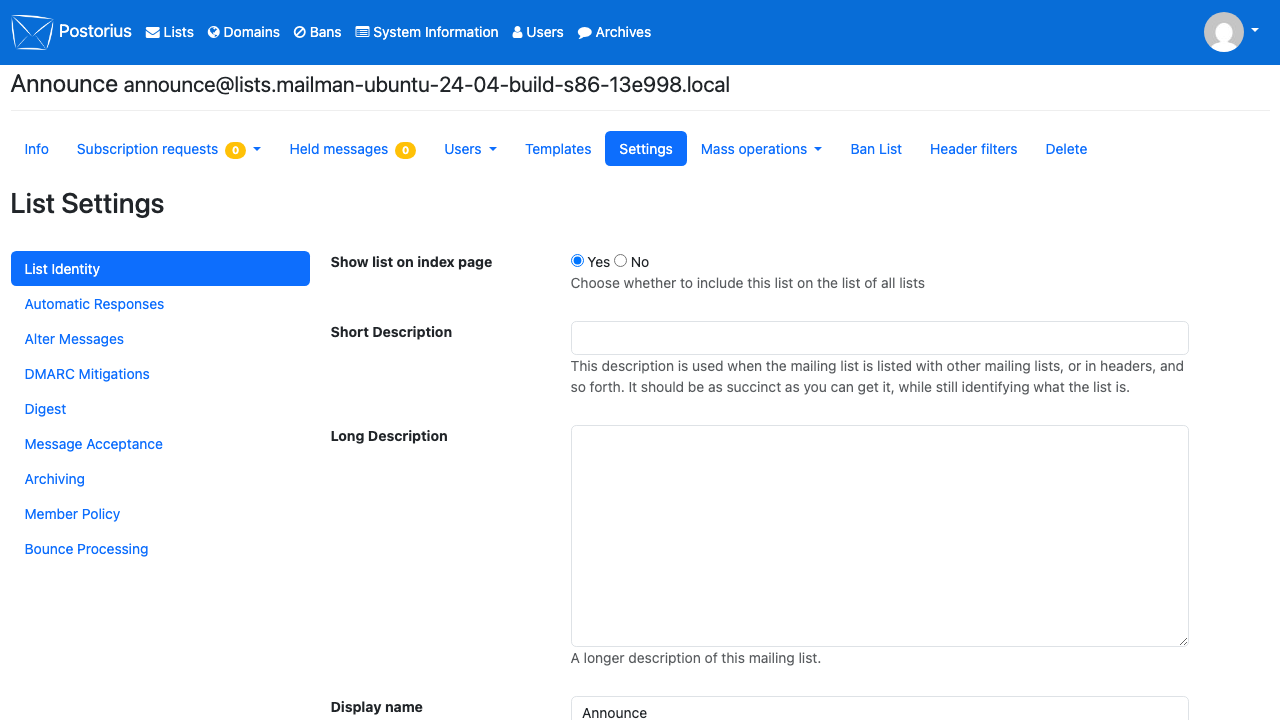
GNU Mailman 3 is the long established, free software platform for running email discussion and announcement lists. This appliance ships the whole suite together: Mailman Core, the engine that receives, moderates and distributes list mail; Postorius, the web interface where owners create and configure lists and members manage their subscriptions; and HyperKitty, the web archive that turns each list into a searchable, threaded history you can read in a browser. A local PostgreSQL database and a local mail server complete the stack, so a launched machine is a working list server rather than a set of parts to assemble.
It suits communities, projects and teams that want genuine two way discussion lists rather than one way newsletters, organisations that need their list traffic and its archive kept on infrastructure they control, and anyone replacing an ageing Mailman 2 installation with the current Mailman 3 web experience.
cloudimg ships GNU Mailman 3 as one complete appliance rather than the five moving parts (Core, Postorius, HyperKitty, PostgreSQL and the mail server) you would otherwise wire together by hand, and closes the security gaps that assembly usually leaves open. No secret of any kind is baked into the image: on first boot, before the site serves, every instance mints its own Django secret key, its own PostgreSQL password, its own Core REST API password and archiver key, and a single unique administrator account, so no two machines share a credential and there is no default login to guess, with the details written to a root only file on the machine. The mail server is locked down to refuse unauthenticated relay so the appliance can never be turned into an open relay, and a demo announce list with a welcome message already archived is created on first boot so the web admin and the archive show real content the moment you sign in. Outbound port 25 is commonly blocked on cloud platforms; the paired deploy guide explains this plainly and shows how to point the server at a smart host for real delivery. The base is fully patched with unattended security updates enabled, and every image comes with a step by step deploy guide tested against the exact build and 24/7 cloudimg support.
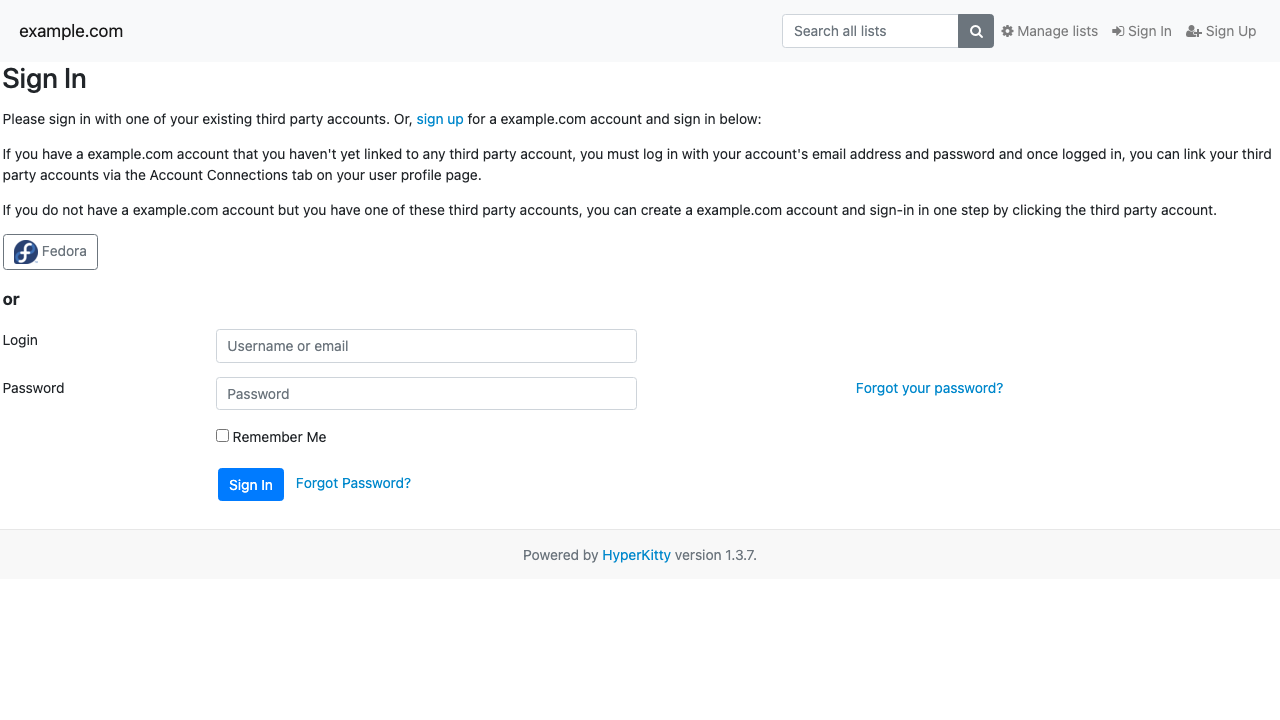
Real screenshots taken while testing this image against its deployment guide.

Actual Budget is a free, open source, local first personal finance application built around the proven envelope budgetin...

Admidio is the open source membership management platform for clubs, associations and non profit organisations.

AdventureLog is a self-hosted travel companion. It lets you log the countries and regions you have visited, plan future ...
Aim is an open-source ML experiment tracker: your training code logs metrics, hyperparameters and other artifacts as it ...

The cloudimg image ships the free and open source, GPL-3.0 licensed AirTrail application, run the officially supported w...
Akkoma is a lightweight, highly customisable open-source server for the fediverse: a self-hosted, federated microbloggin...