Base
Hardened build
minimal ports, security patches applied at build time

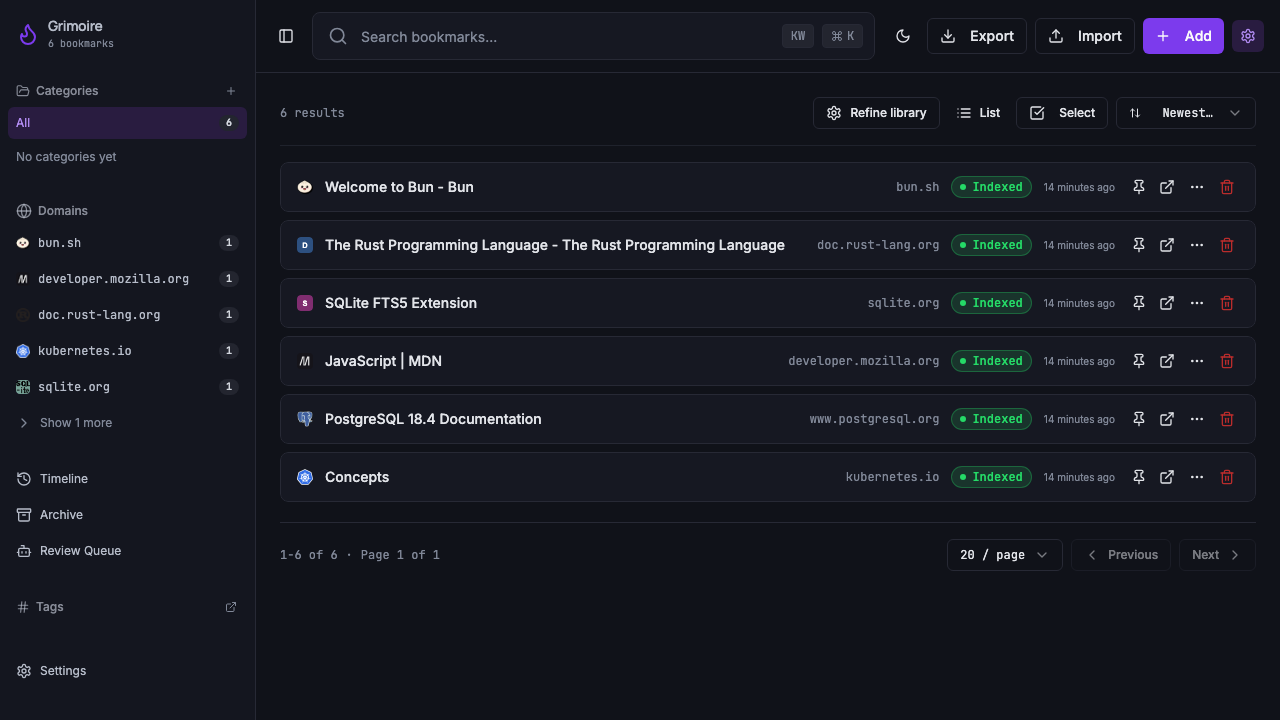
Grimoire, a local first bookmark manager for the technical resources you save, ready to capture, tag and search your library the moment it boots.
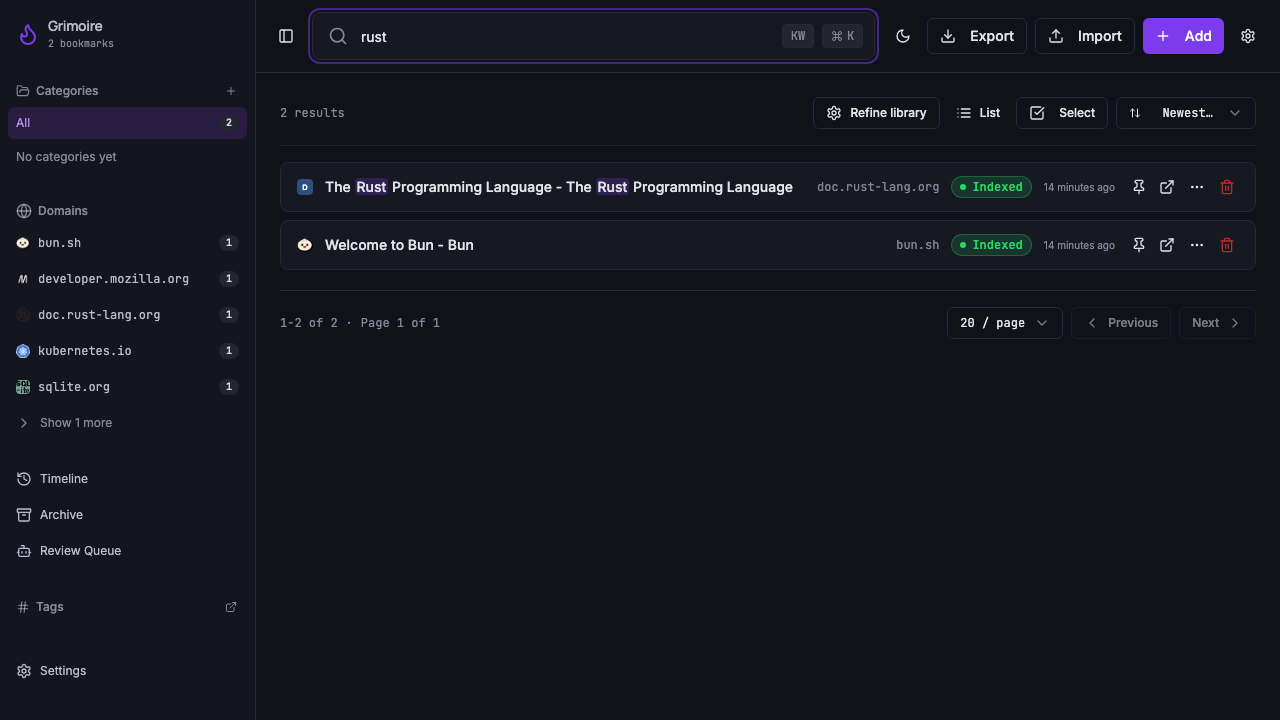
Grimoire is a self hosted, single user bookmark manager built for people who save a lot of technical links and need to find them again later. You save a URL and Grimoire stores it, pulls out a readable copy of the page content, and lets you organise everything with tags and categories. A fast keyword and full text search runs across titles, descriptions and the extracted page text, so a bookmark you saved months ago is a few keystrokes away rather than lost in a browser folder.
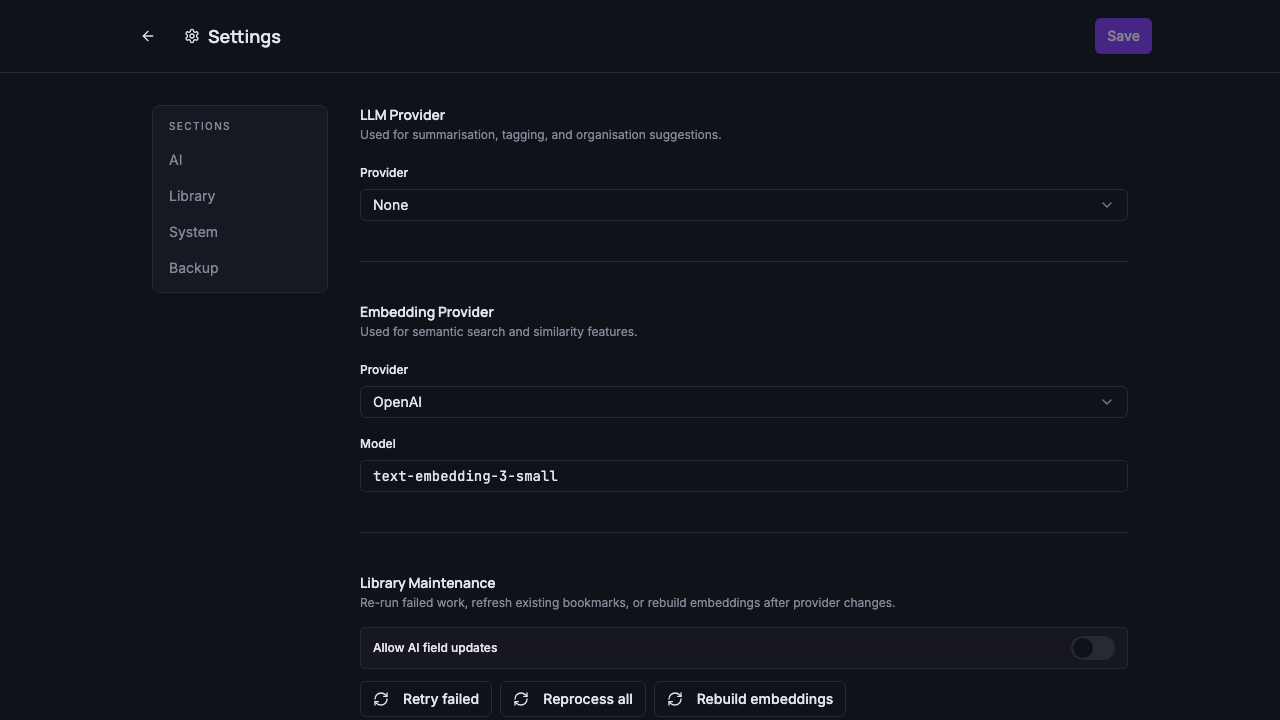
It is designed to be the durable home for a personal or team reading list. You can import existing browser bookmarks, keep a read later queue, capture pages through a companion browser extension, and export your whole library back out at any time. Everything lives in a single embedded database on your own machine, so your reading history stays private to you, and an optional AI enrichment step can summarise and auto organise entries if you choose to connect your own model provider.
Grimoire is deliberately local first and single user, and its own documentation is explicit that putting the daemon straight onto a public network is not a supported mode: it listens on the loopback interface only and its general routes are untokened for trusted local use. cloudimg turns that into a safe, network reachable appliance without weakening the application. The Grimoire daemon stays bound to the loopback interface and is never exposed directly; a reverse proxy is the single public listener, gated by a web credential that is generated uniquely on the first boot of every instance and written to a file only root can read, so no shared or default login ever ships in the image. The optional AI enrichment is switched off by default, leaving a fully private library that never calls out to a third party until you decide to connect your own provider. The image is fully patched with unattended security upgrades enabled, ships a self test that creates a bookmark and reads it back through the authenticated proxy, and every deployment is paired with a step by step deploy guide and backed by 24/7 cloudimg support.
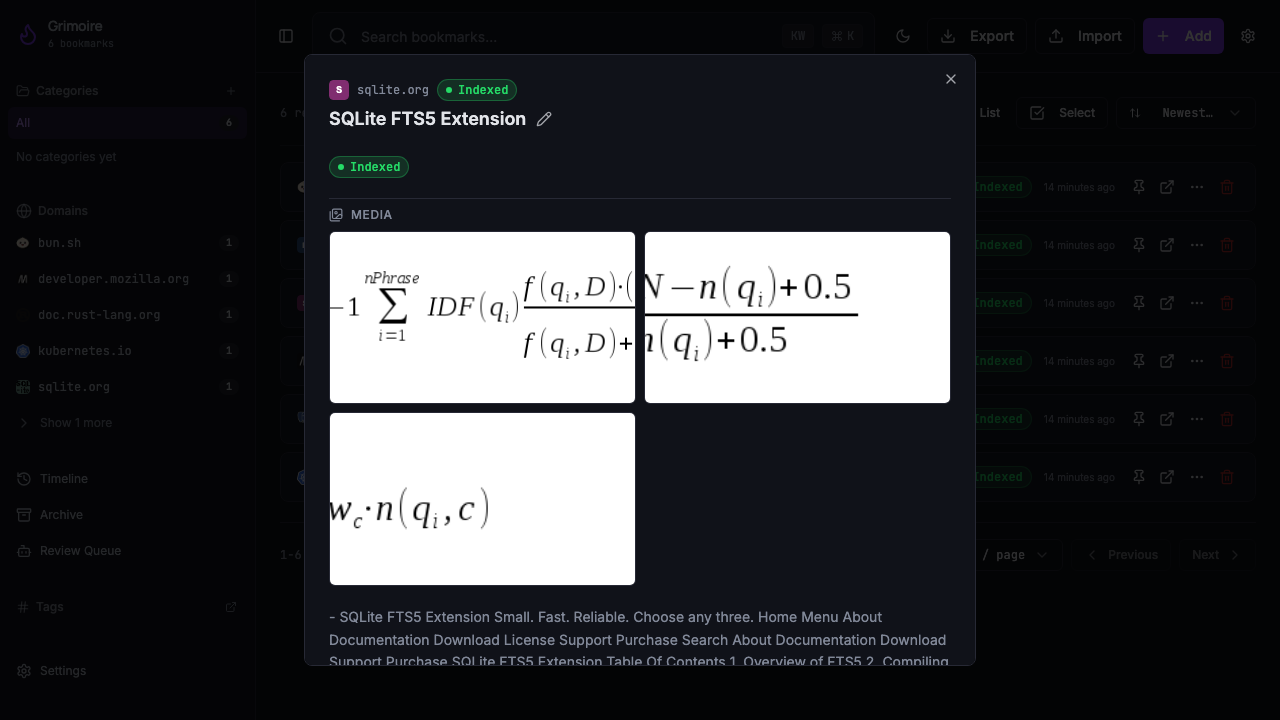
Real screenshots taken while testing this image against its deployment guide.

Actual Budget is a free, open source, local first personal finance application built around the proven envelope budgetin...

Admidio is the open source membership management platform for clubs, associations and non profit organisations.

AdventureLog is a self-hosted travel companion. It lets you log the countries and regions you have visited, plan future ...
Aim is an open-source ML experiment tracker: your training code logs metrics, hyperparameters and other artifacts as it ...

The cloudimg image ships the free and open source, GPL-3.0 licensed AirTrail application, run the officially supported w...
Akkoma is a lightweight, highly customisable open-source server for the fediverse: a self-hosted, federated microbloggin...