Base
Hardened build
minimal ports, security patches applied at build time

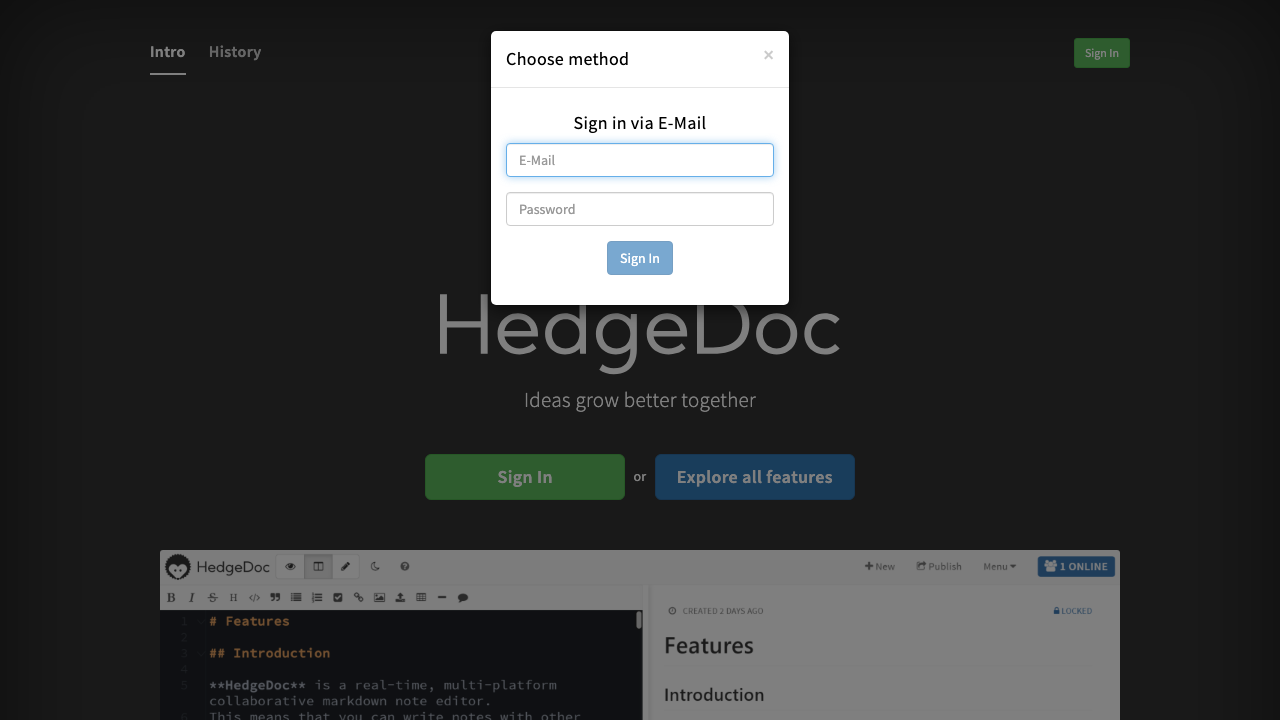
HedgeDoc, a self hosted real time collaborative markdown editor, ready to write and share the moment it boots.
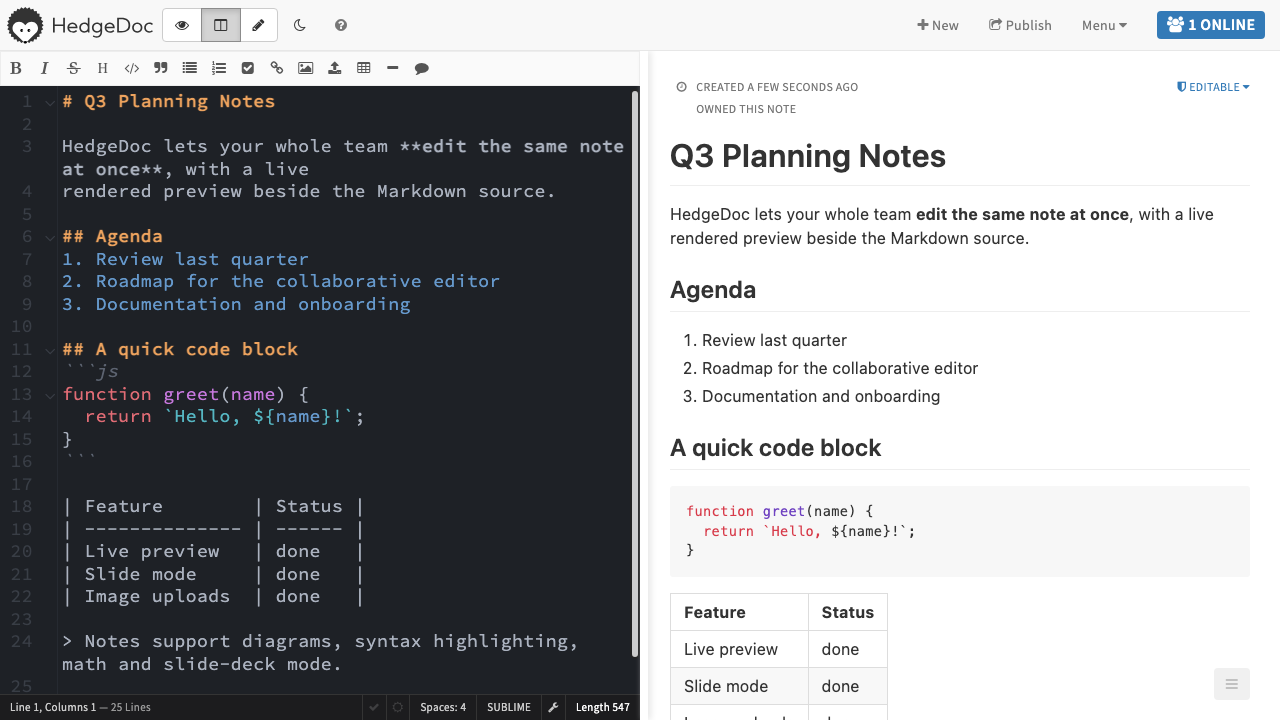
HedgeDoc is an open source, self hosted, real time collaborative markdown editor, the community fork of HackMD. Several people edit the same note at once in a split pane editor with a live rendered preview, presence cursors and collaboration that just works in the browser. Notes support diagrams, code blocks with syntax highlighting, math, a slide deck presentation mode and image uploads.
It suits teams and organisations that want a private place to write documentation, meeting notes and knowledge bases together, kept inside their own cloud account.
cloudimg delivers HedgeDoc fully installed and configured as a service behind an nginx reverse proxy, so real time collaboration works straight after launch. Anonymous access and open registration are disabled, and a unique admin account plus session secret are generated on first boot and written to a file only the root user can read, so no shared or default credentials ship in the image. The database and uploads sit on a dedicated volume you can snapshot and resize independently, and every deployment is paired with a step by step deploy guide and backed by 24/7 support.
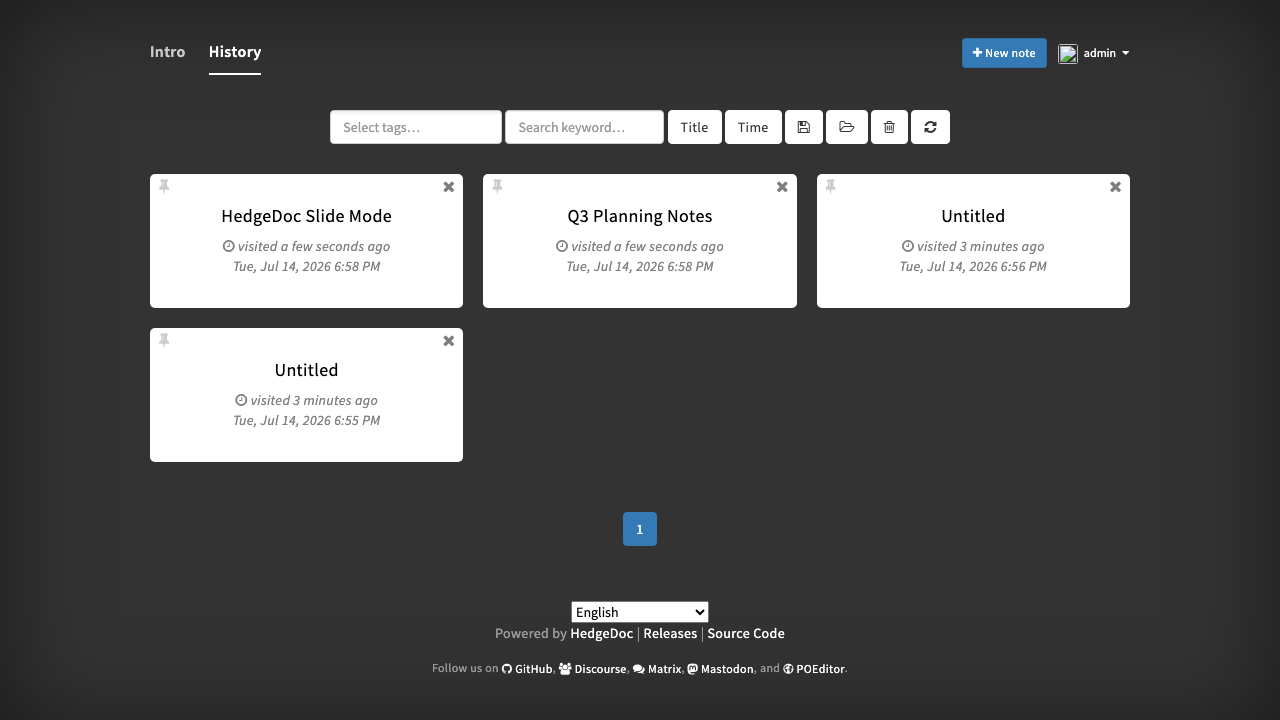
Real screenshots taken while testing this image against its deployment guide.


Actual Budget is a free, open source, local first personal finance application built around the proven envelope budgetin...

Admidio is the open source membership management platform for clubs, associations and non profit organisations.

AdventureLog is a self-hosted travel companion. It lets you log the countries and regions you have visited, plan future ...
Aim is an open-source ML experiment tracker: your training code logs metrics, hyperparameters and other artifacts as it ...

The cloudimg image ships the free and open source, GPL-3.0 licensed AirTrail application, run the officially supported w...
Akkoma is a lightweight, highly customisable open-source server for the fediverse: a self-hosted, federated microbloggin...