Base
Hardened build
minimal ports, security patches applied at build time

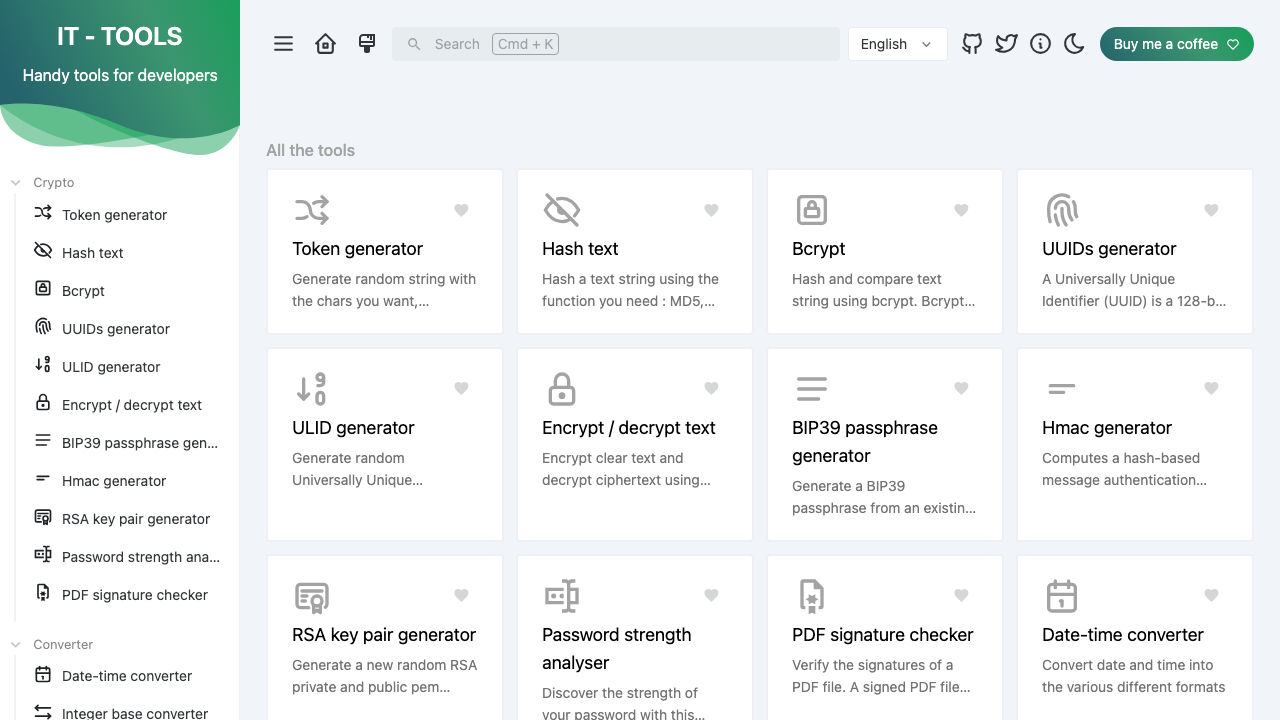
Pre-hardened IT-Tools: a self-hosted collection of ~80 handy developer and IT utilities (hash, UUID and token generators, JWT parser, base64 and URL encoders, crontab, converters, subnet calculators and more) that all run entirely in your browser. Served by nginx behind a unique per-instance credential, ready in minutes with 24/7 cloudimg support.
This image arrives installed, configured and hardened, so there is no manual setup before you can use it. It is built on a patched base, runs with credentials generated uniquely for your instance on first boot, and passes an automated health check before every release. Every deployment is backed by 24/7 support from cloudimg engineers.
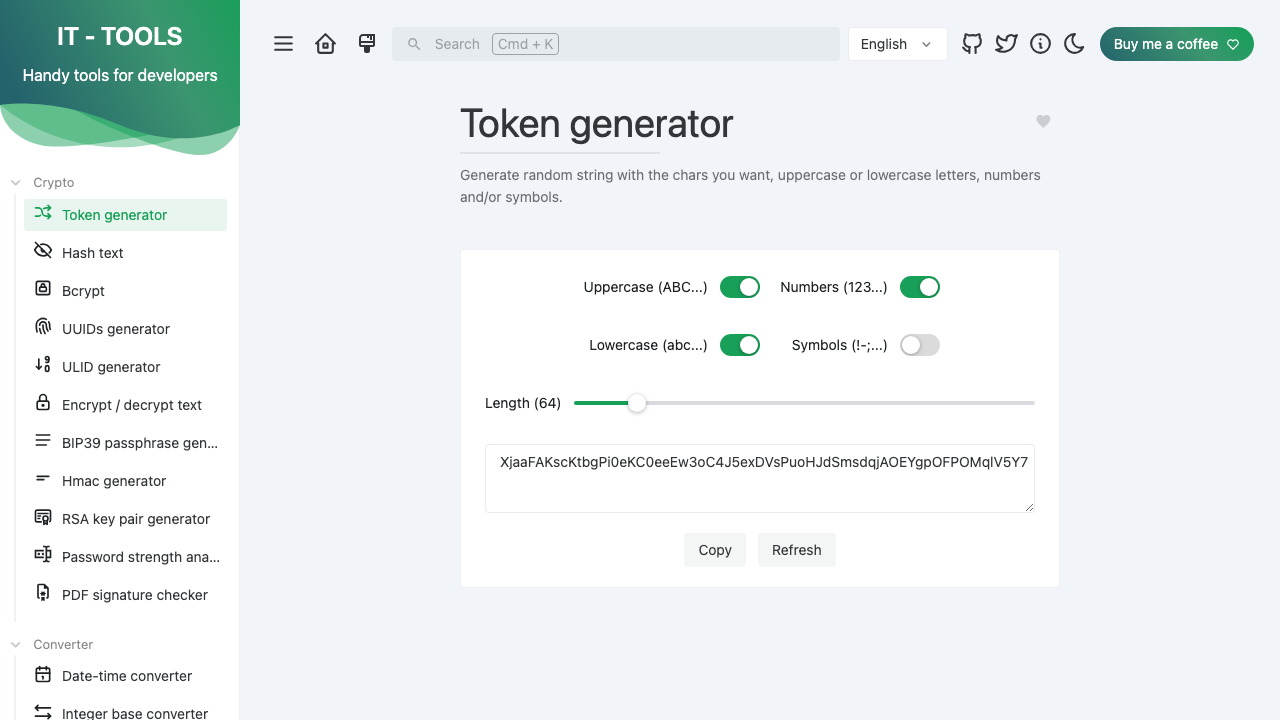
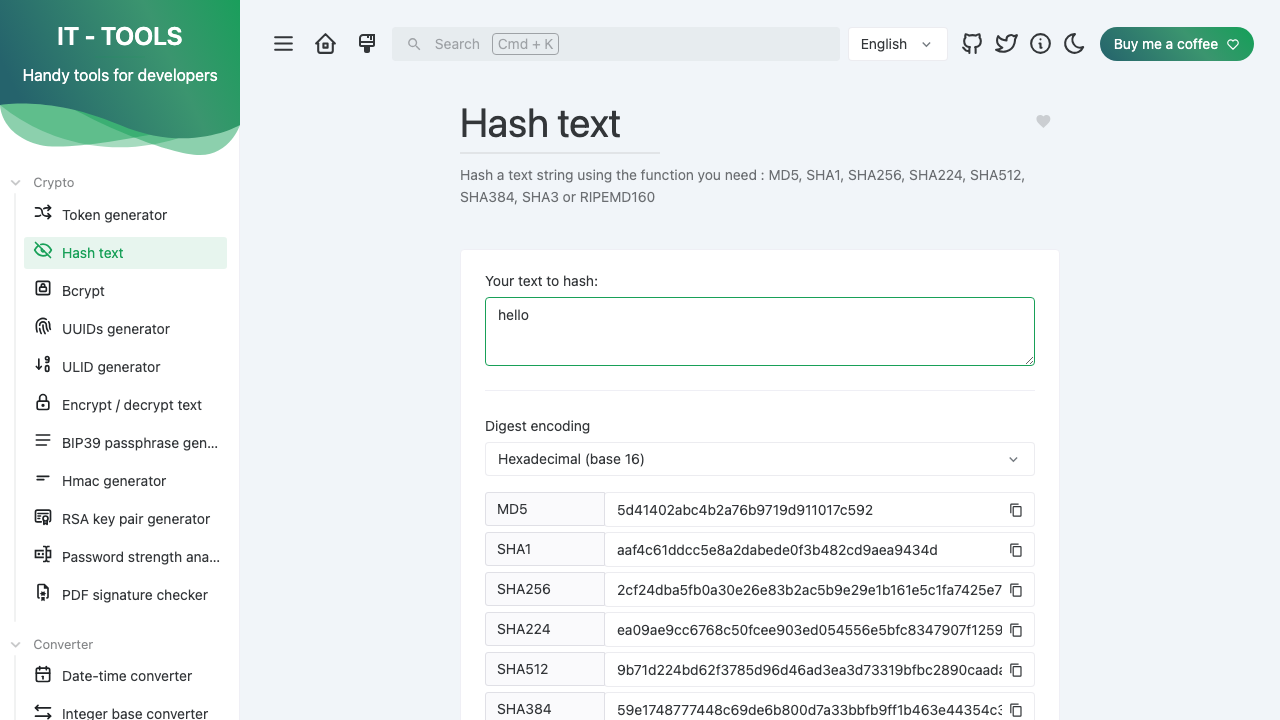
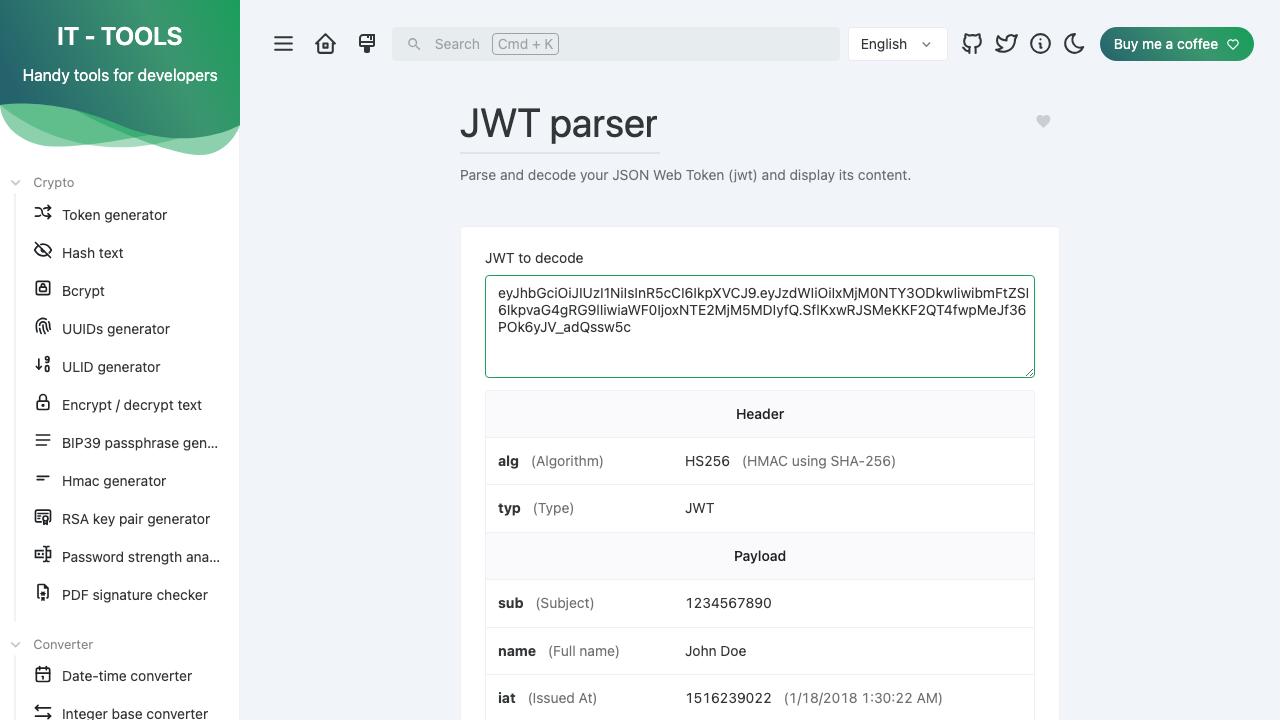
Real screenshots taken while testing this image against its deployment guide.
This is a repackaged open source software product wherein additional charges apply for cloudimg support services.
## Overview
IT-Tools is an open source, self-hosted collection of around 80 handy developer and IT utilities gathered into one clean web interface: hash, UUID, ULID and token generators, a JWT parser, base64 and URL encoders and decoders, a crontab expression generator, colour, case, date and number-base converters, JSON, YAML and SQL formatters, IPv4 and IPv6 subnet and network calculators, QR-code generators, a chmod calculator, a docker-run-to-compose converter, a regex tester and many more. Every tool computes entirely in your own browser: there is no backend, no database and no telemetry, so the data you paste into a tool never leaves the browser. That makes it well suited to offline, air-gapped and privacy-sensitive environments. This AMI delivers IT-Tools built from the pinned upstream release, served by nginx and gated by a unique per-instance credential, so a working private toolbox is operational within minutes of launch.
## Why This Image vs a Manual Install
IT-Tools has no built-in authentication of its own; it is designed as an openly readable public utility, so exposing it directly on a public IP would make the whole tool set world-readable. Running it safely yourself means building the Vue single-page app from source with the correct Node and pnpm toolchain, serving the static bundle, and putting an authenticated front door in front of it. This image completes every one of those steps at build time. The SPA is built from the pinned upstream git tag, published under nginx on port 80, and the whole application is gated behind HTTP Basic authentication using a unique per-instance credential generated on each instance's first boot. The complete GPL-3.0 corresponding source for the exact version running is kept on disk.
## Authentication
IT-Tools itself has no accounts or login. This image adds a single per-instance HTTP Basic credential (user admin) in front of the whole app so the tools are not publicly readable, minted on first boot and written to a root-only file. A single unauthenticated path is exposed: GET /health returns 200 for load-balancer and health probing. Read your per-instance credential with: sudo cat /var/lib/cloudimg/it-tools-credentials.txt.
## Security Hardening
This image follows a defence in depth approach:
## Concrete Use Cases
## AWS Integration
Deploy on any EC2 instance type; the recommended size is m5.large. Put the instance behind an Application Load Balancer to terminate TLS with your own certificate, and restrict the security group to trusted source IP ranges. Because the application is entirely static and client-side there is no database to back up.
## cloudimg Support
24/7 technical support by email and chat. Help with deployment, adding TLS with your own domain and certificate, restricting network access, and reverse-proxy configuration.

Accent is an open source, developer-oriented translation and localization management platform.
This image runs Apache Archiva, the open source build-artifact repository manager - a central, governed store for the bi...

This image runs Apache Camel Karavan, an open source visual integration designer and toolkit for Apache Camel.

Launch a production-ready Apache DolphinScheduler workflow scheduler in minutes with zero setup. All-in-one standalone d...

Apache JMeter is the de-facto open-source tool for load and performance testing of web applications, APIs, databases and...

This image runs Apache Subversion (SVN) 1.14, the Apache Software Foundation's enterprise centralised version-control sy...