Base
Hardened build
minimal ports, security patches applied at build time
ITFlow, the open source IT documentation and MSP management platform, ready the moment it boots with a per instance administrator credential.
ITFlow is an open source IT documentation and business management platform built for managed service providers and internal IT teams. It gives you one authoritative place to record every client along with their contacts, locations, assets, networks, racks and credentials, then runs the work around them: tickets with email parsing and a client portal, projects, invoices, quotes, recurring billing and expenses, plus domain and SSL certificate expiry tracking. An encrypted credential vault with TOTP support keeps client passwords and second factors under the same roof as the documentation that explains them.
It suits managed service providers replacing a costly professional services automation suite, and internal IT teams who want their documentation, ticketing and asset inventory in one system they fully own and control.
cloudimg delivers ITFlow fully installed behind Apache with MariaDB, served over HTTPS from the moment the instance boots, which matters for a product that stores your clients' passwords and TOTP secrets in an encrypted vault. The image is secure by default and carries no usable credential at all: rather than shipping a pre installed copy whose password would have to be rotated, ITFlow installs itself on your own instance at first boot, generating its own database password, its own administrator password and its own TLS certificate, and writing the credentials to a file only the root user can read. That ordering is deliberate, because ITFlow derives the credential vault's encryption key from the administrator password, so the per instance password has to be the original one rather than a replacement. The image is hardened past a stock install: the web installation wizard is deleted rather than merely disabled, PHP execution is blocked in the writable document tree, and scheduled jobs run from a system timer instead of a public web endpoint. Your database and uploaded client documents live on a dedicated data volume, the base is fully patched with unattended security upgrades enabled, and every deployment is paired with a step by step deploy guide and backed by 24/7 cloudimg support.
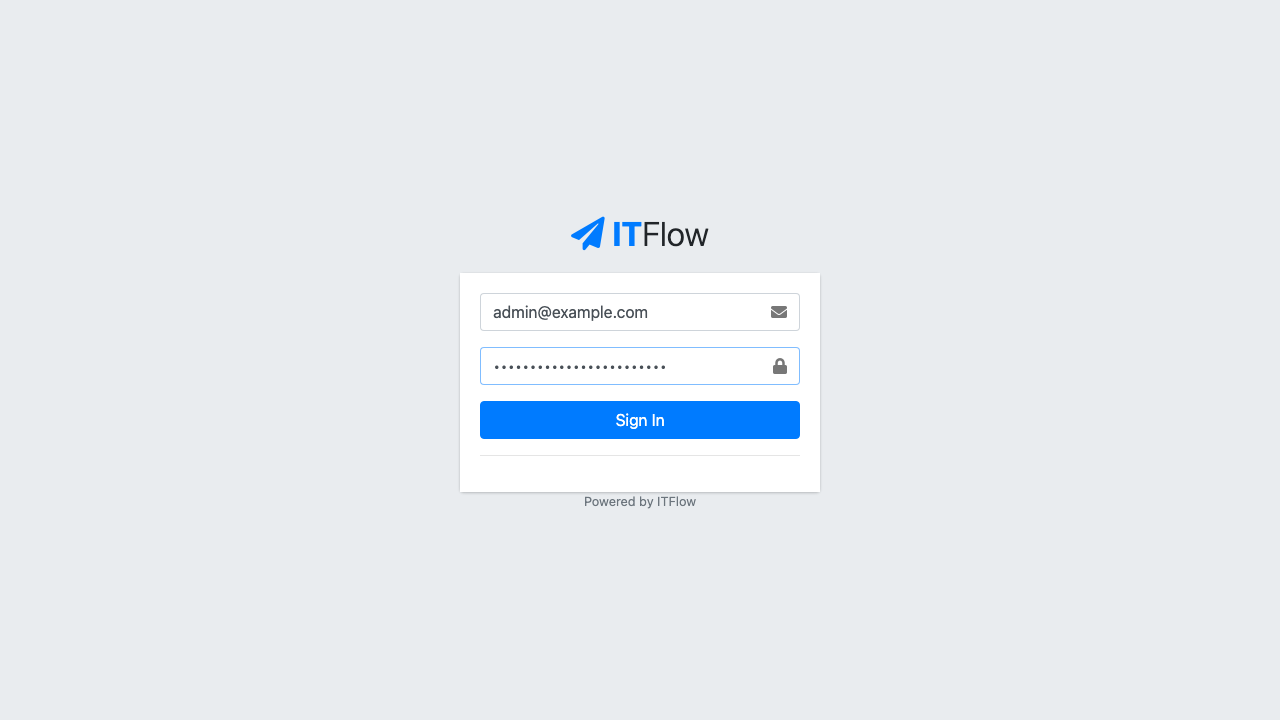
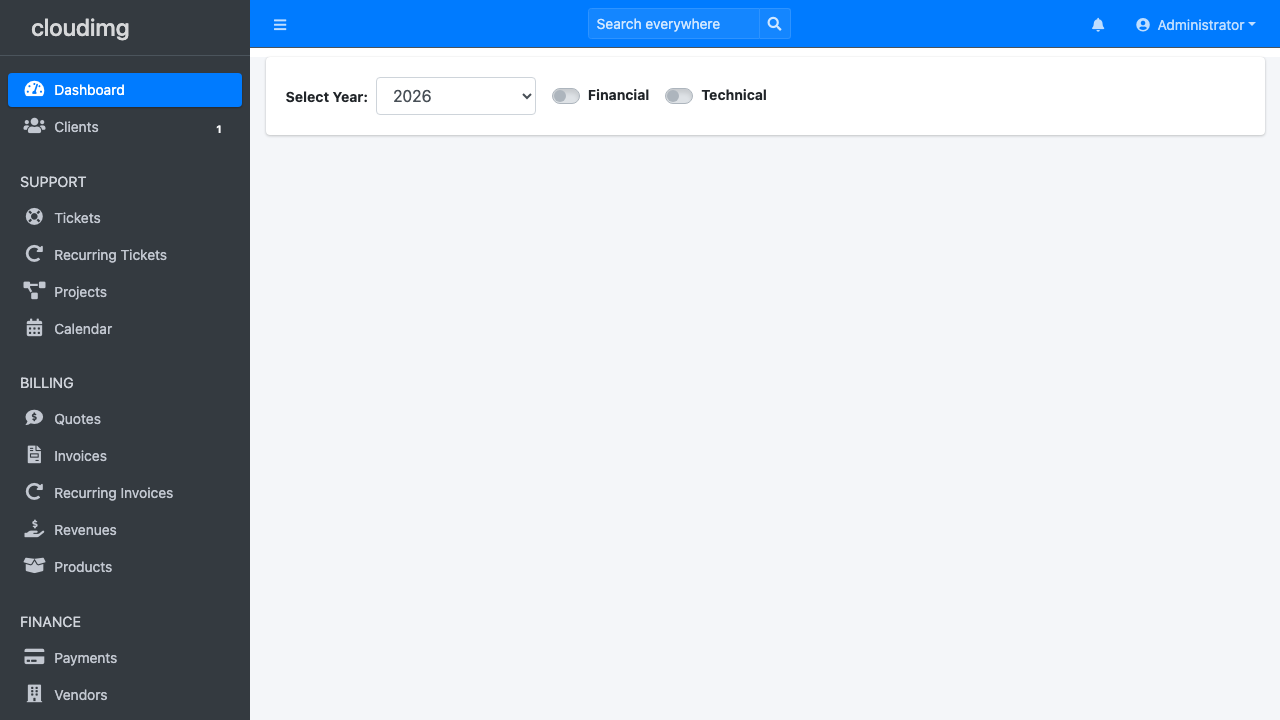
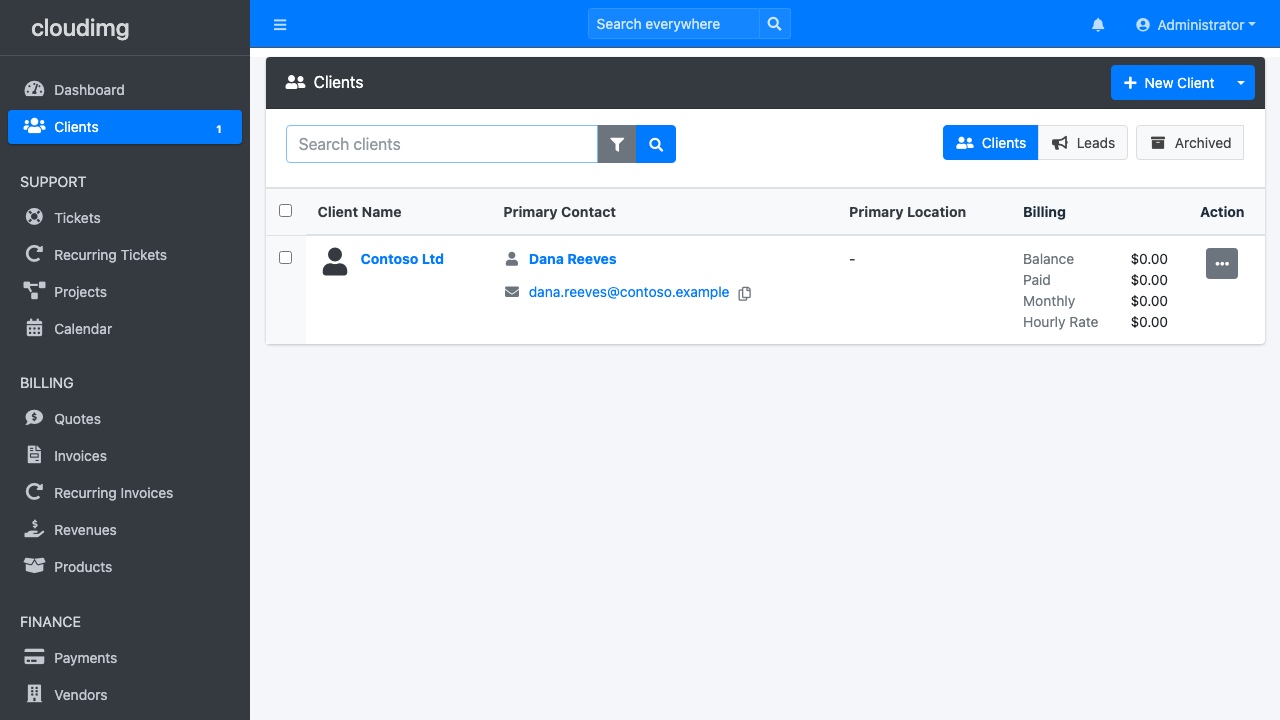
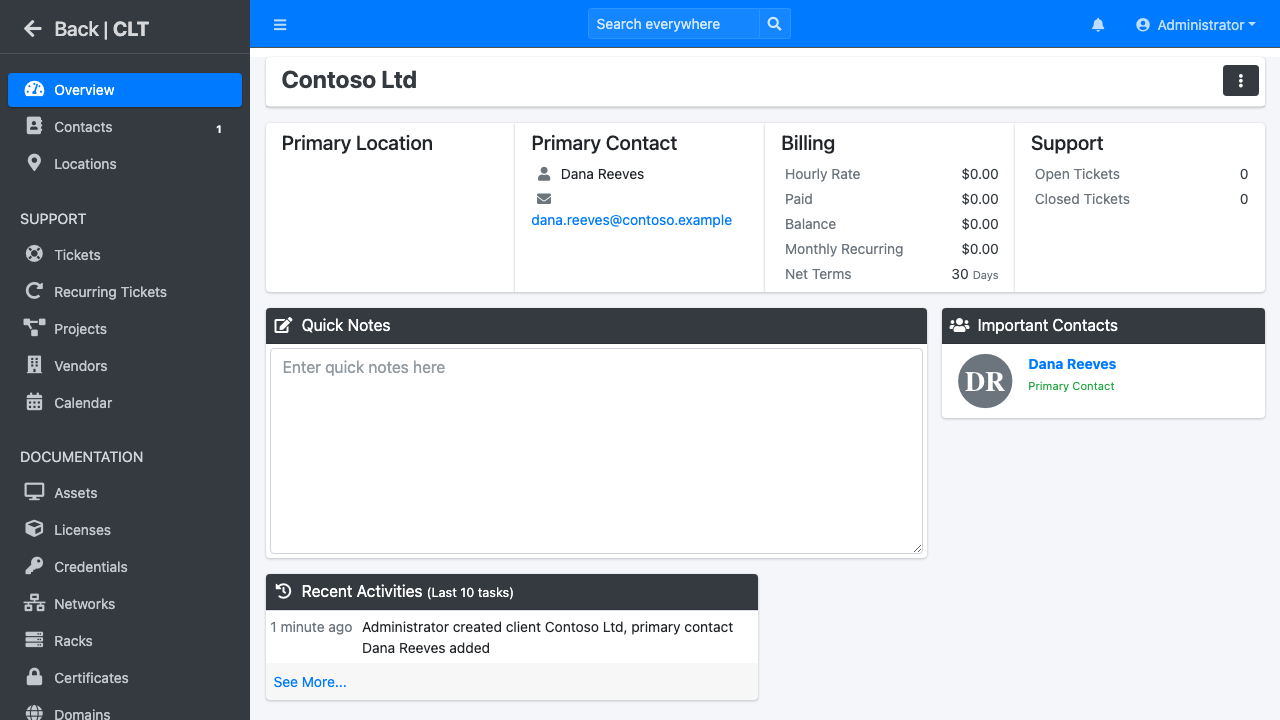
Real screenshots taken while testing this image against its deployment guide.

Actual Budget is a free, open source, local first personal finance application built around the proven envelope budgetin...

Admidio is the open source membership management platform for clubs, associations and non profit organisations.

AdventureLog is a self-hosted travel companion. It lets you log the countries and regions you have visited, plan future ...
Aim is an open-source ML experiment tracker: your training code logs metrics, hyperparameters and other artifacts as it ...

The cloudimg image ships the free and open source, GPL-3.0 licensed AirTrail application, run the officially supported w...
Akkoma is a lightweight, highly customisable open-source server for the fediverse: a self-hosted, federated microbloggin...