Base
Hardened build
minimal ports, security patches applied at build time

Jellystat, an open source statistics and analytics dashboard for a Jellyfin media server, surfacing libraries, users, watch history and live now playing sessions in one clean interface.
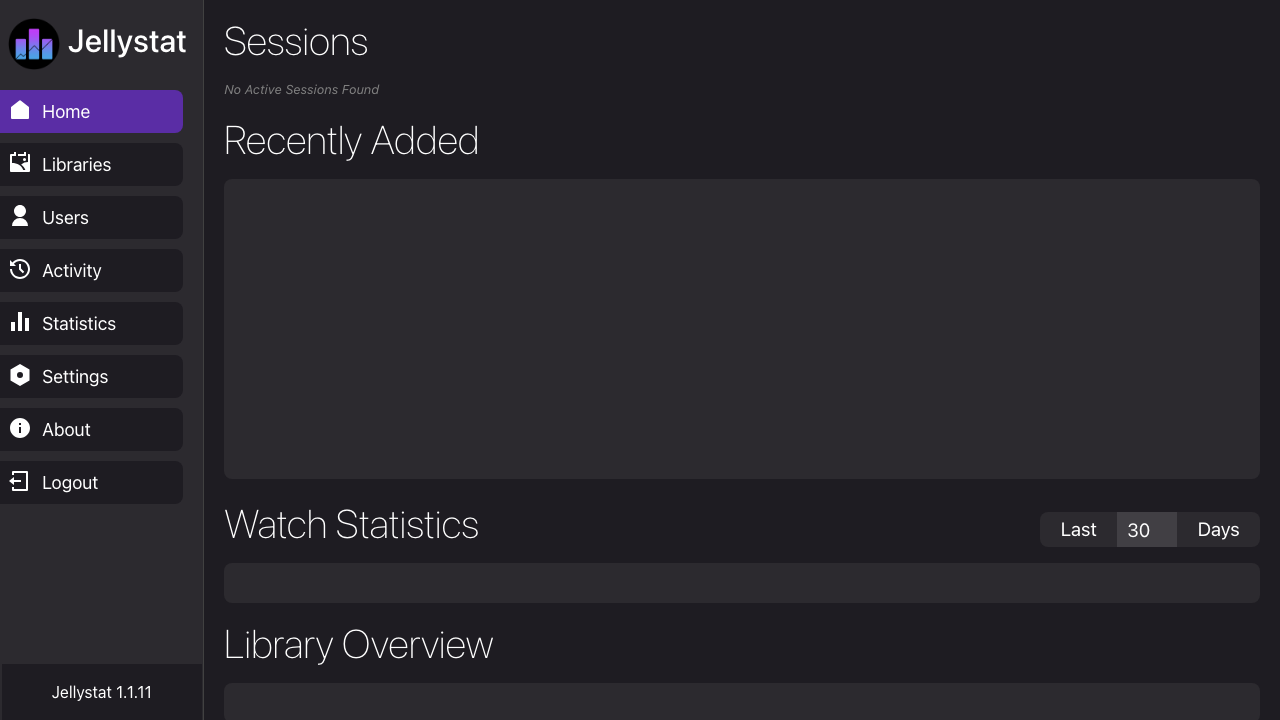
Jellystat is a free, open source self hosted statistics and analytics dashboard for a Jellyfin media server. It records playback activity and presents your libraries, users, full and grouped watch history, most active content and live now playing sessions in a clean modern interface with charts and drill downs, backed by a local database. Administrators get an at a glance view of how their media server is used, which titles and users are most active, and what is playing right now, turning raw playback events into readable reports and scheduled backups. It suits any individual or team running their own Jellyfin server that wants proper usage analytics without sending data to a third party.
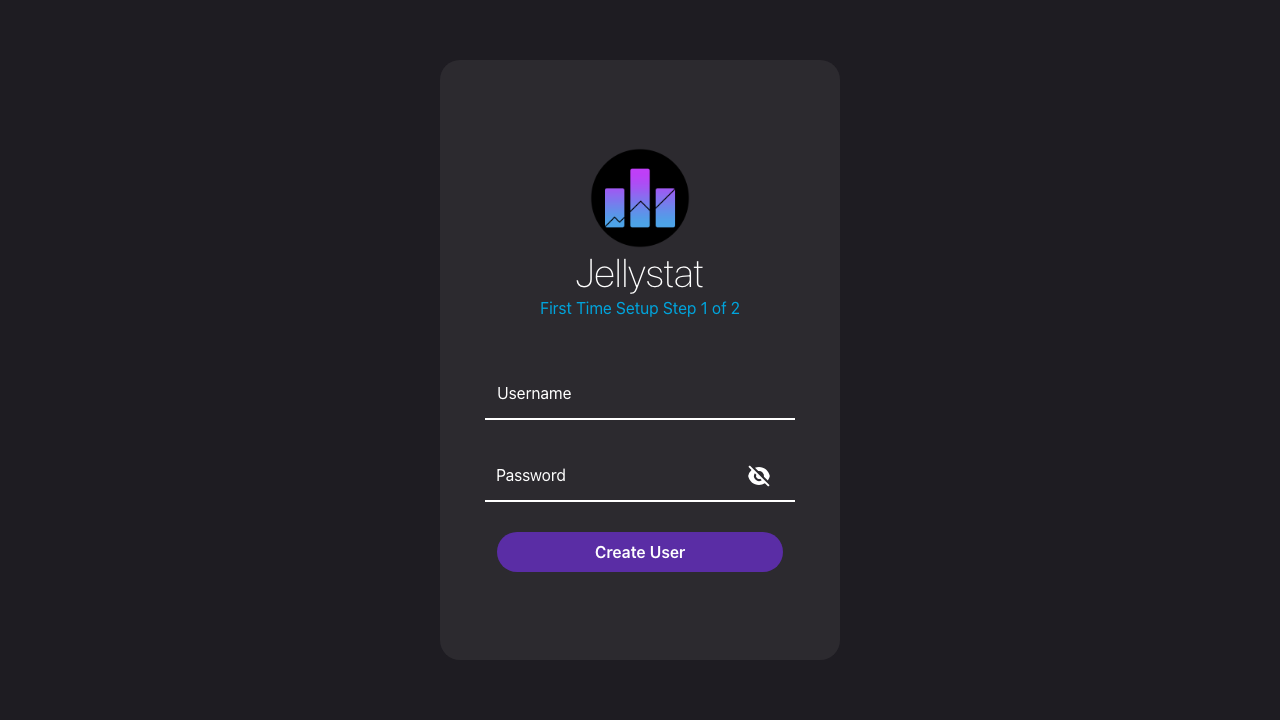
cloudimg delivers Jellystat fully installed and hardened behind an nginx reverse proxy that binds the application to loopback, with a local PostgreSQL database already provisioned, so your analytics portal answers the moment the instance boots. The image is secure by default: no administrator and no static secret ship in it, so you create your own admin at the first run setup wizard, and a fresh per instance JWT signing secret and database password are generated on each machine's first boot so nothing is ever shared between instances. systemd manages the services for automatic restarts and clean logging, and every deployment carries a paired deployment guide and 24/7 support.
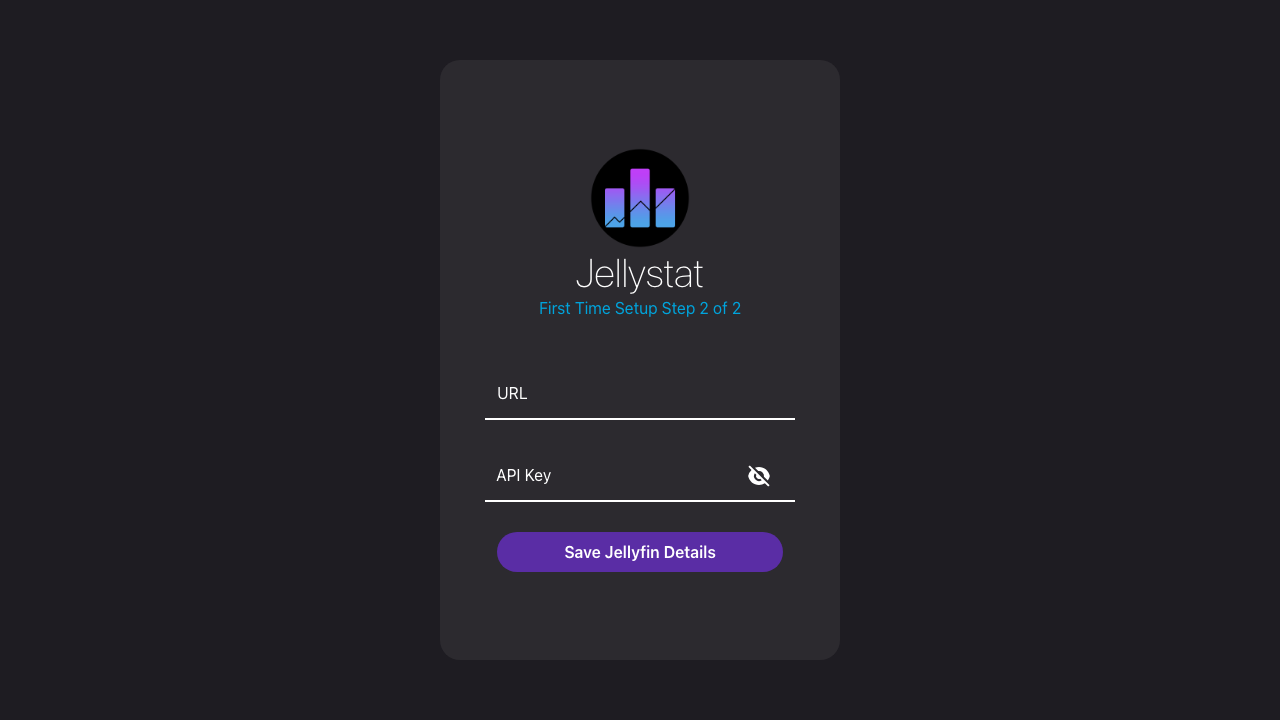
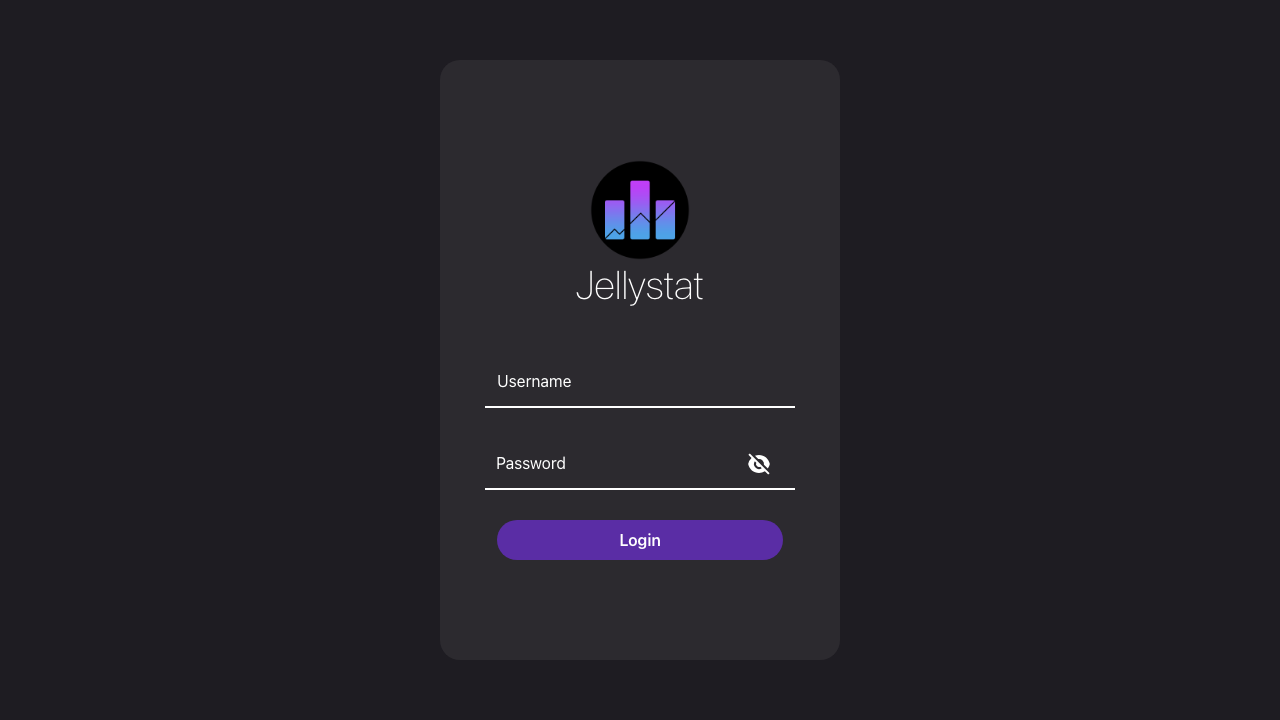
Real screenshots taken while testing this image against its deployment guide.

Actual Budget is a free, open source, local first personal finance application built around the proven envelope budgetin...

Admidio is the open source membership management platform for clubs, associations and non profit organisations.

AdventureLog is a self-hosted travel companion. It lets you log the countries and regions you have visited, plan future ...
Aim is an open-source ML experiment tracker: your training code logs metrics, hyperparameters and other artifacts as it ...

The cloudimg image ships the free and open source, GPL-3.0 licensed AirTrail application, run the officially supported w...
Akkoma is a lightweight, highly customisable open-source server for the fediverse: a self-hosted, federated microbloggin...