Base
Hardened build
minimal ports, security patches applied at build time

open source privileged access management, brokered and recorded
JumpServer is an open source privileged access management platform: a bastion that sits between your engineers and your infrastructure. Credentials are vaulted inside it and people are granted access to assets rather than to secrets, so every SSH, SFTP, RDP, VNC or database session is brokered through the gateway, recorded, and retrievable afterwards as a replay. It ships role based access control, an asset and account inventory, and a searchable session audit trail, reachable from a browser or a standard SSH client.
The cloudimg image runs the upstream Community Edition stack fully wired and health checked, with the proprietary enterprise component proven absent and source available Redis replaced by BSD-3-Clause Valkey. Every secret is minted on your own instance at first boot: the master key that encrypts the vault, the component bootstrap token, the datastore and cache passwords, a single use administrator password and an API token. The datastore and cache publish no host port at all, the whole stateful tier sits on a dedicated resizable data disk, and a paired deployment guide plus 24/7 cloudimg support ship with it.
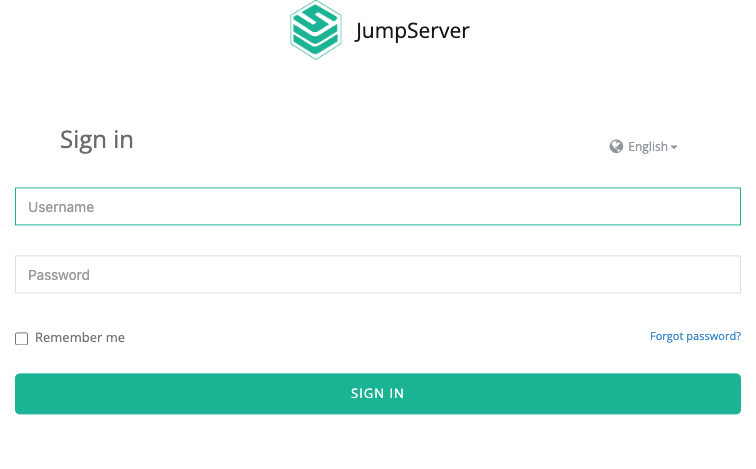
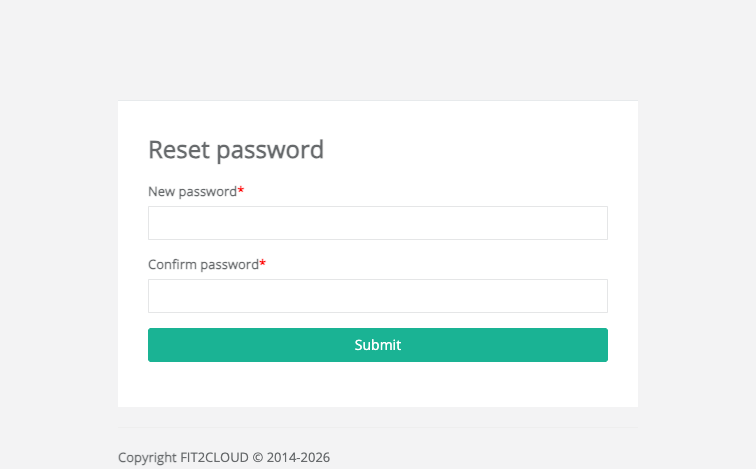
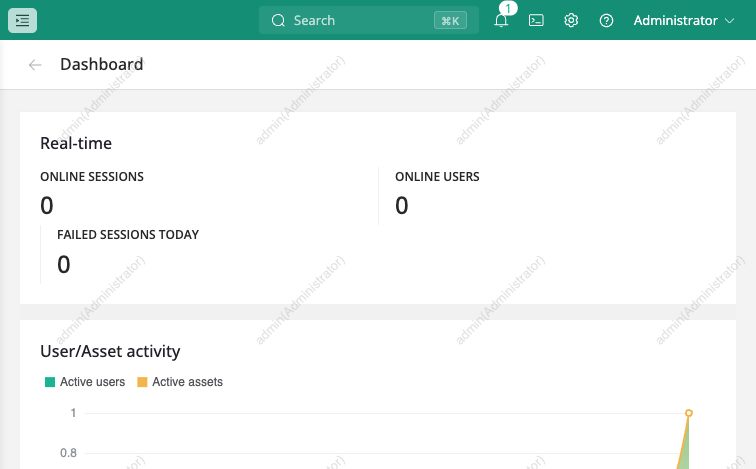
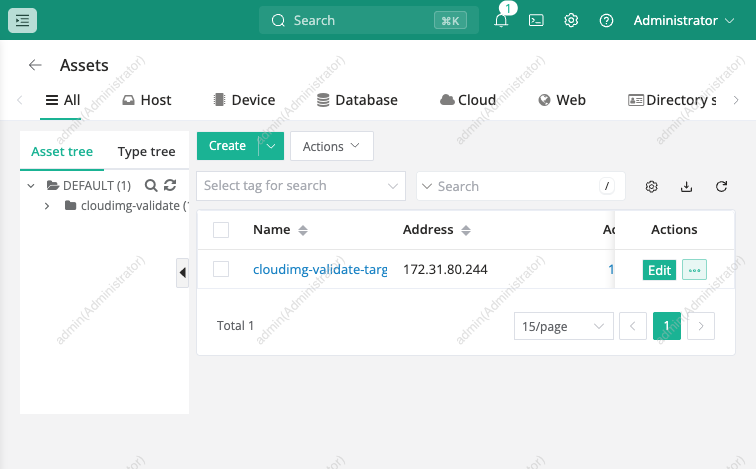
Real screenshots taken while testing this image against its deployment guide.
This is a repackaged open source software product wherein additional charges apply for cloudimg support services.
## Overview
JumpServer is an open source privileged access management (PAM) platform - a bastion host that sits between your engineers and your infrastructure. Instead of handing out SSH keys and database passwords, you vault the credentials inside JumpServer and grant people access to assets rather than to secrets, so every session is brokered, recorded and auditable. It brokers SSH, SFTP, RDP, VNC and database sessions from a browser or a standard SSH client, with role based access control, an asset inventory and a searchable replay trail.
This image delivers JumpServer Community Edition v4.10.17 fully installed as an eight container appliance, so a working bastion answers on port 80 minutes after launch.
## Community Edition Only
JumpServer is open core: its Enterprise features ship as a proprietary component called XPack from a private vendor registry. This image contains Community Edition only, and the build proves it rather than claiming it - it confirms the XPack directory does not exist in the shipped core image and that the live settings report XPack disabled. Nothing here describes an Enterprise feature. Community Edition is licensed GPLv3.
## Every Secret Is Minted On Your Instance
JumpServer's master key encrypts every asset credential you vault inside it. A shared image that baked that key would let anyone who launched it decrypt other people's stored secrets, so this image ships none. On first boot a one-shot service generates, on a freshly initialised database: a new master key, a new component bootstrap token, new datastore and cache passwords, a 24 character administrator password and an API token. The upstream default administrator password is replaced in that same boot and the account is armed so you must choose your own at first sign in. The values are written to a root only file and exist nowhere else.
## What Is Actually Running
The datastore and the cache publish no host port at all - they are reachable only on the private container network. Only ports 22, 80 and 2222 are open.
## Open Source Components And Storage
Upstream's stack uses Redis 7.4, source available under RSALv2 and SSPLv1 rather than an OSI approved licence. This image substitutes Valkey, the BSD-3-Clause Linux Foundation fork, as a protocol compatible drop in, so every component is OSI approved. The whole stateful tier - image store, PostgreSQL cluster, cache and session replay store - sits on its own resizable EBS volume you can grow or snapshot independently of the OS disk.
## Verified, Not Assumed
Before capture the build drives the real REST API to create a user, an asset and a vaulted SSH key account, grants a permission, opens a genuine SSH session through the gateway into a target host, runs a command and reads the result back, then confirms the session was recorded and the replay retrievable. It also proves the negatives: unauthenticated API calls are refused and the upstream default passwords rejected.
## Pricing And Evaluation
Software is charged hourly by instance size on top of your EC2 and EBS costs, with a 7 day free trial. Because billing is metered by the hour there is no long term commitment to evaluate it: launch one instance, add a test asset, open a brokered session, review the recording, then terminate.
## Documentation And Resources
A full deployment guide is published at https://www.cloudimg.co.uk/guides/jumpserver-aws/ covering launch, retrieving your per-instance credentials, verifying the security model, adding your first asset and vaulted account, granting access, opening a recorded session, TLS termination and backup.
## Use Cases
## About cloudimg
cloudimg provides 24/7 technical support by email and live chat, covering deployment, connecting your first assets and accounts, access control design, TLS termination, session recording retention and datastore backup.
## Get Started
Launch the AMI, read your per-instance administrator password from the root only credentials file, sign in on port 80, set your own password, then add your first asset and open a recorded session. Upstream's documented floor for a standalone deployment is 4 vCPU and 8 GB, so m5.xlarge or larger is the sensible production choice.

The cloudimg image ships the free and open source, AGPL-3.0 licensed AliasVault, run the officially supported way as the...

This image runs Apache Directory Server (ApacheDS) 2.0, the Apache Software Foundation's extensible, embeddable director...

This image runs Apache SpamAssassin, the open source, Apache-2.0 licensed anti-spam platform.

Authentik is an open source identity provider: single sign-on, multi-factor authentication, user management and access c...

This image runs Authgear, the open source authentication server and identity provider.
This image runs Beelzebub, the open source low code honeypot and deception framework.