Base
Hardened build
minimal ports, security patches applied at build time

JupyterLab, the browser based notebook and data science workspace, secured and ready on first boot
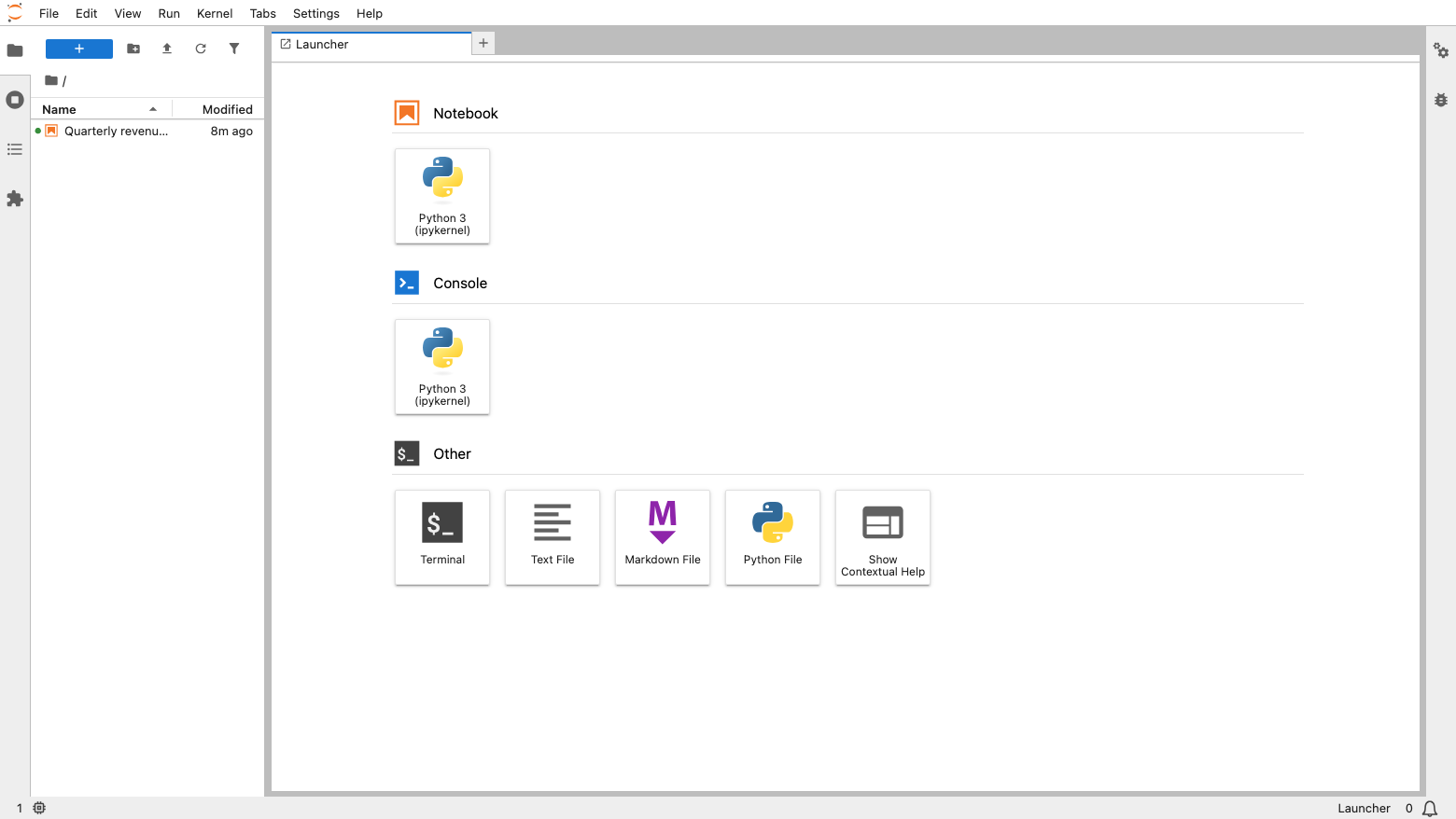
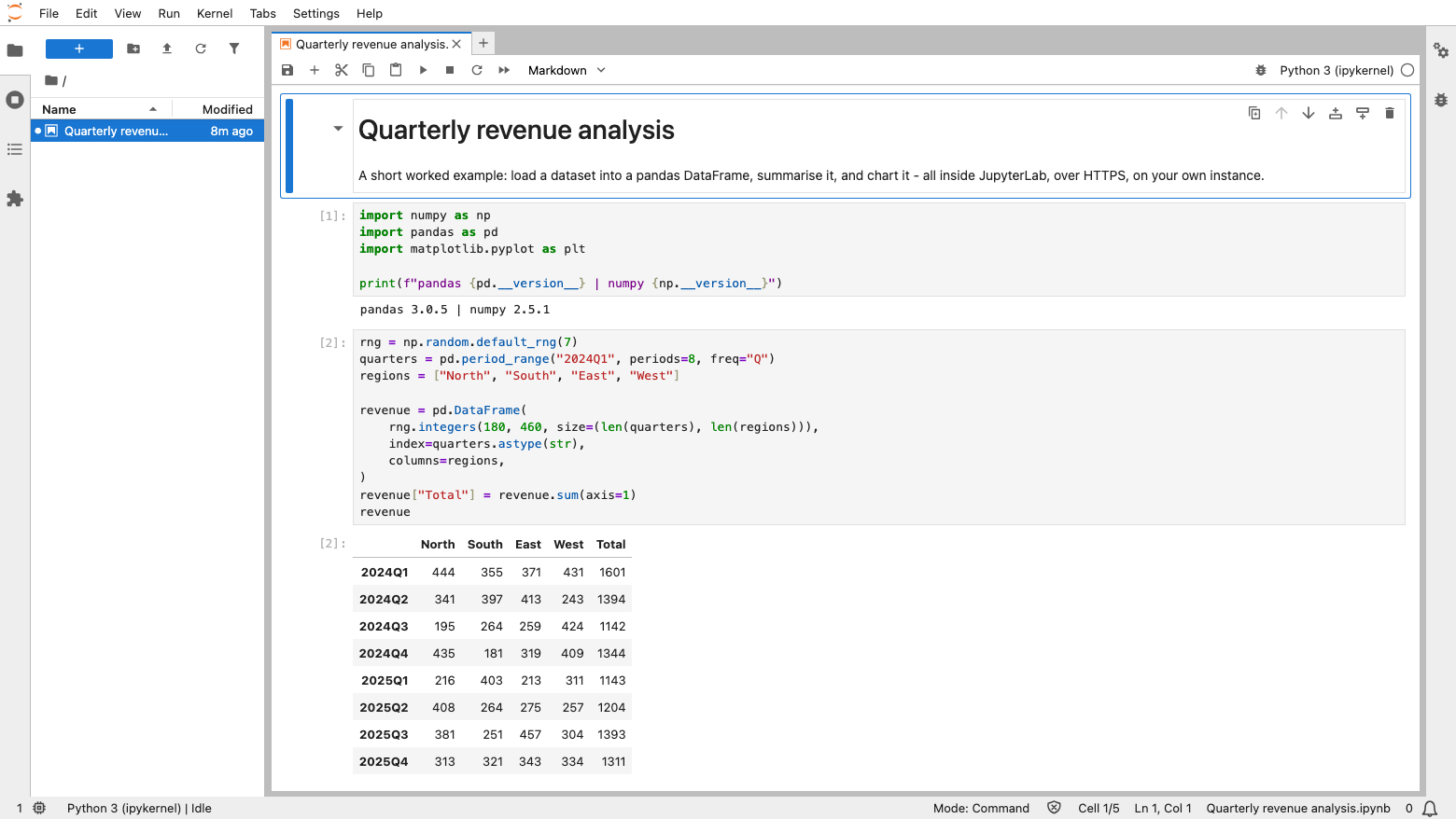
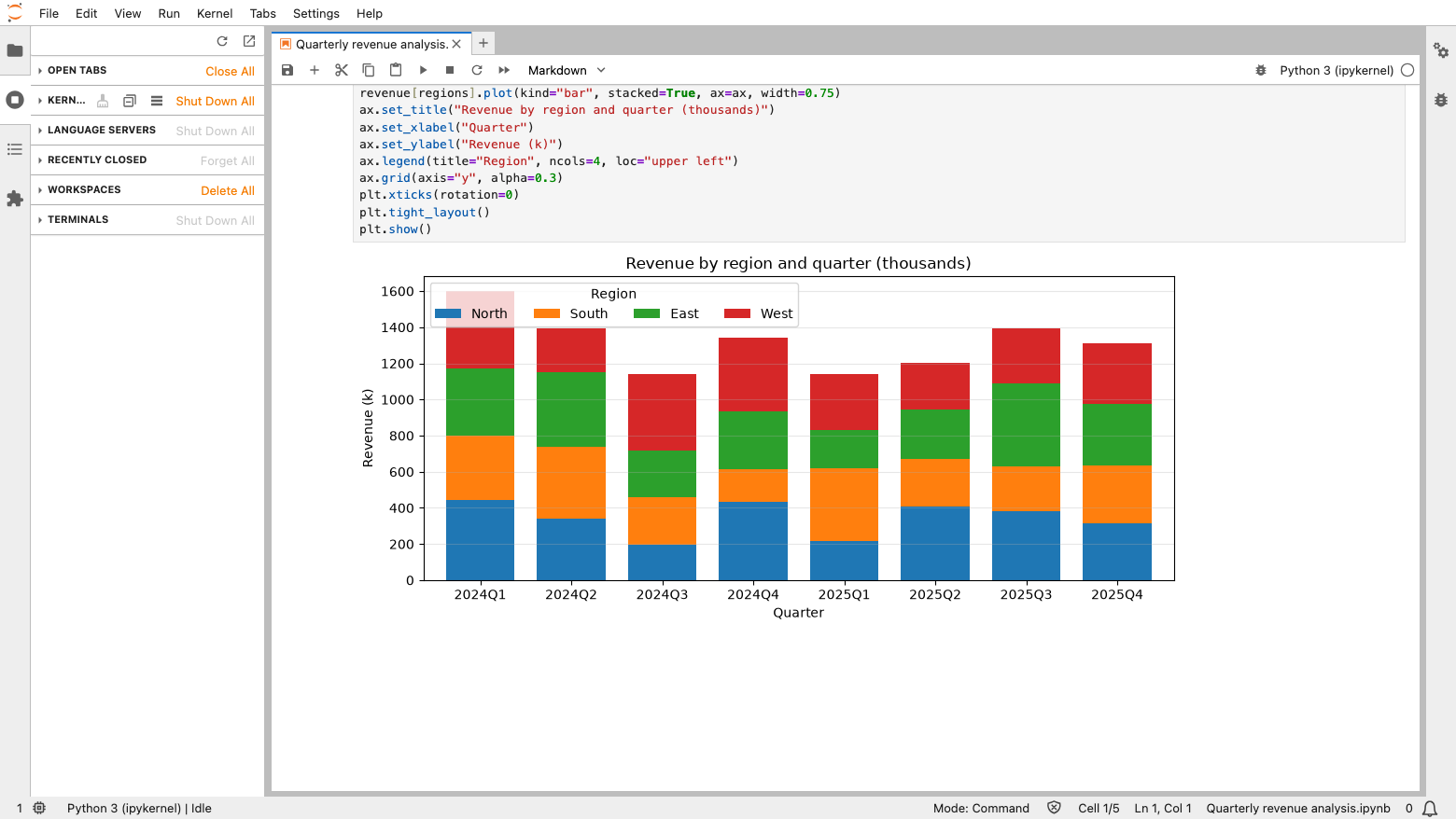
JupyterLab is the interactive development environment behind most data science and research computing. It gives analysts, engineers and researchers one browser based workspace for notebooks, code, data and visualisations, combining an editor, a file browser, a terminal and rich inline output. Load a dataset, explore it, chart it and share a reproducible notebook, all from a workspace you control.
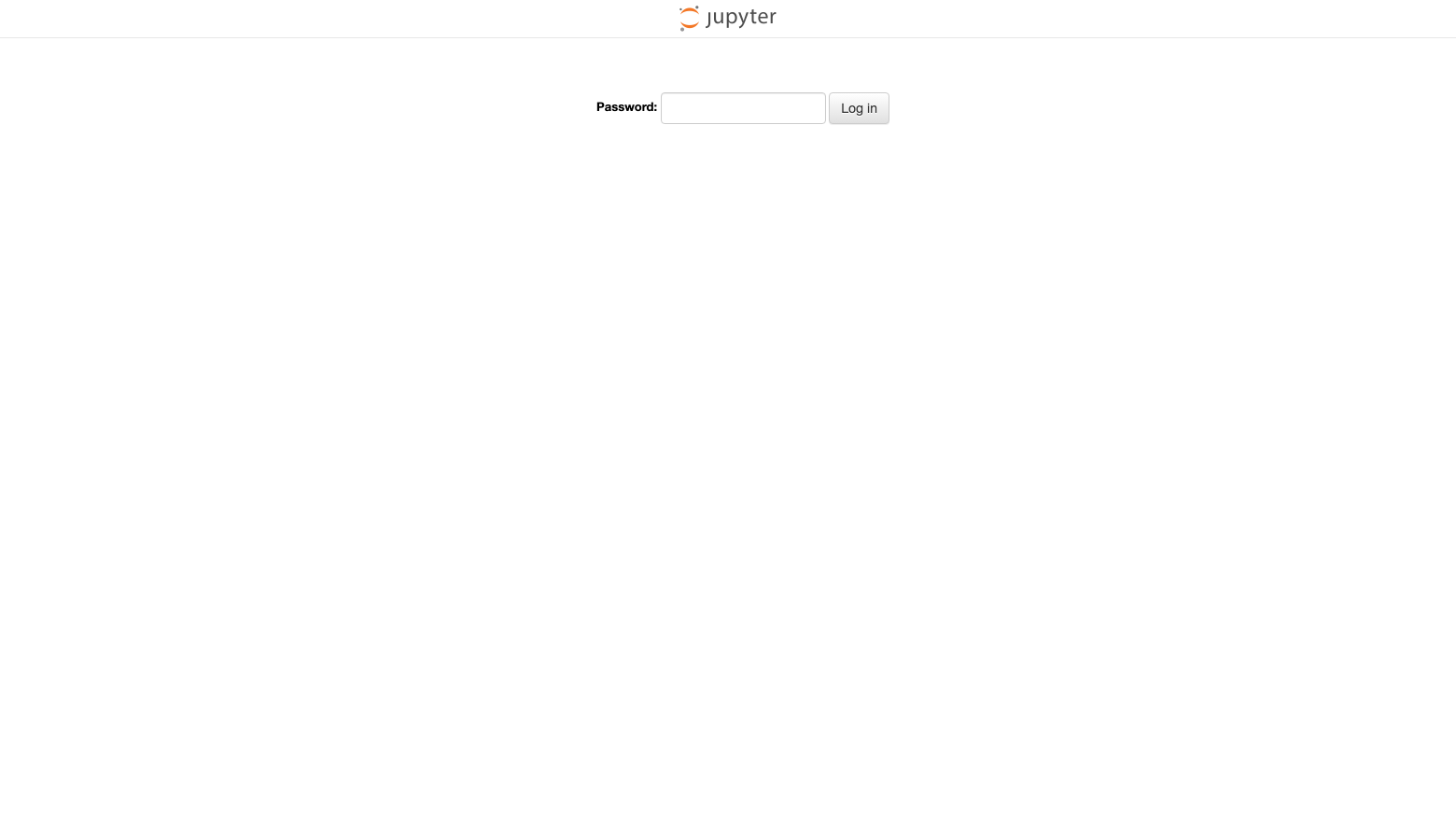
A notebook server runs arbitrary code by design, so this image is built around that fact. The server runs as a dedicated unprivileged account bound to the loopback interface, published only through a TLS reverse proxy, with address bar tokens switched off. Every instance generates its own long password and its own certificate at first boot, stores only the password hash, and refuses to start at all if that credential is missing. Notebooks, datasets and any packages you add live on a dedicated, resizable storage volume separate from the operating system disk. Paired deployment guide and 24/7 cloudimg support included.
Real screenshots taken while testing this image against its deployment guide.
This is a repackaged open source software product wherein additional charges apply for cloudimg support services.
Secure, ready-to-use JupyterLab on AWS, backed by cloudimg expert support.
JupyterLab is the interactive development environment behind most of the world's data science and research computing. This AMI delivers JupyterLab fully installed, hardened, and running behind a TLS reverse proxy on your own AWS infrastructure, so a working notebook environment is reachable within minutes of launch instead of being assembled, configured, and secured by hand.
What you get
Current JupyterLab release with a Python kernel and pre-installed scientific libraries including NumPy, pandas, Matplotlib and ipywidgets.
HTTPS from first boot: the instance mints a TLS certificate for its own address automatically, and the guide covers replacing it with your own certificate.
Dedicated Amazon EBS workspace volume: notebooks, datasets, kernel state and any packages you add live on a separate, resizable volume mounted by filesystem identifier, independent of the operating system disk.
Security architecture
A notebook server executes arbitrary code as a feature, so an exposed or weakly protected one is a genuine risk. This image is built around that fact. The notebook server runs as a dedicated unprivileged account, never as root, and listens only on the loopback interface; the only way in is a reverse proxy that terminates TLS. Token style credentials that travel in the address bar are switched off, because they leak through browser history, bookmarks and screenshots. The first boot of your instance generates a long password unique to that instance, stores only its hash, and records the password in a file readable solely by root. If that first boot has not completed, the server refuses to start rather than come up unauthenticated. The service is further confined by the operating system with privilege escalation blocked, a read-only application tree, a private temporary directory, and write access limited to the workspace volume.
Built for real operation
Extra Python packages follow a documented install path onto the workspace volume rather than being scattered into system directories. The operating system is fully patched at build time. The image ships with no notebooks, no kernel state, no certificate, no password and no leftover build credentials, and the build verifies every one of those before the image is captured. It also proves the whole chain end to end before shipping: unauthenticated access refused, a wrong password refused, the per instance password accepted, and a live kernel executing code over the encrypted connection.
Example use case
A research team processing large datasets can launch this image, attach a sizeable workspace volume for raw data, and begin exploratory analysis in pandas immediately, charting results with Matplotlib and sharing reproducible notebooks with colleagues. Because the workspace volume is separate from the operating system disk, the team can snapshot their work, resize storage as data grows, and keep sensitive research data inside their own AWS account.
24/7 expert support from cloudimg
This listing includes round-the-clock expert support covering deployment and initial configuration, reverse proxy and TLS certificate setup, password and access management, adding kernels and libraries, workspace storage sizing and backup, upgrades, and troubleshooting.
All product and company names are trademarks or registered trademarks of their respective holders. Use of them does not imply any affiliation with or endorsement by them.

ContextForge MCP Gateway is IBM's open-source gateway, registry and proxy for the Model Context Protocol (MCP), the stan...

This image runs Crawl4AI, a fast, open source web crawler and scraper that converts web pages into clean, LLM-ready Mark...

This image runs Dify, a source-available platform for building and operating LLM applications.

Docling Serve is the HTTP API service around Docling, an open source toolkit that converts documents into clean, structu...

This image runs Evidently, the open source platform for evaluating, testing and monitoring machine learning, large langu...

The image installs Gorse as the official single all in one gorse-in-one binary (master, server and worker in one process...