Base
Hardened build
minimal ports, security patches applied at build time

a collaborative production tracking platform for animation, VFX and games studios: organise shots, assets and tasks, review media and follow a production from breakdown to delivery
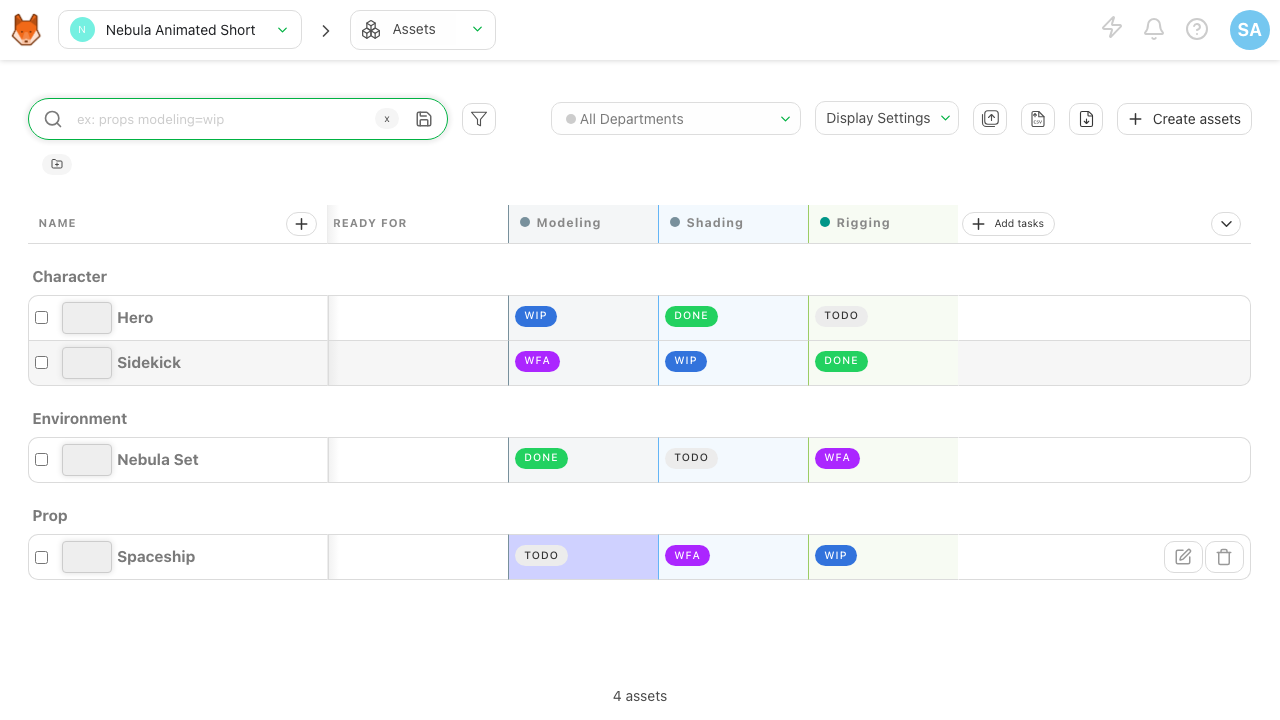
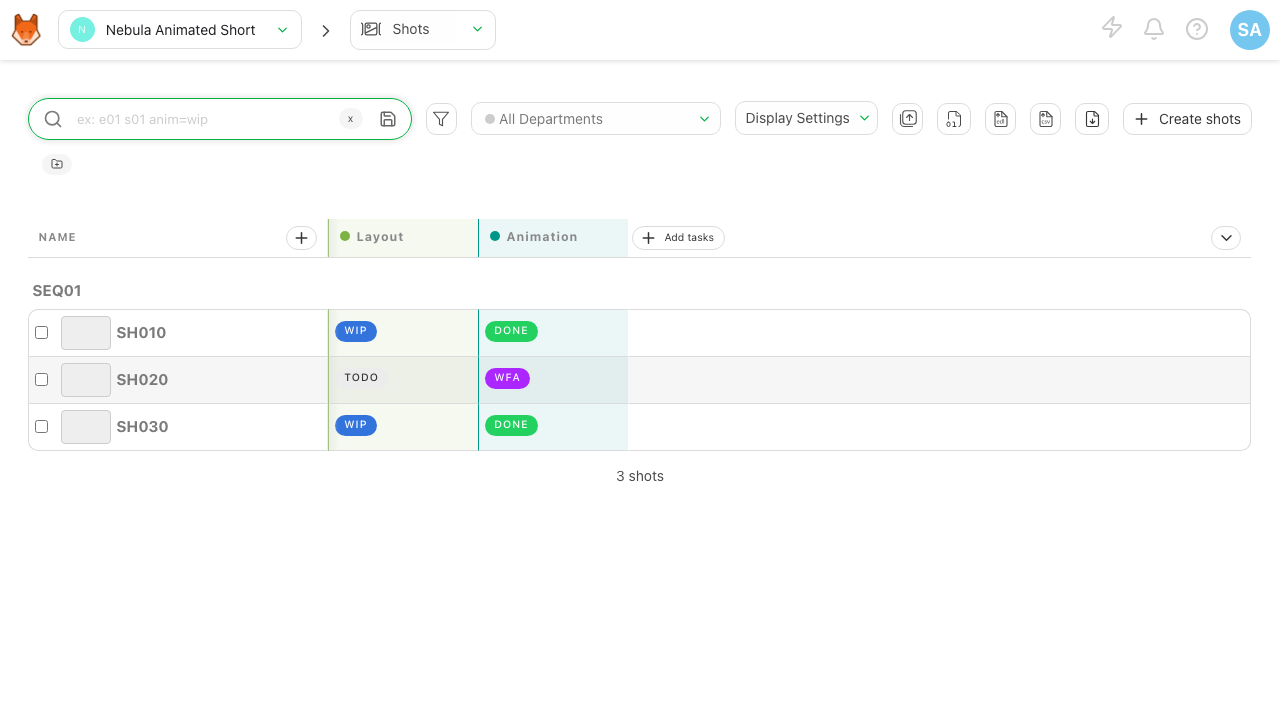
Kitsu is an open source collaborative production tracking platform for animation, VFX and games studios. It gives a studio one place to run a production: break a project down into episodes, sequences, shots and assets, define the task pipeline and assign the work, track the status of every task on a board, review and annotate media, build playlists for dailies, and follow progress and workload across the whole team. Producers get an at a glance view of where a production stands, artists get a clear list of what to do next, and supervisors get a single review surface instead of scattered files and spreadsheets.
It suits animation, VFX and games teams that have outgrown spreadsheets for scheduling and shot tracking, studios that want a shared source of truth for production status and review, and remote or distributed teams that need everyone looking at the same breakdown, the same tasks and the same feedback.
cloudimg ships Kitsu as a complete appliance rather than a set of containers you have to wire together yourself: the production API, the real time events server, the background preview worker, its PostgreSQL database and Redis are all installed, configured and running behind nginx within a minute or two of first boot, with FFmpeg in place so uploaded media is thumbnailed and previewed. Security is designed in: no administrator account and no secret of any kind is baked into the image. On first boot, before the web port serves, every instance generates its own token signing secret and its own database password, then creates a single unique administrator account, so no two machines share a credential and the published project defaults never exist on a running instance. Kitsu creates further studio users only when an administrator invites them, so there is no open sign up for a stranger to seize a freshly launched instance, and the first login credentials are written to a root only file on the machine. The base is fully patched with unattended security updates enabled, and every image comes with a step by step deploy guide tested against the exact build and 24/7 cloudimg support.
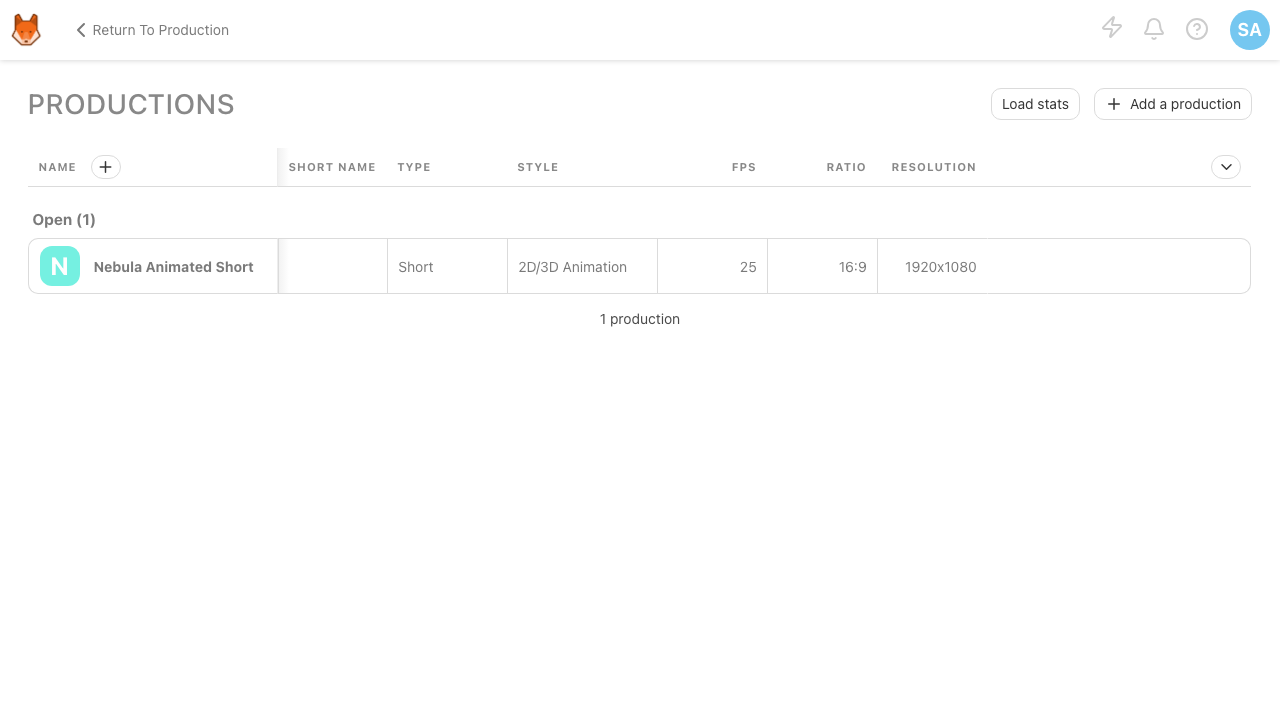
Real screenshots taken while testing this image against its deployment guide.

Actual Budget is a free, open source, local first personal finance application built around the proven envelope budgetin...

Admidio is the open source membership management platform for clubs, associations and non profit organisations.

AdventureLog is a self-hosted travel companion. It lets you log the countries and regions you have visited, plan future ...
Aim is an open-source ML experiment tracker: your training code logs metrics, hyperparameters and other artifacts as it ...

The cloudimg image ships the free and open source, GPL-3.0 licensed AirTrail application, run the officially supported w...
Akkoma is a lightweight, highly customisable open-source server for the fediverse: a self-hosted, federated microbloggin...