Base
Hardened build
minimal ports, security patches applied at build time

Kolibri is an offline first learning platform that serves open educational content, lessons and quizzes to a whole classroom from one server, with no internet connection needed once the content is on board.
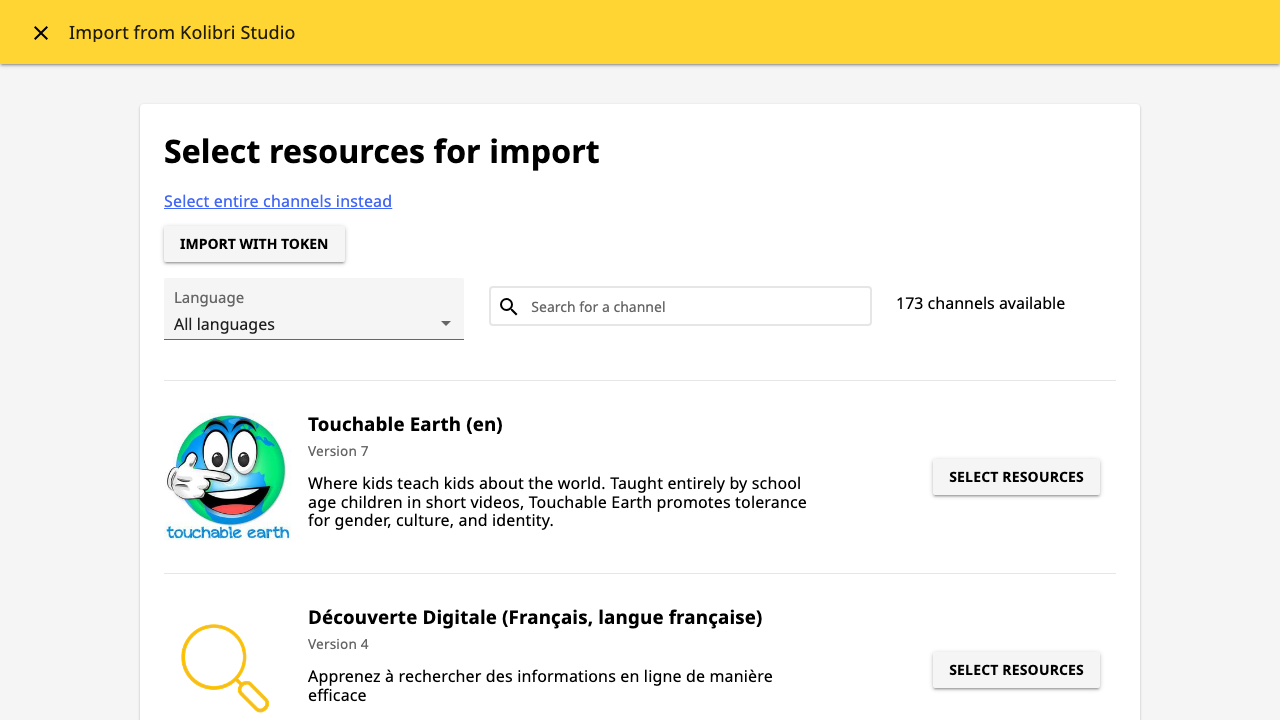
Kolibri, from the non profit Learning Equality, is an open source learning platform built for places where connectivity is scarce, expensive or unreliable. One Kolibri server holds a library of open educational content, videos, exercises, documents and interactive HTML5 activities, imported from the Kolibri Studio catalogue or from a USB drive, and serves it over the local network to any device with a browser.
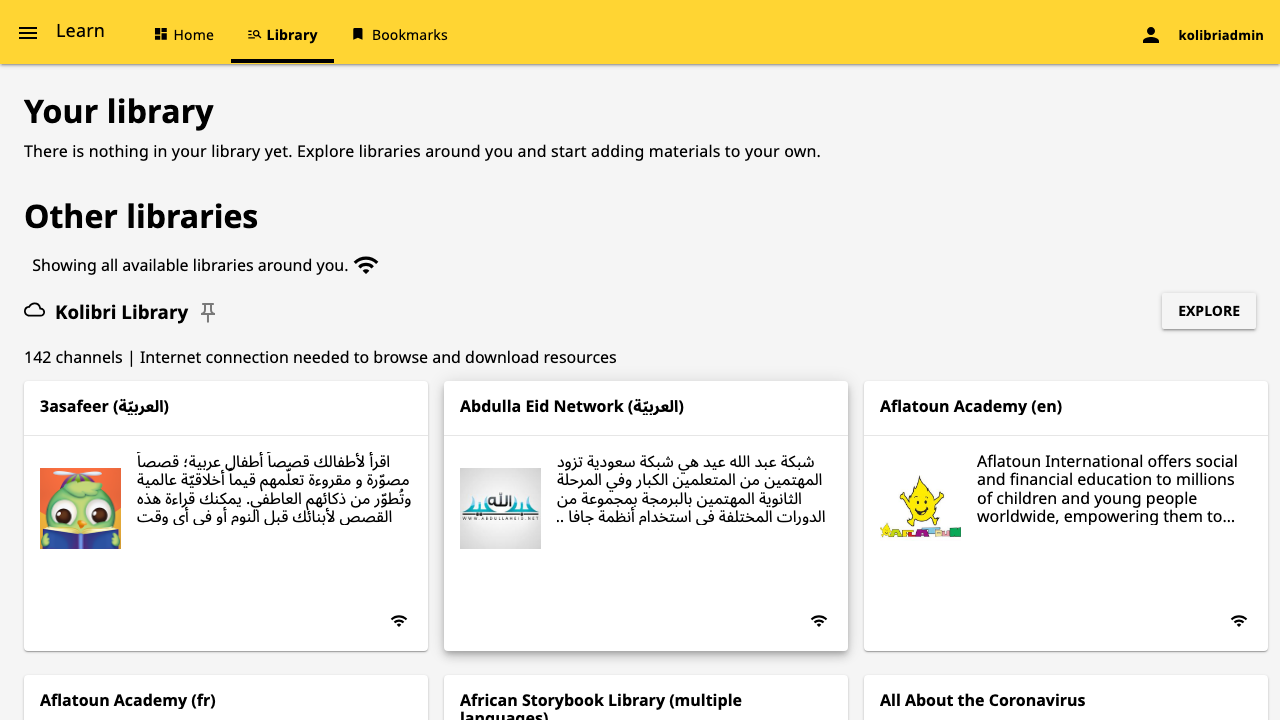
It ships three roles in one application. Learners browse the library, work through lessons and take quizzes, and their progress is recorded even when the server has no internet. Coaches group learners into classes, assign lessons and quizzes drawn from the imported channels, and follow progress reports per learner and per exercise. Administrators manage the facility, its users and permissions, and choose which content channels are available. Because everything runs from the one server, a school, training centre, clinic or field office can keep teaching with no connectivity at all.
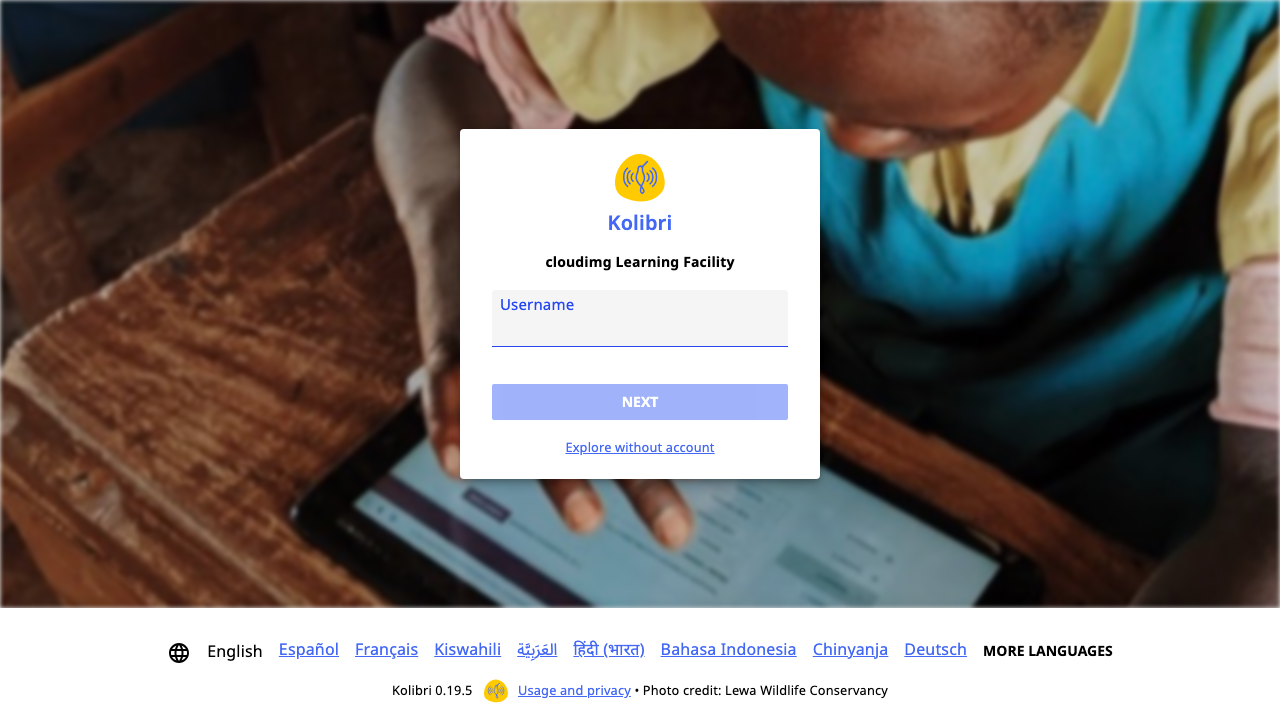
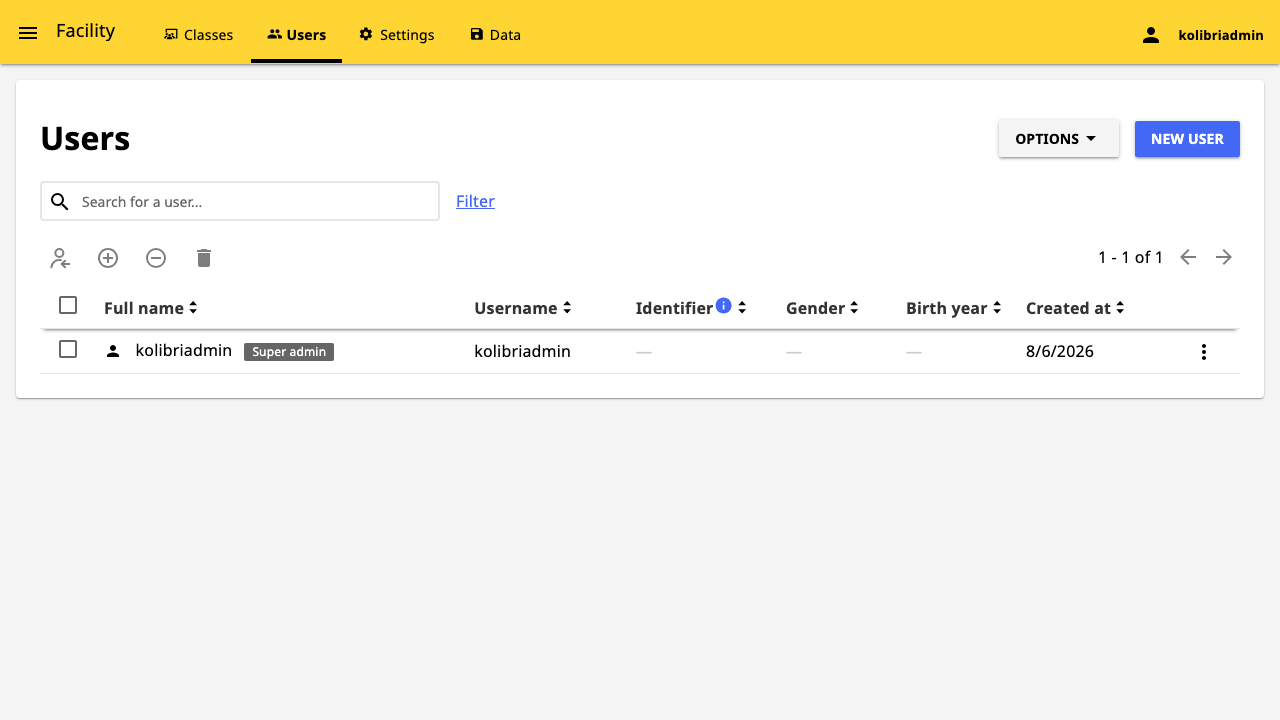
cloudimg ships Kolibri already installed and migrated, so the learner interface answers as soon as the instance finishes its first boot, with nothing to install or initialise. The image is secure by default and ships with no account at all: the device is left deliberately unprovisioned, and first boot creates a single administrator with a random per instance password written to a root only file, so no default login ever exists on a running instance. First boot also generates a per instance application signing key, replacing the single published key that upstream Kolibri uses on every installation, so signed values from one instance are worthless on another. Anonymous sign up and password free learner logins are both turned off by default, the application runs as an unprivileged service account, the base is fully patched with unattended security upgrades enabled, and every deployment is paired with a step by step deploy guide, backed by 24/7 cloudimg support.
Real screenshots taken while testing this image against its deployment guide.

Actual Budget is a free, open source, local first personal finance application built around the proven envelope budgetin...

Admidio is the open source membership management platform for clubs, associations and non profit organisations.

AdventureLog is a self-hosted travel companion. It lets you log the countries and regions you have visited, plan future ...
Aim is an open-source ML experiment tracker: your training code logs metrics, hyperparameters and other artifacts as it ...

The cloudimg image ships the free and open source, GPL-3.0 licensed AirTrail application, run the officially supported w...
Akkoma is a lightweight, highly customisable open-source server for the fediverse: a self-hosted, federated microbloggin...