
Langflow AI Agent Builder - Managed
Overview
Deploy a production-ready Langflow AI agent builder in minutes - secured with unique credentials per instance and backed by 24/7 cloudimg support.
See it running
Real screenshots of this software running on the cloudimg image, taken while testing the deployment guide.
Description
This is a repackaged open source software product wherein additional charges apply for cloudimg support services.
Overview
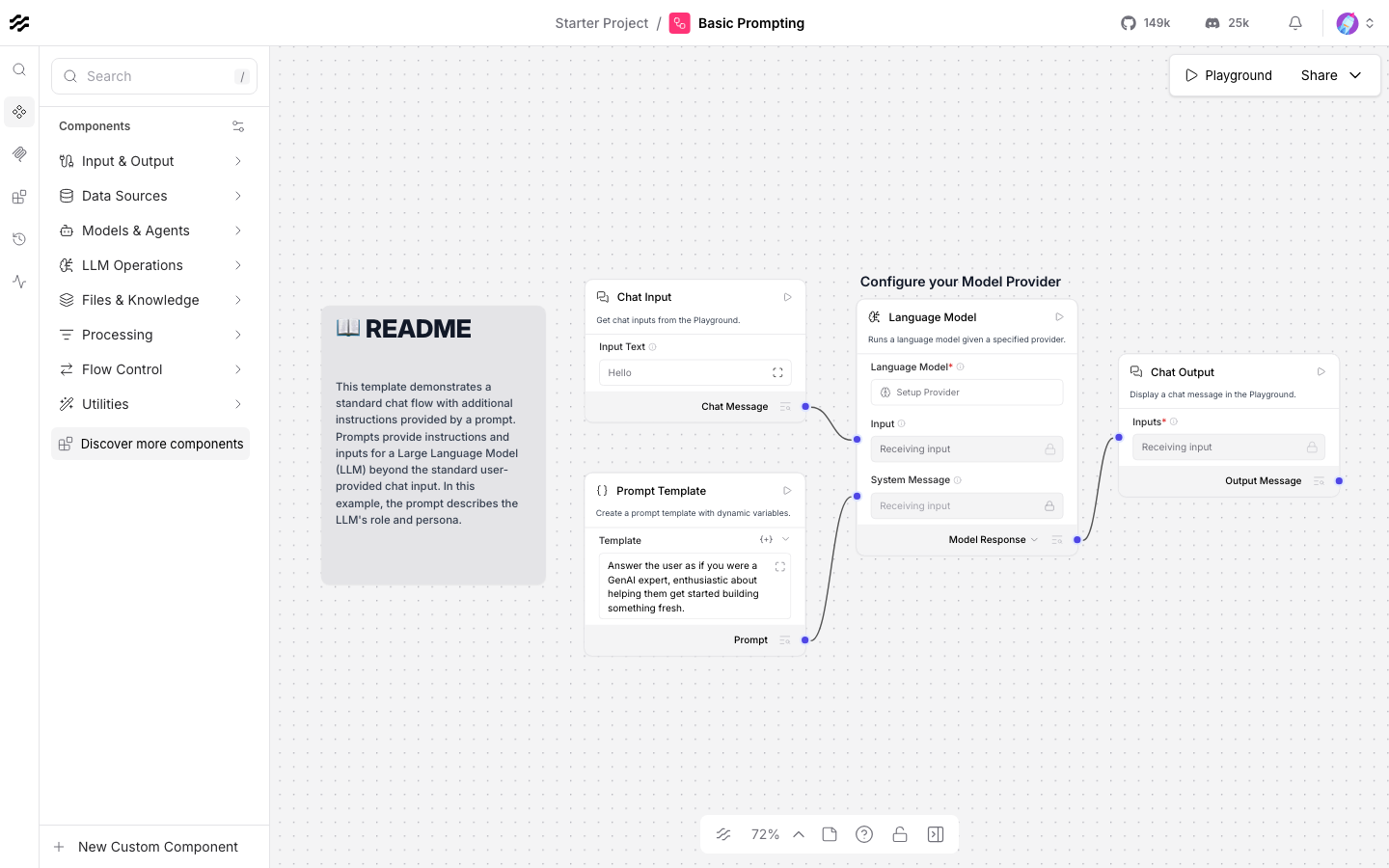
Langflow is the open source, low-code visual builder for AI agents, chatbots, and retrieval augmented generation (RAG) applications with over 50,000 GitHub stars. You design flows by dragging and connecting components on a canvas - language models, prompts, vector stores, retrievers, tools, and agents - then run and serve them through a built-in API. This AMI delivers Langflow fully installed, hardened, and configured as a system service so you have a production-ready AI agent builder running within minutes of launch - no manual setup, no security gaps. The current release is Langflow 1.9.
Why This AMI Instead of a Manual Install
Installing Langflow yourself means writing systemd units, configuring nginx, enabling authentication (disabled by default), generating encryption keys, and separating data from the OS disk. This image handles all of that before you log in for the first time. You skip hours of configuration and avoid the risk of shipping an unauthenticated AI builder to production.
Application Stack
Langflow is installed into a dedicated Python3.12 virtual environment under /opt/langflow and run by an unprivileged service account. It listens on the loopback address while an nginx reverse proxy fronts the application on port 80, with WebSocket and streaming upgrade headers for real-time flow output and a raised upload limit for file ingestion. A systemd service starts Langflow on boot and restarts it on failure.
Secure by Default
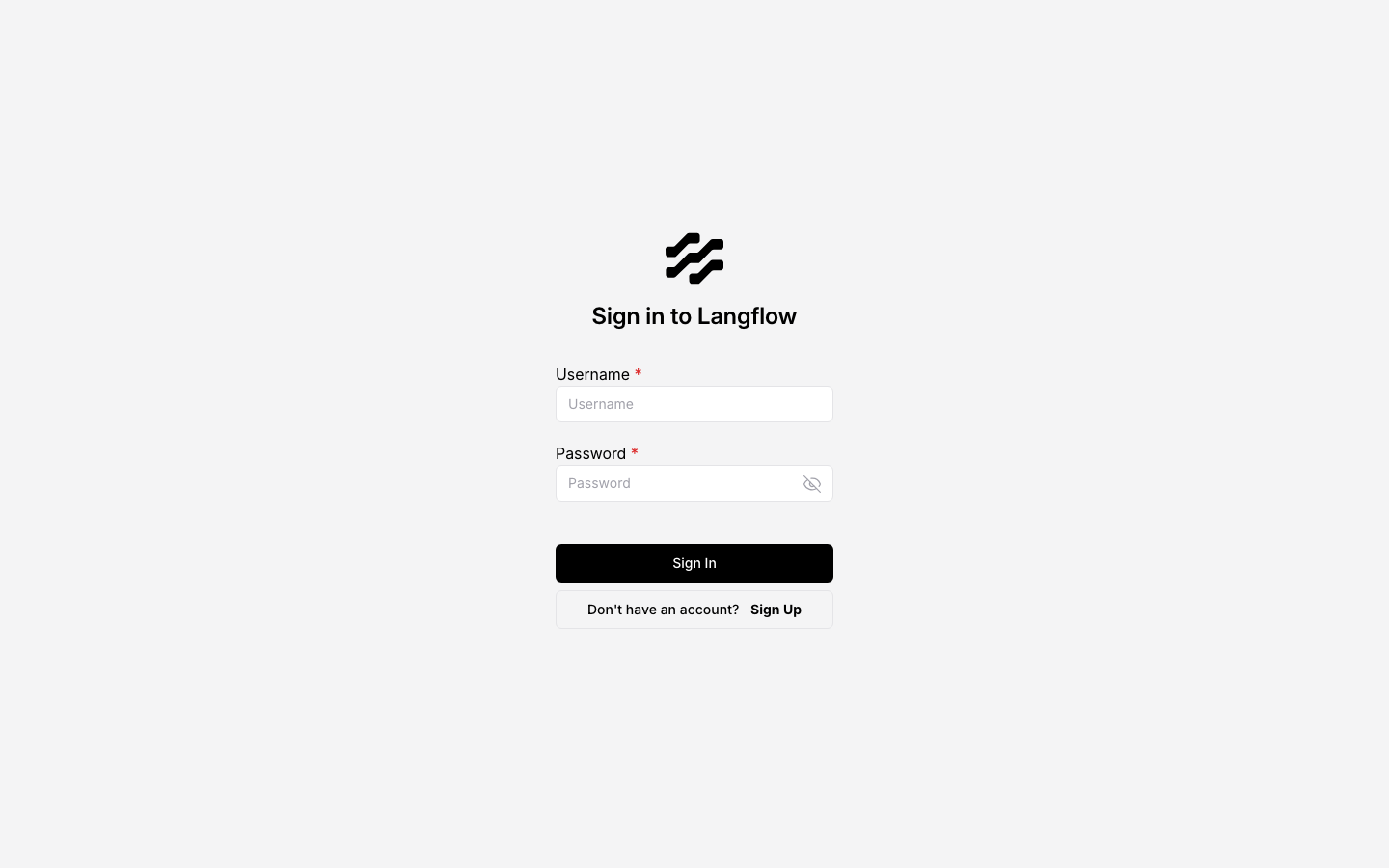
Langflow ships with authentication disabled out of the box. This image requires login from the start: it creates a single administrator account whose password, and the key used to encrypt credentials stored in your flows, are generated uniquely for your instance on first boot and written to a root-only file. No shared or default credentials ship in the image.
Ready to Use
Browse to the instance on port 80, sign in as the administrator, and start building. Connect Langflow to any language model endpoint - OpenAI, Anthropic, Amazon Bedrock, or a self-hosted model - and to your vector store of choice. Your flows, database, and encryption key live on a dedicated, independently resizable storage volume kept separate from the operating system disk. Because Langflow calls out to an external model endpoint, the image is CPU-only and ships no model weights.
Use Cases
- Healthcare and life sciences teams building internal Q&A agents that ingest clinical or research documents into a vector store and serve answers to staff without sending data to a third-party SaaS platform.
- Financial services and legal teams with data residency or regulatory requirements (GDPR, FCA, HIPAA) who need a self-hosted, in-VPC alternative to SaaS agent builders.
- Engineering teams prototyping and deploying retrieval augmented generation pipelines, connecting internal knowledge bases to LLMs, and serving the result through Langflow's built-in API.
- Operations teams automating internal workflows - ticket triage, document summarization, customer support drafts - with visual agent flows rather than custom code.
cloudimg Support
24/7 technical support by email and live chat. Our engineers help with Langflow deployment, connecting language model and vector store providers, building agent and RAG flows, serving flows through the API, TLS termination, and scaling. Critical issues receive a one-hour average response.
Get Started
Launch the AMI, retrieve your unique admin credentials from the root-only file, and sign in. To discuss your use case or get a guided walkthrough of your first flow, contact our team at support@cloudimg.co.uk.
All product and company names are trademarks or registered trademarks of their respective holders. Use of them does not imply any affiliation with or endorsement by them.
Key Features
- Unlike a default Langflow install where authentication is disabled and you must manually configure systemd, nginx, and encryption keys, this AMI is production-secure and fully operational from first boot. A unique admin password and credential-encryption key are generated per instance - no shared secrets, no manual hardening. You go from launch to building AI agent flows in under five minutes, skipping hours of setup and eliminating the risk of exposing an unauthenticated AI builder.
- Self-hosted in your own VPC with data stored on a dedicated, independently resizable volume separate from the OS disk. Ideal for teams in regulated industries - healthcare, financial services, legal - who need data residency control and cannot send sensitive documents to third-party SaaS agent builders. Connect to Amazon Bedrock, OpenAI, Anthropic, or self-hosted models while keeping all flow data, credentials, and vector store content within your infrastructure.
- 24/7 technical support from cloudimg with a one-hour average response for critical issues. Unlike relying on community forums or self-managed troubleshooting, you get direct access to engineers who help with connecting model and vector store providers, building agent and RAG flows, serving them through the API, TLS termination, scaling, and upgrades - so your team stays focused on building rather than maintaining infrastructure.
Related Technologies
Related Products

Apache Airflow - Workflow Orchestration
This image runs Apache Airflow as a single node deployment. Airflow is installed into a dedicated Python virtual environ...
Apache Archiva Repository Manager
This image runs Apache Archiva, the open source build-artifact repository manager - a central, governed store for the bi...
Appsmith Open-Source Low-Code Platform
This image runs Appsmith Community Edition, the open source low-code platform for building internal tools, admin panels,...
Appwrite
Appwrite is an open source backend as a service platform, a self-hosted Firebase alternative that gives developers a com...
changedetection.io - Website Change Monitor
This image runs changedetection.io, the self-hosted service that monitors web pages for changes and notifies you when so...
CloudBeaver - Web Database Manager
CloudBeaver CE is a web-based database manager - a browser edition of the popular DBeaver desktop tool - that lets you c...