Base
Hardened build
minimal ports, security patches applied at build time

Lizmap publishes QGIS desktop projects as interactive web maps, so the cartography your team already authored becomes a browser application without a second styling pass.
Lizmap is a web mapping client from 3Liz. It takes a QGIS project, the same file a cartographer builds on the desktop, and publishes it in the browser complete with the layer tree, legend, search, feature identification, attribute tables, printing and per group access control. Styling, labelling and layer order carry over exactly as designed, so there is no re authoring step and no second rule language to learn.
Lizmap is the web client half of a two part architecture; the rendering half is QGIS Server, the OGC map server of the QGIS project, which draws the tiles Lizmap displays. It suits organisations that already author cartography in QGIS and need to publish it to colleagues, partners or the public: local and regional government, utilities, environmental and land management agencies, and surveying and engineering consultancies.
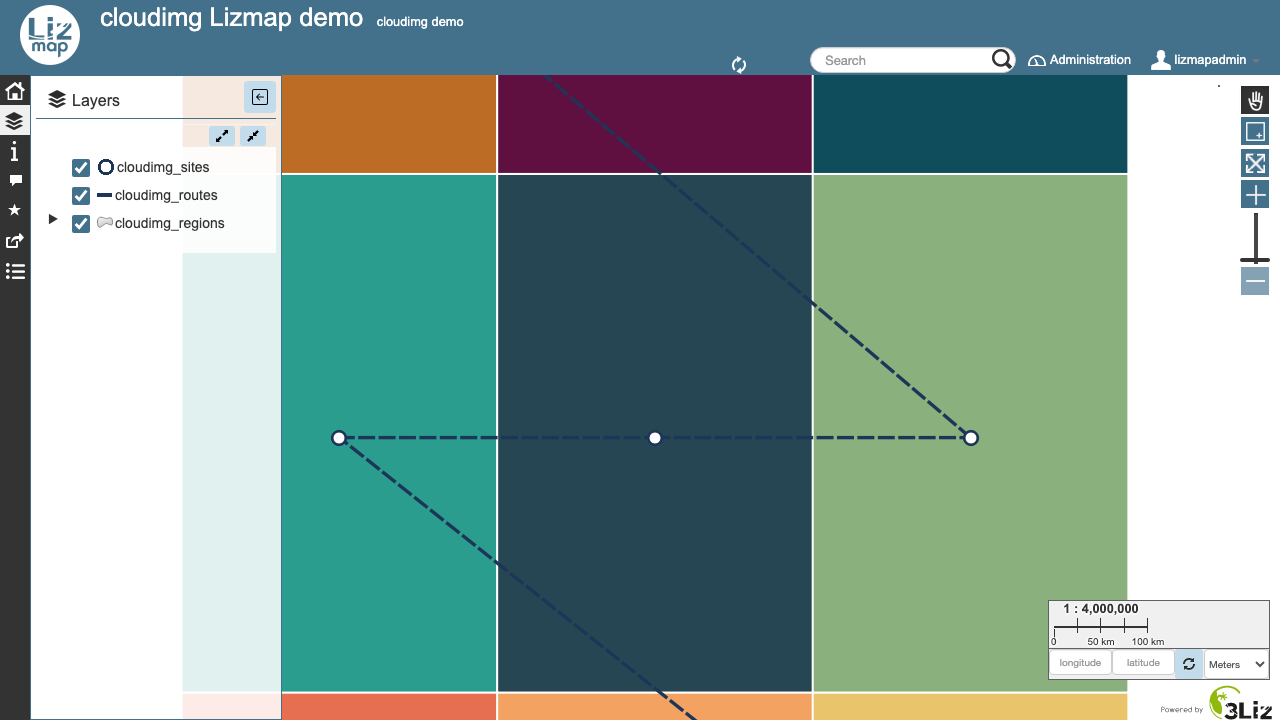
Assembling Lizmap correctly is the hard part of a Lizmap deployment, because the web client is only useful once a rendering engine, the matching QGIS Server plugin and a database sit behind it. cloudimg ships that whole stack assembled and proven, with a demo project that renders an actual map the first time you sign in rather than an empty page you have to populate before you can tell whether it works. Security is designed in: the map server has no accounts of its own, so it is never exposed to the network at all, and the database is reachable only from the instance itself. The upstream default administrator account is removed during the build, so nothing ships with a known credential; the administrator and the database password are both generated uniquely on the first boot of every instance and written to a root only file, and the web tier will not start until they exist. Your projects and the database live on a dedicated data volume that is captured into the image and re provisioned on every instance. Every deployment is paired with a step by step deploy guide and backed by 24/7 cloudimg support.
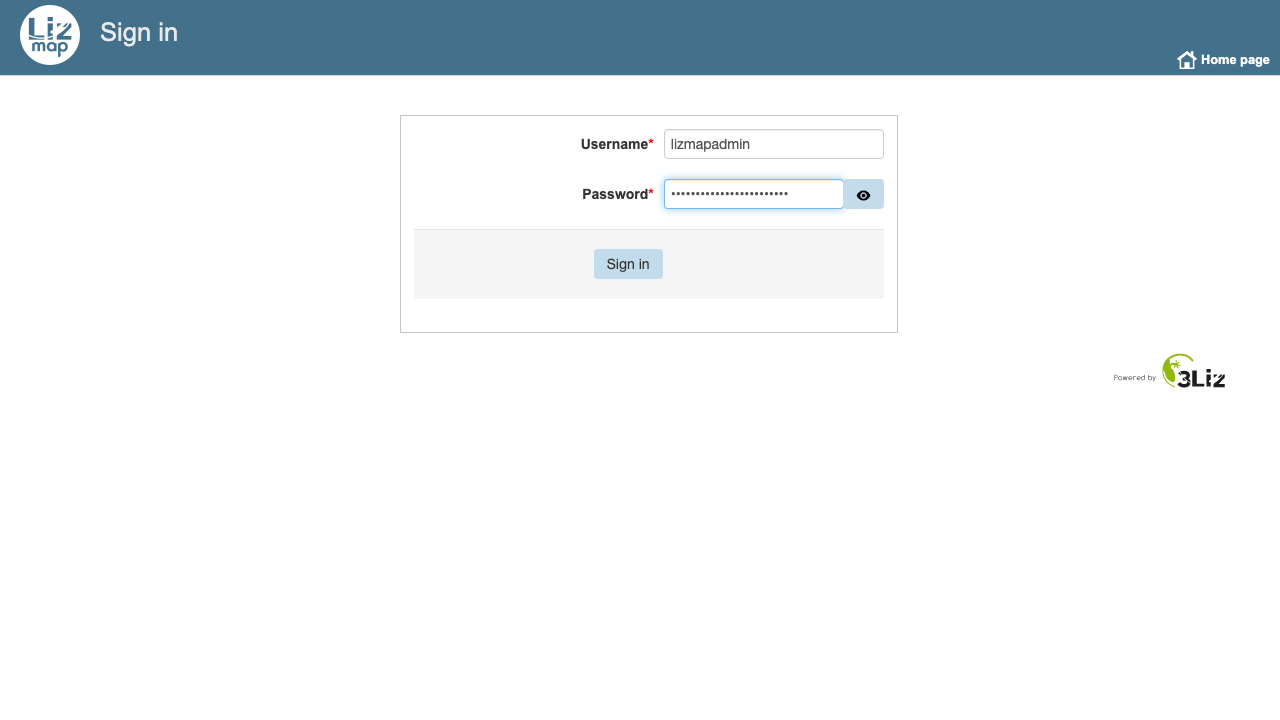
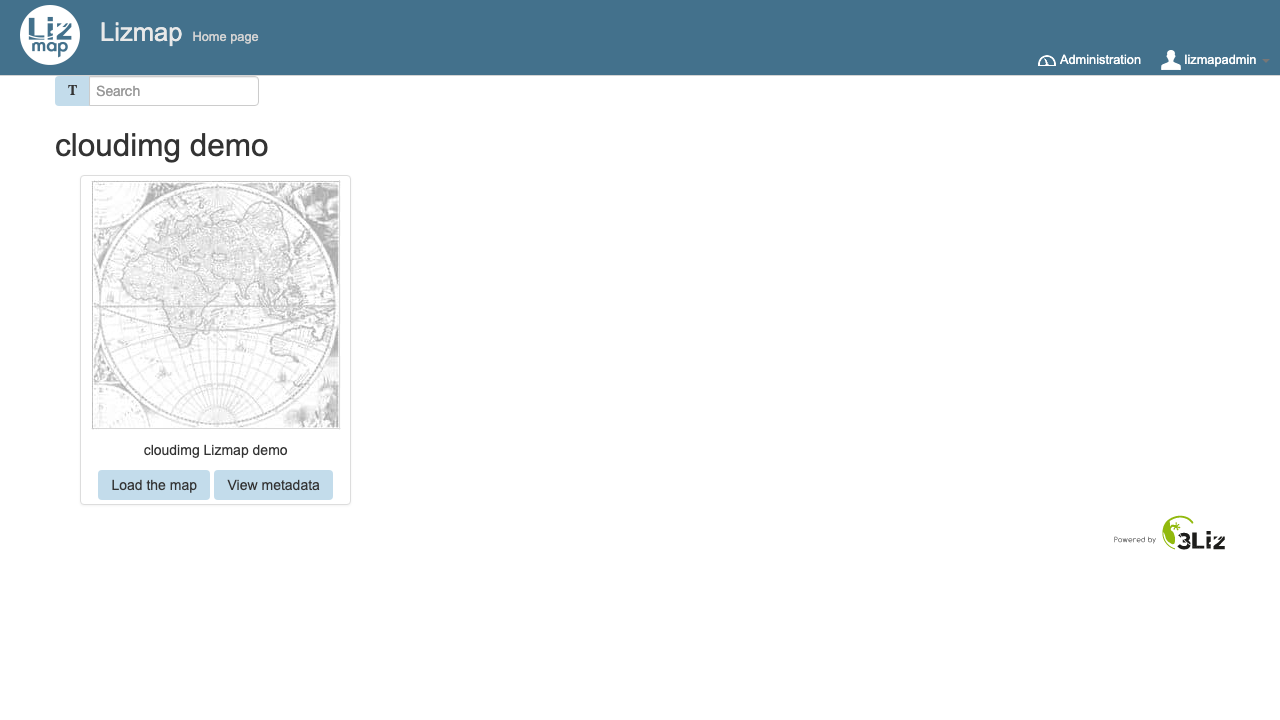
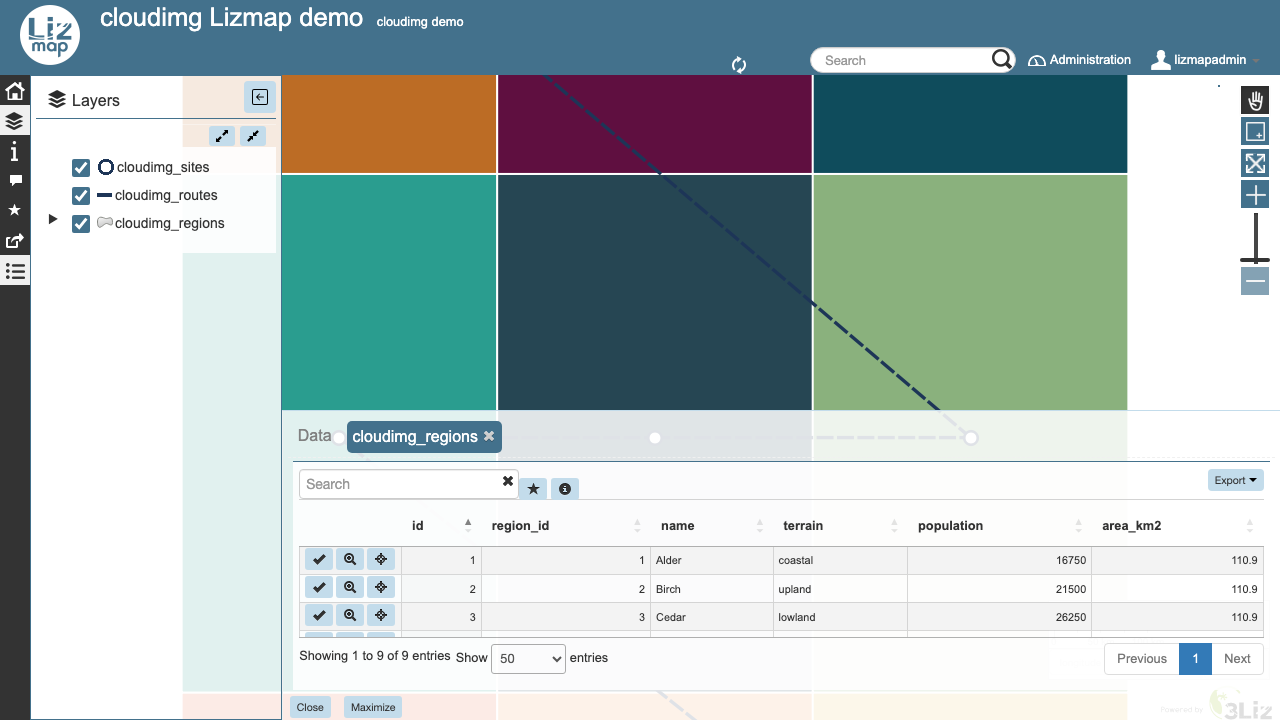
Real screenshots taken while testing this image against its deployment guide.

Actual Budget is a free, open source, local first personal finance application built around the proven envelope budgetin...

Admidio is the open source membership management platform for clubs, associations and non profit organisations.

AdventureLog is a self-hosted travel companion. It lets you log the countries and regions you have visited, plan future ...
Aim is an open-source ML experiment tracker: your training code logs metrics, hyperparameters and other artifacts as it ...

The cloudimg image ships the free and open source, GPL-3.0 licensed AirTrail application, run the officially supported w...
Akkoma is a lightweight, highly customisable open-source server for the fediverse: a self-hosted, federated microbloggin...