Base
Hardened build
minimal ports, security patches applied at build time

LLDAP, a lightweight self hosted LDAP identity server with a friendly web admin UI for managing users and groups.
LLDAP (Light LDAP) is an open source, self hosted authentication server that speaks LDAP and ships with a simple web admin UI for managing users and groups. It is an opinionated, easy alternative to OpenLDAP or Active Directory for small and mid size self hosted deployments, acting as a single identity backbone for the many applications that already speak LDAP such as Nextcloud, Gitea, Grafana, Jellyfin and Portainer. Built as a single self contained Rust service with an embedded SQLite datastore, it gives you a real directory to model teams as groups and drive per application authorization, without the operational weight of a full directory server.
cloudimg delivers LLDAP fully installed, hardened and running. The web admin UI is bound to the loopback interface and fronted by an nginx TLS reverse proxy, the LDAP endpoint refuses anonymous binds, and a unique admin password, JWT secret, key seed and self signed certificate are generated on each instance first boot, so no shared or default credential ships. The directory database lives on its own dedicated, independently resizable data volume, the image is paired with a step by step deploy guide, and every deployment is backed by 24/7 cloudimg support.
Real screenshots taken while testing this image against its deployment guide.
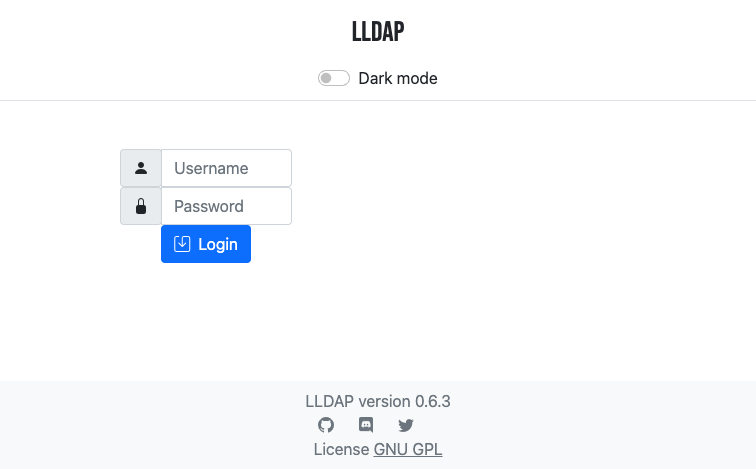
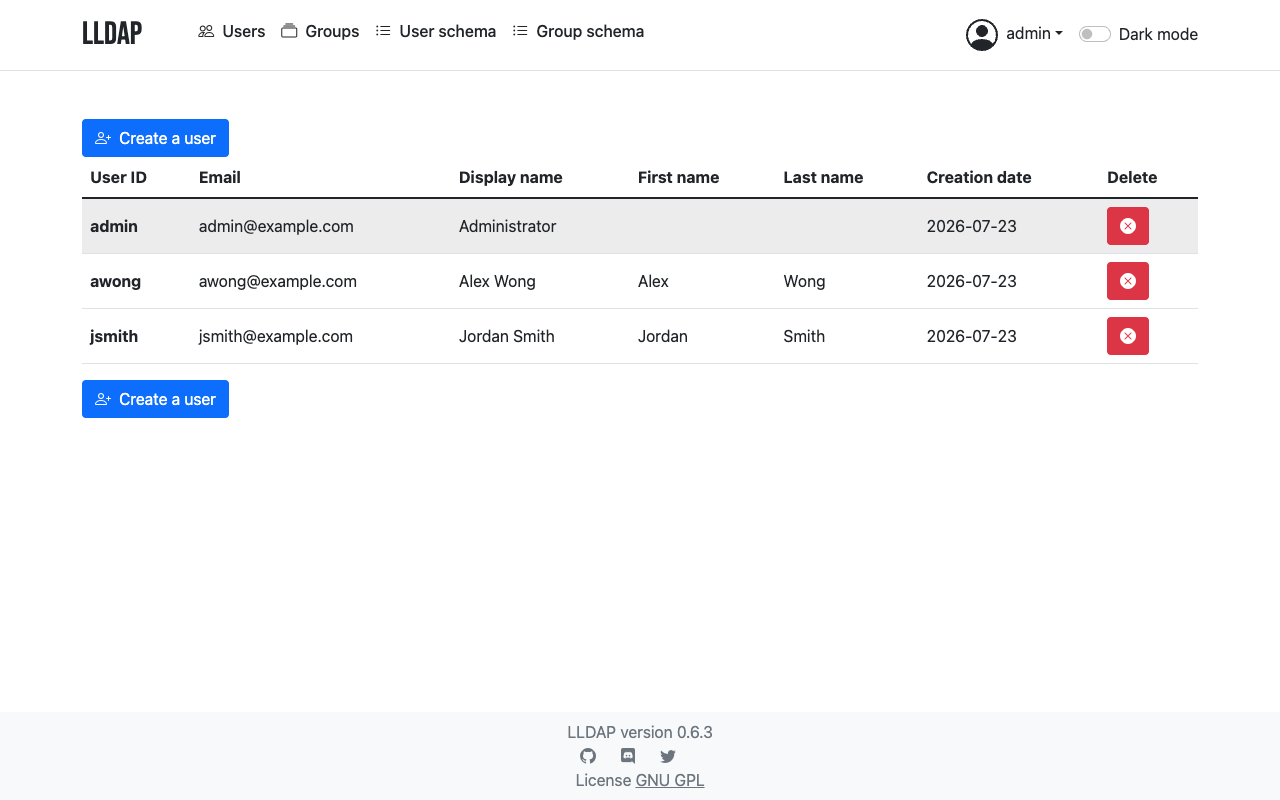
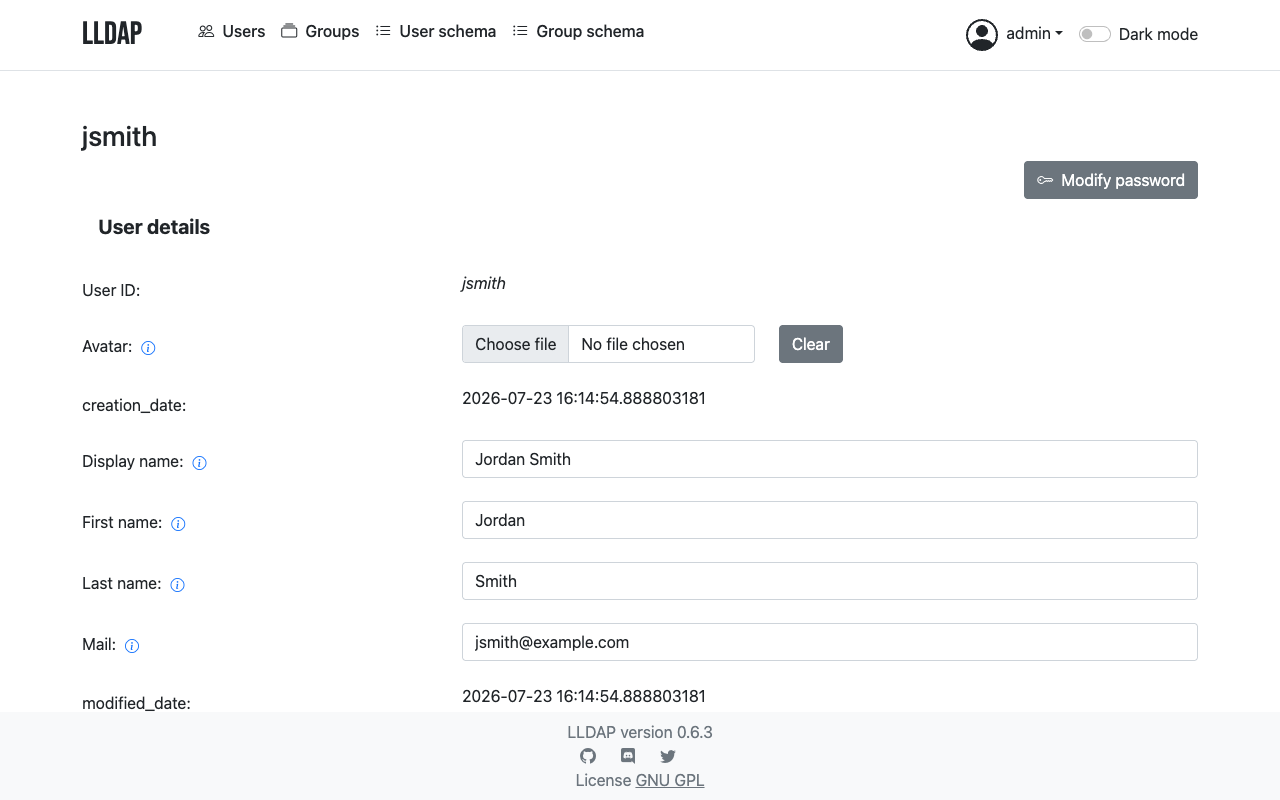
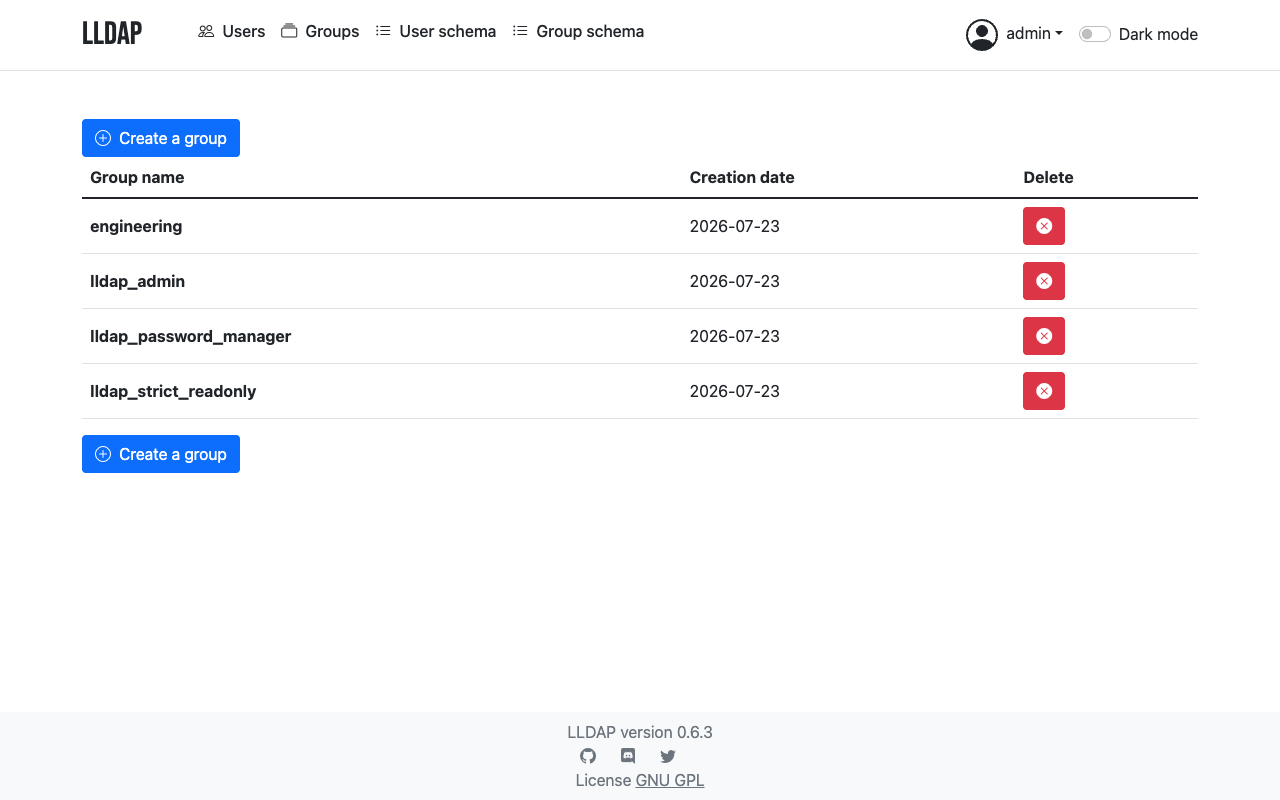
This is a repackaged open source software product wherein additional charges apply for cloudimg support services.
## Overview
LLDAP (Light LDAP) is a lightweight, self-hosted authentication server that speaks LDAP and ships with a friendly web admin UI for managing users and groups. It is an opinionated, easy alternative to OpenLDAP or Active Directory for small and mid-size self-hosted deployments, acting as a single identity backbone for the many applications that already speak LDAP - Nextcloud, Gitea, Grafana, Jellyfin, Portainer and more. This AMI delivers LLDAP fully installed, hardened and running so you have a working identity backend within minutes of launch.
The upstream LLDAP project has earned over 4,000 stars on GitHub, reflecting strong community trust in its design and reliability.
## Why This Image vs a Manual Install
This image eliminates the manual binary installation, systemd unit authoring, reverse-proxy and TLS setup, and credential hardening a manual install requires. LLDAP's own examples ship with well-known placeholder secrets (admin password, JWT secret and key seed); this image never keeps them. Everything that would otherwise take several steps across download, service configuration and security hardening is completed for you at image build time. Launch the instance, read your unique credential, and start creating users and groups.
## Application Stack
LLDAP is a single self-contained Rust binary with an embedded SQLite datastore. It serves an LDAP endpoint for downstream services and a web admin UI for managing users and groups. The web admin UI is bound to the loopback interface only and is fronted by an nginx reverse proxy that terminates TLS on port 443; the raw web port is never exposed off-box. systemd starts LLDAP and nginx on boot and restarts them on failure. The SQLite datastore lives on a dedicated data volume, independently resizable and separate from the OS disk.
## Security Hardening
This image follows a defence-in-depth approach:
Buyers requiring formal compliance documentation should contact cloudimg to discuss specific requirements.
## Concrete Use Cases
## AWS Integration
Deploy on any EC2 instance type. Back up the directory database using EBS snapshots or AWS Backup. Resize the dedicated data volume independently of the OS disk as your directory grows. The security group opens the LDAP port for downstream services within your VPC and port 443 for the web admin UI.
## Getting Started
Read your credential from the root-only file, open the web admin UI over HTTPS, sign in, and start creating users and groups. Point your applications at the LDAP endpoint using the admin bind DN, or create a dedicated read-only service account in the UI. For integration planning or a guided pilot setup, contact cloudimg support at any time.
## cloudimg Support
24/7 technical support by email and chat. Help with deployment, connecting downstream applications over LDAP, TLS termination with your own domain and certificate, user and group modelling, and backup planning for your directory database.

This image runs AIDE (Advanced Intrusion Detection Environment), the open source, GPL-2.0 licensed host-based file and d...

This image runs Apache Directory Server (ApacheDS) 2.0, the Apache Software Foundation's extensible, embeddable director...
This image runs Beelzebub, the open source low code honeypot and deception framework.

This image runs Certimate, the open source platform that automates the full life cycle of your SSL/TLS certificates.

This image runs Checkov, the open source static analysis and policy-as-code scanner that finds security and compliance m...

This image runs Clair, the open source project for the static analysis of vulnerabilities in application containers.