Base
Hardened build
minimal ports, security patches applied at build time

Neko, a self hosted virtual browser that runs a real browser on the server and streams it to your browser over WebRTC, with multiple people sharing control of the same session.
Neko is an open source virtual browser. A real desktop browser runs inside a container on the server, and its screen and audio are streamed live to anyone who opens the web page, over WebRTC, the same low latency technology video calls use. Nothing is installed on the viewer side: you just open a URL and you are looking at, and can take control of, a browser running somewhere else entirely.
Because the session is shared, several people can watch the same browser at once and pass control between them, with a built in chat and an admin role that can lock the room, kick users and take control back. That makes it useful as a collaborative browsing space, as a disposable browser that keeps risky sites off your own machine and inside an isolated container, and as a way to reach an internal web application from anywhere without putting that application on the public internet. This image ships the Firefox flavour, so the whole stack is open source.
Upstream ships fixed default passwords for both the user and the admin role, which on a shared control remote browser means anyone who finds the instance can drive it. cloudimg never runs on those: on the first boot of every instance a unique user password and a unique admin password are generated and written to a root only file, and the browser is held back from starting until that rotation has happened, so no instance is ever reachable on the published defaults. The WebRTC media path is set up for you on a single multiplexed port for both UDP and TCP rather than a wide port range, so there is one firewall rule to open instead of a hundred, and the public address the instance advertises to clients is resolved per instance at boot rather than baked into the image. The web interface is fronted by a reverse proxy, the base is fully patched with unattended security upgrades enabled, and every deployment is paired with a step by step deploy guide and backed by 24/7 cloudimg support.
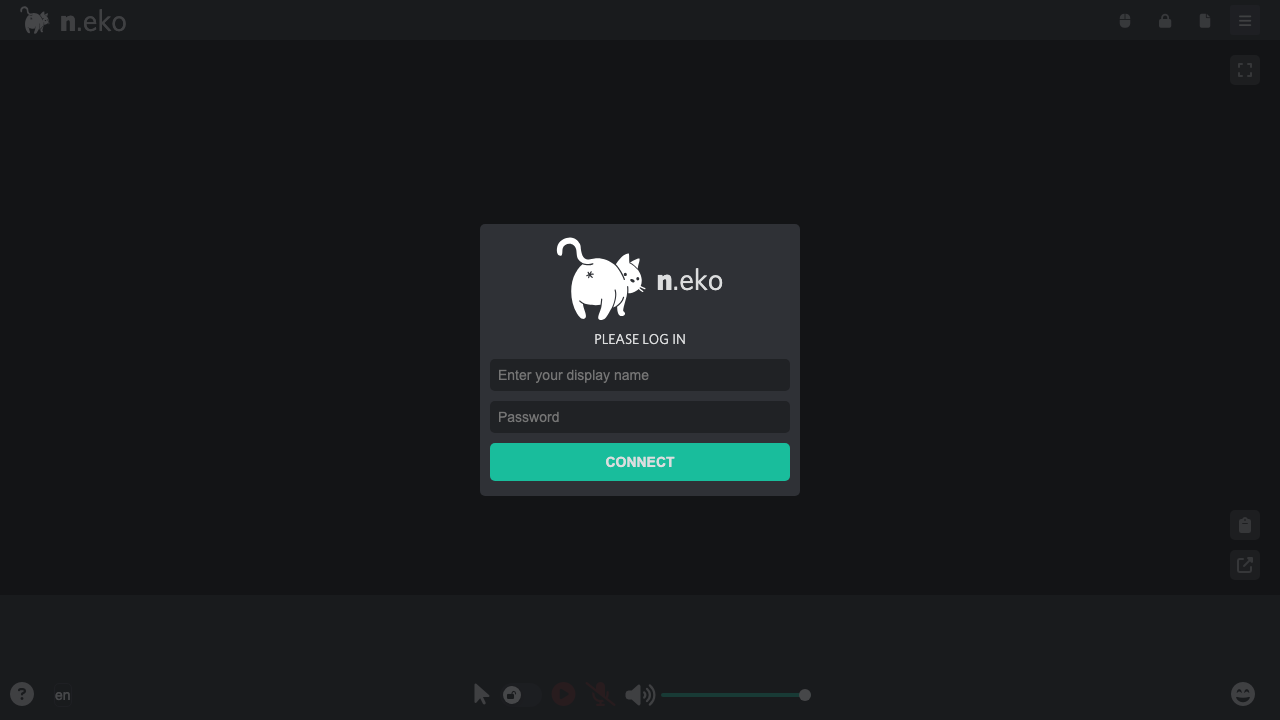
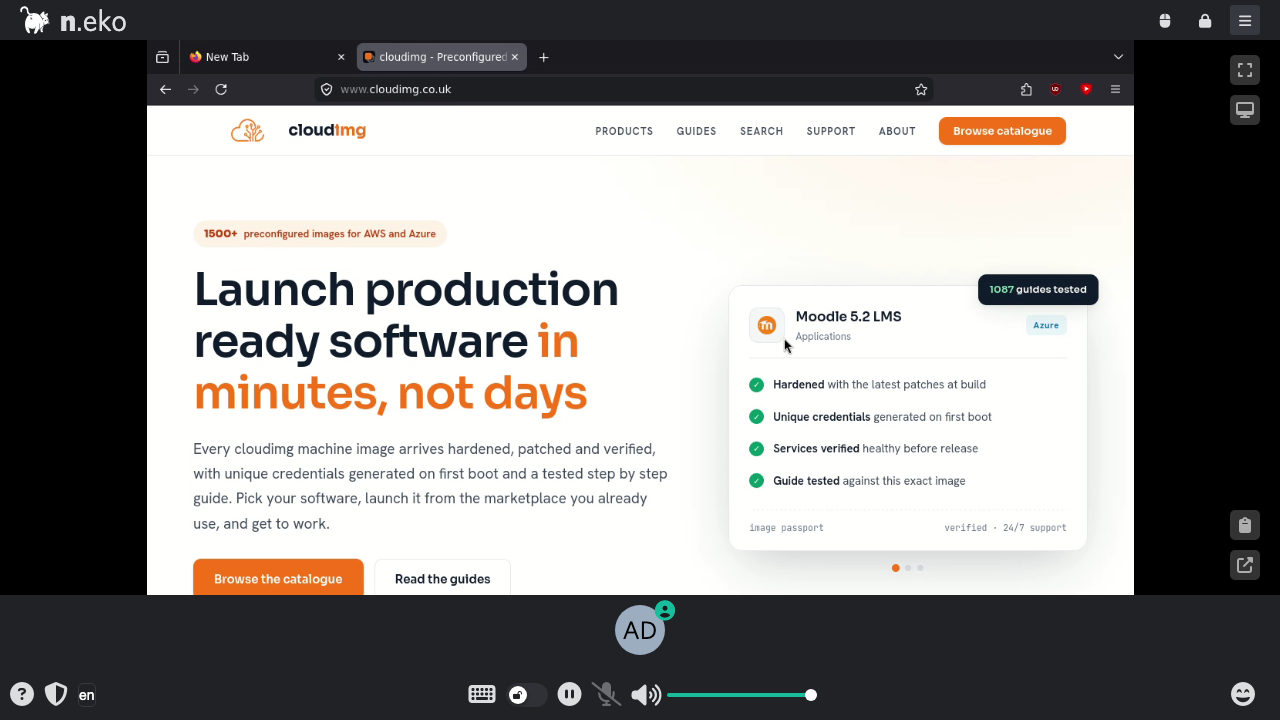
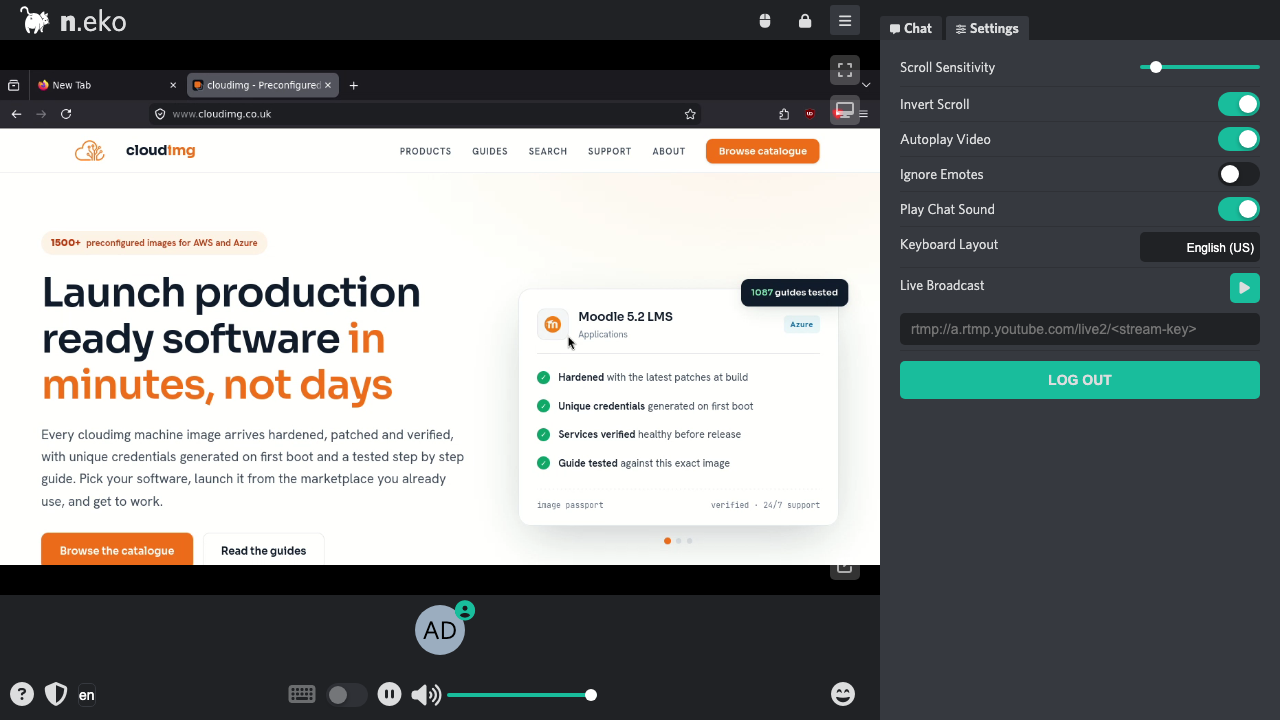
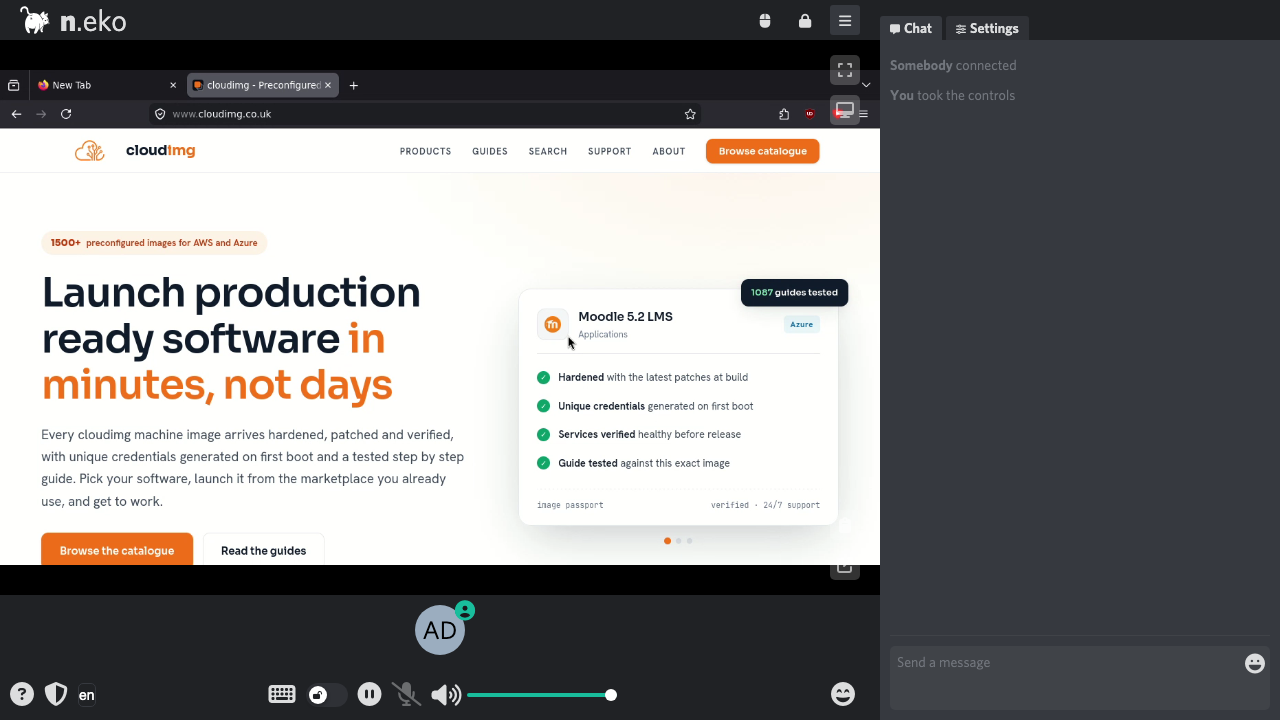
Real screenshots taken while testing this image against its deployment guide.

Actual Budget is a free, open source, local first personal finance application built around the proven envelope budgetin...

Admidio is the open source membership management platform for clubs, associations and non profit organisations.

AdventureLog is a self-hosted travel companion. It lets you log the countries and regions you have visited, plan future ...
Aim is an open-source ML experiment tracker: your training code logs metrics, hyperparameters and other artifacts as it ...

The cloudimg image ships the free and open source, GPL-3.0 licensed AirTrail application, run the officially supported w...
Akkoma is a lightweight, highly customisable open-source server for the fediverse: a self-hosted, federated microbloggin...