Base
Hardened build
minimal ports, security patches applied at build time

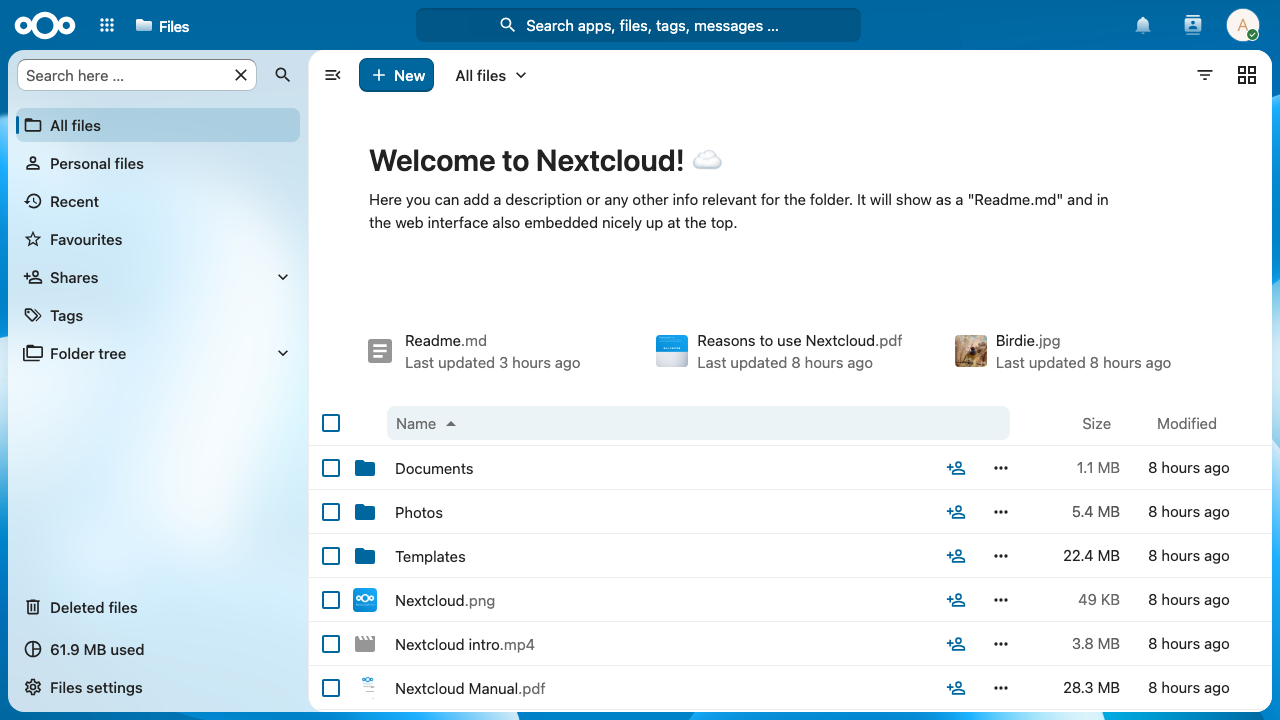
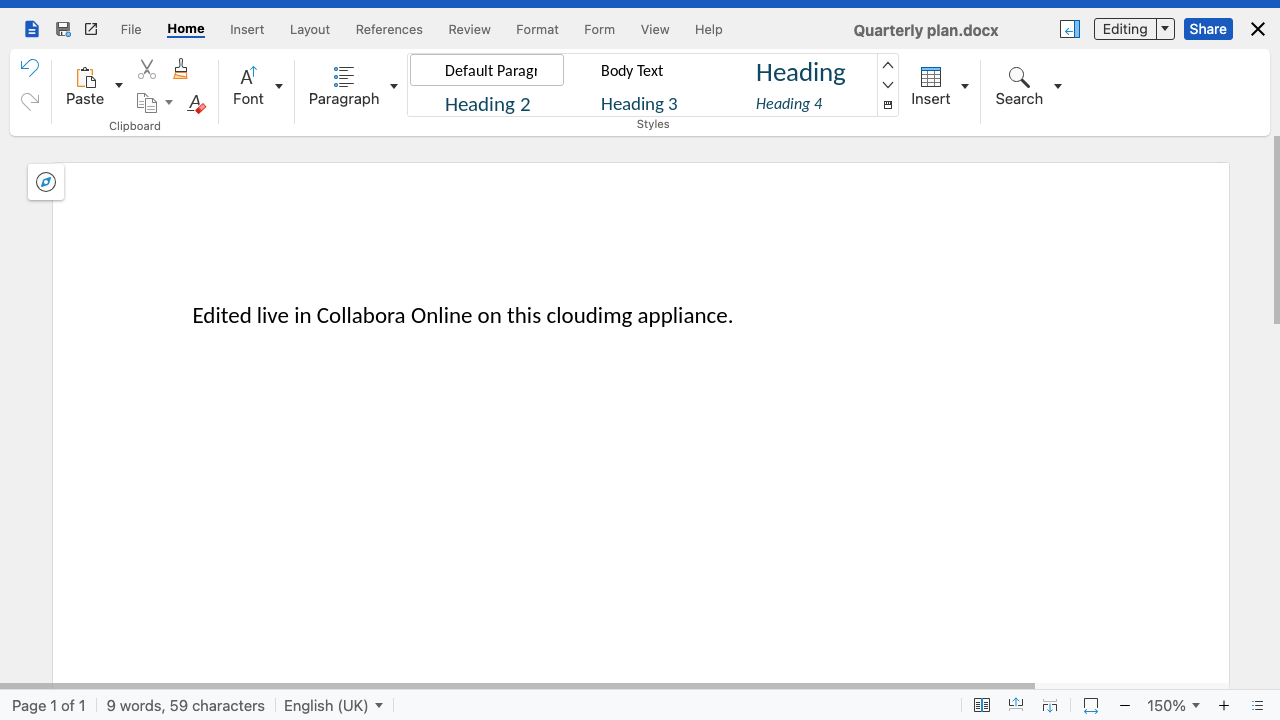
Nextcloud file cloud with Collabora Online office editing on the same server: store, share and edit documents, spreadsheets and presentations in the browser from the moment it boots.
Nextcloud is the open source content collaboration platform organisations run to keep file sync and share, calendars, contacts and team workflows on infrastructure they control. On its own it stores and shares documents; to edit them in the browser it needs a separate office server speaking the WOPI protocol, which is the piece most people end up assembling by hand.
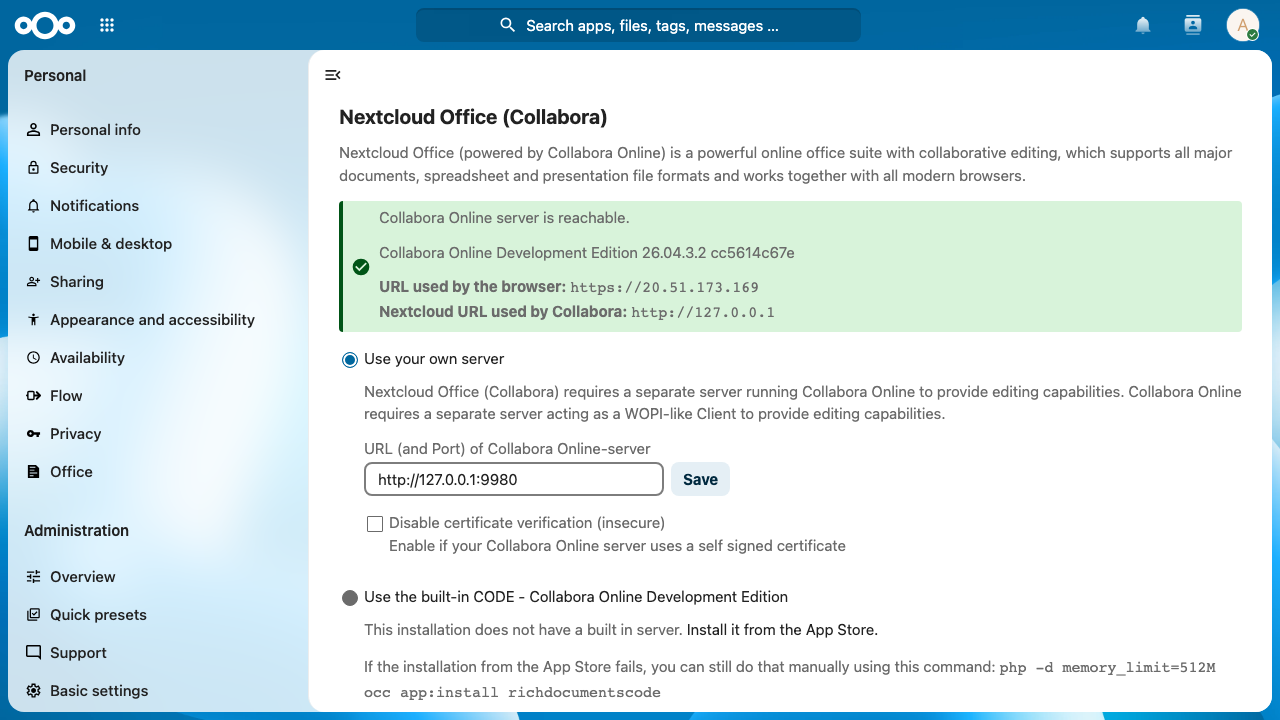
This image ships that assembly finished. Nextcloud Server comes pre installed and unmodified with the Nextcloud Office app enabled, and a native Collabora Online Development Edition (CODE) server runs on the same machine, so Writer, Calc and Impress documents open for real time collaborative editing in the browser with no external service and no Docker layer. Both halves are wired over the loopback interface: Nextcloud talks to the office engine locally, the office engine fetches and saves documents through a local WOPI callback, and the browser reaches both through one TLS front door on the same origin.
CODE is Collabora's free development edition. As configured here it places no limit on concurrent users or documents; what it lacks is Collabora's commercial support contract, and its welcome and feedback prompts cannot be switched off. Organisations that want the supported Collabora Online build can point the Nextcloud Office settings at their subscription server without changing anything else in the image.
A Nextcloud plus Collabora pairing is easy to get wrong: the office server is often left listening on every interface, the two sides trust any WOPI host, and a build time database password ships inside the image. cloudimg closes each of those before the instance is ever reachable. The office engine binds to the loopback interface only and is served through nginx under the same origin as Nextcloud, both WOPI allow lists admit only the local instance, and nothing but SSH, HTTP and HTTPS is exposed. There is no known credential anywhere in the image: on the first boot of every instance a unique administrator password, database password, cache password, Collabora console password, WOPI proof key and TLS certificate are generated and written to a file only root can read, so two instances from this image share nothing. User data and the database live on a dedicated data disk you can resize and snapshot independently of the operating system disk, the Ubuntu base is fully patched with unattended security updates enabled, and every image is paired with a step by step deploy guide verified against this exact build and backed by 24/7 cloudimg support.
Real screenshots taken while testing this image against its deployment guide.

Actual Budget is a free, open source, local first personal finance application built around the proven envelope budgetin...

Admidio is the open source membership management platform for clubs, associations and non profit organisations.

AdventureLog is a self-hosted travel companion. It lets you log the countries and regions you have visited, plan future ...
Aim is an open-source ML experiment tracker: your training code logs metrics, hyperparameters and other artifacts as it ...

The cloudimg image ships the free and open source, GPL-3.0 licensed AirTrail application, run the officially supported w...
Akkoma is a lightweight, highly customisable open-source server for the fediverse: a self-hosted, federated microbloggin...