Base
Hardened build
minimal ports, security patches applied at build time

Onetime Secret, a self hosted service for sharing sensitive information through one time links that reveal a secret exactly once and then self destruct.
Onetime Secret is an open source, self hosted service for sharing passwords and other sensitive information safely. Instead of pasting a secret into email or chat where it lingers forever, you paste it once and get back a short lived one time link; the recipient opens the link a single time to reveal the secret, after which it is permanently burned and the link stops working. Secrets carry a time to live so anything unread also expires on its own, and an optional administrator dashboard lets an operator review activity. It suits any team that needs to hand over credentials, keys or private notes without leaving a lasting copy behind.
cloudimg delivers Onetime Secret hardened behind an nginx reverse proxy that binds the application and its Redis store to loopback, served over TLS with a self signed certificate regenerated on first boot so no key material is ever shared between instances. The image is secure by default with no known credential baked in: on each instance's first boot the application root secret, the Redis password and the administrator account password are all generated to unique random values and written to a root only file. Every deployment carries a paired deployment guide and 24/7 support.
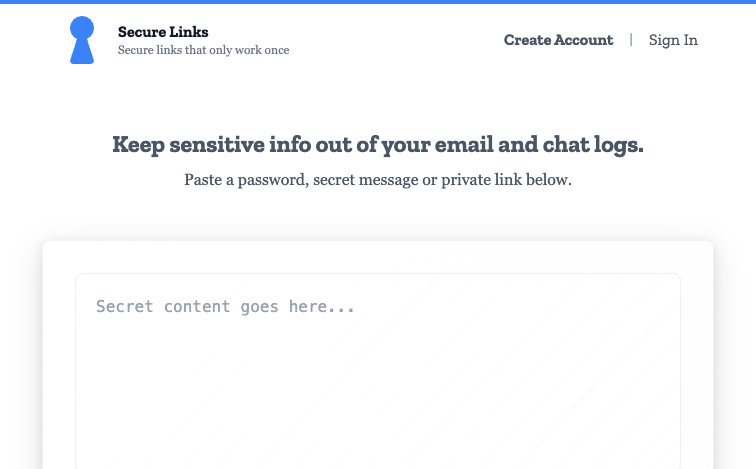
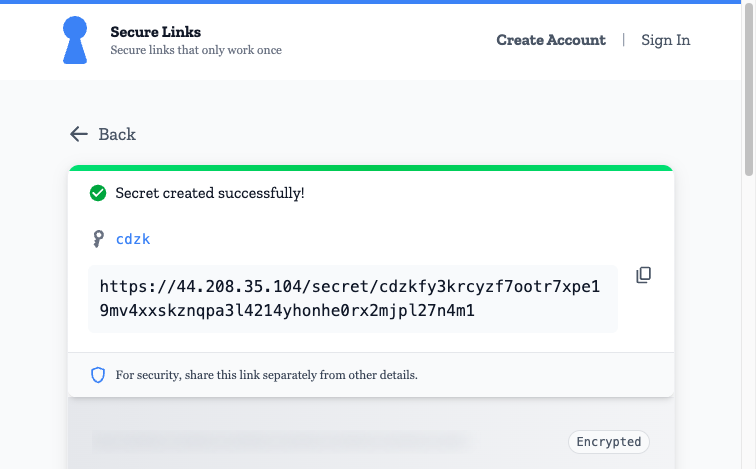
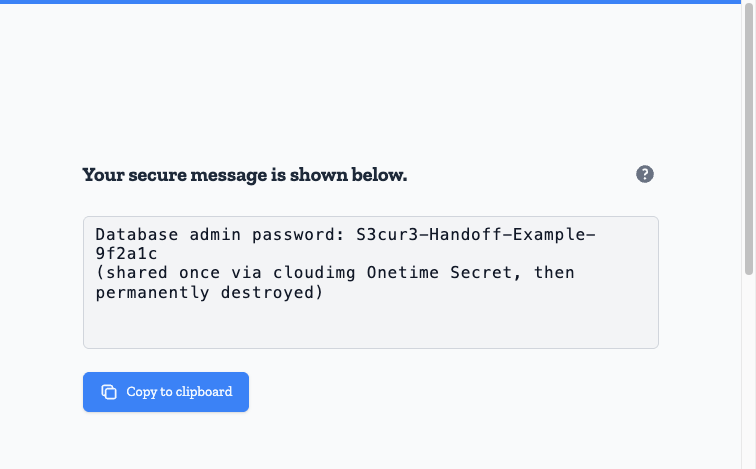
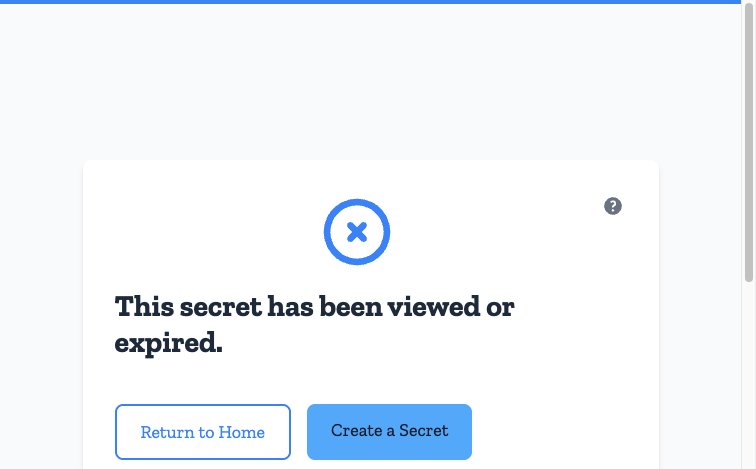
Real screenshots taken while testing this image against its deployment guide.
This is a repackaged open source software product wherein additional charges apply for cloudimg support services.
## Overview
Onetime Secret is a widely adopted open source service for sharing sensitive information safely. A sender pastes a secret - a password, an API key, a private note - and receives a unique one-time link. The recipient opens that link exactly once to reveal the secret, after which it is permanently destroyed and the link returns not-found. Secrets can carry an optional passphrase and an expiry, so nothing lingers in inboxes or chat history. This AMI gives you a private, self-hosted Onetime Secret you run and control entirely within your own AWS account, delivered fully installed and hardened so a working service is available within minutes of launch.
## Why This Image vs a Manual Install
Onetime Secret ships Docker-first with no prebuilt binary, so a manual install means completing at least six distinct steps: compiling a Ruby runtime, bundling gems, building the Vue frontend, provisioning Redis, authoring systemd units, and terminating TLS - then hardening all of it. This image completes every one of those steps at build time. The application, its Redis store, an nginx TLS front end and a self-signed per-instance certificate are wired together and secured for you. Launch the instance, open the URL over HTTPS, and start sharing secrets immediately.
## Application Stack
The Onetime Secret web application runs under Puma and is bound to the loopback interface only. Redis, the secret store, is bound to loopback only and requires a password. An nginx reverse proxy terminates TLS on port 443 and is the sole network-facing surface; port 80 redirects to HTTPS and serves an unauthenticated health endpoint for load balancers. systemd starts Redis, the application and the web server on boot and restarts them on failure. The Redis data directory lives on a dedicated data volume, independently resizable and separate from the OS disk.
## Security Hardening
This image follows a defence-in-depth approach:
Buyers requiring formal compliance documentation should contact cloudimg to discuss specific requirements.
## Concrete Use Cases
## AWS Integration
Deploy on any EC2 instance type. Front the service with an Application Load Balancer using the unauthenticated health endpoint for availability monitoring, and terminate TLS with your own certificate and domain if preferred. Back up the Redis data volume with EBS snapshots or AWS Backup, and resize it independently of the OS disk. The generated one-time links use the instance public address resolved at first boot.
## Evaluate Before You Commit
Launch on a small instance type to evaluate the full workflow - paste a secret, generate a link, view and burn it - with no configuration required. The service is fully functional after boot, then scale up when ready for production.
## Getting Started
Read your per-instance details from the root-only file, open the service over HTTPS in a browser, paste a secret and share the generated one-time link. The optional administrator (colonel) account and its credentials are in the same file for the admin dashboard and API.
## cloudimg Support
24/7 technical support by email and chat. Help with deployment, terminating TLS with your own domain and certificate, configuring expiry and passphrase policy, Redis backup planning, and integrating the API into your workflows.

This image runs AIDE (Advanced Intrusion Detection Environment), the open source, GPL-2.0 licensed host-based file and d...

This image runs Apache Directory Server (ApacheDS) 2.0, the Apache Software Foundation's extensible, embeddable director...
This image runs Beelzebub, the open source low code honeypot and deception framework.

This image runs Certimate, the open source platform that automates the full life cycle of your SSL/TLS certificates.

This image runs Checkov, the open source static analysis and policy-as-code scanner that finds security and compliance m...

This image runs Clair, the open source project for the static analysis of vulnerabilities in application containers.