Base
Hardened build
minimal ports, security patches applied at build time

Keep sensitive code off third-party paste services. Opengist by cloudimg gives every snippet a real Git repository inside your own VPC, serving over TLS in minutes with a unique admin per instance.
This image arrives installed, configured and hardened, so there is no manual setup before you can use it. It is built on a patched base, runs with credentials generated uniquely for your instance on first boot, and passes an automated health check before every release. Every deployment is backed by 24/7 support from cloudimg engineers.
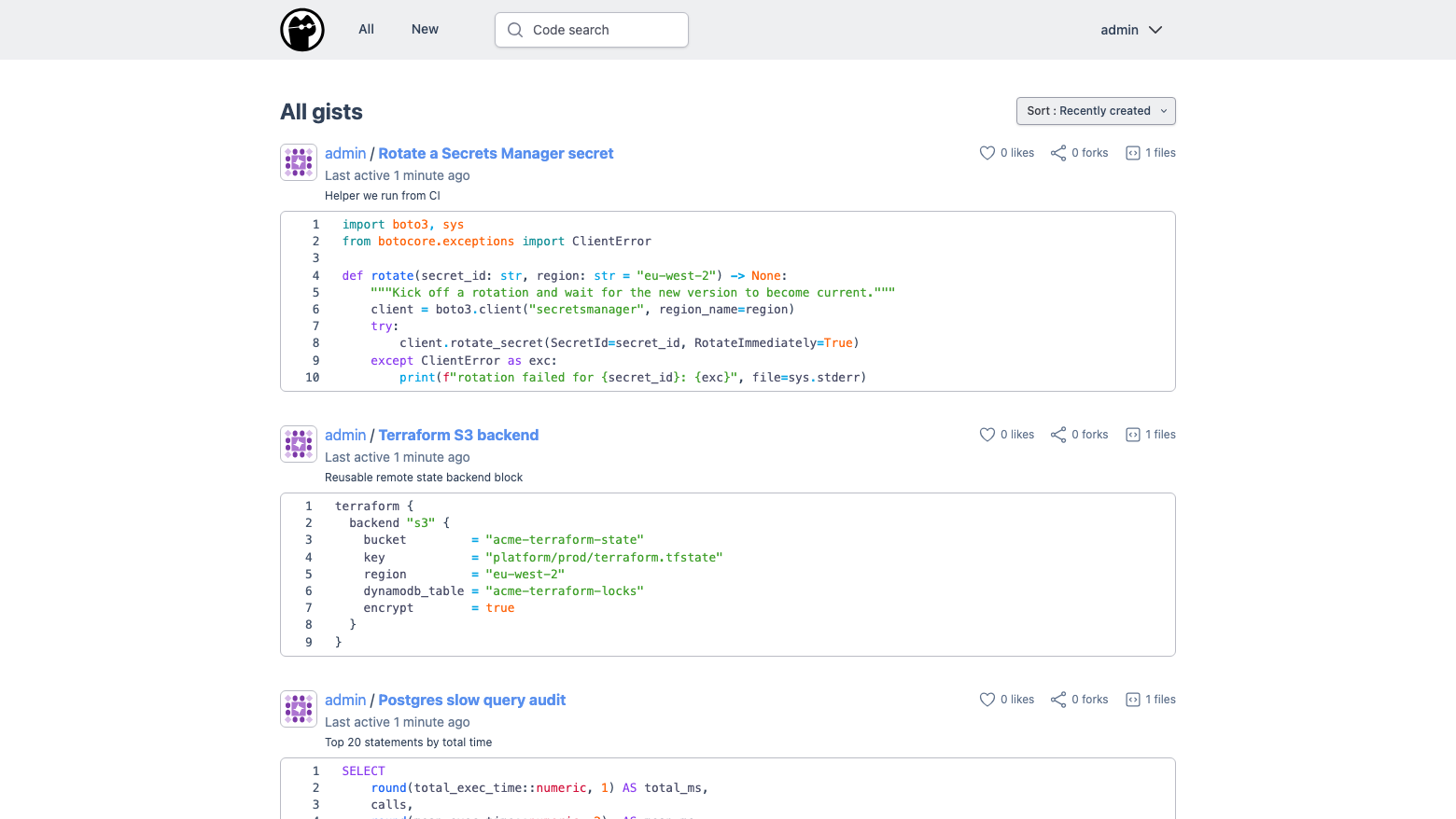
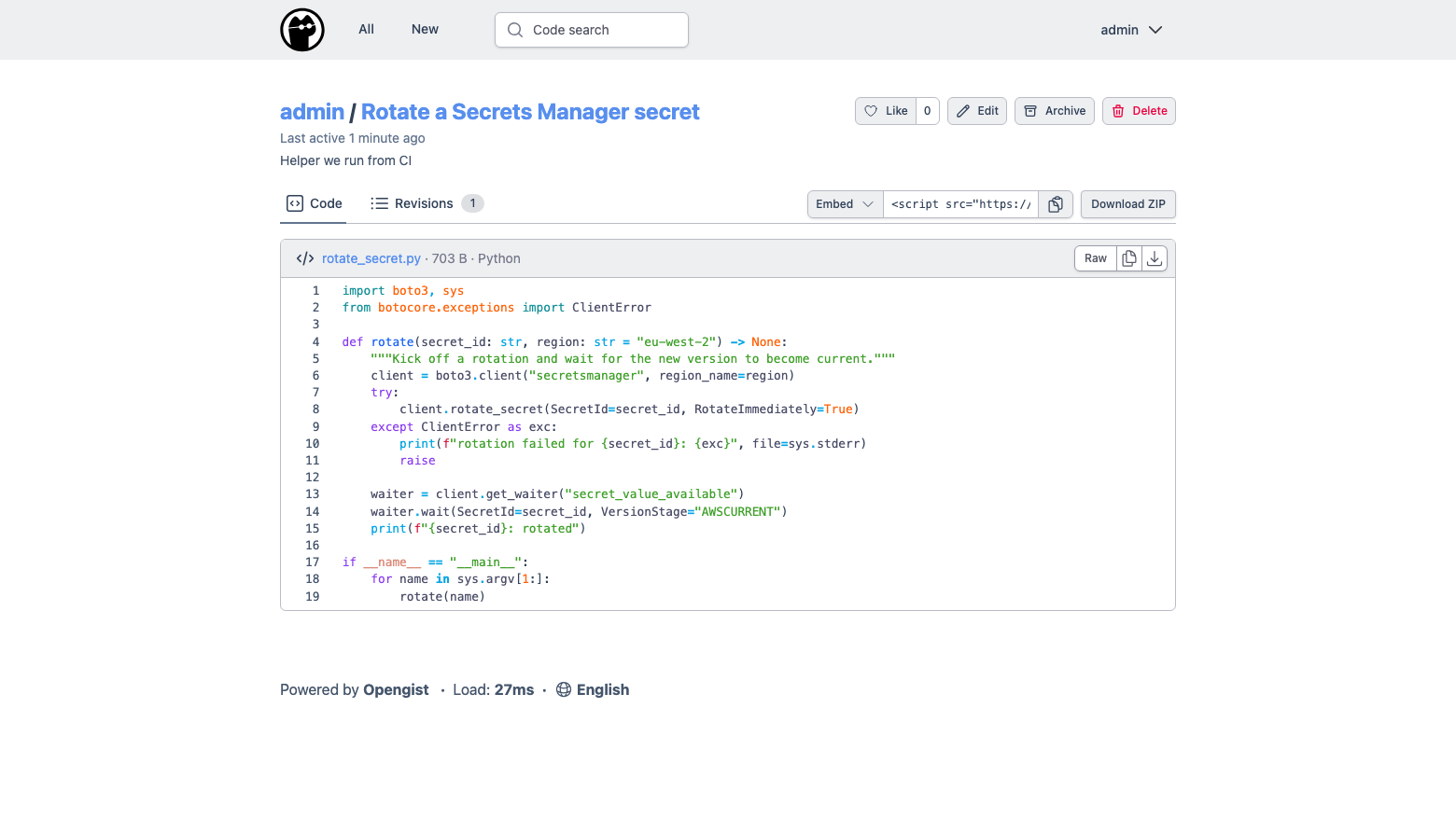
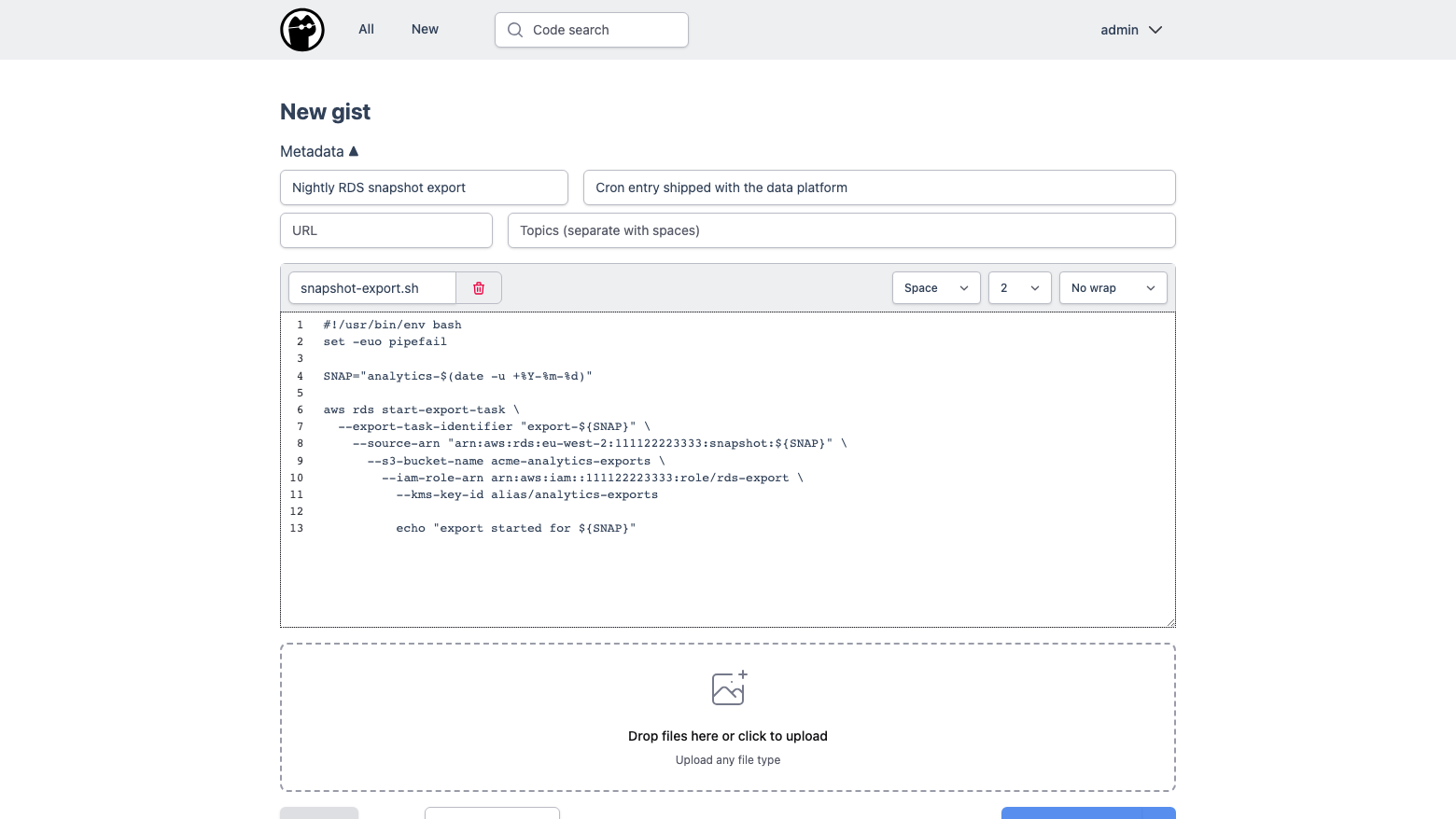
Real screenshots taken while testing this image against its deployment guide.
This is a repackaged open source software product wherein additional charges apply for cloudimg support services.
What Opengist Does
Opengist is a self-hosted snippet and paste service in which every snippet, called a gist, is a real Git repository. You paste code or text into a browser, and what you get back is a versioned repository you can clone, edit, push to and browse revision by revision. It is the private, self-hosted answer to a public gist service, running inside your own VPC where the code never leaves your account.
This image delivers Opengist fully installed as a systemd service, behind a TLS proxy, with its entire datastore on a dedicated EBS volume, so a working instance is serving within a few minutes of launch.
What You Can Do With It
Who This Is For
Engineering teams replacing a public paste service: if snippets, stack traces and configuration fragments are being pasted into third-party sites today, this puts the same workflow inside your own account with real version history behind it.
Platform and DevOps groups: keep runbook fragments, one-off scripts and cluster manifests somewhere that is cloneable from CI, searchable by content, and permissioned per user.
Security-conscious organisations: a paste service that never sends content to a third party, with login required by default, local accounts or your own identity provider, and everything stored on a volume you control.
How cloudimg Hardens It
The application is bound to the loopback address and is not published on the internet. A TLS proxy on port 443 is the only path to it, and that is the only application port open alongside SSH and the port-80 redirect. Every instance issues its own certificate on first boot.
Every instance mints its own administrator password and its own session signing secret at first boot, seeded through the application's own command line so the secret never appears in the process list. No account, no session secret, no certificate and no repository is baked into the image, so two instances launched from it never share anything.
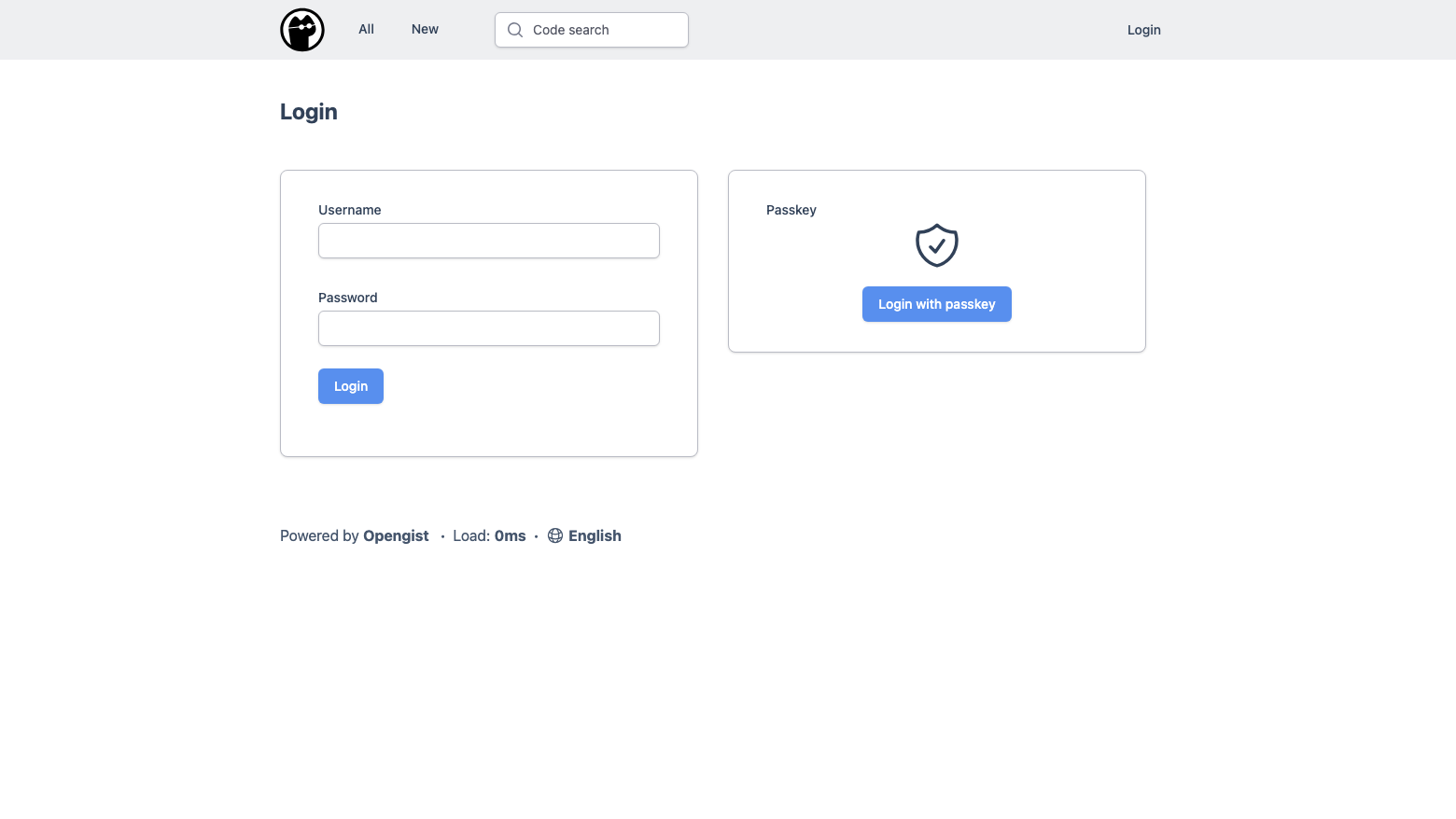
Upstream lets anyone who can reach an instance register an account, and the first person to register becomes the administrator. On a public address that is a race and an abuse magnet. This image ships with open sign-up disabled, login required and anonymous gist reading off. Each is a single toggle in the admin panel, and the deployment guide walks through relaxing them if you want a more open instance. The built-in SSH server is switched off and the metrics endpoint is disabled, so nothing listens that you did not ask for.
Operational Shape
The application runs under systemd with automatic restart, as a locked service account rather than root. All state, the database, every gist repository and the search index, lives on a dedicated EBS volume you can resize independently of the operating system disk. A first-boot login banner tells you the URL, where the credentials are, and what is locked down.
See It In Action
A step-by-step deployment guide is published free to read before purchase at www.cloudimg.co.uk/guides/opengist-aws/. It walks through the whole workflow with real screenshots: creating a gist, cloning it over HTTPS, browsing revision history and changing the security toggles in the admin panel. A 7-day free trial is available on this listing, so you can validate the full experience in your own AWS account before you commit.
Verification and Support
Every build is verified end to end before release. The service is proven to start from a cold boot, the generated credential is proven to authenticate, an unauthenticated caller and a wrong password are both proven to be refused by the specific expected signal, and a real round trip is proven: a snippet is created, read back byte for byte through the proxy, and its Git endpoint confirmed to answer. cloudimg maintains the image, tracks upstream releases, and provides 24/7 technical support by email and live chat.

Accent is an open source, developer-oriented translation and localization management platform.

Altair GraphQL Client is an open-source, self-hosted GraphQL IDE for building, sending and inspecting GraphQL requests.
This image runs Apache Archiva, the open source build-artifact repository manager - a central, governed store for the bi...

This image runs Apache Camel Karavan, an open source visual integration designer and toolkit for Apache Camel.

Apache JMeter is the de-facto open-source tool for load and performance testing of web applications, APIs, databases and...

Launch a content crawler and search index in minutes. ManifoldCF, PostgreSQL and Apache Solr come preinstalled and wired...