Base
Hardened build
minimal ports, security patches applied at build time
OpenOLAT, the open source learning management system for courses, assessments and e-portfolios, serving your campus over HTTPS the moment it boots.
OpenOLAT is a mature open source learning management system used by universities, schools and training organisations, among them the Universities of Zurich, Bern and Innsbruck. It brings course design and delivery together in one web platform: a visual course editor with learning paths, SCORM, xAPI and IMS content packages, tests and a shared question pool built on QTI 2.1, assessment and grading tools, groups with forums, wikis, chat and file sharing, e-portfolios, curriculum management, certificates and badges, calendars and virtual classroom integrations.
It suits higher education and schools running blended or fully online courses, companies delivering compliance and onboarding training with formal assessment, and any organisation that wants a self hosted learning platform on infrastructure it controls rather than a hosted LMS subscription.
cloudimg delivers OpenOLAT 21.0.3 from the official release, deployed on a dedicated Apache Tomcat 10.1 with OpenJDK 21 and a PostgreSQL 16 database on localhost, with nginx serving it over HTTPS. The database schema is created during the image build, so there is no setup wizard and nothing to configure before you sign in, and the Java heap scales with the size of VM you choose.
Nothing shared ships in the image. OpenOLAT's published default administrator password is never written to the database: the build seeds a random value instead, rotates it to one nobody records before capture, and your VM generates its own administrator password, database password, maintenance tokens, installation identifier and HTTPS certificate on first boot, writing them to a root-only file. The web server stays closed until that finishes. Only SSH and HTTPS are reachable from outside, port 80 only redirects to HTTPS, and self-registration and guest access are off until you enable them. Backed by 24/7 cloudimg support.
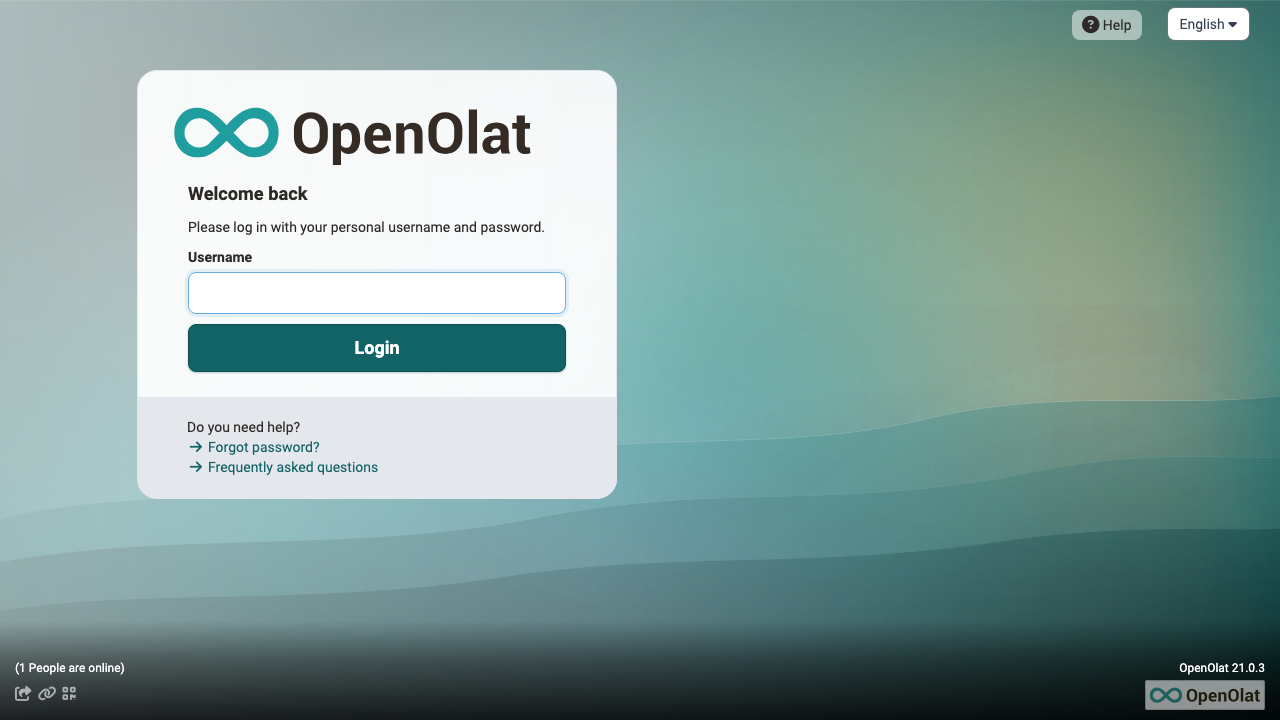
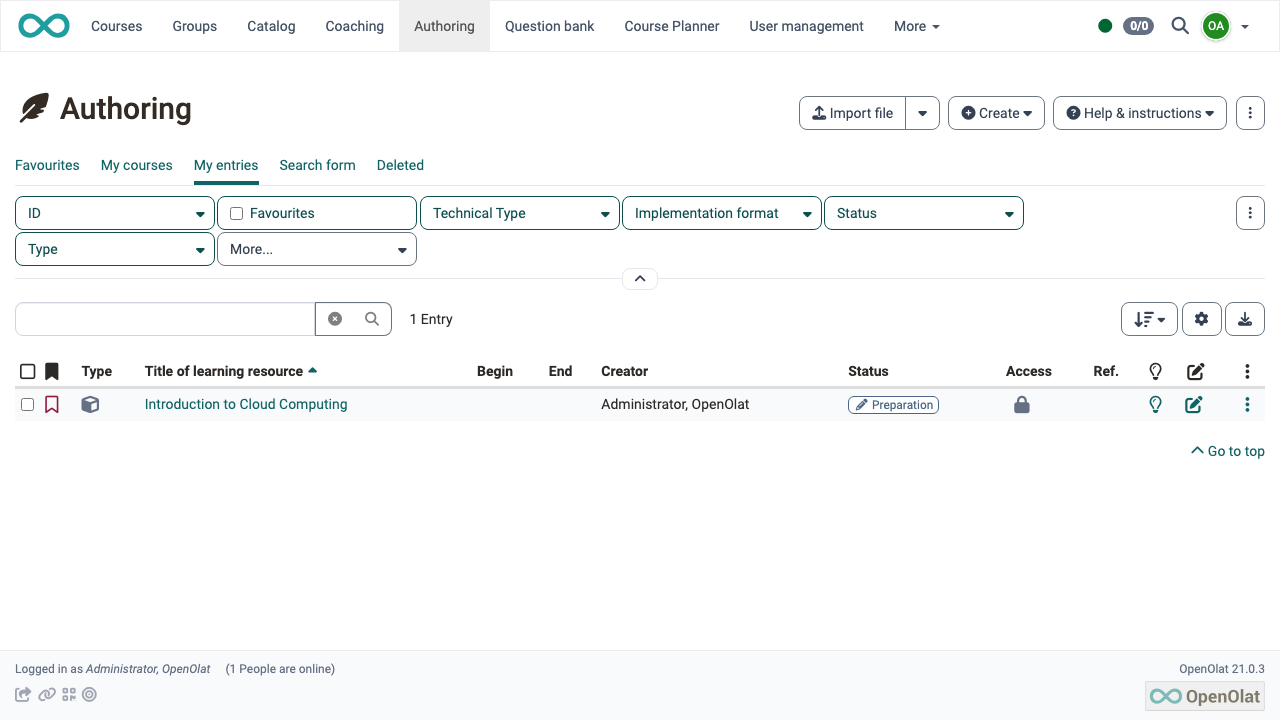
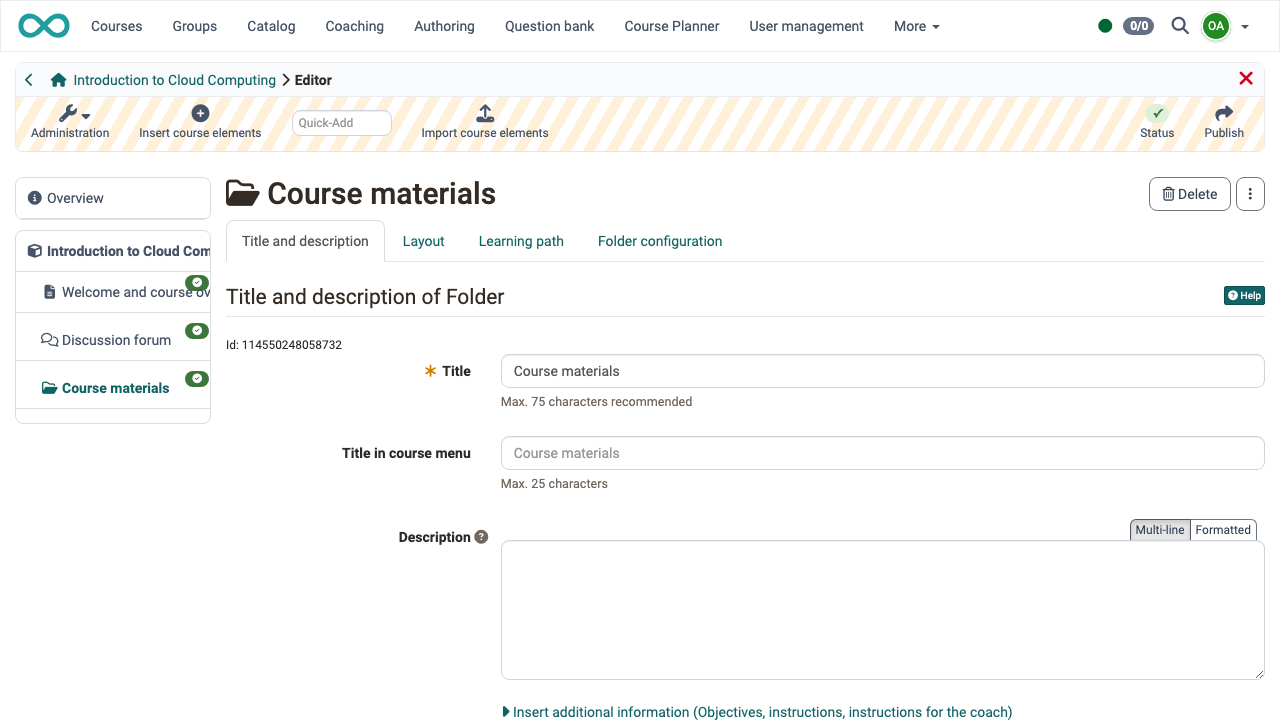
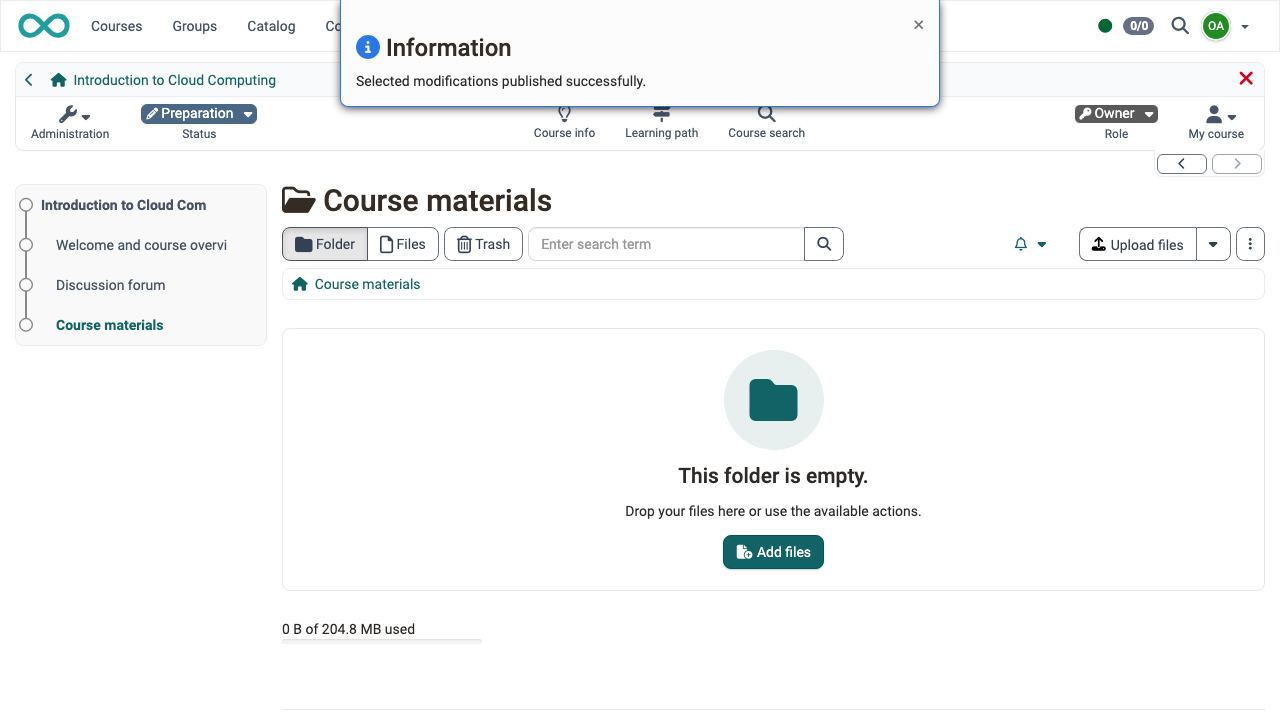
Real screenshots taken while testing this image against its deployment guide.

Actual Budget is a free, open source, local first personal finance application built around the proven envelope budgetin...

Admidio is the open source membership management platform for clubs, associations and non profit organisations.

AdventureLog is a self-hosted travel companion. It lets you log the countries and regions you have visited, plan future ...
Aim is an open-source ML experiment tracker: your training code logs metrics, hyperparameters and other artifacts as it ...

The cloudimg image ships the free and open source, GPL-3.0 licensed AirTrail application, run the officially supported w...
Akkoma is a lightweight, highly customisable open-source server for the fediverse: a self-hosted, federated microbloggin...