Base
Hardened build
minimal ports, security patches applied at build time

Overleaf Community Edition, the open source collaborative LaTeX editor for writing and compiling LaTeX documents to PDF in the browser, with real time collaboration.
Overleaf Community Edition is the open source, self hosted edition of the popular collaborative LaTeX editor. It gives authors, researchers and students a full LaTeX authoring environment in the browser: write LaTeX in a source or rich text view, compile straight to PDF with a bundled TeX Live distribution, see a live PDF preview, and share projects so several people can work on the same document. Because it is self hosted, every project and every compile stays on infrastructure you control rather than a hosted service.
It suits universities, research groups, journals and companies that want to give their people a shared LaTeX workspace for papers, theses, reports and books without asking everyone to install and maintain a local TeX toolchain, and who prefer to keep sensitive or unpublished work inside their own cloud account.
cloudimg delivers Overleaf as a complete, secure by default appliance: the pinned upstream Community Edition runs the moment the instance boots, backed by a self contained local database and cache on the same machine, with no container files to assemble by hand. It is secure by default: Overleaf ships no administrator account, so on the first boot of every instance a unique administrator login is created, and a unique session secret and invite token secret are generated and written to a root only file, so no two instances share a secret and no default login survives into the image. The editor learns its own public address on every boot so links and live preview work without hand editing, the database and cache are bound to the instance only and never exposed, and swap is provided the managed way rather than baked into the image. The image runs the upstream release unmodified and the deploy guide links the corresponding source, the base is fully patched with unattended security upgrades enabled, and every deployment is paired with a step by step deploy guide and backed by 24/7 cloudimg support.
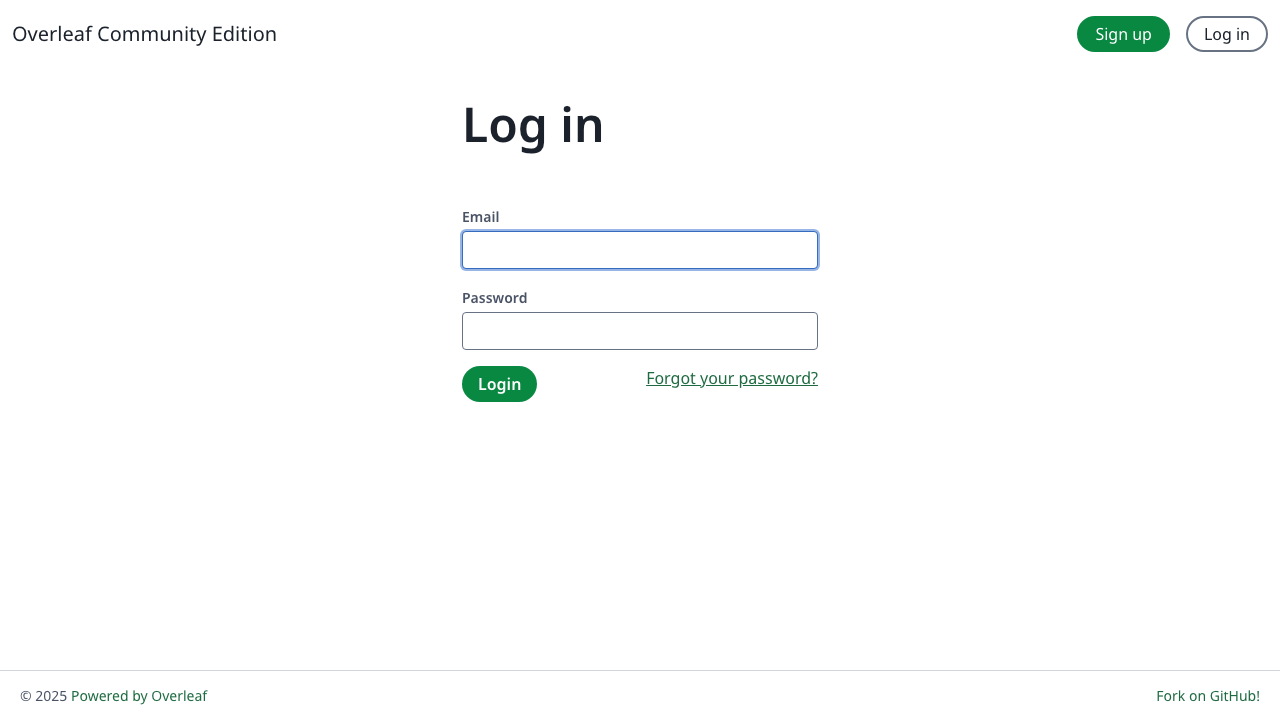
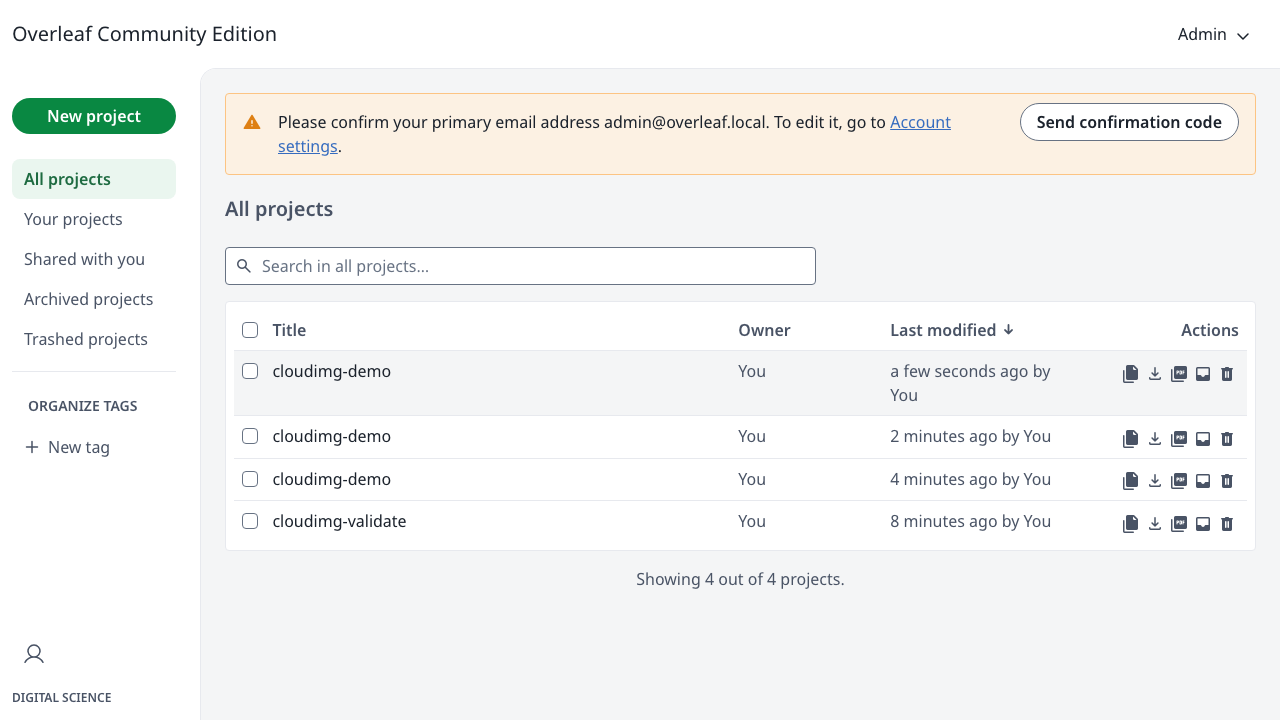
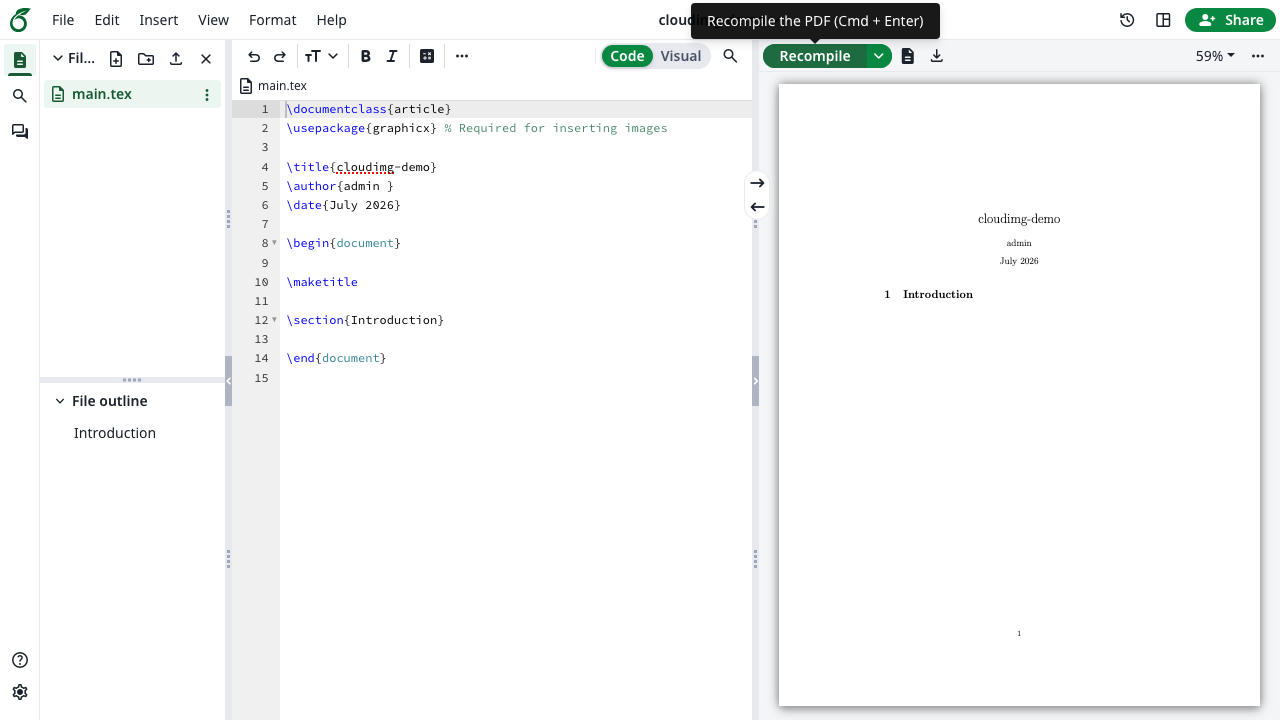
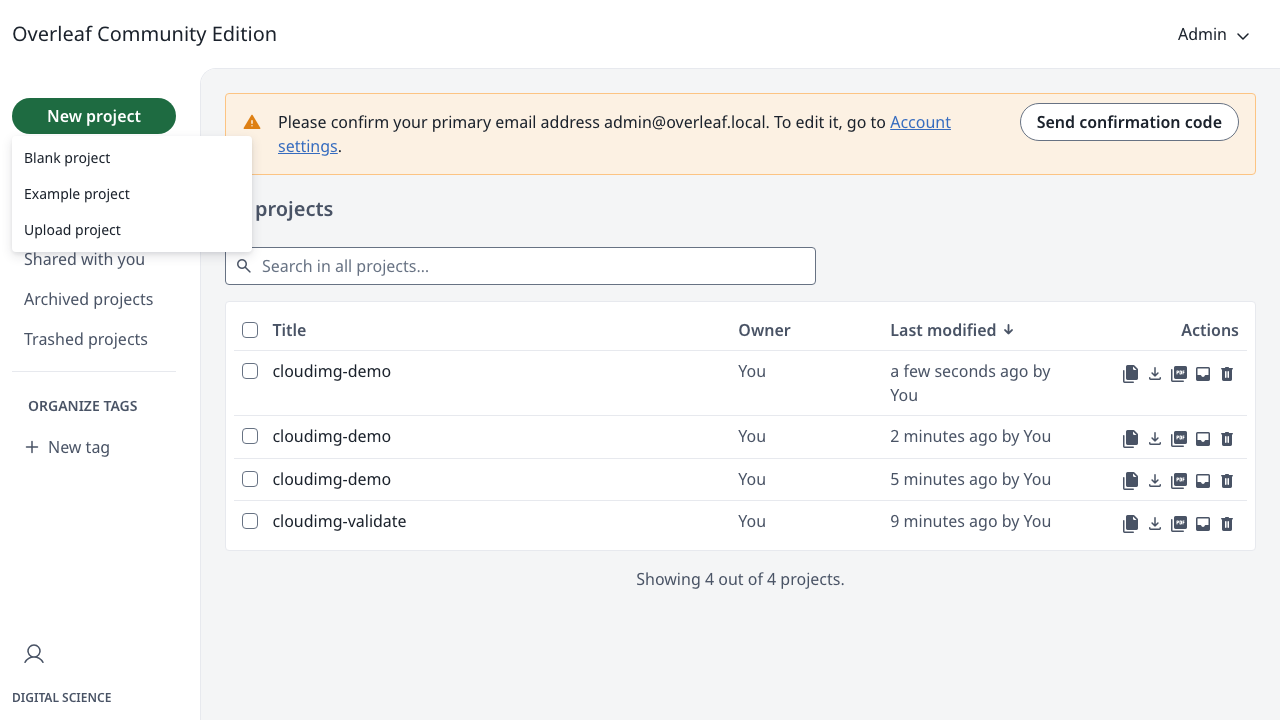
Real screenshots taken while testing this image against its deployment guide.

Actual Budget is a free, open source, local first personal finance application built around the proven envelope budgetin...

Admidio is the open source membership management platform for clubs, associations and non profit organisations.

AdventureLog is a self-hosted travel companion. It lets you log the countries and regions you have visited, plan future ...
Aim is an open-source ML experiment tracker: your training code logs metrics, hyperparameters and other artifacts as it ...

The cloudimg image ships the free and open source, GPL-3.0 licensed AirTrail application, run the officially supported w...
Akkoma is a lightweight, highly customisable open-source server for the fediverse: a self-hosted, federated microbloggin...