Base
Hardened build
minimal ports, security patches applied at build time

PdfDing, a self hosted PDF manager, viewer and editor that keeps your documents in a private library you control, with a built in reader that remembers where you left off.
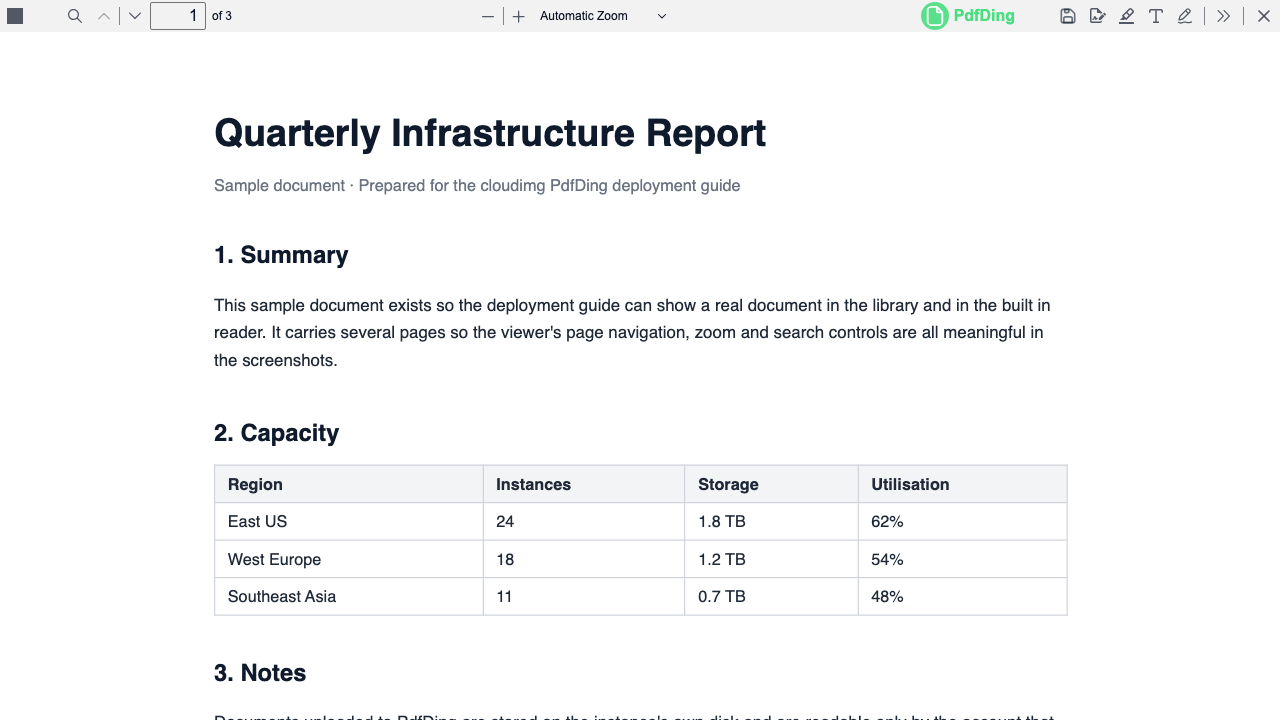
PdfDing is an open source, self hosted manager, viewer and editor for PDF documents. You upload your files, organise them with hierarchical tags, and read them in a browser based viewer that remembers your position in every document, so picking a long report back up is effortless. You can annotate and highlight as you read, mark documents as favourites, search across the whole library, and share an individual document by link or QR code when someone else needs it.
It suits anyone who wants a private home for contracts, manuals, research papers, invoices or scanned records: a personal document archive, a small team's shared reference library, or a reading list kept on infrastructure they own rather than in a third party cloud.
cloudimg delivers PdfDing fully installed as a Django application behind an nginx reverse proxy, with the complete browser frontend and its in browser reader already compiled and verified, so the library answers the moment the instance boots. The image is secure by default: the application binds only to loopback, no default account of any kind ships, and on each instance's first boot a fresh secret key is generated and a single administrator is created with a unique random password written to a root only file. Self service registration is closed by default so a public facing instance cannot be enrolled into by strangers, and host and cookie settings are configured so sign in genuinely works on the public IP or a custom domain rather than silently failing. Paired with a step by step deploy guide and backed by 24/7 cloudimg support.
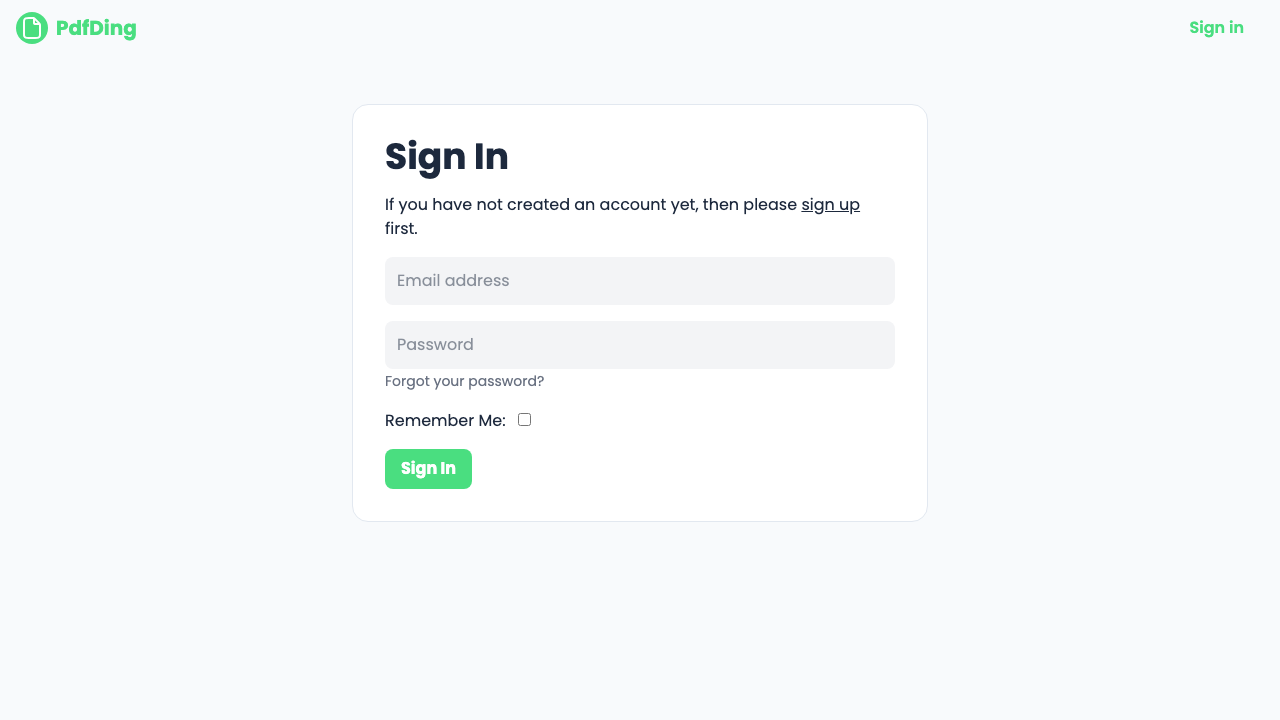
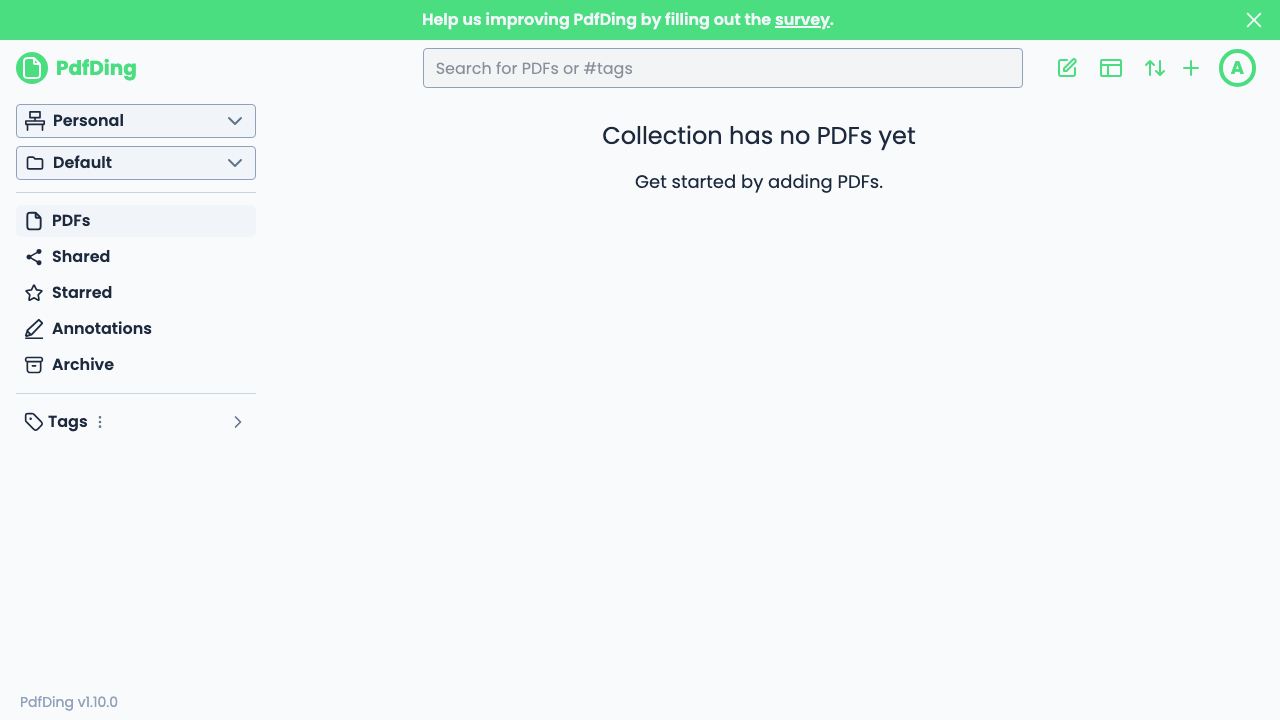
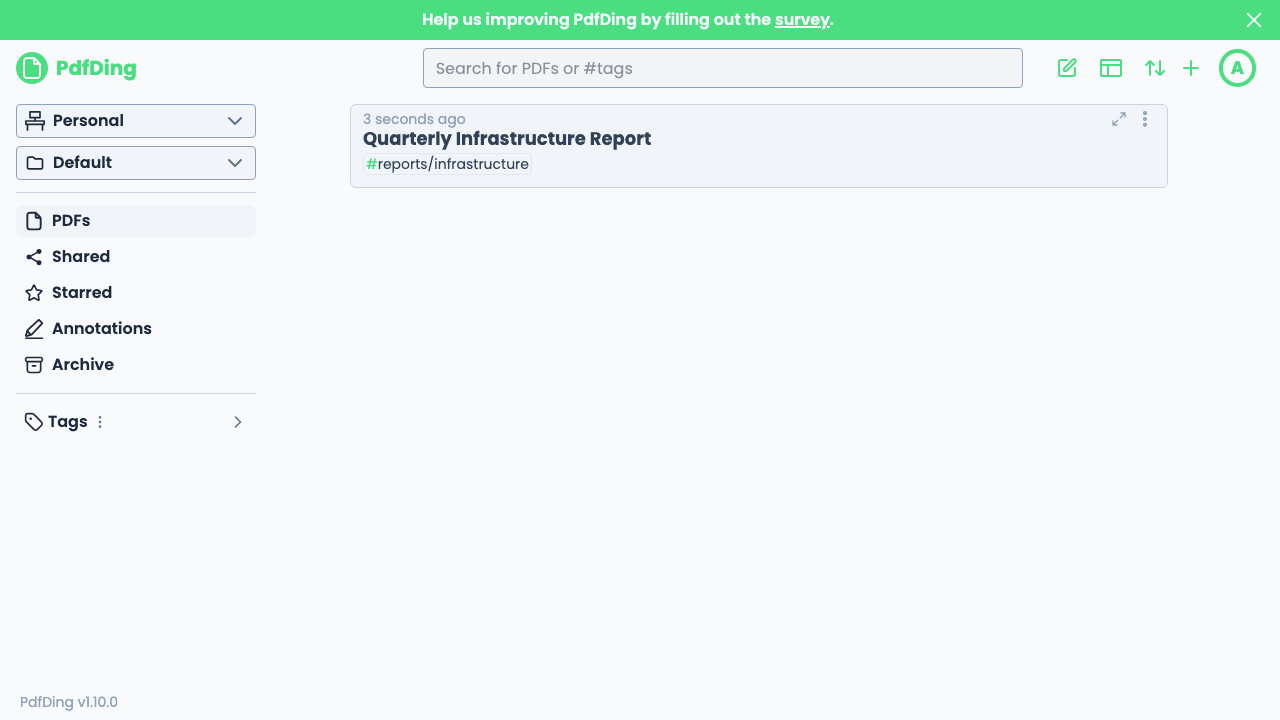
Real screenshots taken while testing this image against its deployment guide.

Actual Budget is a free, open source, local first personal finance application built around the proven envelope budgetin...

Admidio is the open source membership management platform for clubs, associations and non profit organisations.

AdventureLog is a self-hosted travel companion. It lets you log the countries and regions you have visited, plan future ...
Aim is an open-source ML experiment tracker: your training code logs metrics, hyperparameters and other artifacts as it ...

The cloudimg image ships the free and open source, GPL-3.0 licensed AirTrail application, run the officially supported w...
Akkoma is a lightweight, highly customisable open-source server for the fediverse: a self-hosted, federated microbloggin...