Base
Hardened build
minimal ports, security patches applied at build time

PinePods, a self hosted podcast management and streaming server with multi user login, secured with a unique admin password on first boot.
PinePods is a complete, self hosted podcast management and streaming server. You run one server for your household or team, subscribe to podcasts, and your subscriptions, listen history, playback position, downloads and settings sync across every client: the built in web player, desktop apps, mobile apps and a command line client. It has a full multi user login system with an administrator account, per user libraries, podcast search and discovery, episode downloads for offline listening, and gpodder compatible sync so existing podcast apps can connect.
It suits podcast listeners, households and teams who want to own their podcast library and listening data inside their own cloud account instead of a third party app, with one server serving every device.
A podcast server with a known default login is an open door, so cloudimg makes PinePods secure by default. The shipped image carries an empty database with no seeded account at all, and on the first boot of every instance a unique administrator password and a unique PostgreSQL password are generated and written to a file only the root user can read, so no two deployments share a credential and none is baked in. The database and the Valkey cache stay bound to the loopback interface, and the public address is resolved automatically so podcast feed links are correct. The Rust server, its PostgreSQL database, the Valkey cache and the nginx web front end come already wired together and running on first boot, paired with a step by step deploy guide and backed by 24/7 cloudimg support.
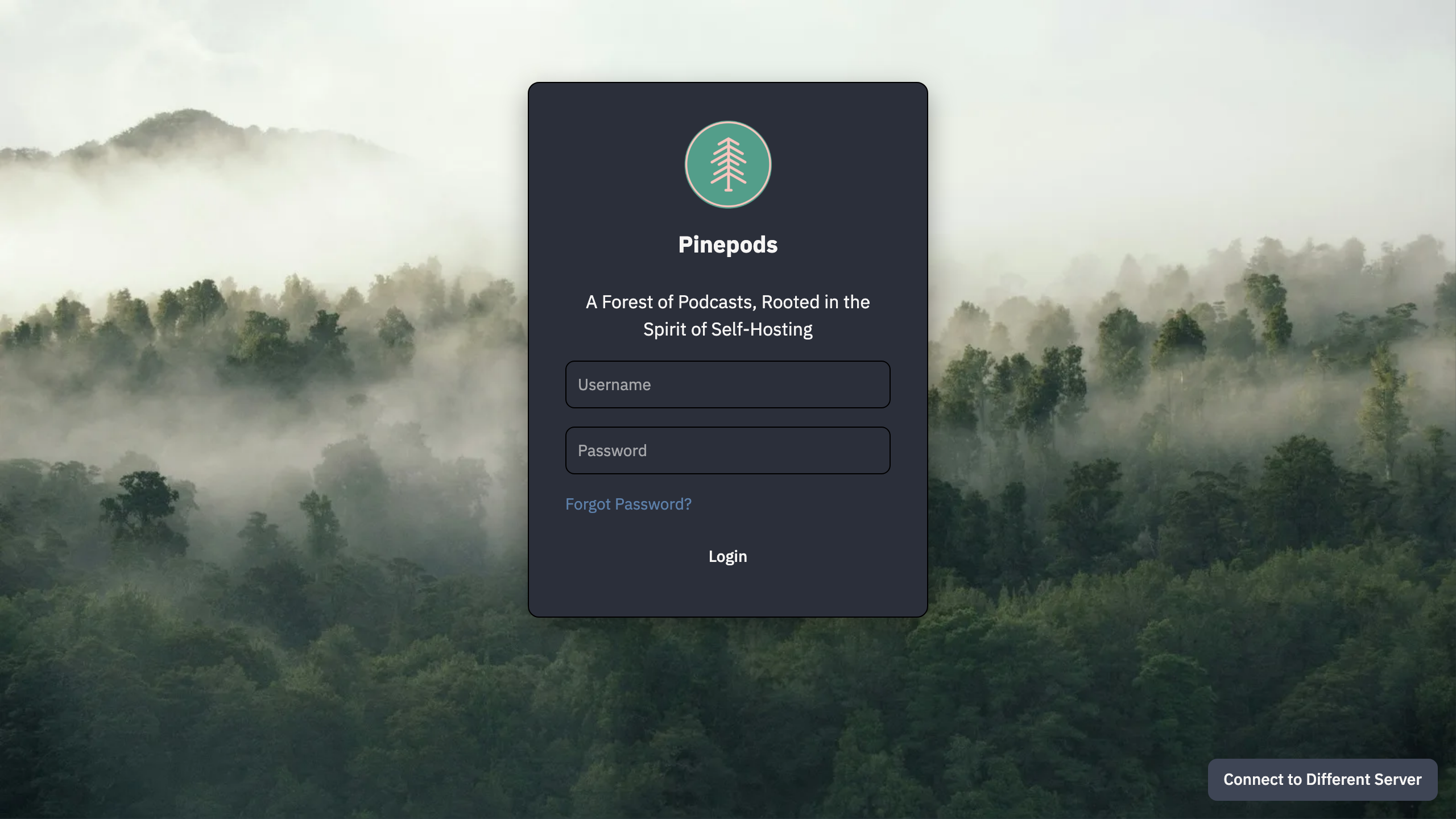
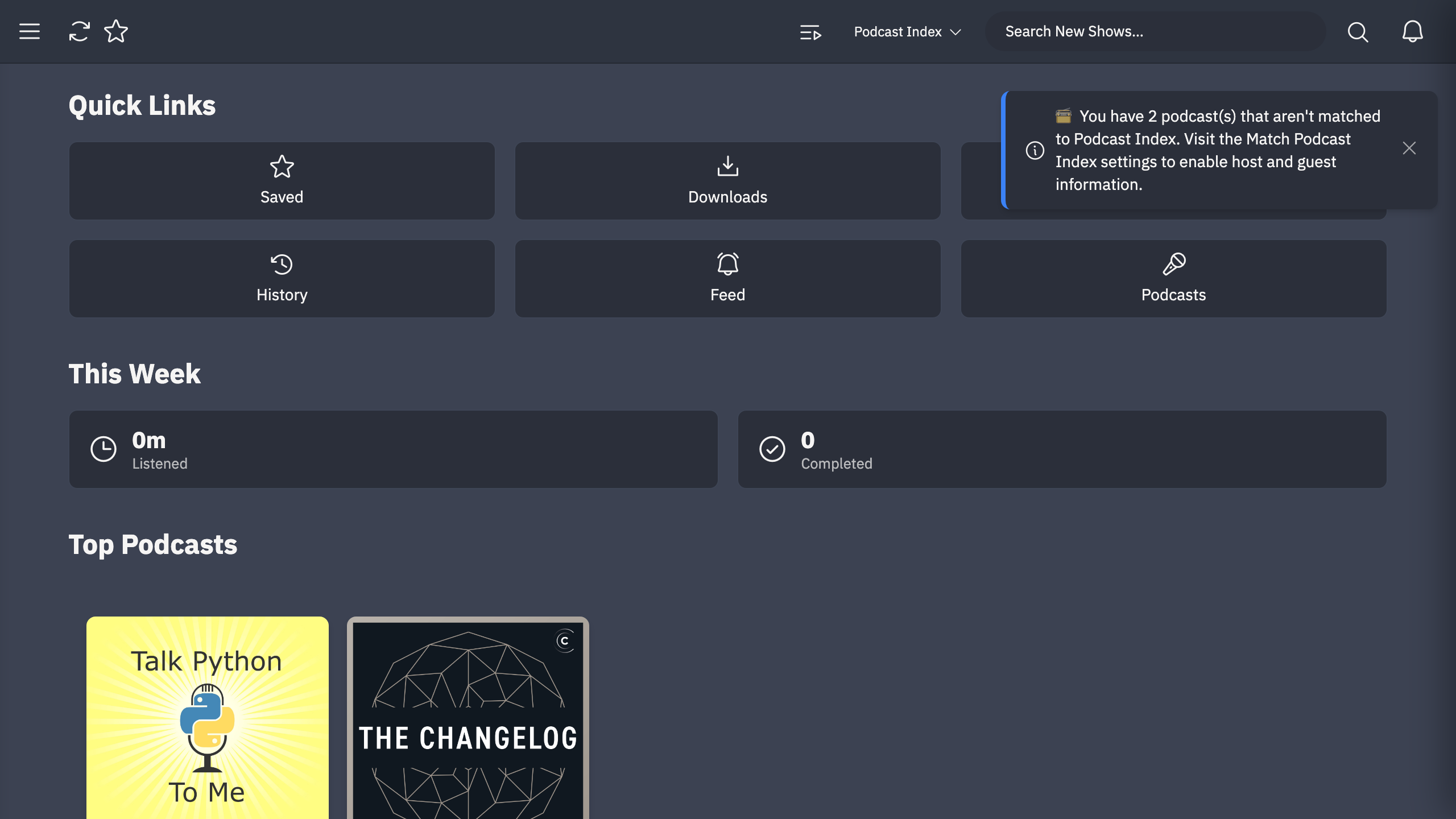
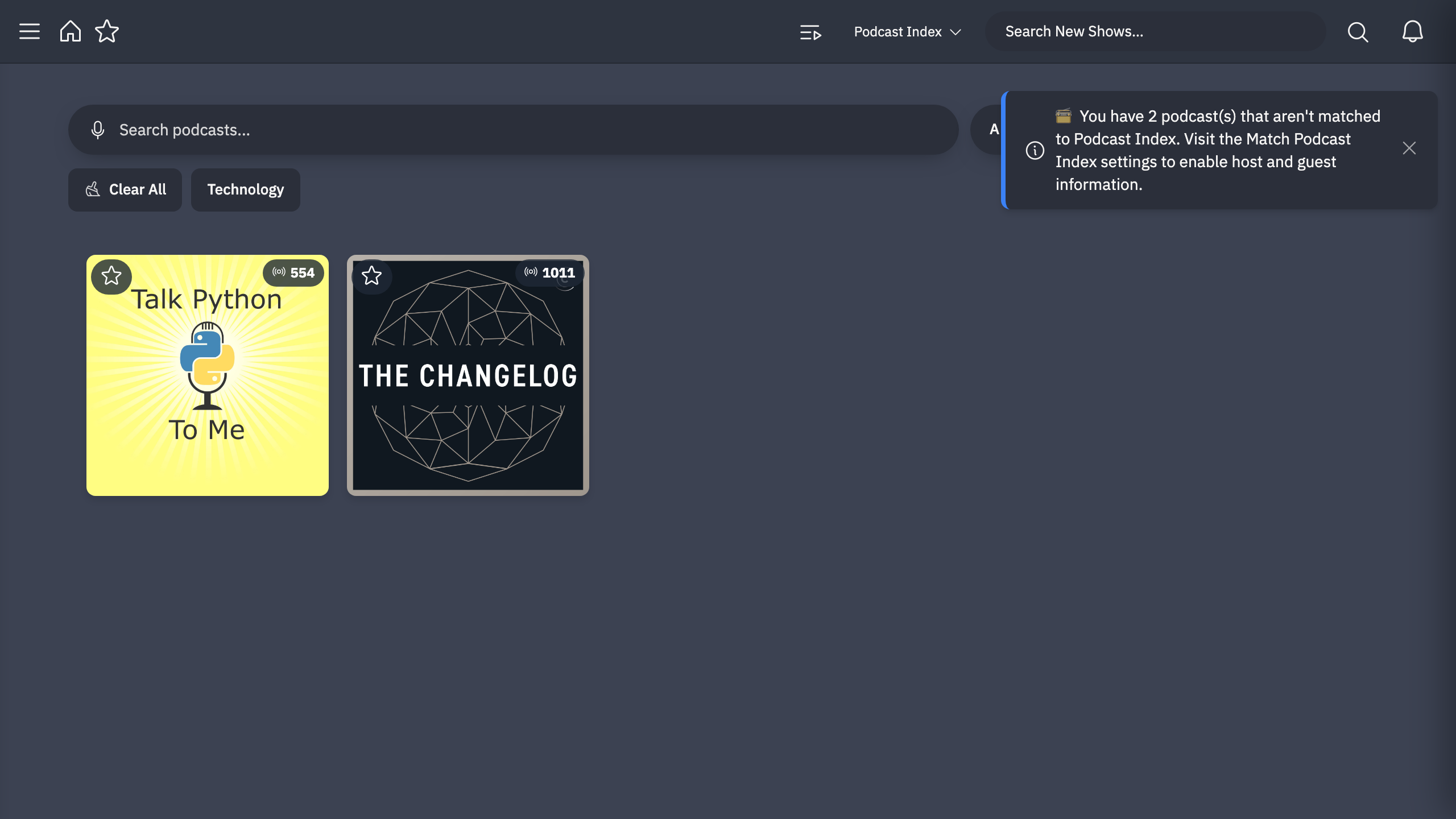
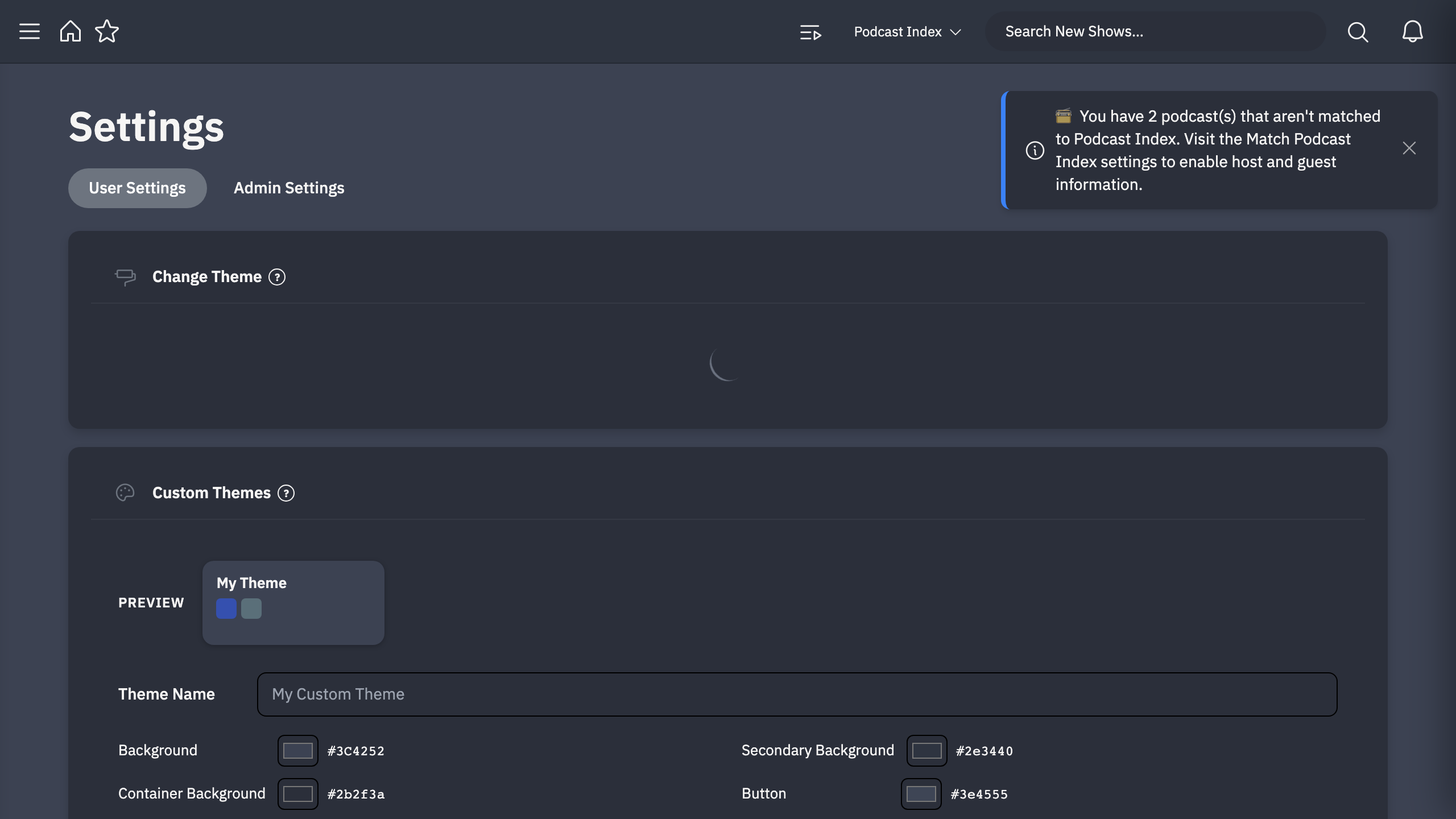
Real screenshots taken while testing this image against its deployment guide.

Actual Budget is a free, open source, local first personal finance application built around the proven envelope budgetin...

Admidio is the open source membership management platform for clubs, associations and non profit organisations.

AdventureLog is a self-hosted travel companion. It lets you log the countries and regions you have visited, plan future ...
Aim is an open-source ML experiment tracker: your training code logs metrics, hyperparameters and other artifacts as it ...

The cloudimg image ships the free and open source, GPL-3.0 licensed AirTrail application, run the officially supported w...
Akkoma is a lightweight, highly customisable open-source server for the fediverse: a self-hosted, federated microbloggin...