Base
Hardened build
minimal ports, security patches applied at build time
Puter, a self hosted web desktop: a browser based desktop environment and file manager backed by your own storage.
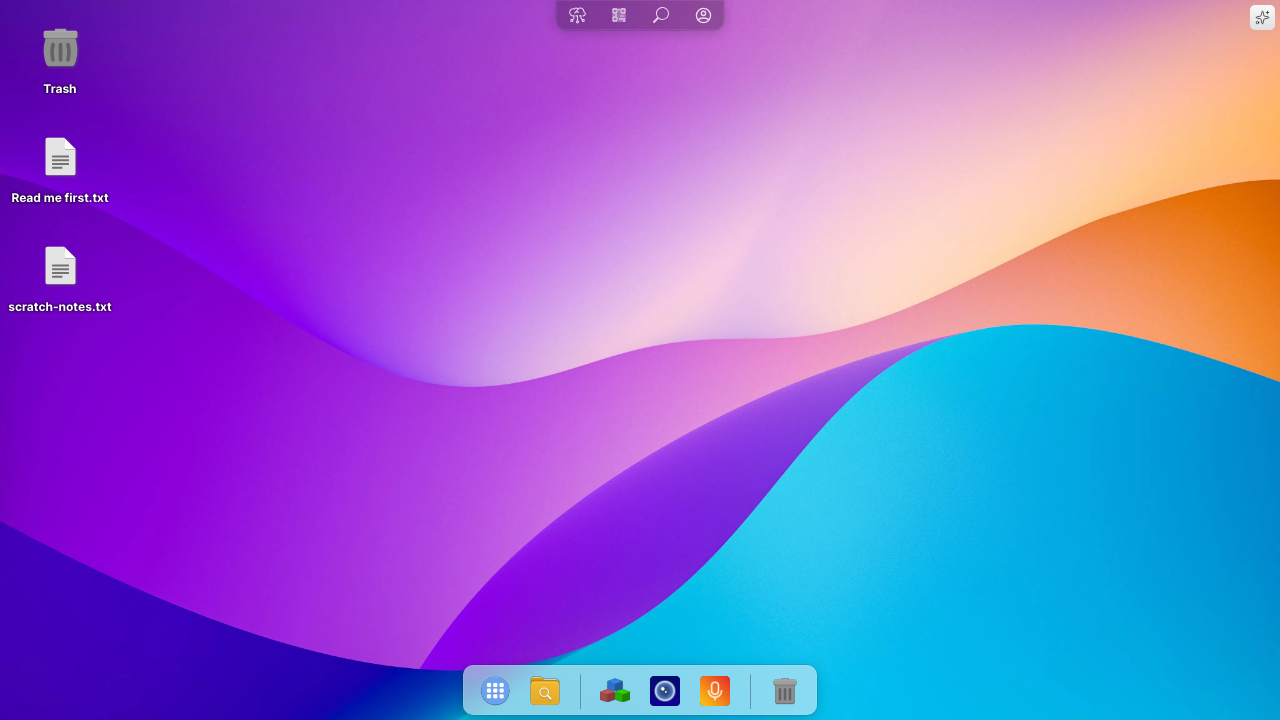
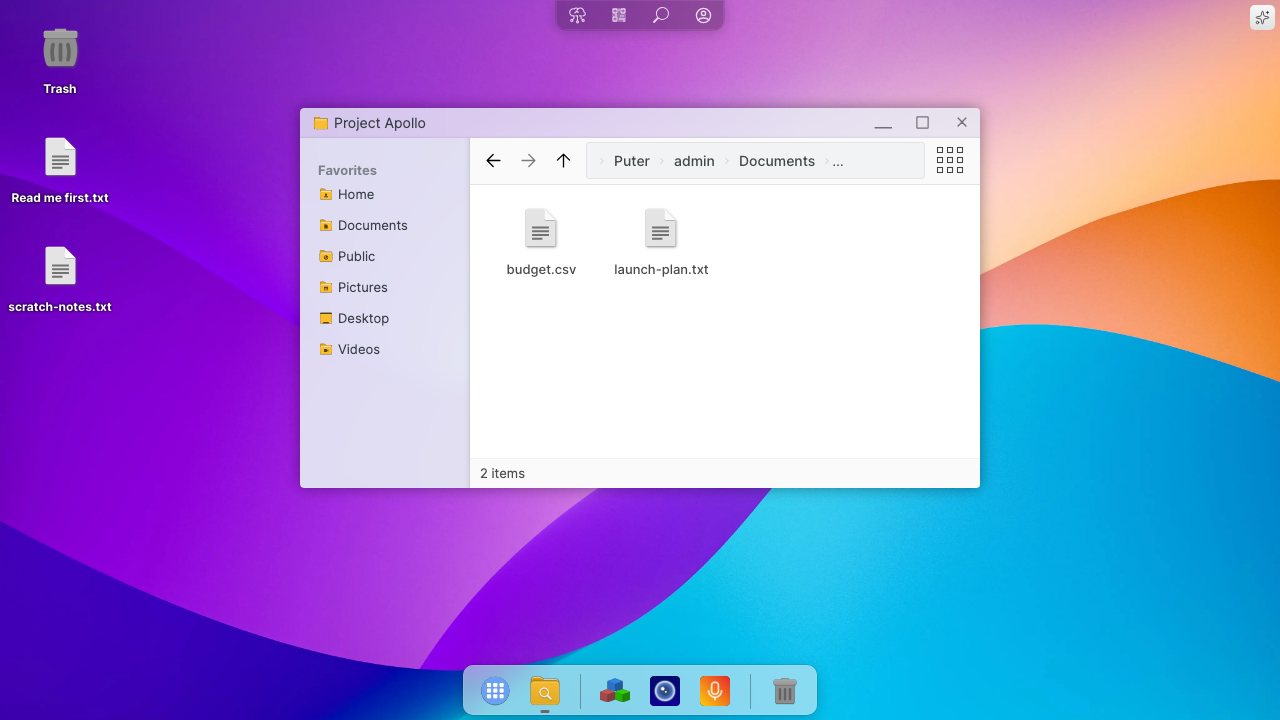
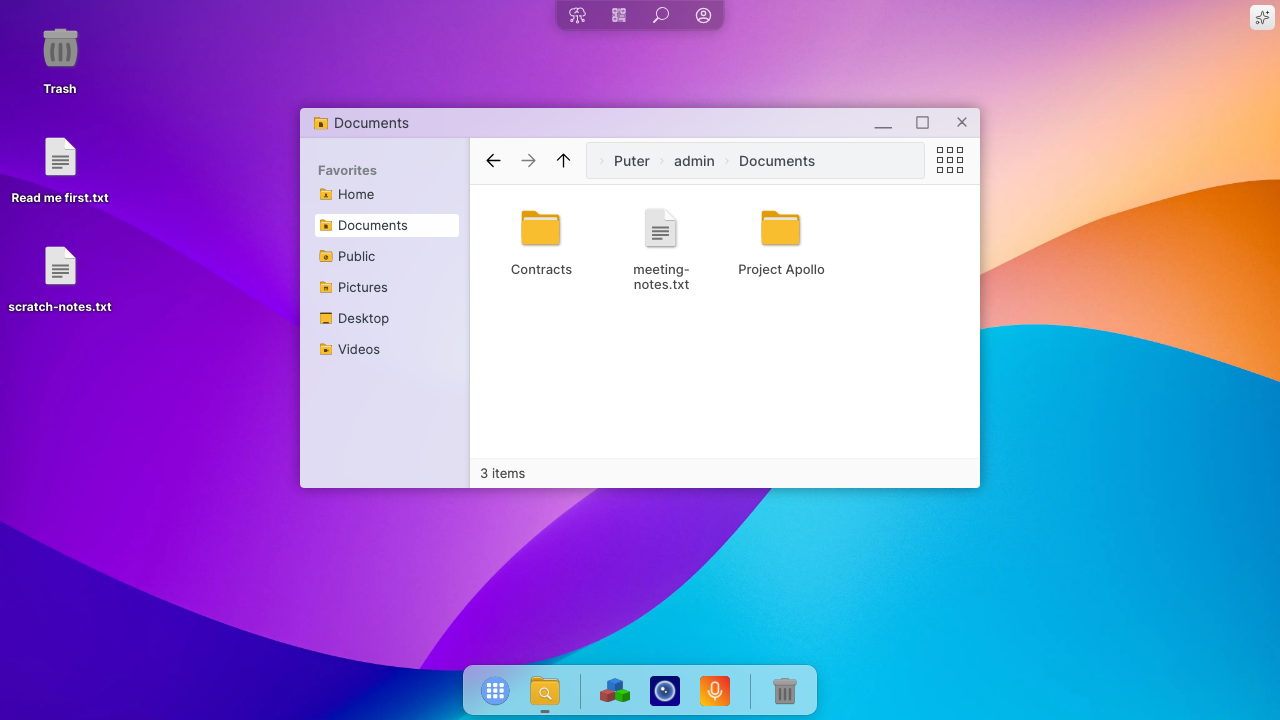
Puter is an open source, self hosted desktop that runs entirely in a web browser. Open it and you get a real desktop environment, complete with a wallpaper, desktop icons, a task bar and draggable windows, on top of a full file manager for your own storage on your own server. Files and folders are created, renamed, moved between windows, uploaded, downloaded and shared with other accounts on the same instance, and each account also gets subdomains for publishing a static site or hosting a private web app. A developer platform sits underneath it: the puter.js SDK lets you build applications that use the instance's own file, key value and hosting APIs, so a single machine becomes both a personal cloud drive with a proper interface and a place to run what you build on top of it.
Upstream's own self hosting path is a six container stack, and its first start creates an administrator account with a temporary password it prints to the log and keeps in plain text in the database. cloudimg ships neither. The image is a single application service with an embedded database and object store behind one hardened reverse proxy, so there is no cluster of containers to babysit, and it contains no database, no accounts and no signing secrets at all. On first boot each machine generates its own token signing secrets, replaces that bootstrap administrator password with a random per machine one, erases the plain text copy upstream leaves behind, and only then opens the public port, so the temporary credential is never live on a reachable listener. Self registration is closed in the shipped configuration rather than switched off afterwards, and first boot proves it. cloudimg also fixes the defect that makes upstream's single node profile unusable on a server: file uploads are handed to the browser as presigned URLs pointing at the loopback address, so saving a file fails on every deployment that is not a laptop. Here the object store runs as its own service, is presigned against a browser reachable address, and is fenced to loopback by the kernel because it does no request signing of its own. Fully patched at build time, paired with a step by step deploy guide and 24/7 cloudimg support.
Real screenshots taken while testing this image against its deployment guide.

Actual Budget is a free, open source, local first personal finance application built around the proven envelope budgetin...

Admidio is the open source membership management platform for clubs, associations and non profit organisations.

AdventureLog is a self-hosted travel companion. It lets you log the countries and regions you have visited, plan future ...
Aim is an open-source ML experiment tracker: your training code logs metrics, hyperparameters and other artifacts as it ...

The cloudimg image ships the free and open source, GPL-3.0 licensed AirTrail application, run the officially supported w...
Akkoma is a lightweight, highly customisable open-source server for the fediverse: a self-hosted, federated microbloggin...