Base
Hardened build
minimal ports, security patches applied at build time

one console, one API and one access model across every Kubernetes cluster you run
Rancher is an open source Kubernetes management platform. It puts a single dashboard, API and role based access control model in front of every Kubernetes cluster in your estate, whether those clusters are hosted, on premises, or provisioned by Rancher itself. From one place you browse and edit workloads, namespaces, nodes and Helm applications, manage users and role bindings, drive GitOps delivery with Fleet, and open a shell or command line session against any managed cluster without handing kubeconfig files around. This image runs the Rancher management server on an embedded single node Kubernetes cluster, installed the way the project documents for a server rather than the container path upstream marks as test and development only.
Every piece of cluster identity is minted on your own instance at first boot: a brand new cluster certificate authority, brand new join tokens, an empty datastore and a unique 24 character administrator password written to a root only file. Nothing identity bearing is baked into the image, and the build proves the negative by confirming the build time password and every common default are rejected. The Kubernetes state, the embedded datastore and the whole container image store sit on a dedicated, independently resizable data volume mounted by filesystem identifier rather than on the operating system disk. A paired deployment guide is published alongside the image, and cloudimg provides 24/7 support.
Real screenshots taken while testing this image against its deployment guide.

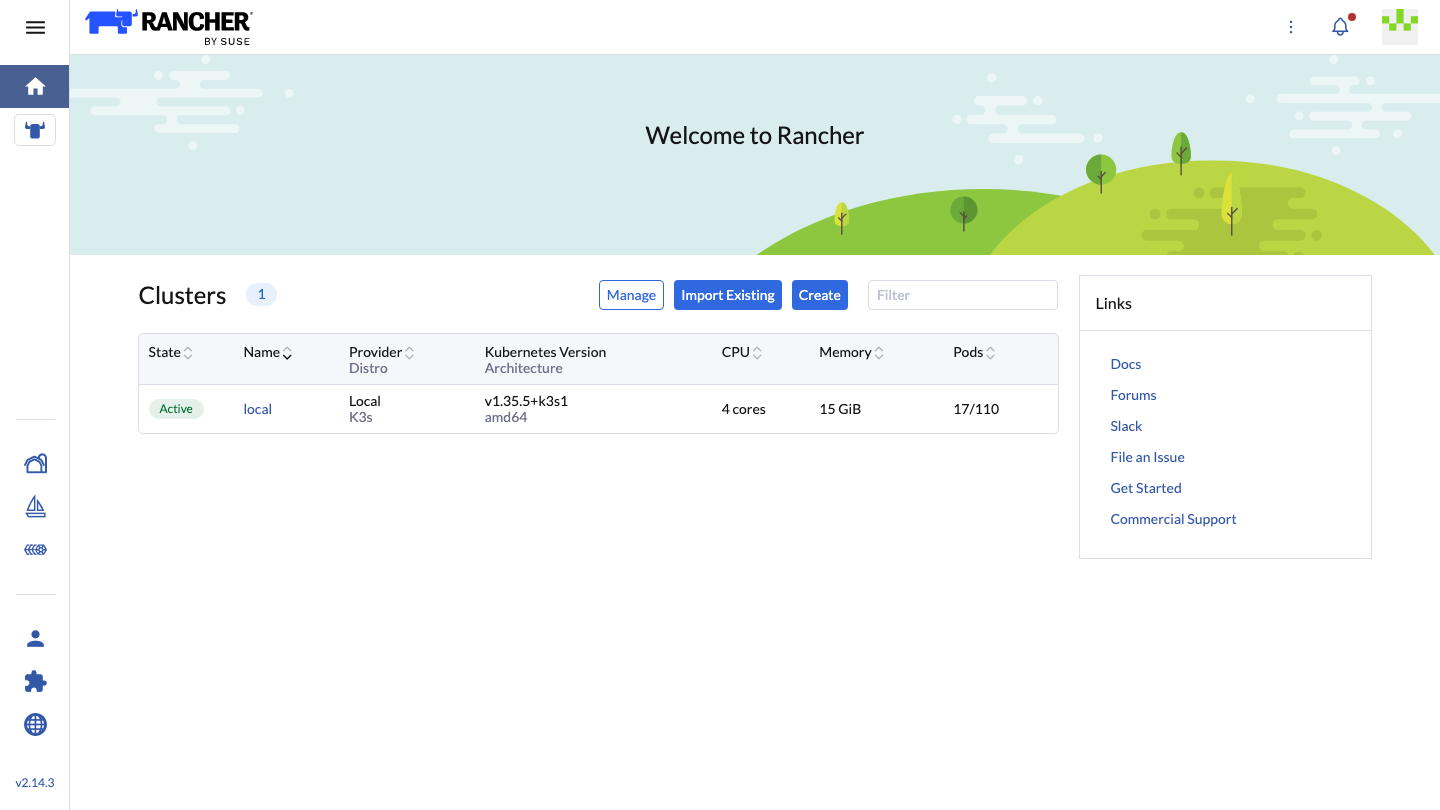
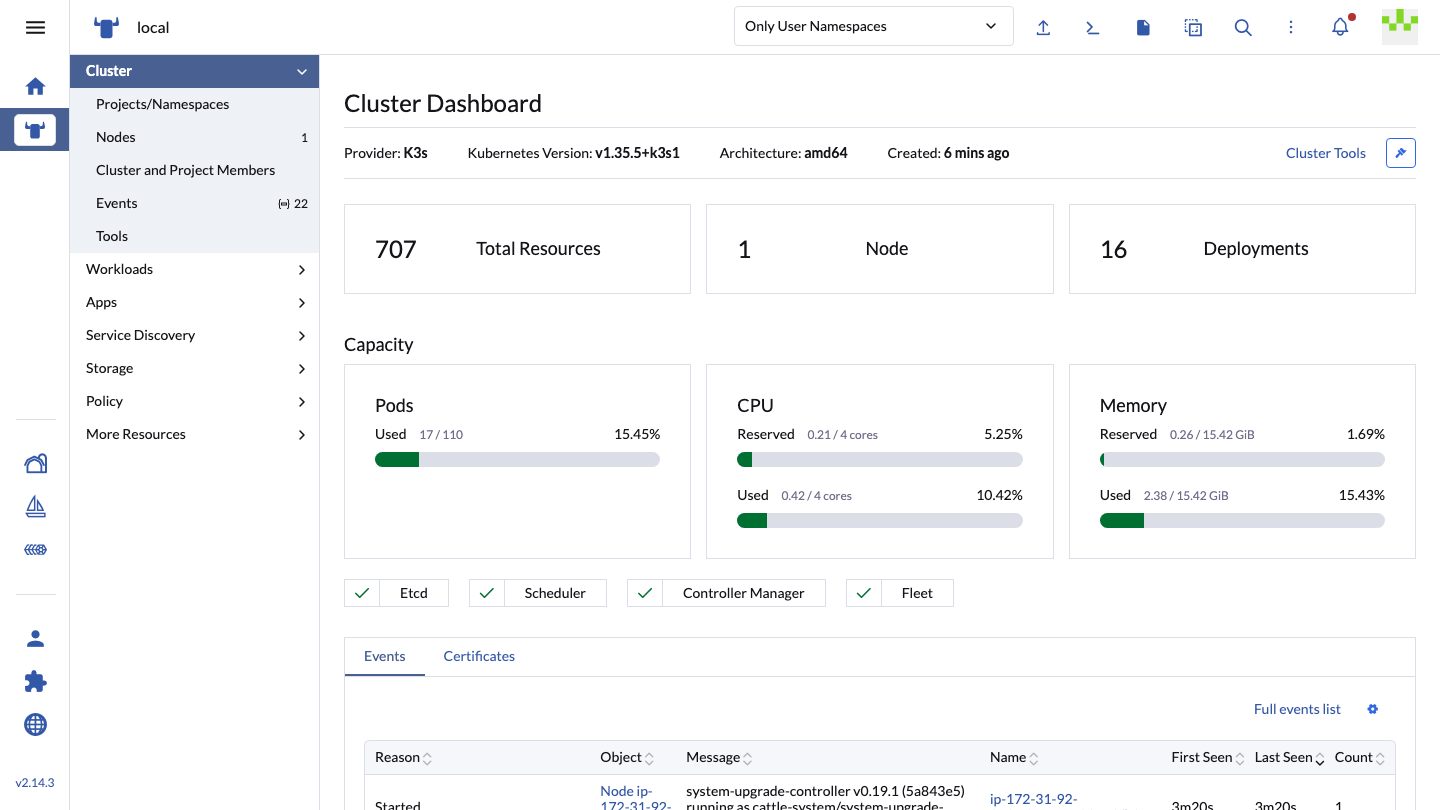
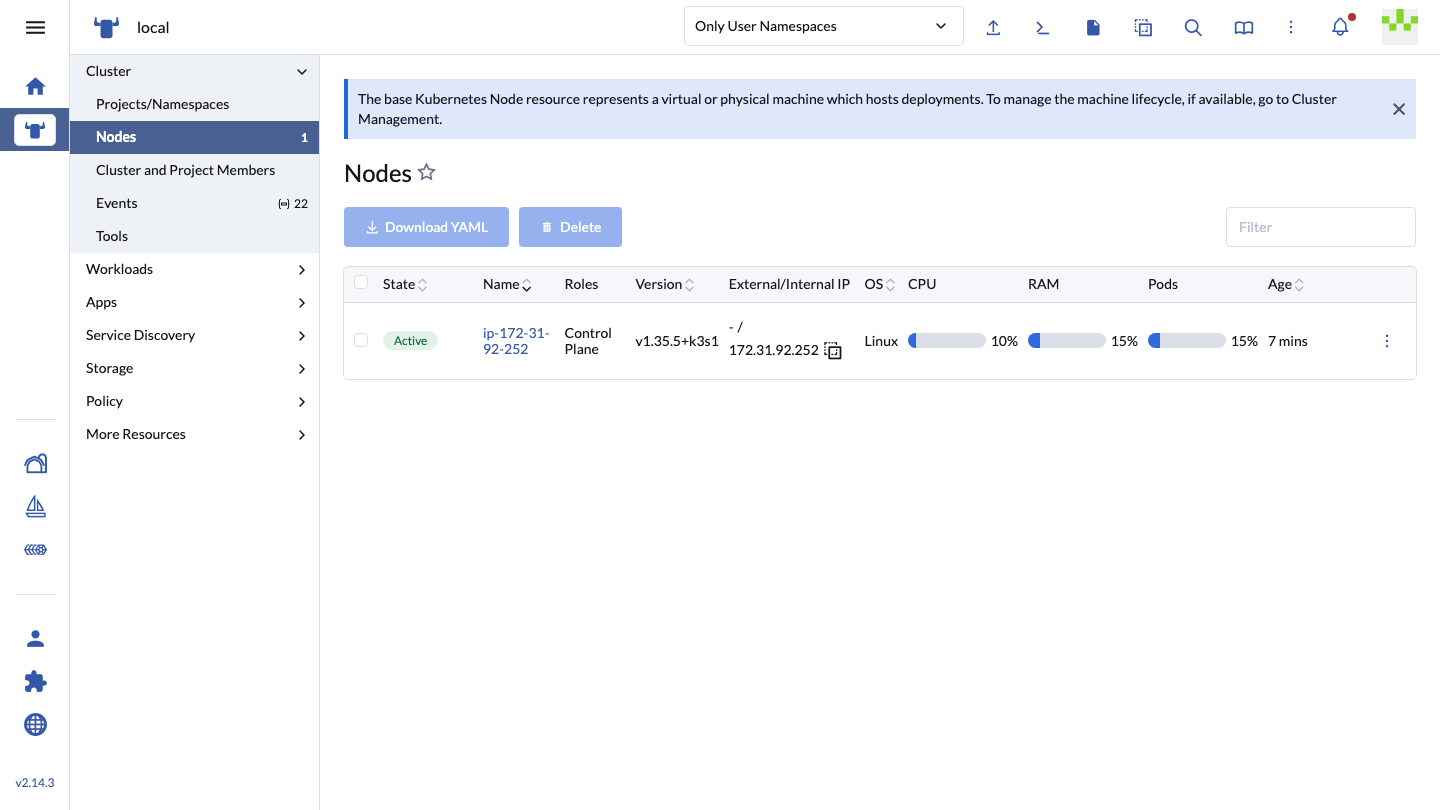
This is a repackaged open source software product wherein additional charges apply for cloudimg support services.
## Manage All Your Kubernetes Clusters From One Console
Rancher gives platform teams a single dashboard, API and RBAC model across every Kubernetes cluster they run, whether that cluster is hosted on EKS, on premises, or provisioned by Rancher itself. Browse and edit workloads, namespaces, nodes and Helm applications, manage users and role bindings, drive Fleet GitOps, and open a shell or kubectl session into any managed cluster without distributing kubeconfig files.
This image delivers Rancher 2.14.3 already installed and running, so a working management console answers on HTTPS minutes after launch.
## Who This Is For
Platform engineering teams running more than one Kubernetes cluster across development, staging and production. If you are consolidating visibility across a fleet of EKS clusters, or you need one authentication and RBAC layer in front of clusters that today each have their own, this image gives you that control plane without building it yourself.
## Installed The Way The Vendor Supports
Rancher can be run as a single container with Docker, but the upstream documentation carries an explicit warning that Docker installs are for testing and development only and should not be used in production. This image therefore does not use that path. It installs the official rancher-stable Helm chart onto an embedded single node K3s cluster, with cert-manager issuing the Rancher generated certificate, which is the installation route the project documents for a Rancher server. K3s brings its own Traefik ingress controller, so ports 80 and 443 are served with no extra wiring.
This is a single node, non highly available Rancher server on one instance. Upstream recommends a three node cluster for a highly available control plane, which one image cannot provide. Downstream clusters that Rancher manages are of course as large as you want.
## No Shared Administrator Password Ships
Rancher's bootstrap password is generated once and then stored inside the cluster datastore, and the upstream examples set it to a well known value. Either behaviour would hand every customer of a shared image the same administrator login. Neither happens here. Before capture the build destroys the entire cluster identity: the etcd datastore, the cluster certificate authority private key, and every node and agent join token. On your first boot a one shot service starts K3s on that wiped state, so a brand new certificate authority, brand new join tokens and an empty datastore are generated on your instance, then installs Rancher with a freshly generated 24 character administrator password, proves that password authenticates and writes it to a root only file. The build proves the negative too, by confirming that the build time password and every common default are rejected.
## Built For Real Work
The Kubernetes state directory, the embedded etcd datastore and the container image store all live on a dedicated 100 GiB EBS volume mounted by UUID, separate from the operating system disk and independently resizable. The Rancher and cert-manager container images and Helm charts, and the Kubernetes system images, are staged into the image at build time, so the management server itself comes up from local content rather than waiting on a registry. Rancher then installs its own additional system components, including Fleet, the admission webhook and the system upgrade controller, and those do pull their images, so give the instance outbound HTTPS on its first boot.
## Get Started
A full deployment guide is published at https://www.cloudimg.co.uk/guides/rancher-aws/ covering first sign in, replacing the self signed certificate with your own, adding downstream clusters, and hardening the Kubernetes API and kubelet ports at the security group. For help with any of it, contact support@cloudimg.co.uk.
## Licensing
Rancher is licensed Apache-2.0 and this image ships the open source build. SUSE separately sells Rancher Prime, which is a commercial support and supply chain offering; nothing from Prime is included here and no SUSE support entitlement comes with this listing. Support for this image is provided by cloudimg. A third party licence and attribution notice ships at /usr/share/doc/cloudimg-rancher/NOTICE-THIRD-PARTY.txt.

Accent is an open source, developer-oriented translation and localization management platform.

Altair GraphQL Client is an open-source, self-hosted GraphQL IDE for building, sending and inspecting GraphQL requests.
This image runs Apache Archiva, the open source build-artifact repository manager - a central, governed store for the bi...

This image runs Apache Camel Karavan, an open source visual integration designer and toolkit for Apache Camel.

Apache JMeter is the de-facto open-source tool for load and performance testing of web applications, APIs, databases and...

Launch a content crawler and search index in minutes. ManifoldCF, PostgreSQL and Apache Solr come preinstalled and wired...