Base
Hardened build
minimal ports, security patches applied at build time

a self hosted file sharing service: upload files, share them with public links, and request files from others.
Sharry is a self hosted file sharing application. Sign in, upload one or many files, and share them through public links that can be password protected and set to expire. You can also request files from other people by sending them an upload link, so recipients send data to you without needing an account. It suits teams and individuals who want to exchange large files on their own infrastructure instead of a third party cloud service.
cloudimg binds Sharry to loopback behind nginx, with a unique admin password, token signing secret and signup invite password all generated on first boot and no default login. Uploaded files and the database live on a dedicated data volume, the base OS is fully patched at build time, and every image is paired with a step by step deploy guide and 24/7 support.
Real screenshots taken while testing this image against its deployment guide.
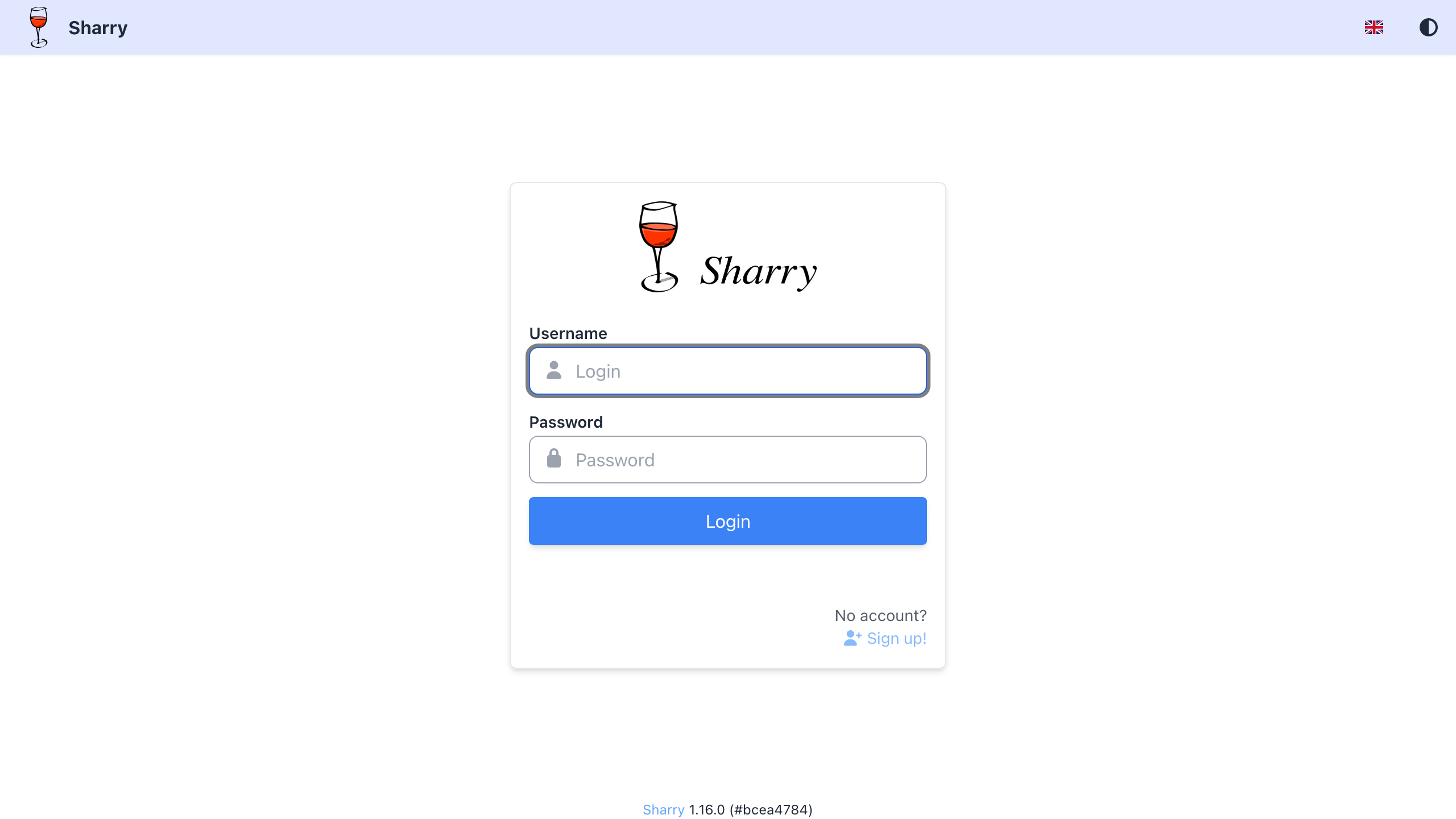
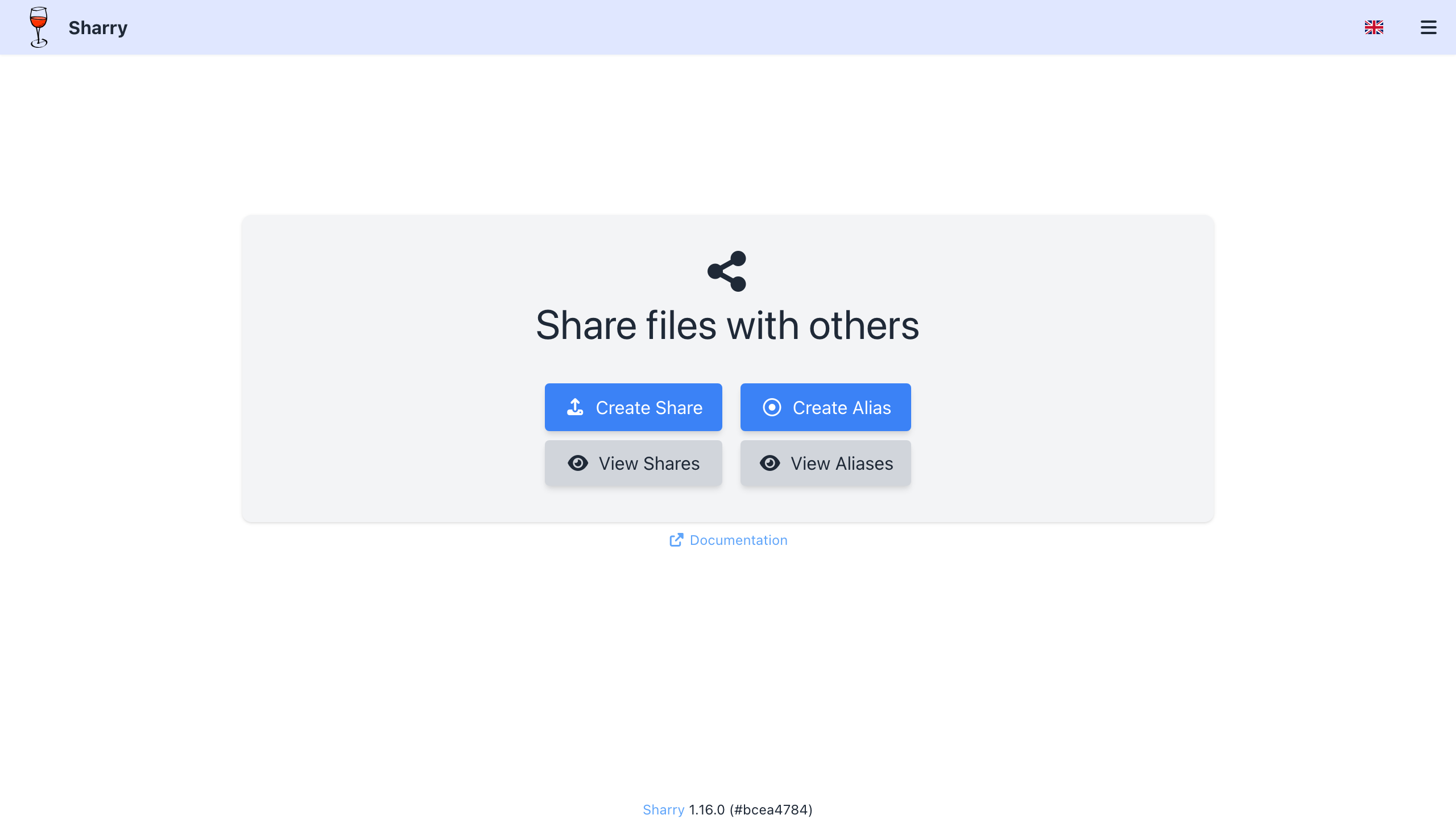
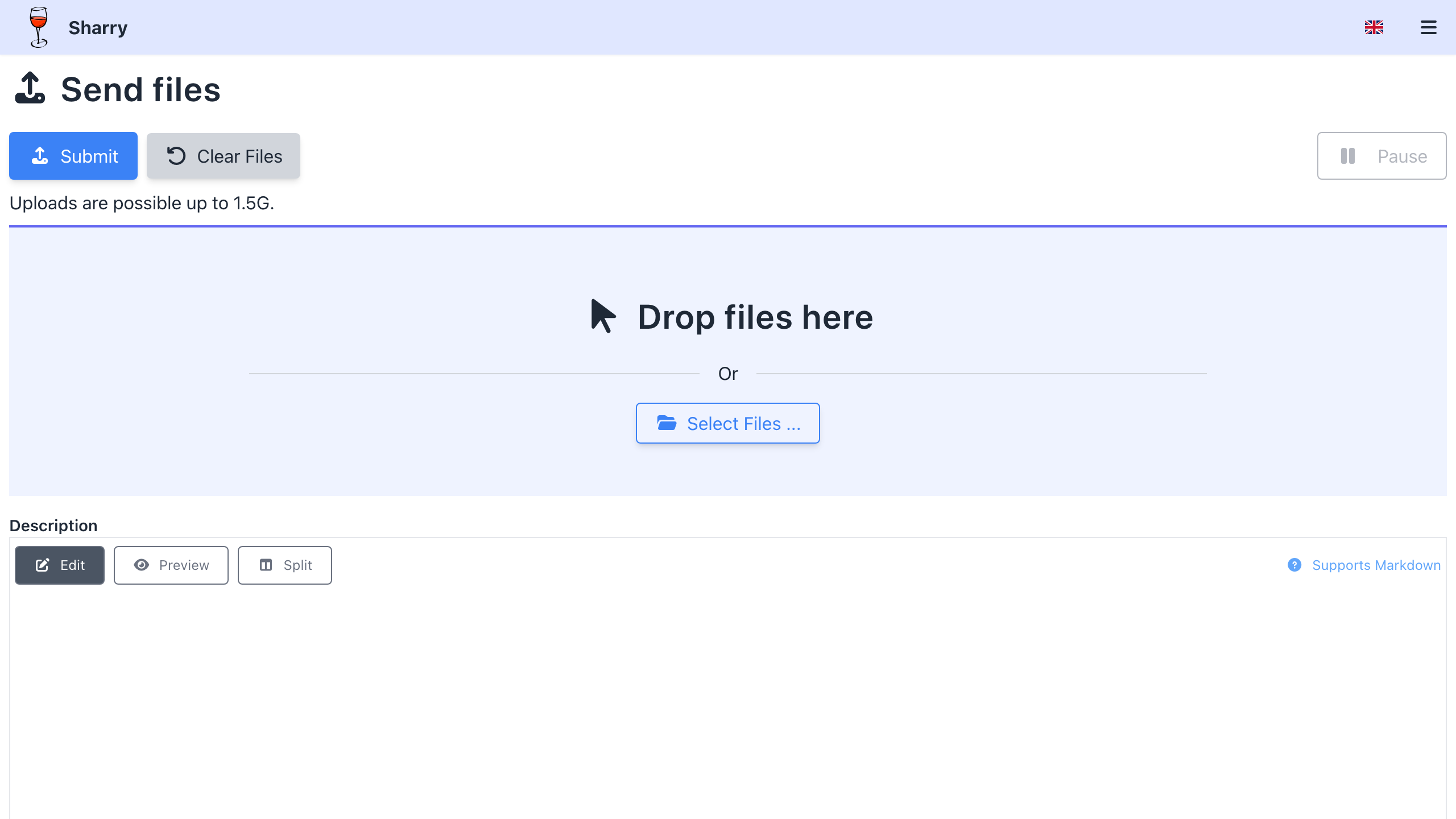
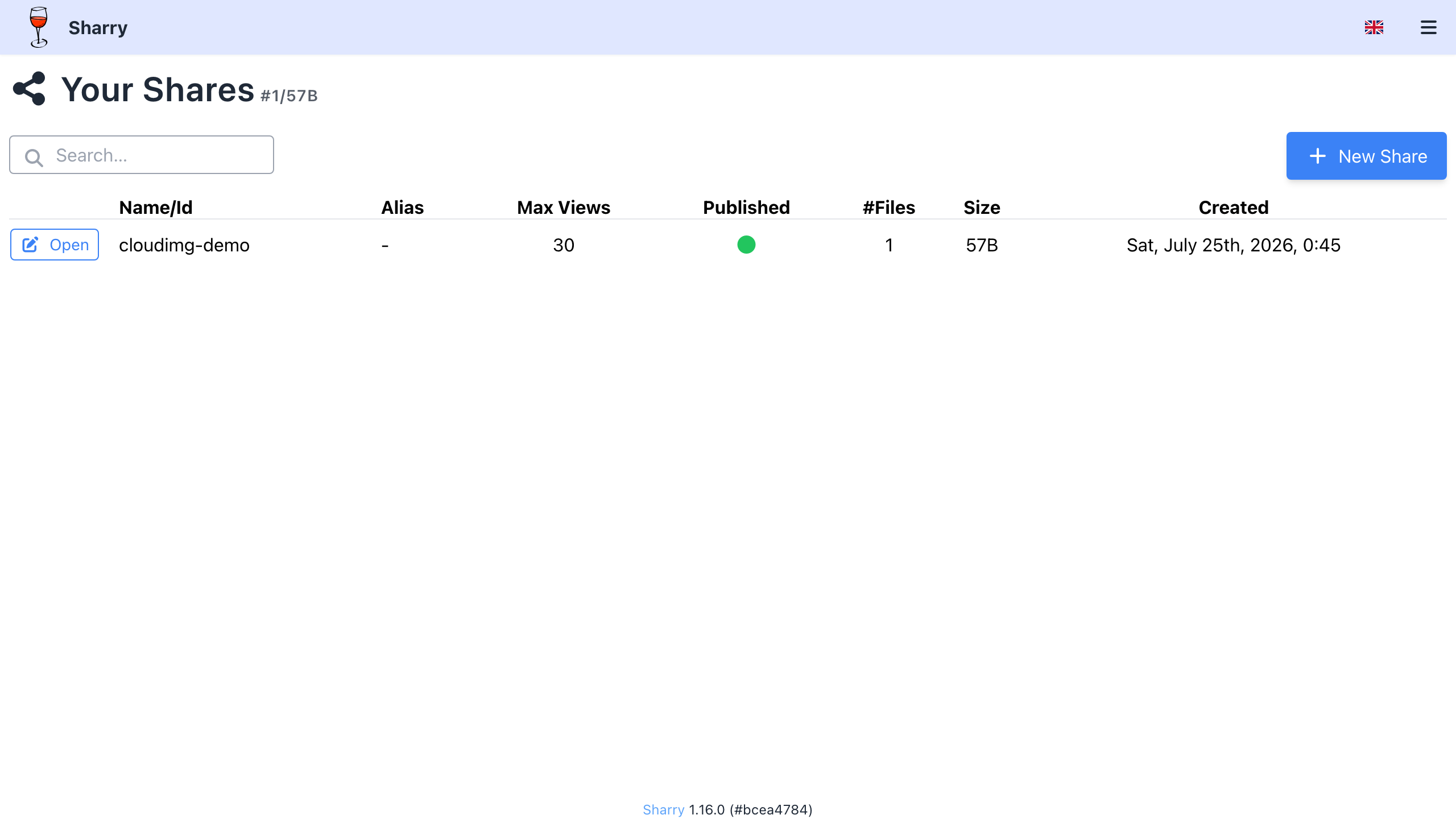
This is a repackaged open source software product wherein additional charges apply for cloudimg support services.
## Why This AMI Instead of Self-Deploying?
Sharry is a self-hosted, authenticated file-sharing appliance: sign in, upload files, and share them through public links that can be password-protected and given an expiry, or invite others to send files to you through upload aliases. Deploying it yourself means installing a Java runtime, unpacking and configuring the Sharry server, standing up a durable database, fronting it behind a reverse proxy with WebSocket support and generous upload limits, generating and storing secrets, and disabling the default weak token-signing secret. This AMI eliminates that effort entirely - your file-sharing server is running within minutes of launch, not hours. You get a pre-hardened, tested configuration backed by 24/7 expert support with a one-hour average response for critical issues, something community forums cannot provide.
The current release available is Sharry 1.16.0.
## Why Not a Public Transfer Service?
Unlike public file-transfer services that route your data through third-party infrastructure, Sharry runs entirely inside your VPC. Your files never leave your AWS account, giving you full control over data residency, network access, and retention policies.
## Application Stack
The official upstream Sharry rest-server distribution runs under one systemd service as an unprivileged user, backed by a bundled PostgreSQL 16 database for durable metadata and a filesystem blob store for uploaded files - both on a dedicated data volume, so your accounts, shares and files survive restarts. The server is bound to the loopback address only; a host nginx reverse proxy fronts it on port 80 with WebSocket upgrade for live upload progress and uncapped request bodies for large uploads, plus an unauthenticated health endpoint. Sharry is documented to run on an embedded database, but this image uses PostgreSQL because the embedded engine rejects Sharry's share-listing query - so the core feature works out of the box.
## Secure By Default
The shipped image contains no known credential and no data:
## Ready To Use
Browse to the instance on port 80, sign in with the generated administrator credentials, and create your first share: upload files, set an optional password and expiry, and copy the public link to send. Invite colleagues to upload files to you with an upload alias, and add further user accounts through signup invitations.
## Real-World Use Cases
## Open Source Licence
Sharry is distributed under the GNU General Public License version 3 (GPL-3.0). The complete corresponding source code for the version shipped in this image is publicly available from the upstream project at https://github.com/eikek/sharry (release tag v1.16.0). The upstream software is shipped unmodified; cloudimg's charges are for the packaged AMI and ongoing support, not for the software licence.
## cloudimg Support
24/7 technical support by email and chat with a one-hour average response for critical issues. Our engineers help with deployment, TLS termination, database backups, user management, upload-size and retention tuning, external database configuration and scaling. Contact us at support@cloudimg.co.uk.
All product and company names are trademarks or registered trademarks of their respective holders. Use of them does not imply any affiliation with or endorsement by them. This product is not affiliated with or endorsed by the Sharry project.

Apache Ozone is the scalable, distributed object store for Hadoop and cloud-native workloads. It exposes both an S3-comp...

This image runs ArozOS, a self hosted web desktop operating system and cloud file platform.

Backrest is a popular open source web interface and orchestrator for restic, the fast, secure, deduplicating backup prog...

This image runs Barman (Backup and Recovery Manager), the open source disaster-recovery manager for PostgreSQL from Ente...

This image runs Cloud Commander 19.19.1, the open source web based orthodox (two panel) file manager with a built in Edw...

The image installs Bacula 13.0.4 and runs the Director, a Storage Daemon writing to a file based volume, a local File Da...