Base
Hardened build
minimal ports, security patches applied at build time
SignaturePDF, a self hosted web app to sign PDFs alone or with others, organise pages, edit metadata and compress documents, authenticated by default and private the moment it boots.
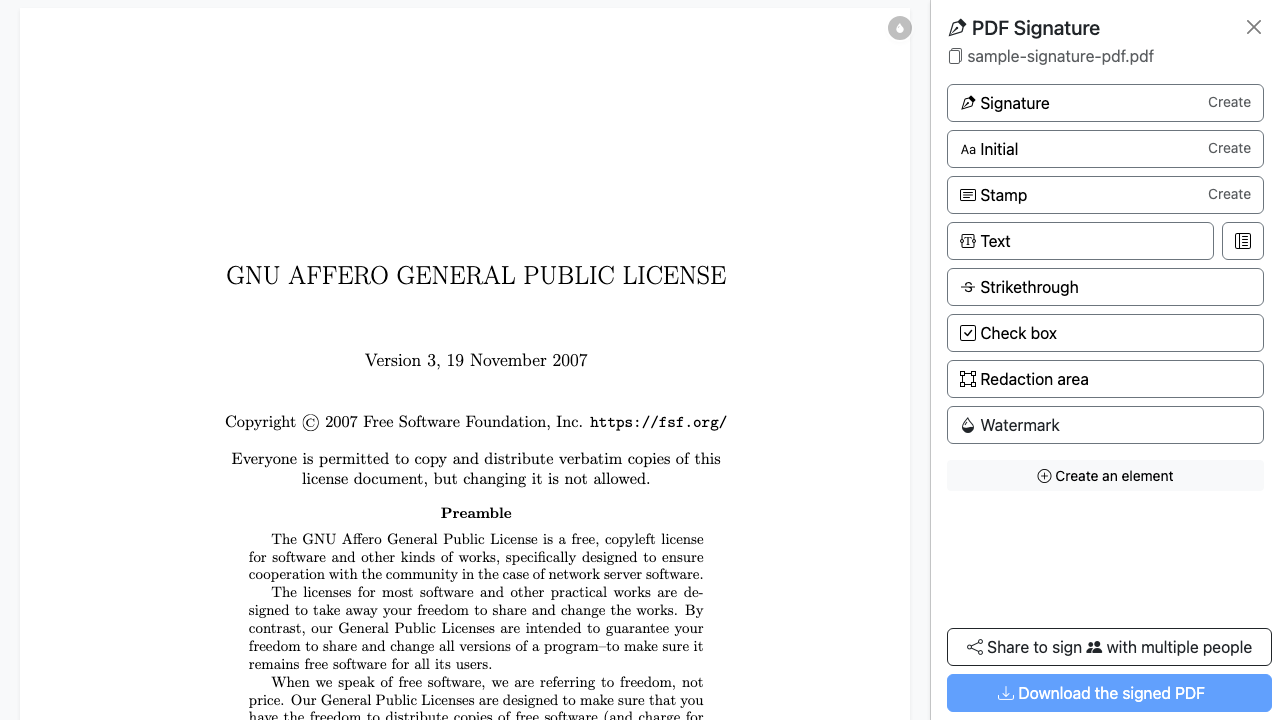
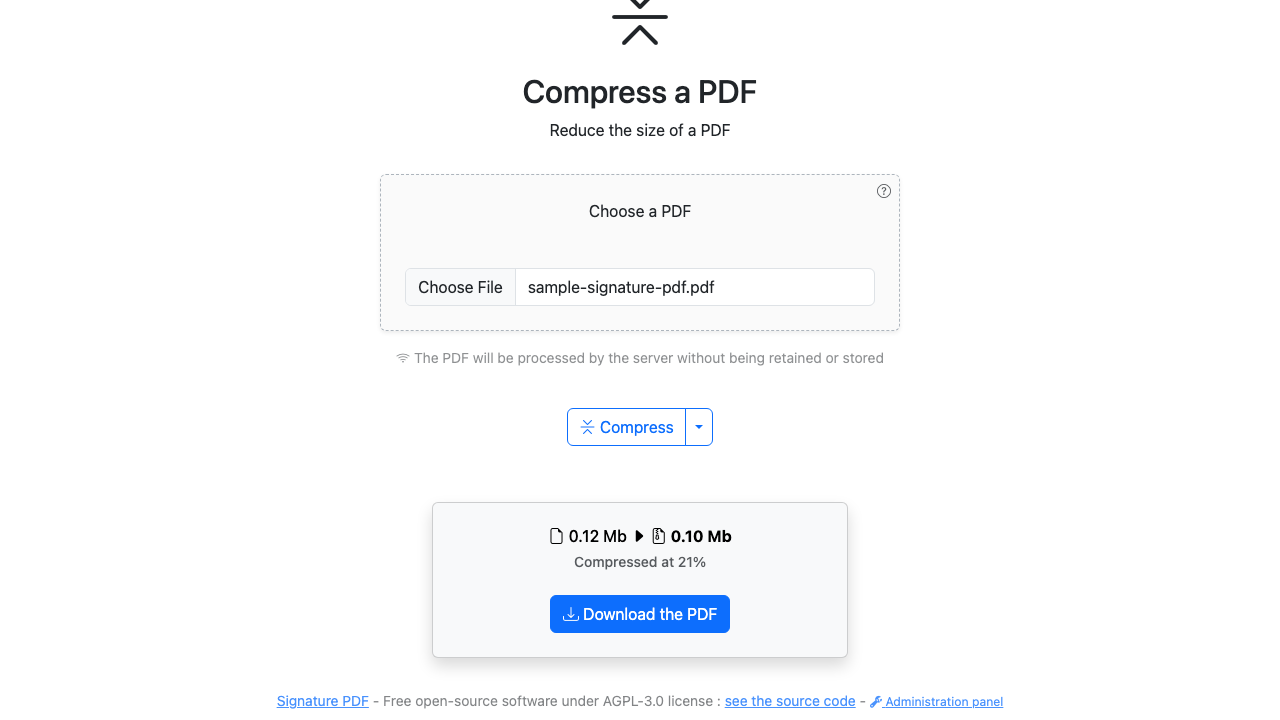
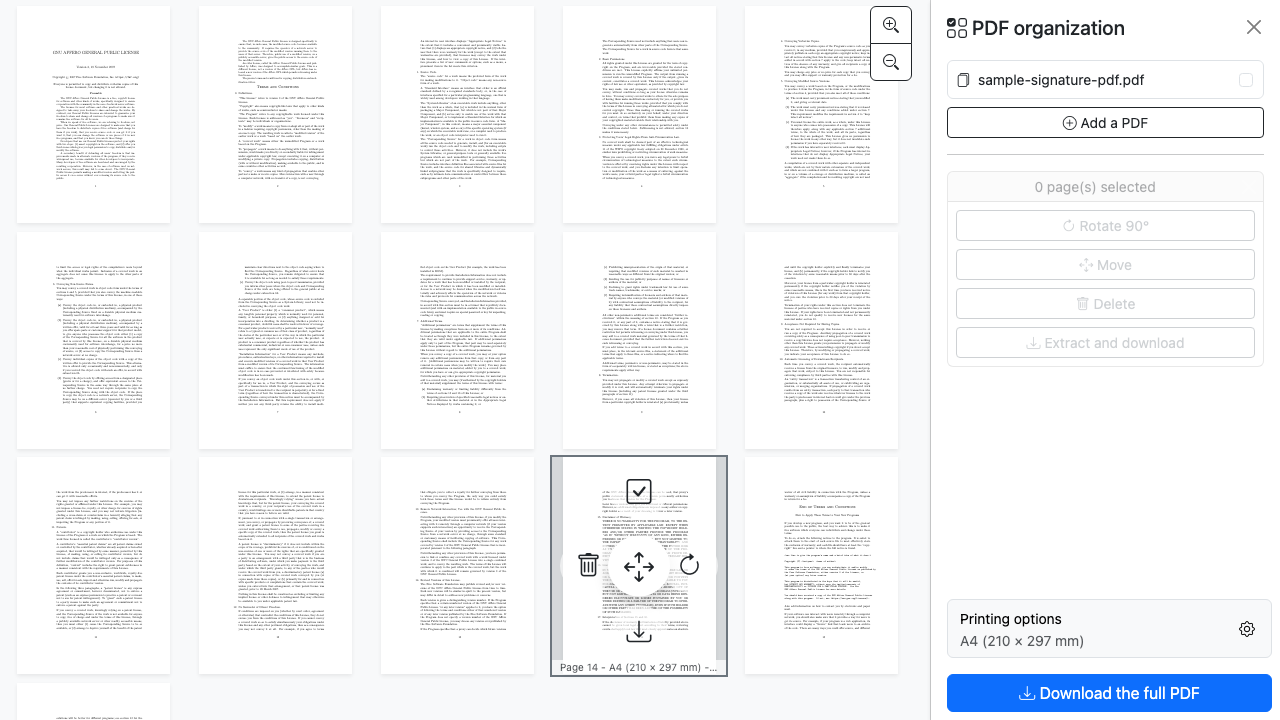
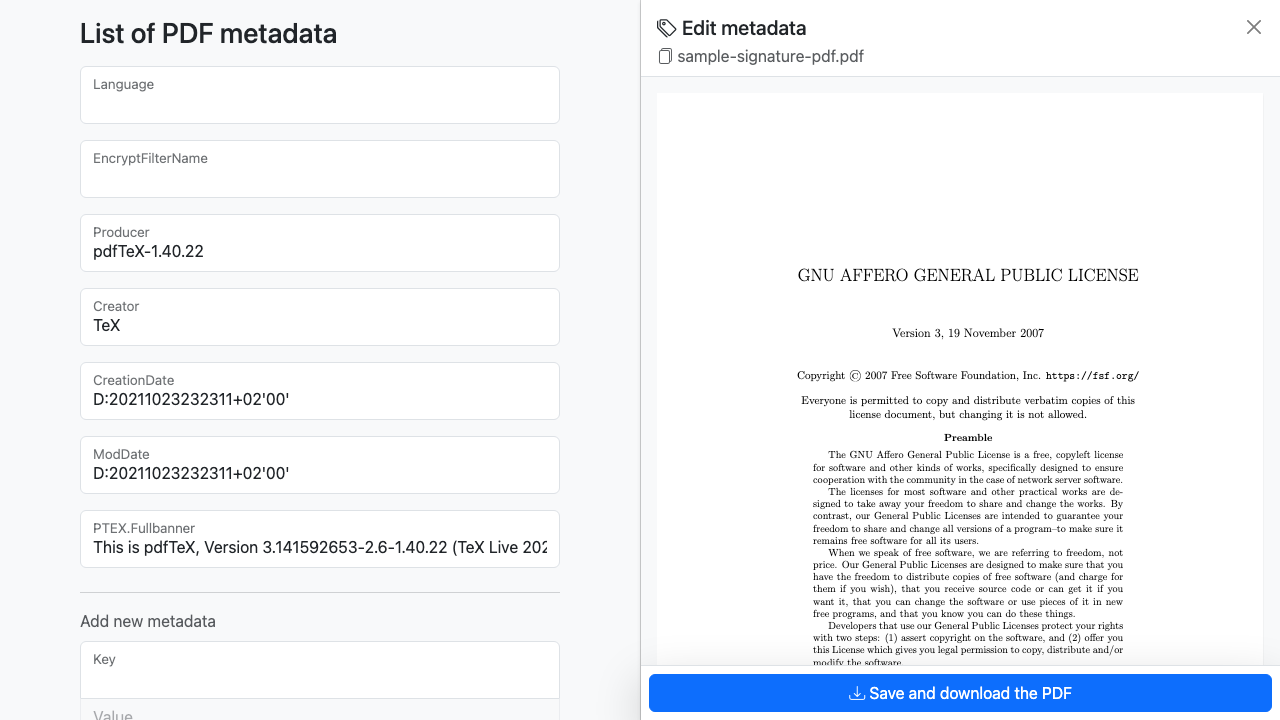
SignaturePDF is a free, open source web application for working with PDF documents in the browser. You can sign a PDF on your own or send it to several people to sign in turn, reorder, rotate or delete pages, edit document metadata, and compress large files, all without installing anything on your desktop.
Because it runs entirely on an instance you own, every document stays on your own infrastructure and never passes through a third party. That makes it a natural fit for teams handling contracts, agreements and other sensitive paperwork who want a simple, self hosted alternative to public cloud signing services.
SignaturePDF ships with no built in login, so a naive deployment leaves a full PDF toolkit open to anyone who finds the address. cloudimg closes that before the port is ever reachable: authentication is enforced at the web server across the entire application, so there is no unauthenticated route to any PDF operation. There is no baked credential, a unique password is generated on each instance's first boot and written to a root only file. The complete PDF toolchain (ghostscript, pdftk, ImageMagick, librsvg and potrace) is pre installed and every operation is proven to work before the image is captured, and the shared signing storage is kept outside the web root so uploaded files can never be executed. Fully patched, paired with a step by step deploy guide, and backed by 24/7 cloudimg support.
Real screenshots taken while testing this image against its deployment guide.

Actual Budget is a free, open source, local first personal finance application built around the proven envelope budgetin...

Admidio is the open source membership management platform for clubs, associations and non profit organisations.

AdventureLog is a self-hosted travel companion. It lets you log the countries and regions you have visited, plan future ...
Aim is an open-source ML experiment tracker: your training code logs metrics, hyperparameters and other artifacts as it ...

The cloudimg image ships the free and open source, GPL-3.0 licensed AirTrail application, run the officially supported w...
Akkoma is a lightweight, highly customisable open-source server for the fediverse: a self-hosted, federated microbloggin...