Base
Hardened build
minimal ports, security patches applied at build time

Teable, an open source no code database and Airtable alternative, ready on first boot.
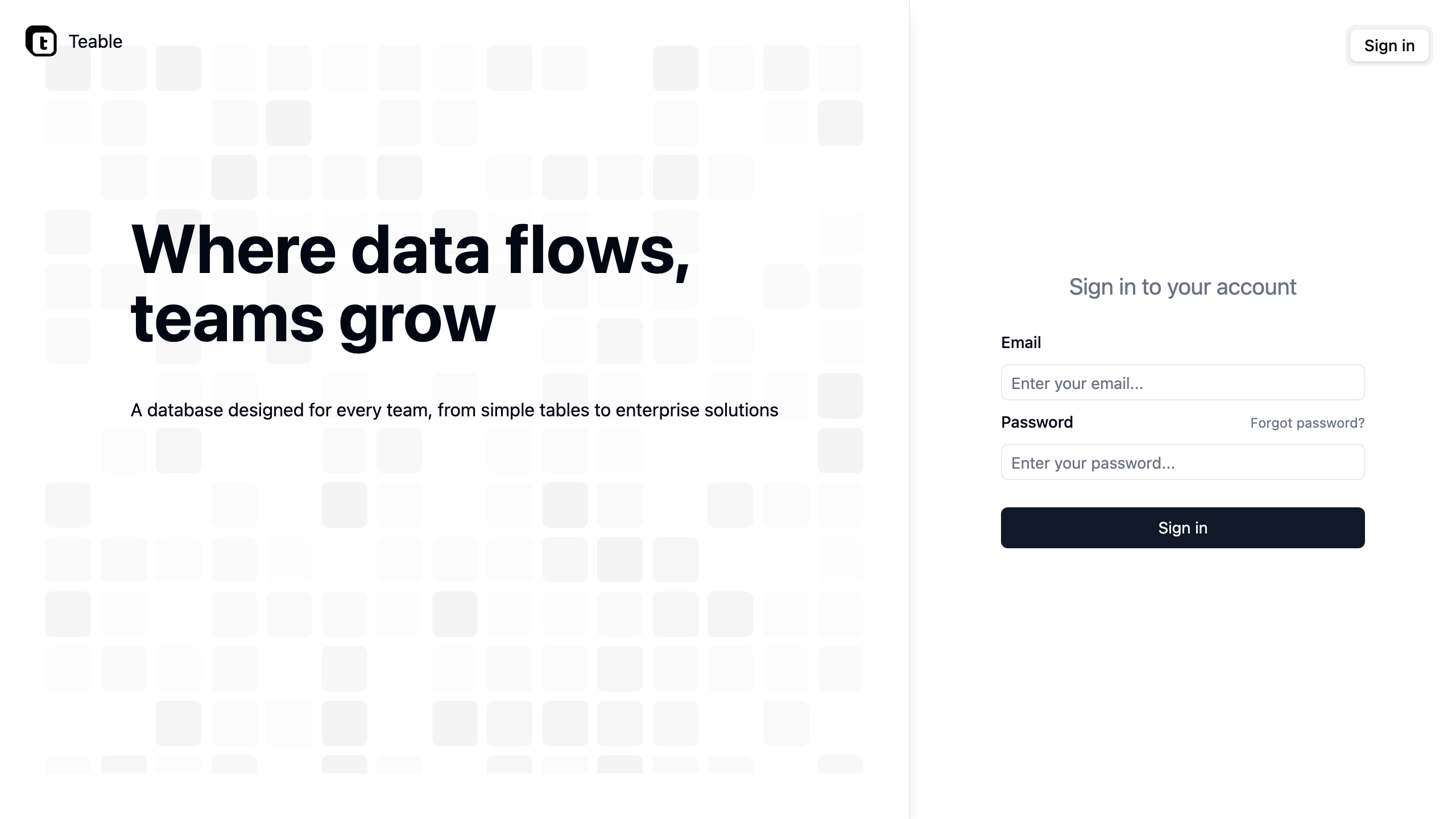
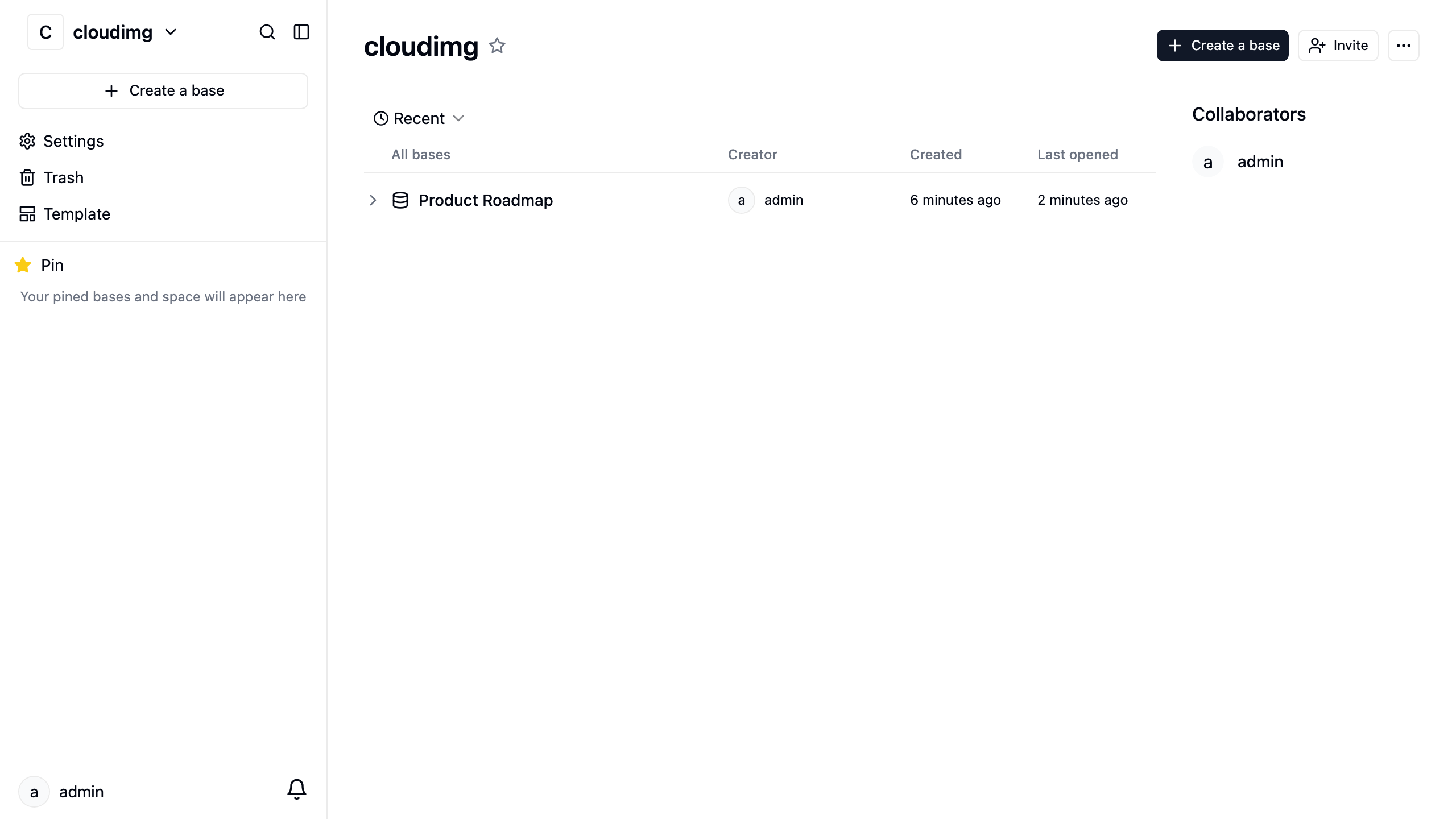
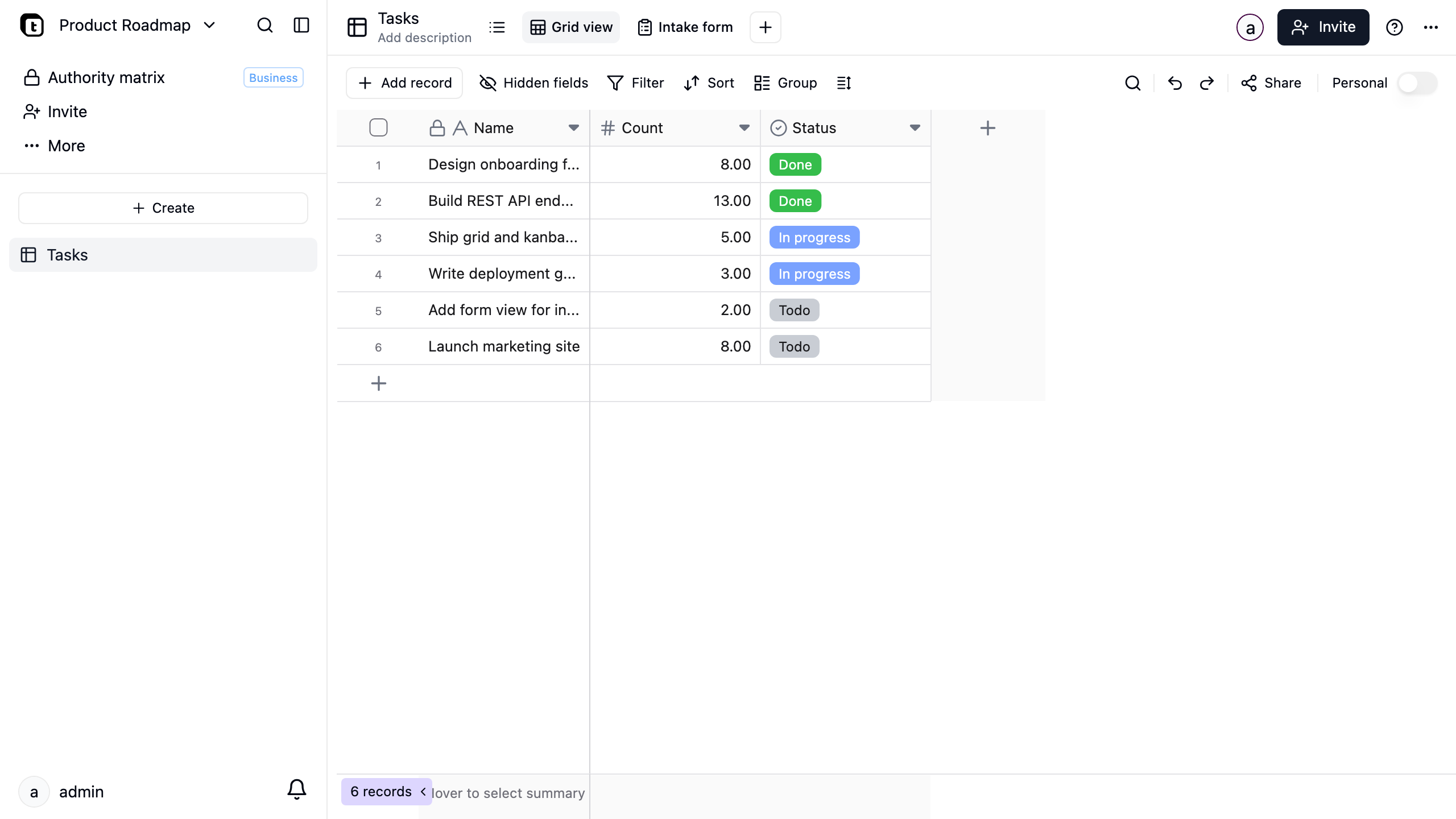
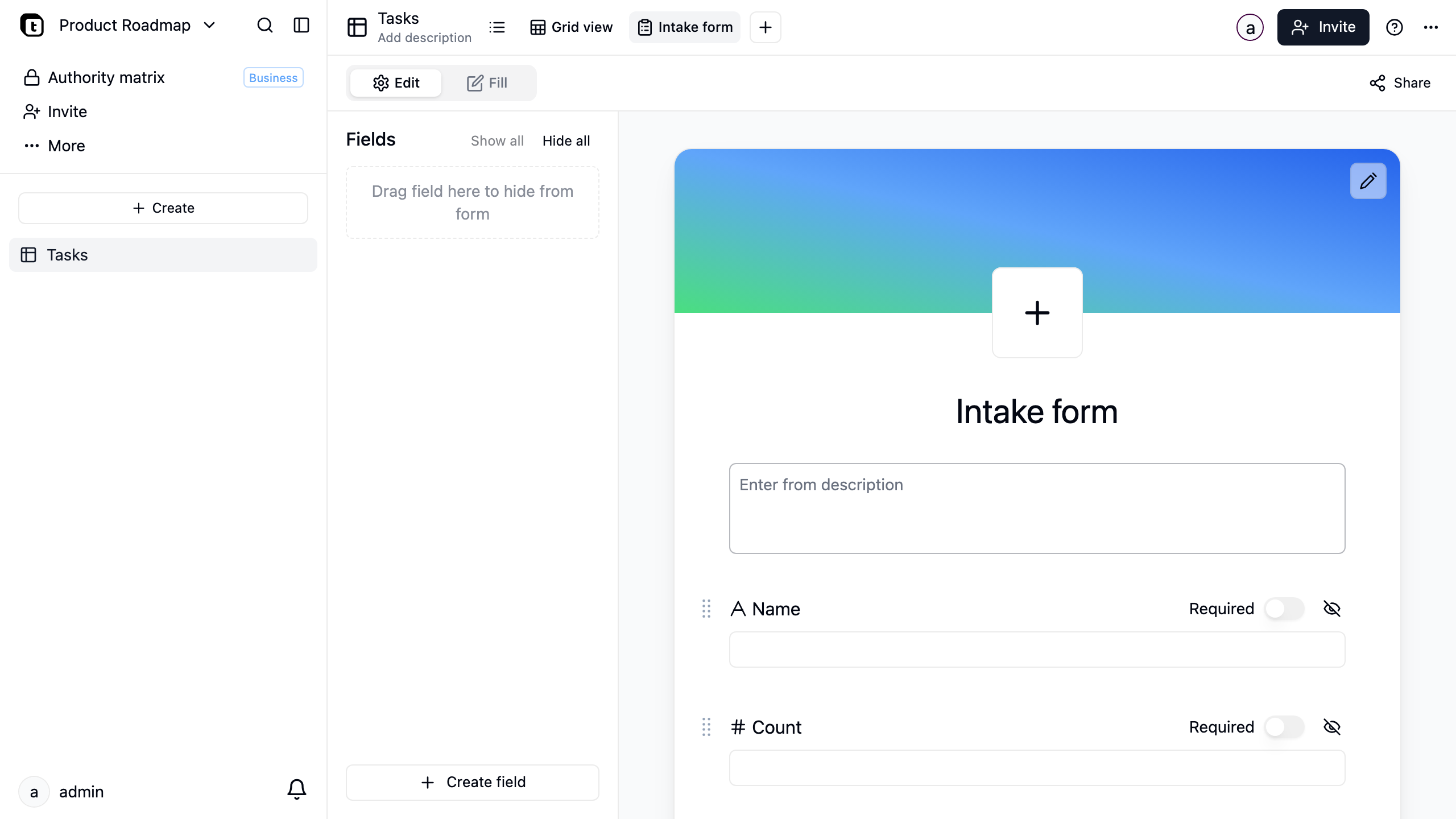
Teable is an open source no code database and a self hosted alternative to Airtable. It turns a real PostgreSQL database into a friendly spreadsheet like interface, organising data into spaces, bases and tables that you edit in grid, kanban, gallery, form and calendar views, with formulas, links, rollups, filtering and a full REST API, all through a modern web interface. Teams use it to build collaborative databases, trackers and internal tools without writing code, run and owned inside their own cloud account rather than a hosted service.
cloudimg ships Teable hardened and fully patched on Ubuntu 24.04, with a bundled PostgreSQL and Redis on the same VM. Security is enforced from first boot: a unique JWT secret, session signing secret, access token encryption key, database password and cache password are generated on each virtual machine, a unique owner administrator is pre seeded so no one can claim the admin role before you sign in, public sign up is disabled in the application and blocked at the reverse proxy, and PostgreSQL and Redis are bound to the internal container network only. It comes with a paired deployment guide and 24/7 cloudimg support.
Real screenshots taken while testing this image against its deployment guide.

Actual Budget is a free, open source, local first personal finance application built around the proven envelope budgetin...

Admidio is the open source membership management platform for clubs, associations and non profit organisations.

AdventureLog is a self-hosted travel companion. It lets you log the countries and regions you have visited, plan future ...
Aim is an open-source ML experiment tracker: your training code logs metrics, hyperparameters and other artifacts as it ...

The cloudimg image ships the free and open source, GPL-3.0 licensed AirTrail application, run the officially supported w...
Akkoma is a lightweight, highly customisable open-source server for the fediverse: a self-hosted, federated microbloggin...