Base
Hardened build
minimal ports, security patches applied at build time

Transmute is a self hosted file converter and compressor with a browser interface, turning images, video, audio, documents, data and archives into the format you need on your own instance.
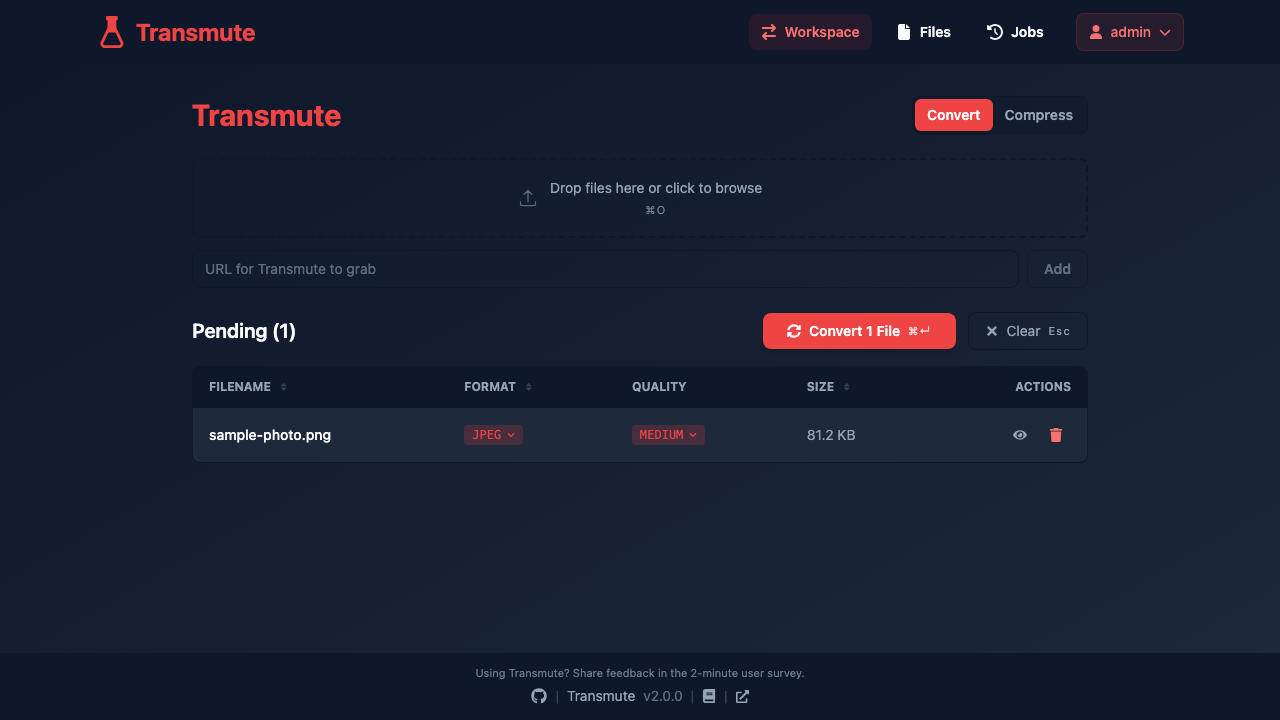
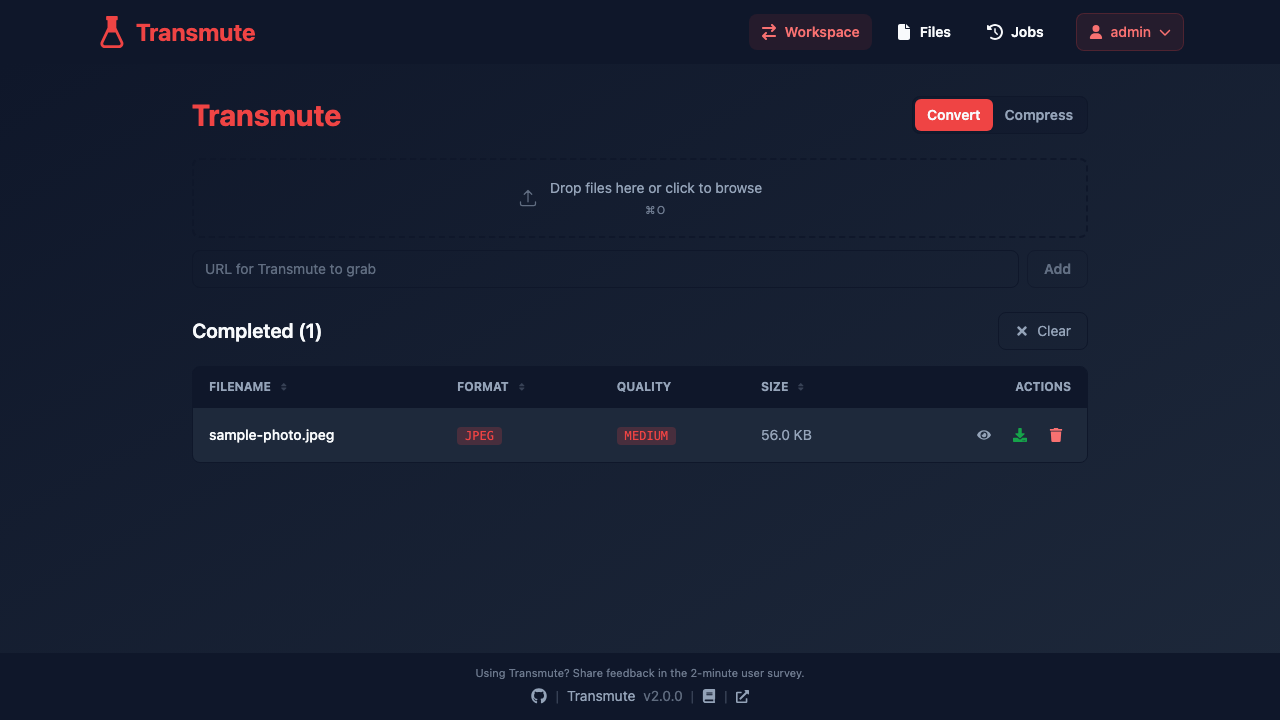
Transmute is an open source file converter you run yourself. You drop a file into the browser, choose the format you want and download the result, without handing the file to an online conversion site. It covers a very wide range of everyday work: images between PNG, JPEG, WEBP, AVIF, HEIC, SVG and more; video and audio through the standard media pipeline; documents and ebooks between office formats, PDF, Markdown and EPUB; spreadsheets and data files between CSV, JSON, Excel and columnar formats; plus subtitles, fonts, 3D meshes and archives. A compression mode reduces file size in place rather than changing the format.
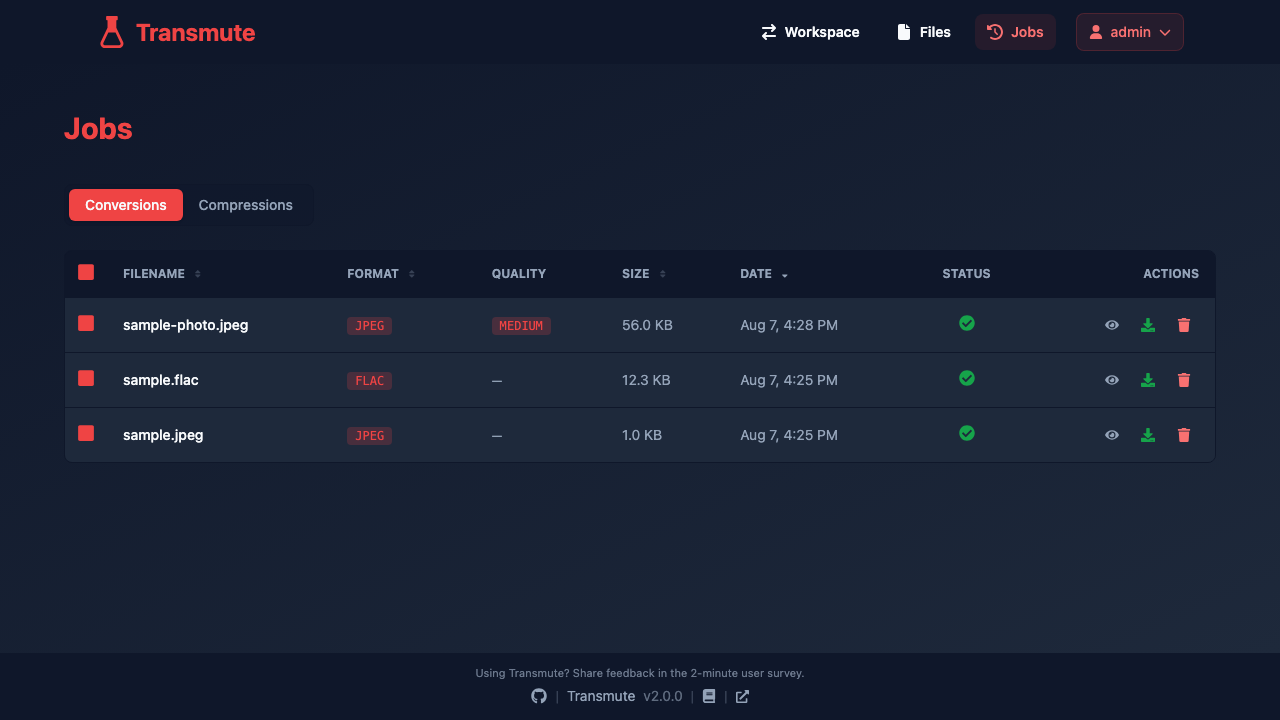
Everything is queued and processed on the instance itself, with a job history showing what was converted, the size of each result and whether it succeeded. Several people can share one instance, each with their own account, files and settings, and an API with per user keys lets conversions be driven from scripts as well as from the browser.
cloudimg delivers Transmute as a complete appliance with its whole conversion toolchain already inside the image, so the converter answers as soon as first boot finishes and there is nothing to download or compile. Security is the main reason to take this image rather than run it yourself: upstream grants administrator rights to whoever creates the first account, and accepts that request with no authentication while the account list is empty, so an exposed instance can be claimed by a stranger. This image closes that window entirely. First boot generates a unique administrator password and a unique token signing key into a root only file and claims the administrator account itself, while the public port is still closed, so there is no moment in which the instance is unclaimed. Anonymous and guest conversions ship disabled and there is no open self registration, so an open converter is never left facing the internet. The application is bound to the loopback interface behind a single front door with a bounded upload size, uploaded files are cleaned up on a retention window, the licensing of every bundled conversion tool is recorded on the instance, the base is fully patched with unattended security upgrades enabled, and every deployment is paired with a step by step deploy guide, backed by 24/7 cloudimg support.
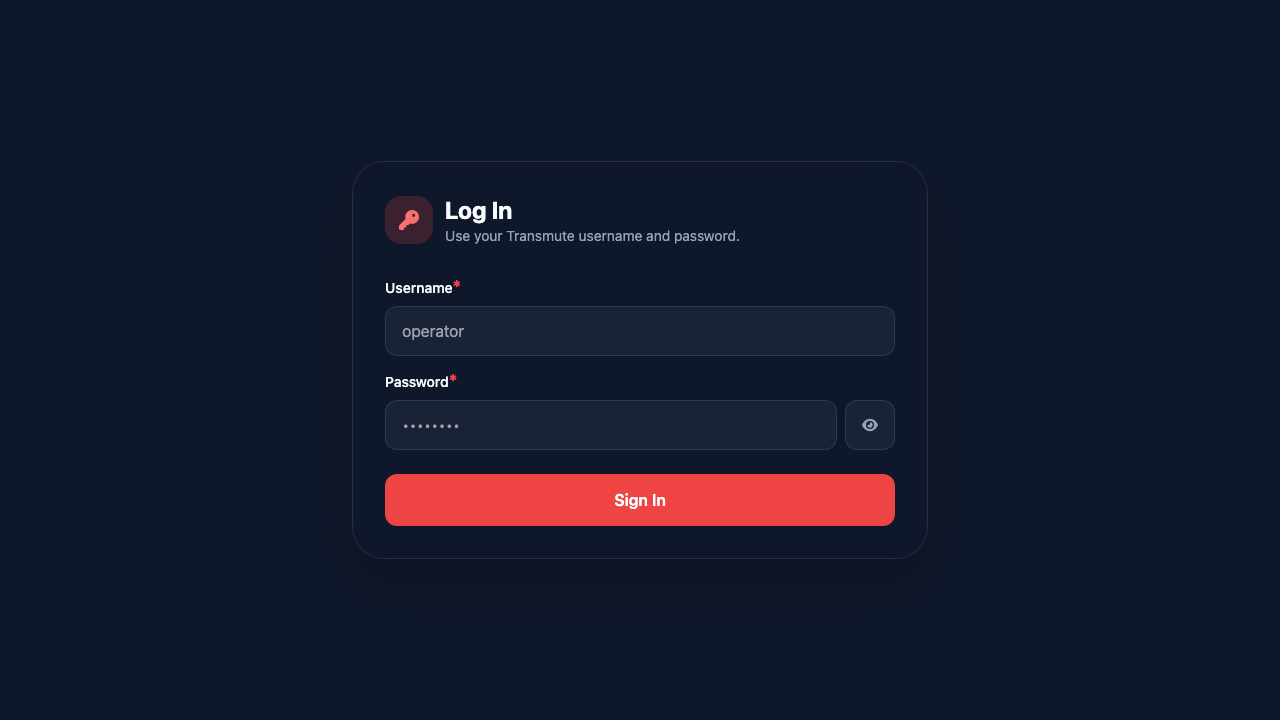
Real screenshots taken while testing this image against its deployment guide.

Actual Budget is a free, open source, local first personal finance application built around the proven envelope budgetin...

Admidio is the open source membership management platform for clubs, associations and non profit organisations.

AdventureLog is a self-hosted travel companion. It lets you log the countries and regions you have visited, plan future ...
Aim is an open-source ML experiment tracker: your training code logs metrics, hyperparameters and other artifacts as it ...

The cloudimg image ships the free and open source, GPL-3.0 licensed AirTrail application, run the officially supported w...
Akkoma is a lightweight, highly customisable open-source server for the fediverse: a self-hosted, federated microbloggin...