Base
Hardened build
minimal ports, security patches applied at build time

uMap is an open source map creator for OpenStreetMap: draw markers, lines and polygons, import your own geodata, style features, and share or embed the maps you build in minutes.
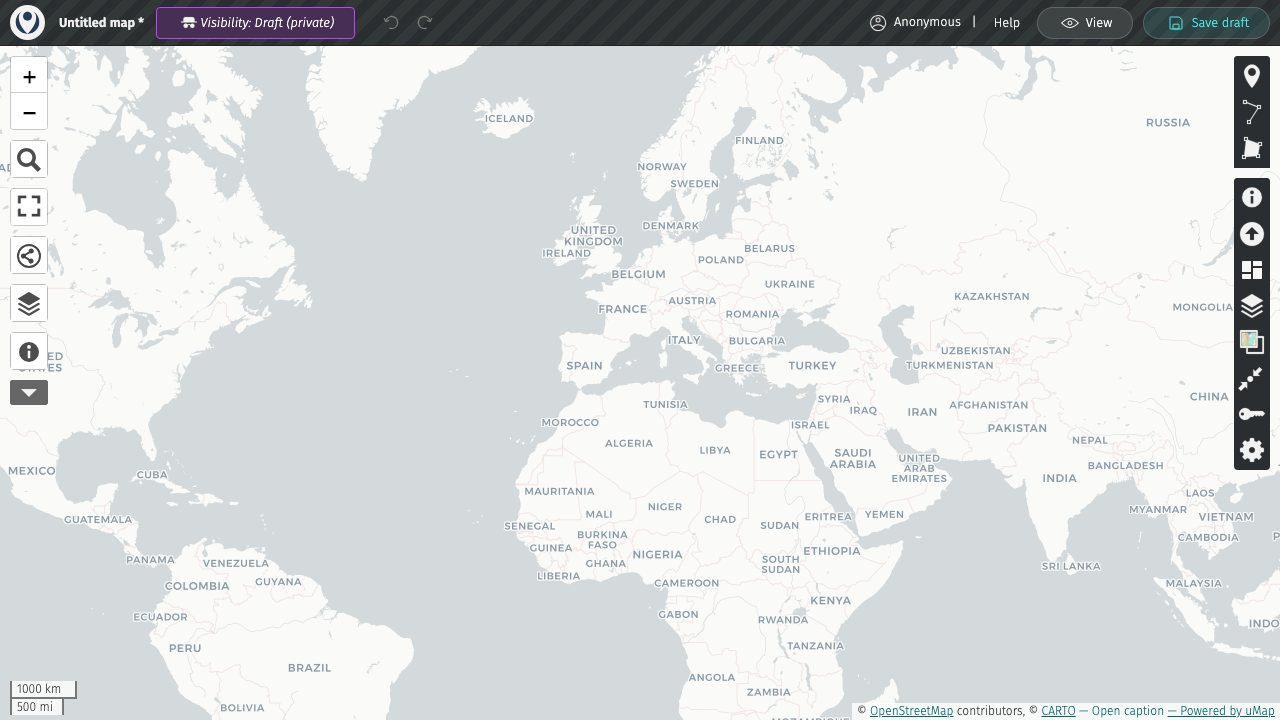
uMap is an open source web application for creating and sharing maps built on OpenStreetMap layers. You draw markers, lines and polygons directly in the browser, import your own geodata from GeoJSON, GPX, KML or CSV, choose icons, colours and styles, and organise features into data layers that viewers can toggle. Finished maps are shared with a link or embedded in any web page, and because they are drawn over standard OpenStreetMap tiles there is nothing heavy to host.
It suits anyone who needs to publish a map without writing code: journalists and community groups mapping points of interest, event and travel itineraries, field teams collecting locations, and organisations that want a self hosted map service they run entirely inside their own cloud account rather than a public service.
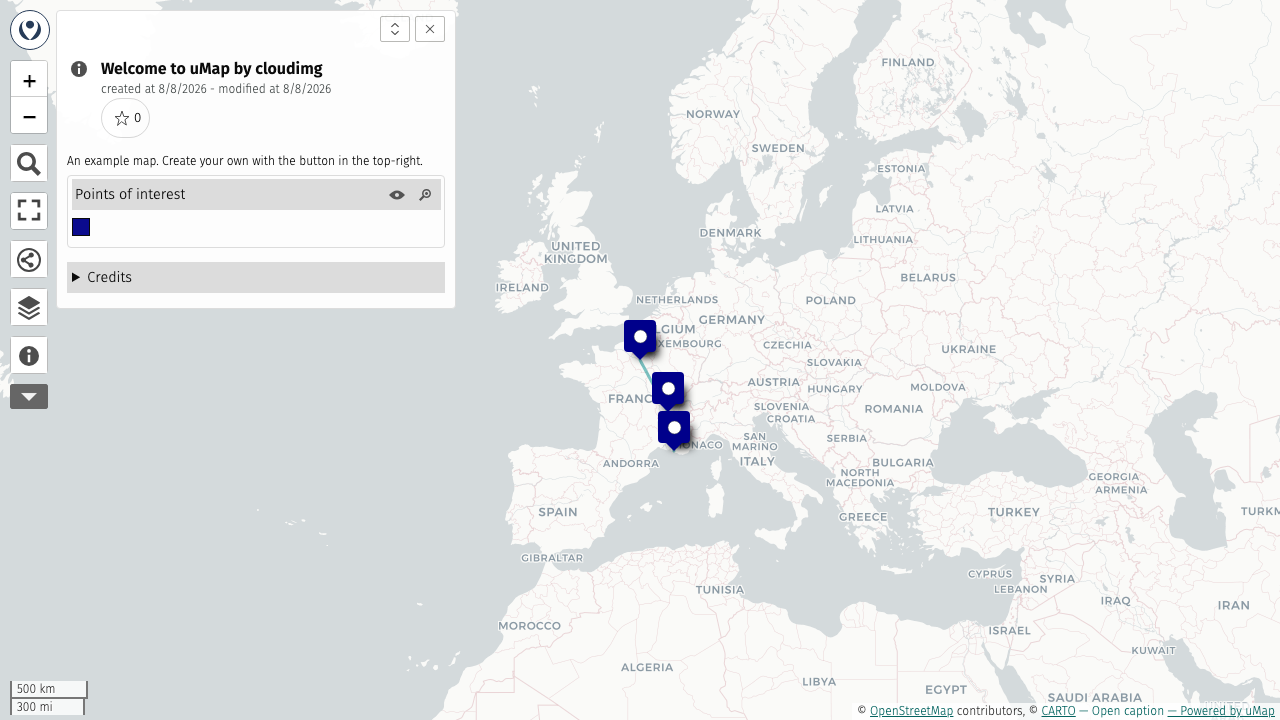
cloudimg delivers uMap as a complete appliance rather than a framework you have to assemble: it is installed at a pinned upstream release into a dedicated virtual environment, served by gunicorn behind an nginx reverse proxy and backed by PostgreSQL with the PostGIS spatial extension and a Redis cache on the same instance, with an example map already loaded so you can see it working the moment first boot finishes. Anonymous map creation is enabled by default, which is how the public uMap service works, while the administration area is reserved for a single instance administrator. Security is the reason to take this image rather than build it yourself. No shared or default credential ever ships, and nothing is listening on the public port in the image at all, so there is no window in which a fresh instance is reachable with a known password. First boot mints a unique secret key, a unique database password, a unique cache password and a unique administrator password into a root only file, and only then brings the public site up. The database, the cache and the application server all listen only on the machine itself and are reached through nginx. The base is fully patched with unattended security updates enabled, and every deployment is paired with a step by step deploy guide and backed by 24/7 cloudimg support.
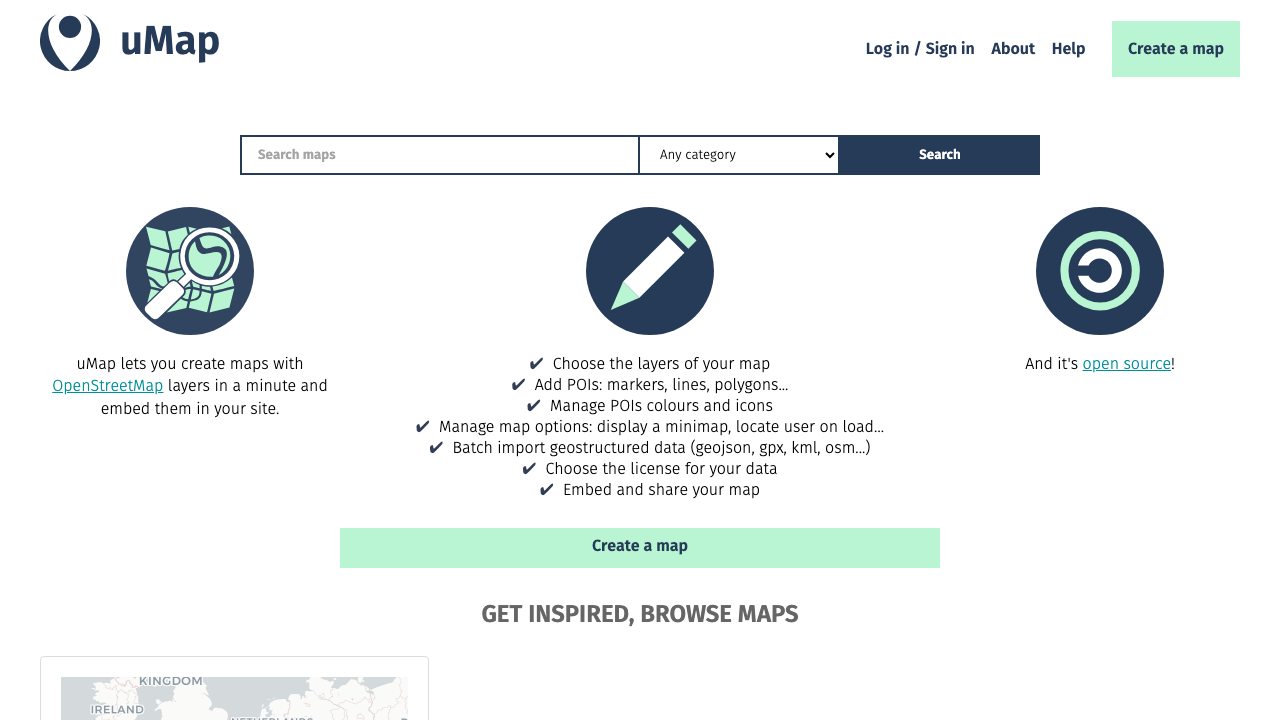
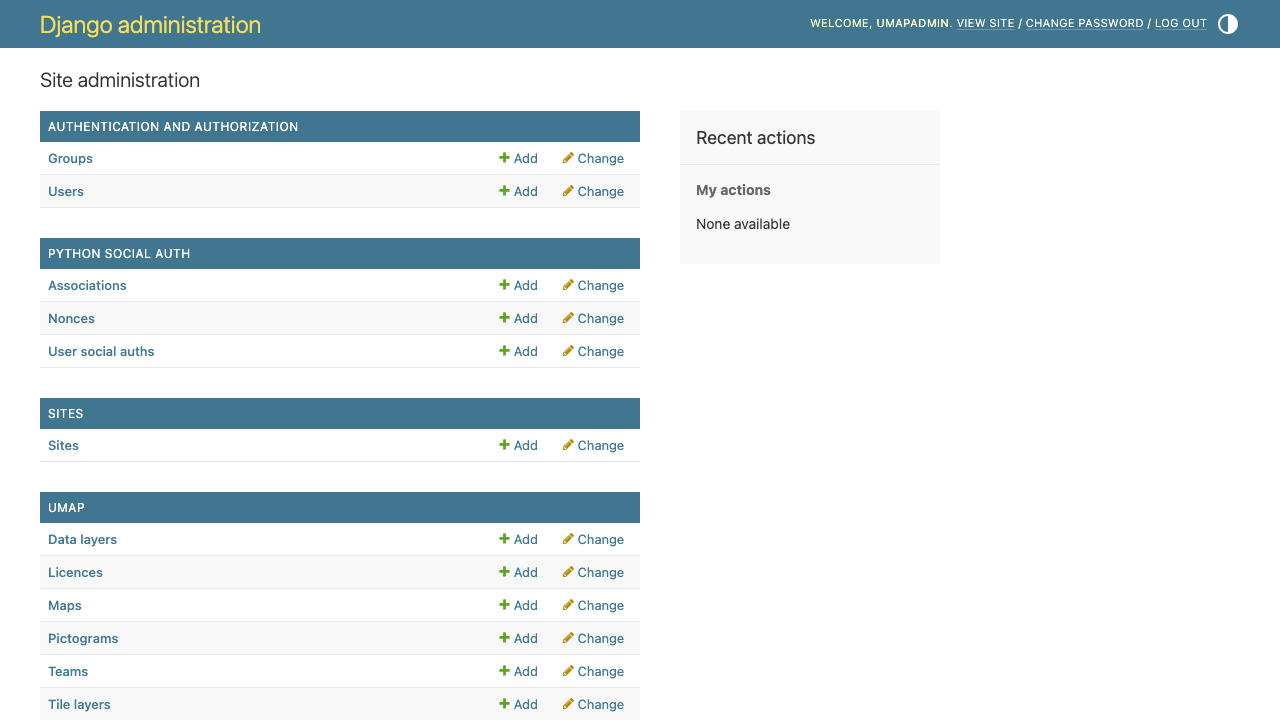
Real screenshots taken while testing this image against its deployment guide.

Actual Budget is a free, open source, local first personal finance application built around the proven envelope budgetin...

Admidio is the open source membership management platform for clubs, associations and non profit organisations.

AdventureLog is a self-hosted travel companion. It lets you log the countries and regions you have visited, plan future ...
Aim is an open-source ML experiment tracker: your training code logs metrics, hyperparameters and other artifacts as it ...

The cloudimg image ships the free and open source, GPL-3.0 licensed AirTrail application, run the officially supported w...
Akkoma is a lightweight, highly customisable open-source server for the fediverse: a self-hosted, federated microbloggin...