Base
Hardened build
minimal ports, security patches applied at build time

UniTime is the comprehensive university scheduling system for course timetabling, examination timetabling, event management and student scheduling.
UniTime is a comprehensive educational scheduling system used by universities and colleges to build and maintain the timetable of classes and examinations for a whole institution. Schedule managers across departments work in one shared system to enter instructional offerings, room and instructor availability and distribution preferences, then run the built in solver to produce a course timetable that minimises student conflicts. The same platform handles examination timetabling, event and room booking for the campus, instructor scheduling, and student sectioning that places individual students into classes.
Because it is designed for coordinated work, departmental schedule managers, examination coordinators and central timetabling staff each get the permissions and views they need while sharing one authoritative data set. UniTime can run on its own as the institution's system of record for scheduling, or exchange data with an existing student information system through its XML interfaces. It began as a collaboration between universities in North America and Europe and is a sponsored project of the Apereo Foundation.
cloudimg delivers UniTime as a complete appliance with its application server and database already installed and tuned on one instance, so the web interface answers as soon as first boot finishes and there is no schema load or connection wiring to do by hand. Security is the reason to take this image rather than install it yourself: UniTime's own installation data seeds a publicly documented administrator login, and that account does not exist anywhere in this image. The image ships with no database, no application account and no connection password at all, and the application server is held back from starting until first boot has created the database and generated a unique administrator password and a unique database password into a root only file, so no default or shared credential ever exists on a running instance. The database and the servlet container both listen on the loopback interface only, with a hardened reverse proxy as the single public listener and no management console or version banner exposed. The base is fully patched with unattended security upgrades enabled, and every deployment is paired with a step by step deploy guide and backed by 24/7 cloudimg support.
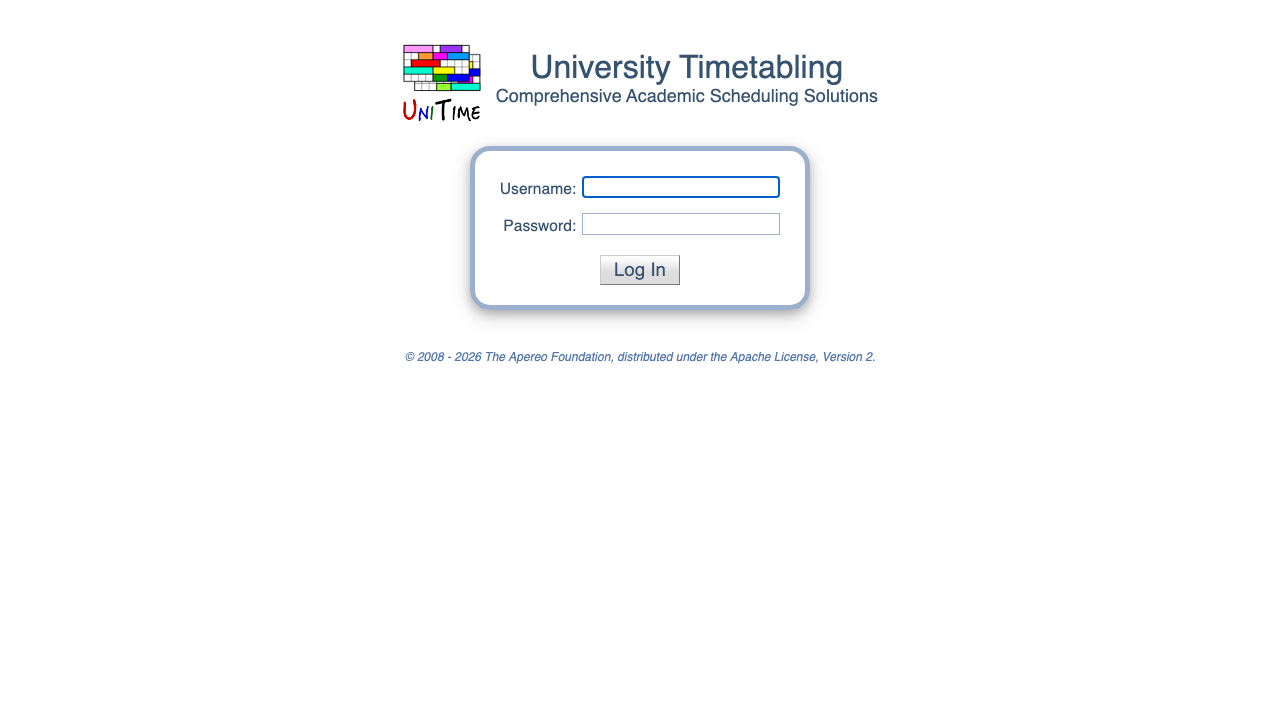
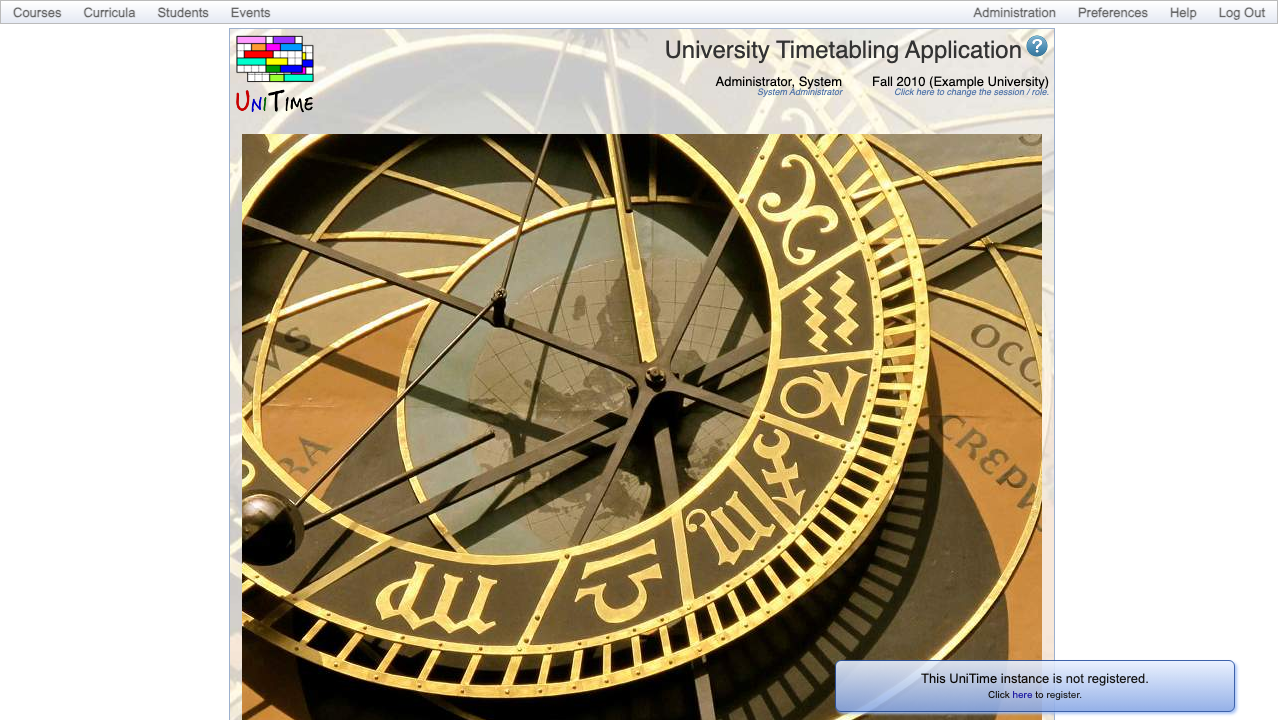
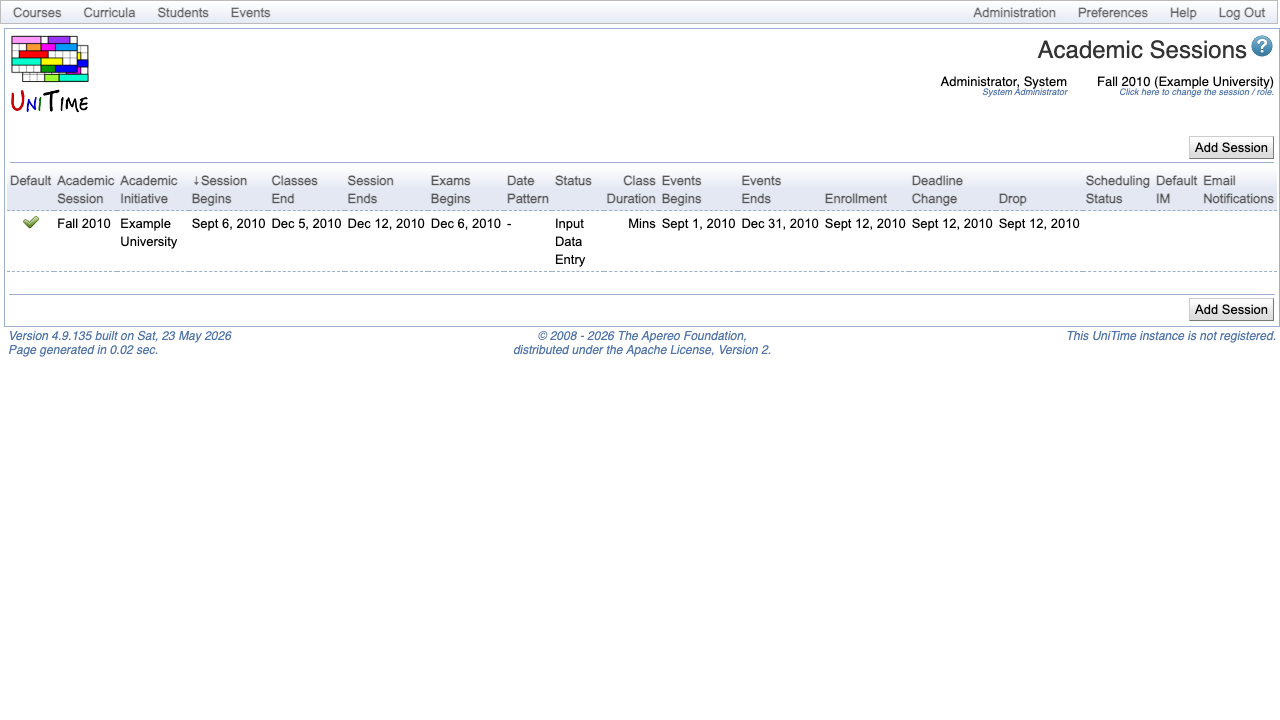
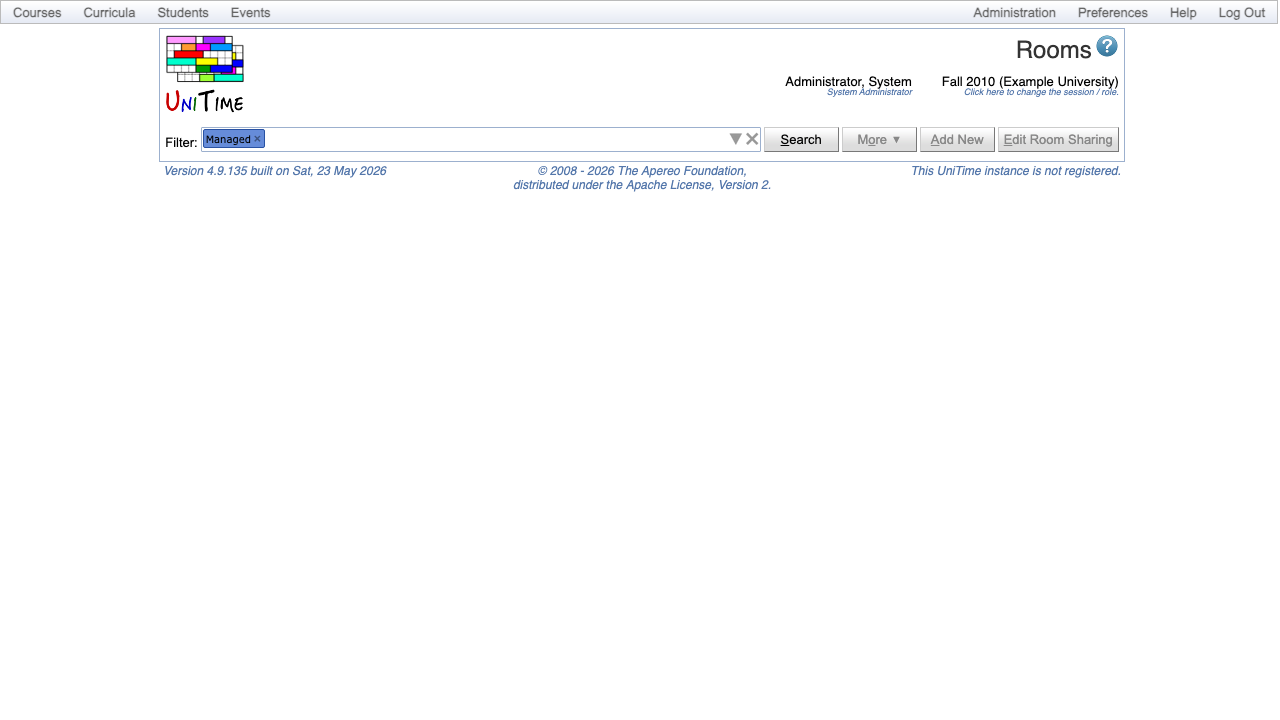
Real screenshots taken while testing this image against its deployment guide.

Actual Budget is a free, open source, local first personal finance application built around the proven envelope budgetin...

Admidio is the open source membership management platform for clubs, associations and non profit organisations.

AdventureLog is a self-hosted travel companion. It lets you log the countries and regions you have visited, plan future ...
Aim is an open-source ML experiment tracker: your training code logs metrics, hyperparameters and other artifacts as it ...

The cloudimg image ships the free and open source, GPL-3.0 licensed AirTrail application, run the officially supported w...
Akkoma is a lightweight, highly customisable open-source server for the fediverse: a self-hosted, federated microbloggin...