Base
Hardened build
minimal ports, security patches applied at build time
Open source enterprise portal framework, aggregating apps and content into a single personalised dashboard of portlets with single sign on and role based access.
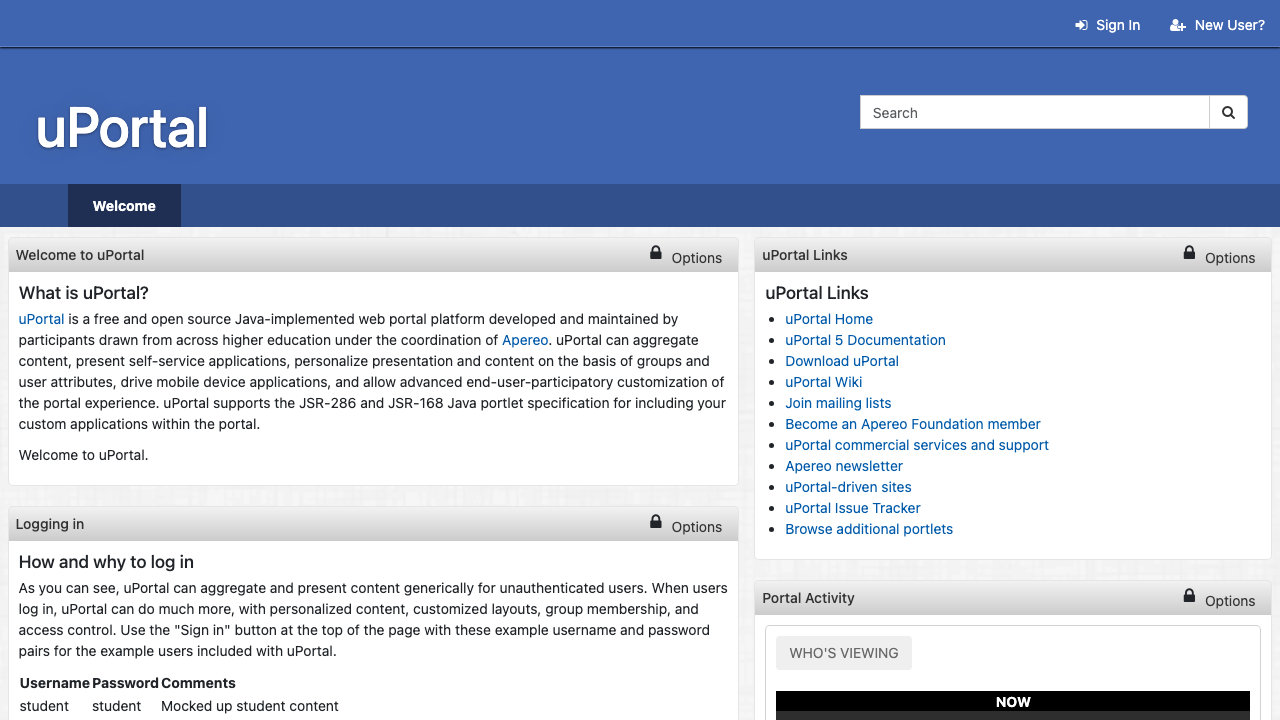
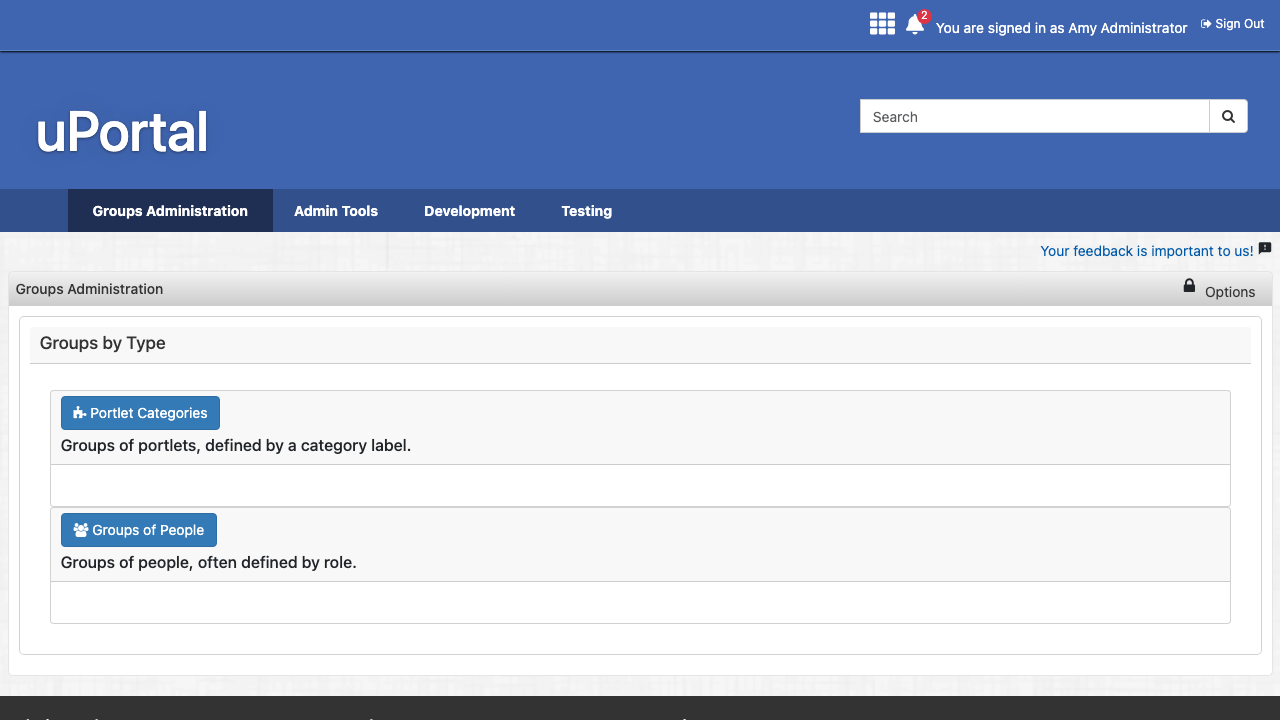
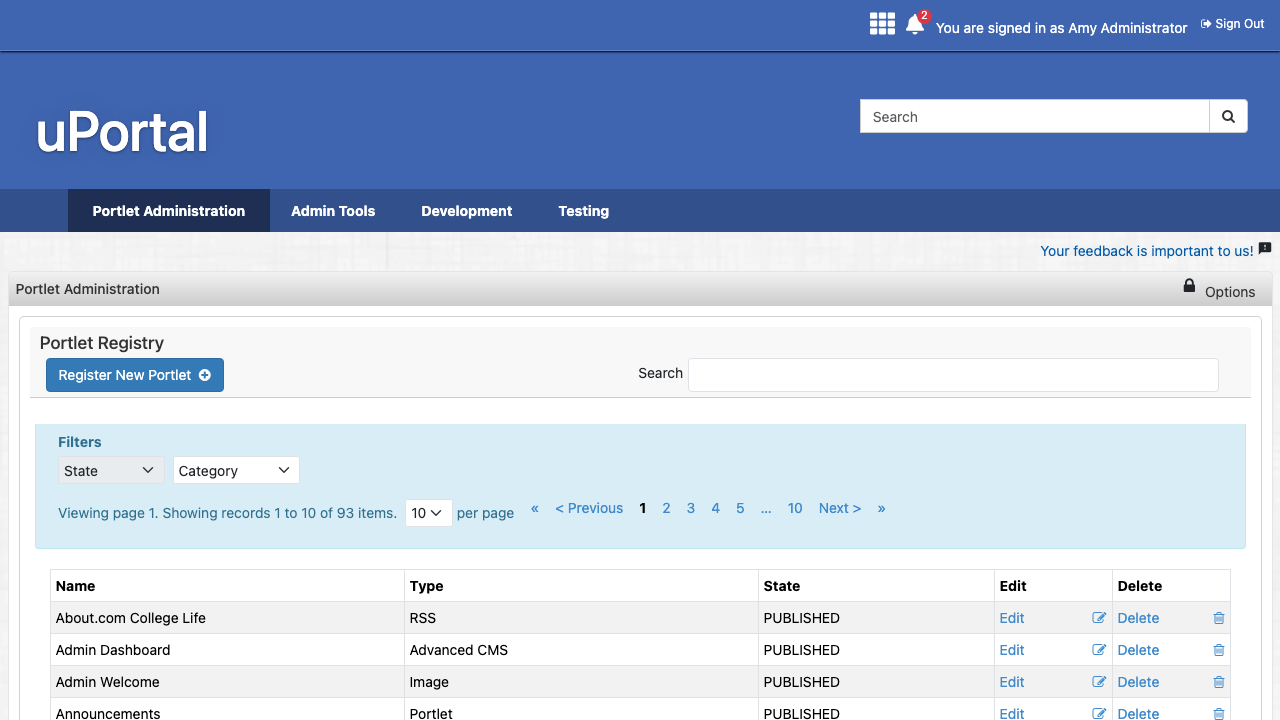
Apereo uPortal is an open source enterprise portal framework built by and for the higher education community. It aggregates content and self service applications into a personalised dashboard of portlets, tailors what each user sees on the basis of group membership and attributes, integrates with single sign on, and gives administrators a web console for managing tenants, groups, permissions and the portlet registry.
The demo tenant ships intact, so a portlet rich portal and the full administration tools are ready to explore and adapt from the first sign in, with full ownership of the data in your own cloud account.
cloudimg delivers uPortal preconfigured on a hardened base: the servlet container and database are bound to the loopback interface behind an nginx reverse proxy, every VM mints a unique administrator password and a unique database password on first boot, the well known demo logins are disabled, and a paired step by step deployment guide covers launch, first sign in and enabling TLS. Backed by 24/7 cloudimg support.
Real screenshots taken while testing this image against its deployment guide.


Actual Budget is a free, open source, local first personal finance application built around the proven envelope budgetin...

Admidio is the open source membership management platform for clubs, associations and non profit organisations.

AdventureLog is a self-hosted travel companion. It lets you log the countries and regions you have visited, plan future ...
Aim is an open-source ML experiment tracker: your training code logs metrics, hyperparameters and other artifacts as it ...

The cloudimg image ships the free and open source, GPL-3.0 licensed AirTrail application, run the officially supported w...
Akkoma is a lightweight, highly customisable open-source server for the fediverse: a self-hosted, federated microbloggin...