Base
Hardened build
minimal ports, security patches applied at build time

Wakapi, a self hosted, WakaTime compatible server that turns your editor heartbeats into per project and per language coding time dashboards.
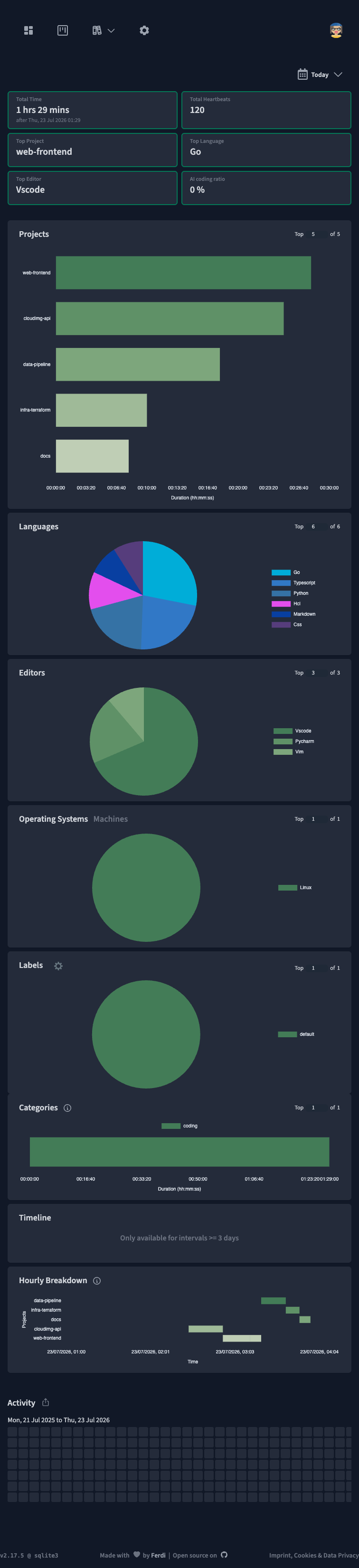
Wakapi is a self hosted, WakaTime compatible coding activity and statistics server. It receives heartbeats from the standard WakaTime editor plugins for Visual Studio Code, JetBrains IDEs, Vim, Sublime Text and many more, then renders clear dashboards of how much time you spend per project, per language, per editor and per machine. Because it speaks the WakaTime API, your existing editor setup points at your own server by changing a single line of configuration, and your coding history stays entirely on infrastructure you control. It is a single Go binary with an embedded SQLite backend, so it stays lightweight and starts instantly.
It suits individual developers and teams who want private, self owned coding metrics instead of sending their activity to a third party service.
cloudimg delivers Wakapi fully installed behind an nginx reverse proxy, so the statistics server answers the moment the instance boots. The image is secure by default: Wakapi binds only to loopback, public registration is switched off so the server is single tenant rather than an open sign up service, and there is no default login. The administrator account, its password and a per machine password salt are generated uniquely on each instance's first boot and are never baked into the image, the activity database sits on its own dedicated data volume, and everything is backed by 24/7 support.
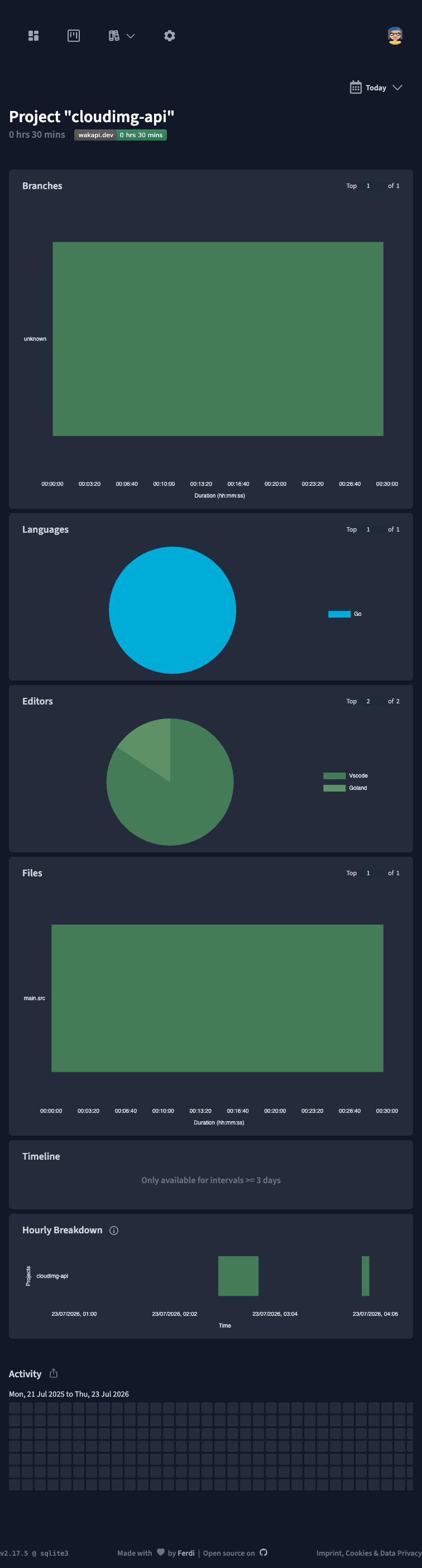
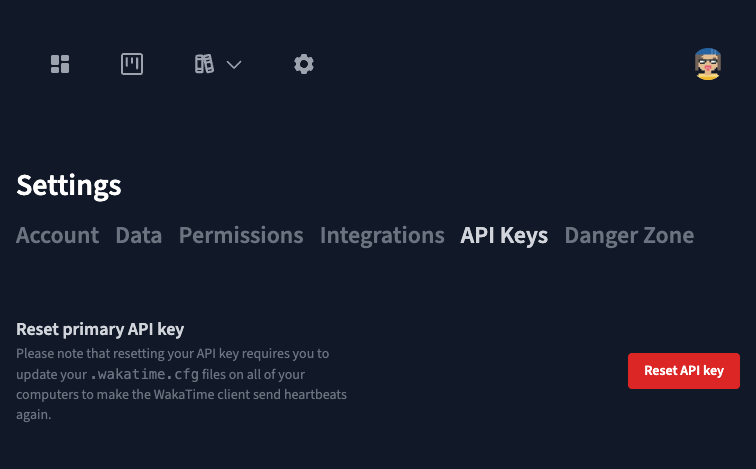
Real screenshots taken while testing this image against its deployment guide.
This is a repackaged open source software product wherein additional charges apply for cloudimg support services.
## Private Coding Analytics Without the Setup Burden
Wakapi is a popular open-source, self-hosted, WakaTime-compatible coding-activity server. It receives heartbeats from standard WakaTime editor plugins for Visual Studio Code, JetBrains IDEs, Vim, Sublime Text and dozens more, then renders clear dashboards showing time spent per project, programming language, editor and machine. Because it speaks the WakaTime API, your existing editor setup points at your own server by changing a single configuration line - and your coding history stays entirely on infrastructure you control.
Deploying Wakapi yourself means installing the binary, writing a systemd unit, generating a password salt, standing up a reverse proxy and seeding an admin account. This AMI eliminates that effort entirely - a working statistics server is running within minutes of launch, not hours.
## Application Stack
Wakapi runs as a single Go binary under systemd (wakapi.service), bound only to loopback and served through an nginx reverse proxy ready for your TLS certificate on port 80. The activity database is SQLite on a dedicated, independently-resizable data volume, so the appliance stays lightweight and starts instantly. There is no separate database server to operate and no runtime to patch.
## Secure by Default
Many pre-built images ship with shared credentials or leave open registration enabled. This image closes those gaps:
## Ready to Use
Browse to the instance on port 80, sign in with the generated admin credentials, then point your editor's WakaTime plugin at your server's URL and API key to start recording coding activity. Dashboards break your time down per project, language, editor and machine, with daily and ranged summaries, an all-time overview, optional badges and a simple API for scripting. You can import history from a WakaTime account or another Wakapi instance.
## What You Avoid by Using This AMI
## Versus Hosted WakaTime
Hosted WakaTime sends your coding telemetry to a third-party service. This AMI keeps all data inside your own AWS account, giving you full ownership, auditability and the ability to run in regulated or air-gapped environments where external SaaS is not permitted.
## cloudimg Support
24/7 technical support by email and live chat with a guaranteed 24-hour response SLA. Our engineers help with deployment, TLS termination, editor plugin configuration, backups, user management and scaling. If you would like a guided setup walkthrough before or after purchase, contact us at any time.
## Use Cases
## Evaluate With Confidence
Launch the AMI on a minimal instance to explore the dashboard and plugin integration before committing to a larger deployment. If you need assistance at any stage, our support team is available around the clock.
All product and company names are trademarks or registered trademarks of their respective holders. Use of them does not imply any affiliation with or endorsement by them.

Accent is an open source, developer-oriented translation and localization management platform.
This image runs Apache Archiva, the open source build-artifact repository manager - a central, governed store for the bi...

This image runs Apache Camel Karavan, an open source visual integration designer and toolkit for Apache Camel.

Launch a production-ready Apache DolphinScheduler workflow scheduler in minutes with zero setup. All-in-one standalone d...

Apache JMeter is the de-facto open-source tool for load and performance testing of web applications, APIs, databases and...

This image runs Apache Subversion (SVN) 1.14, the Apache Software Foundation's enterprise centralised version-control sy...