Base
Hardened build
minimal ports, security patches applied at build time

WBO, an open source self hosted online collaborative whiteboard: open a board by URL and draw together in real time with pen, shapes, text and images.
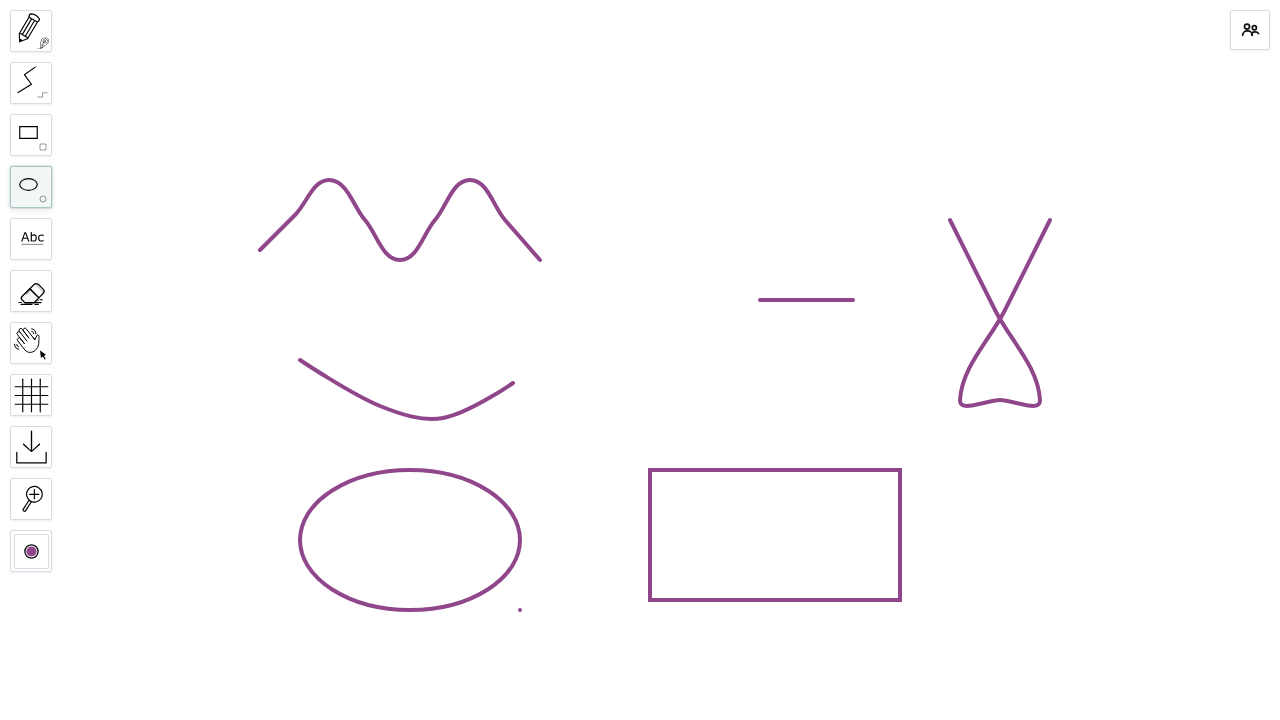
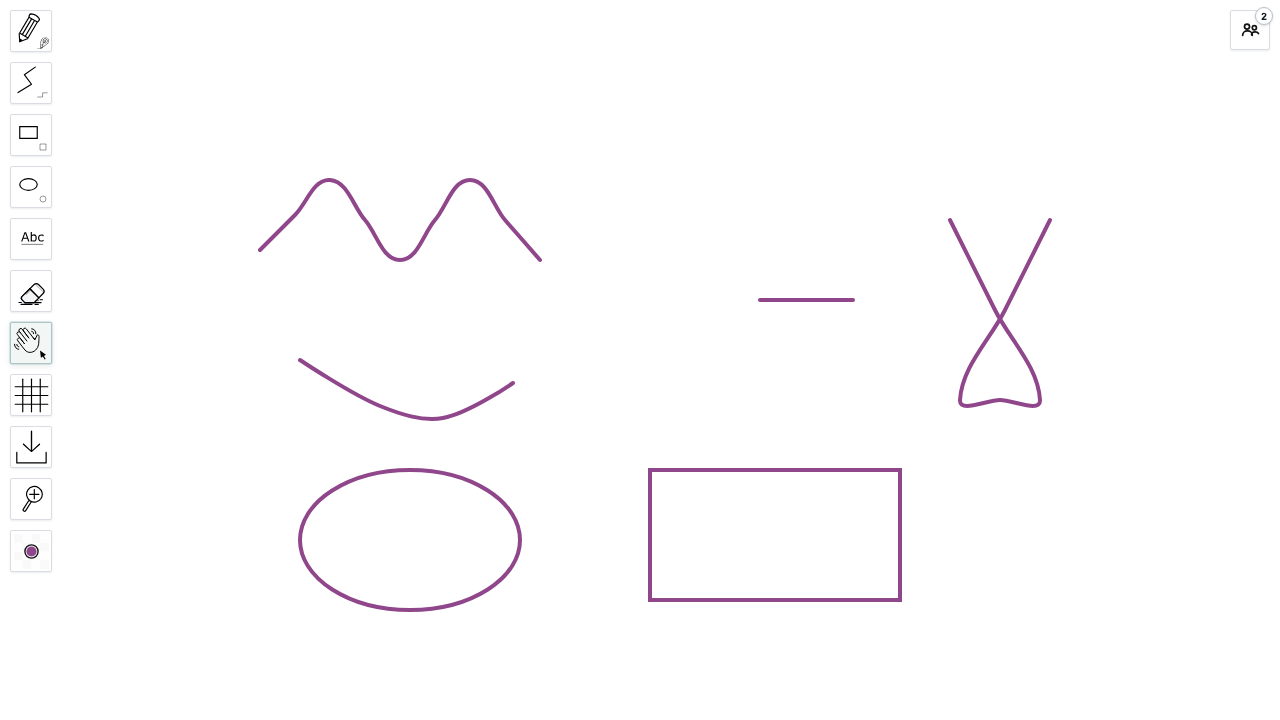
WBO (Whitebophir) is an open source, self hosted online collaborative whiteboard. You and your collaborators open the same board by its URL and draw on a shared, infinite canvas in real time over websockets, with a pen, straight lines, rectangles, ellipses, text and images. It is a lean, privacy respecting alternative to hosted whiteboard services: your boards stay on your own server and never touch a third party.
Each board is stored as files on the server's own disk, so there is no external database to run. It suits teams who want a private whiteboard for brainstorming, diagramming, teaching and remote collaboration on infrastructure they control.
cloudimg delivers WBO fully installed as a Node.js service behind an nginx reverse proxy, so the whiteboard answers within minutes of launch. Because WBO has no login of its own, the image is hardened never to be left open: WBO binds to loopback only, and on first boot every instance generates its own HTTP Basic Auth password and its own self signed TLS certificate, both covering the whole whiteboard and stored in a root only file, so no two machines share a secret and nothing but a health check is reachable without the password. The websocket upgrade real time drawing depends on is proxied correctly, the base is fully patched with unattended security updates enabled, and every image includes a step by step deploy guide tested against the exact build and 24/7 cloudimg support.
Real screenshots taken while testing this image against its deployment guide.


Actual Budget is a free, open source, local first personal finance application built around the proven envelope budgetin...

Admidio is the open source membership management platform for clubs, associations and non profit organisations.

AdventureLog is a self-hosted travel companion. It lets you log the countries and regions you have visited, plan future ...
Aim is an open-source ML experiment tracker: your training code logs metrics, hyperparameters and other artifacts as it ...

The cloudimg image ships the free and open source, GPL-3.0 licensed AirTrail application, run the officially supported w...
Akkoma is a lightweight, highly customisable open-source server for the fediverse: a self-hosted, federated microbloggin...