Base
Hardened build
minimal ports, security patches applied at build time
Wexflow is an open source workflow engine and automation platform, with a visual designer, more than one hundred ready made tasks and scheduled, triggered or file driven runs.
Wexflow is an open source workflow engine and automation platform for the repetitive work that keeps a business running. A workflow is a list of tasks with settings, assembled in a browser based visual designer rather than written as scripts, and the platform ships more than one hundred ready made tasks covering file and folder operations, archives, encryption and hashing, HTTP calls, SQL queries, SSH and FTP transfers, image and document conversion, electronic mail and scripting.
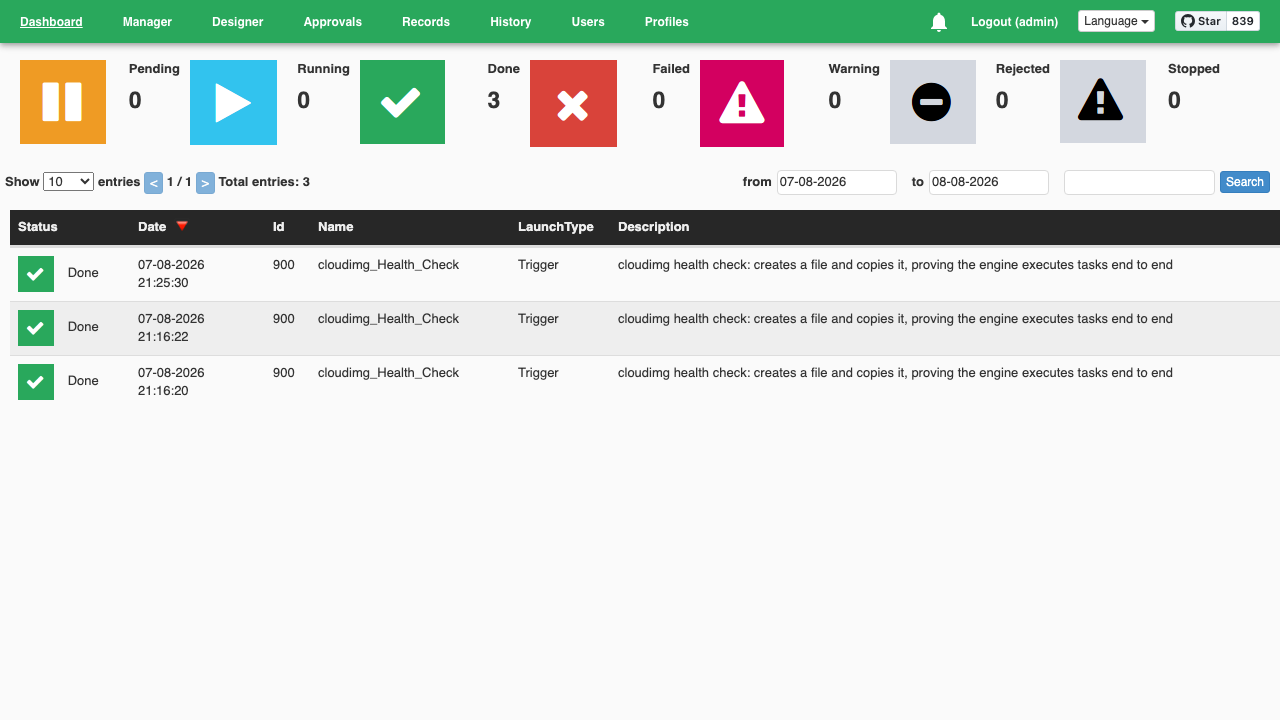
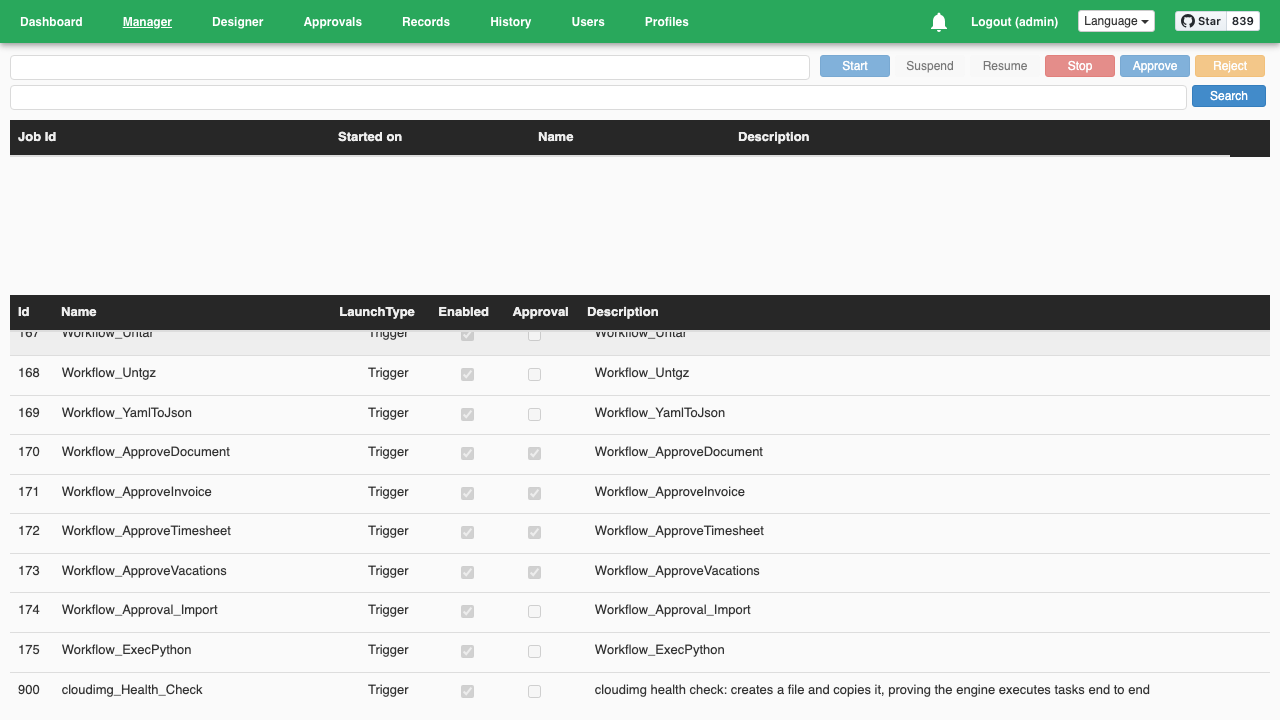
Workflows run on demand, on a cron or periodic schedule, or automatically when a file lands in a watched folder, so overnight file handling, data movement, conversion pipelines and system housekeeping all become things the platform does rather than things a person remembers to do. A manager view starts, suspends, resumes and stops jobs, a dashboard shows live counters and complete execution history, and an approval and records module lets a person sign off a step before the rest of the workflow continues. Everything the interface can do is also available through a documented REST API, so other systems can drive the same workflows.
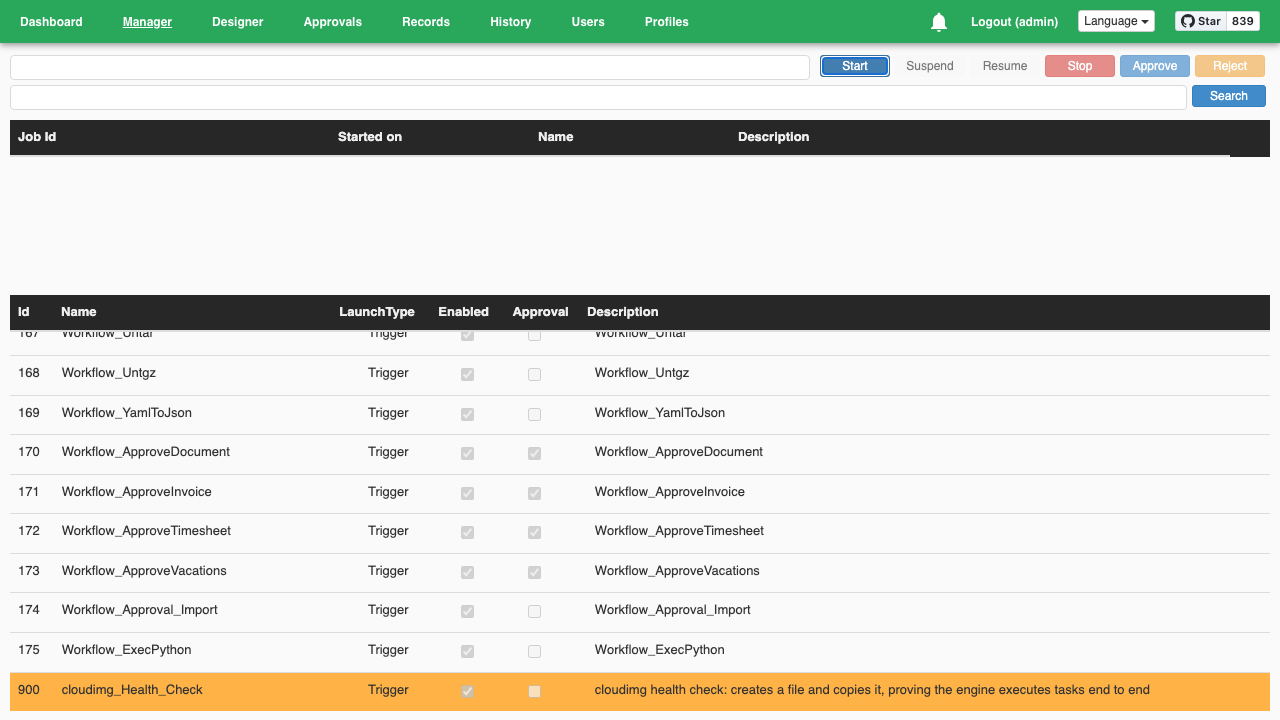
cloudimg delivers Wexflow as a complete appliance: the engine, its runtime and its database are installed and running behind a reverse proxy, so you can design and run a workflow within minutes of launch with no runtime to install, no database to provision and no web server to configure. The complete library of example workflows ships with the image, one per task type, and a cloudimg authored health check workflow gives you a one click end to end proof that the engine really executes tasks. Examples that would otherwise launch themselves are shipped switched off, so nothing runs on your instance until you ask it to. Security is the reason to take this image rather than install it yourself: upstream seeds two administrator accounts with the same publicly documented password and a publicly documented token signing key that would let anyone mint a valid session for any user. The second account is removed outright, and the first boot of every instance generates a unique administrator password, a unique signing key and a unique certificate passphrase into a root only file, with nothing listening on the public port until it has. First boot then proves the result before handing the instance over, confirming that every published default is refused, that a forged token is refused and that a real workflow runs to completion. The engine runs as an unprivileged service account, the base is fully patched with unattended security upgrades enabled, and every deployment is paired with a step by step deploy guide, backed by 24/7 cloudimg support.
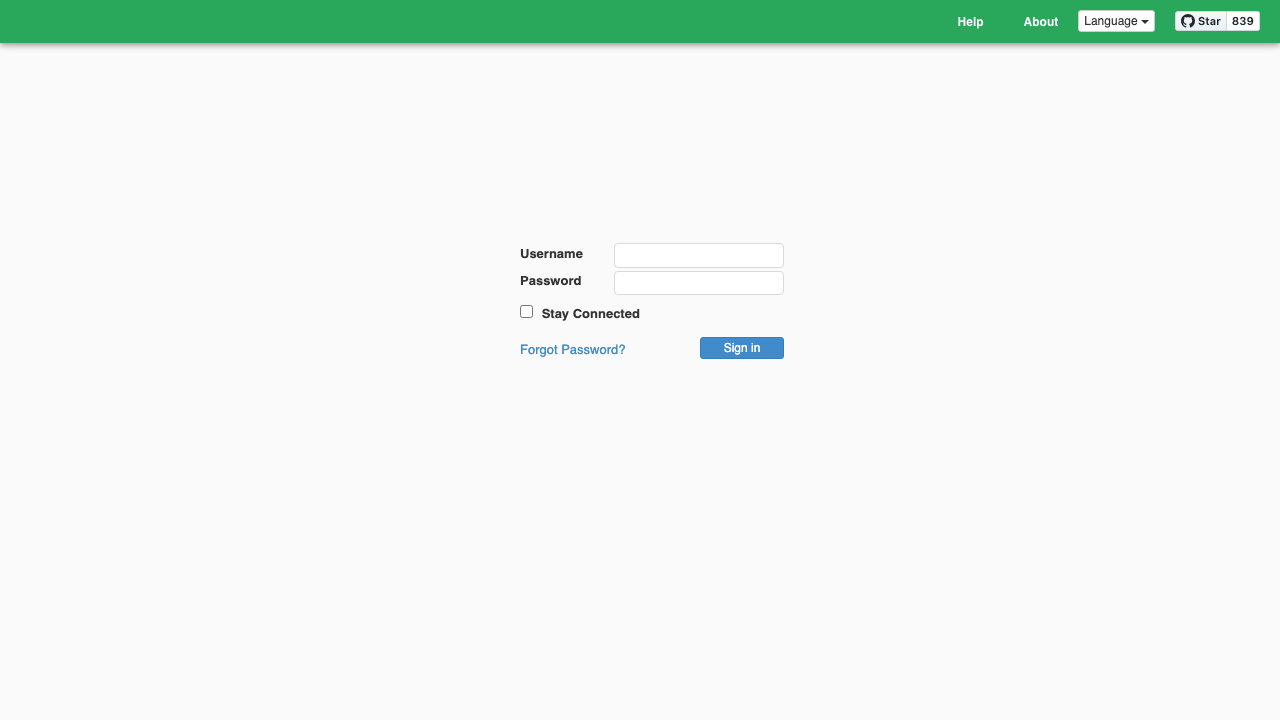
Real screenshots taken while testing this image against its deployment guide.

Actual Budget is a free, open source, local first personal finance application built around the proven envelope budgetin...

Admidio is the open source membership management platform for clubs, associations and non profit organisations.

AdventureLog is a self-hosted travel companion. It lets you log the countries and regions you have visited, plan future ...
Aim is an open-source ML experiment tracker: your training code logs metrics, hyperparameters and other artifacts as it ...

The cloudimg image ships the free and open source, GPL-3.0 licensed AirTrail application, run the officially supported w...
Akkoma is a lightweight, highly customisable open-source server for the fediverse: a self-hosted, federated microbloggin...