Base
Hardened build
minimal ports, security patches applied at build time

Yamtrack, a self hosted media tracker for movies, TV, anime, manga, games and books, in one personal library with progress and ratings.
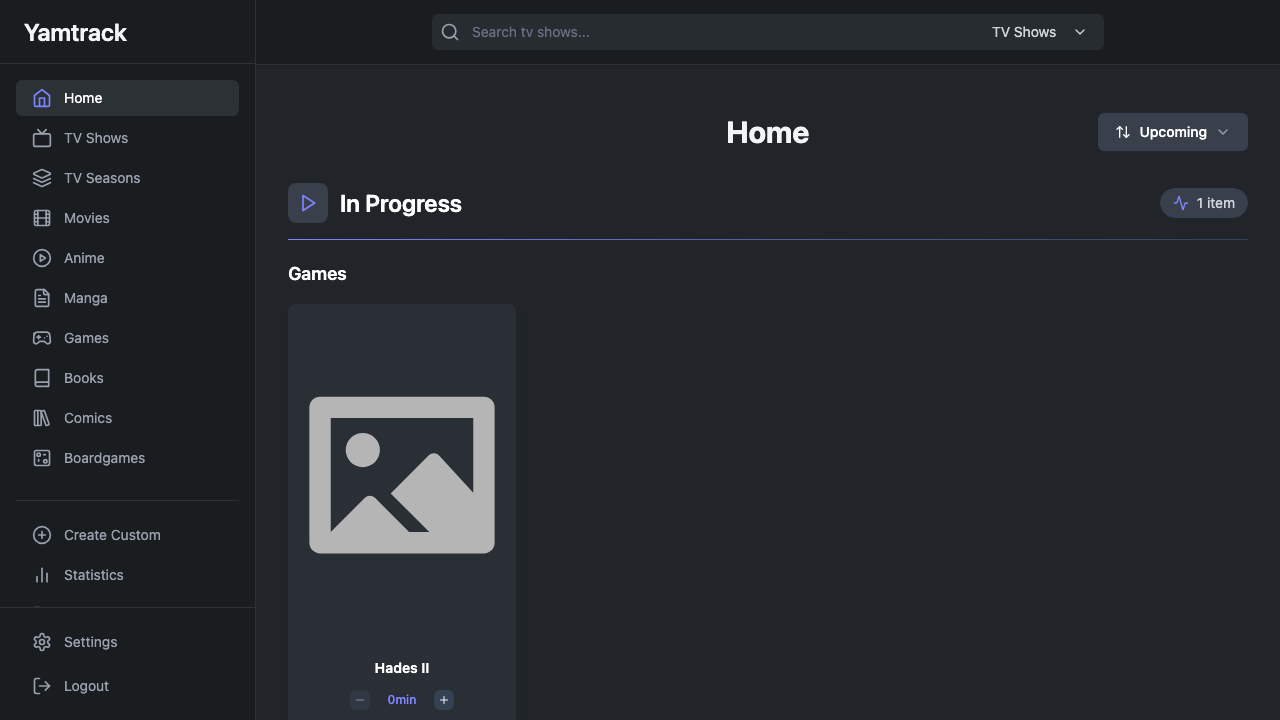
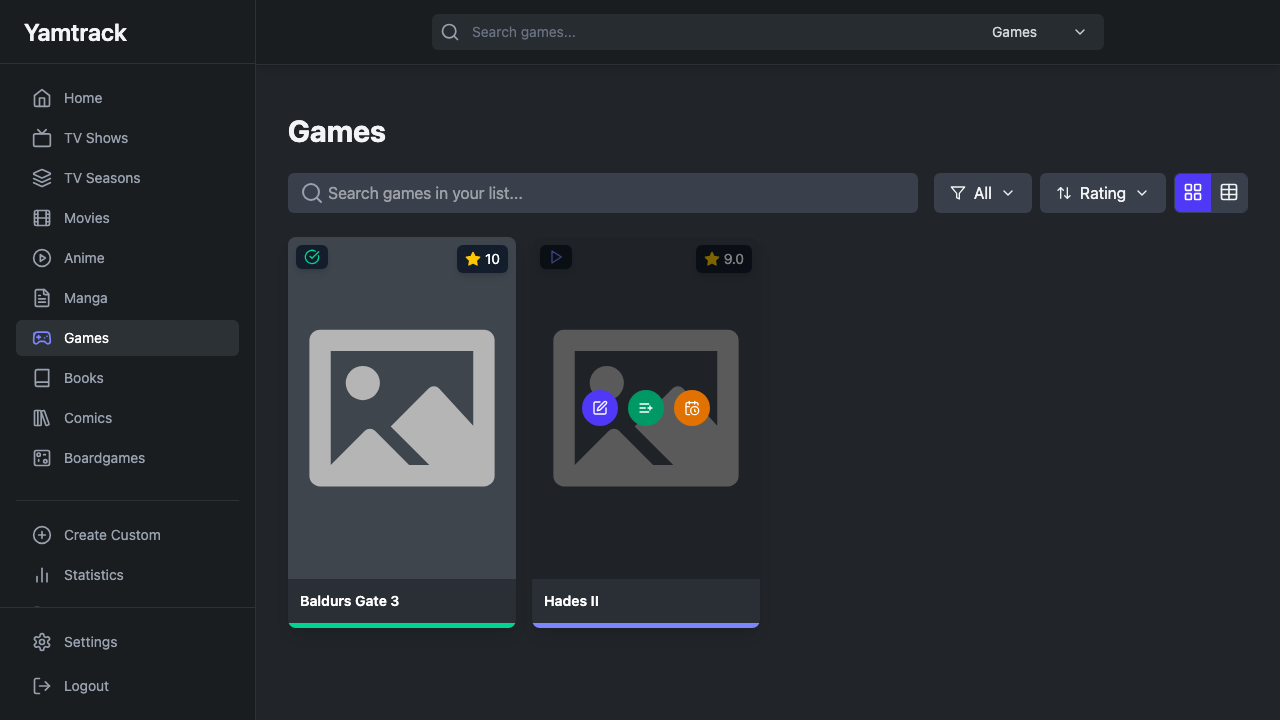
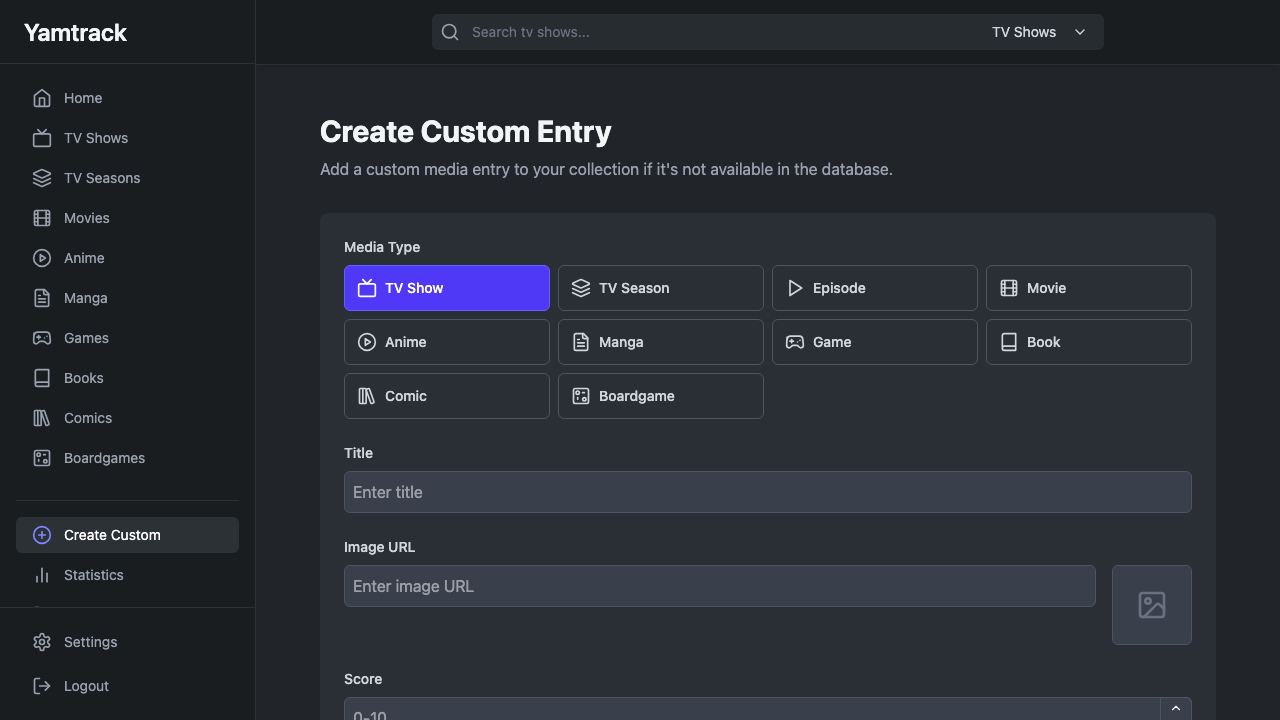
Yamtrack is an open source app for keeping one personal library of everything you watch, play and read. Track movies, TV shows, anime, manga, video games and books together, record where you are up to with per item progress and episode tracking, rate what you have finished, and see it all organised by status such as in progress, planning and completed. Rich metadata, artwork and details are fetched automatically for the things you add, and a background worker keeps that information in sync, so your library stays current without manual upkeep. You can also add fully custom entries for niche items no catalogue covers, and import your history from other services.
It suits anyone who wants a single private place to remember what they have seen and played, plan what is next, and keep their ratings and progress, inside their own cloud account rather than spread across separate watchlist and backlog services.
cloudimg ships Yamtrack secure by default with no surviving default login. Yamtrack's upstream ships a fixed insecure application secret and leaves open sign up on, so on the first boot of every instance cloudimg generates a fresh unique secret and database password before the app ever starts, seeds a single administrator account with a per instance random password written to a root only file, and disables open self sign up, so no two deployments share a credential, the upstream default never governs a running instance, and the instance is not world open. The app runs the officially supported way as the upstream all in one container, pinned to a fixed release, with its Celery background sync, PostgreSQL database and Redis cache bound to the internal network only and fronted on one clean URL, the base is fully patched with unattended security upgrades enabled, and every deployment is paired with a step by step guide and backed by 24/7 cloudimg support.
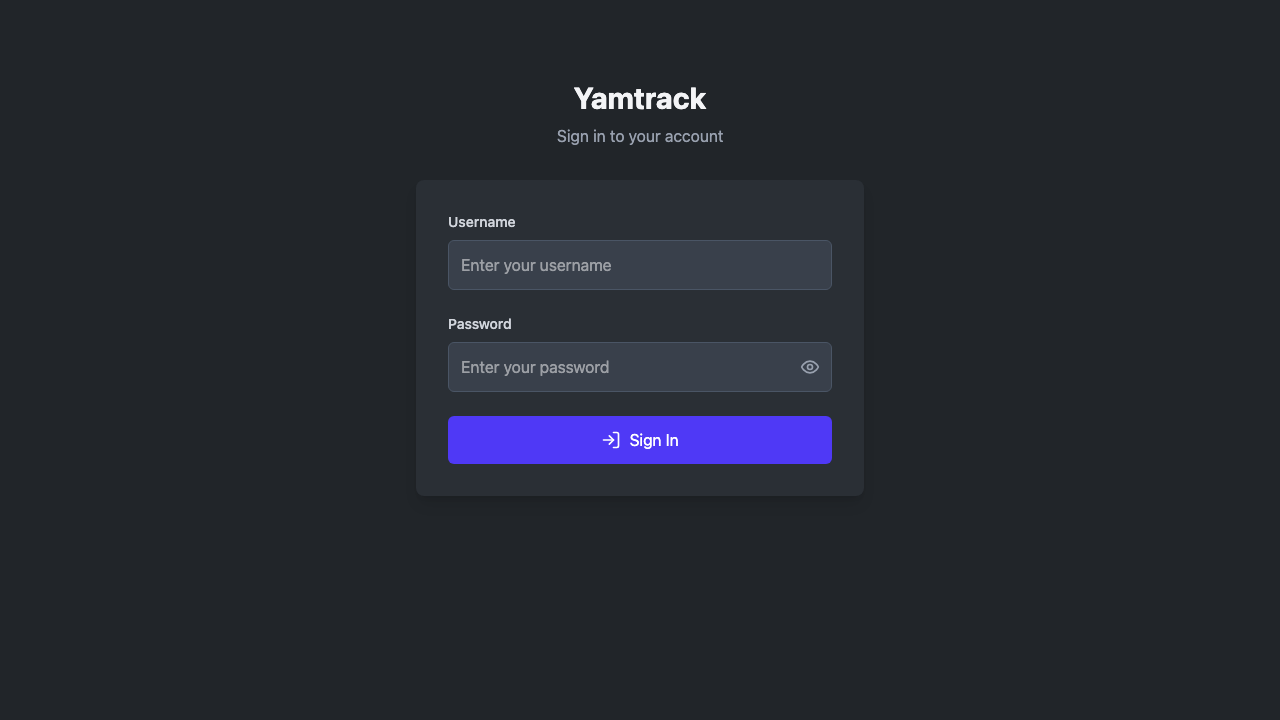
Real screenshots taken while testing this image against its deployment guide.

Actual Budget is a free, open source, local first personal finance application built around the proven envelope budgetin...

Admidio is the open source membership management platform for clubs, associations and non profit organisations.

AdventureLog is a self-hosted travel companion. It lets you log the countries and regions you have visited, plan future ...
Aim is an open-source ML experiment tracker: your training code logs metrics, hyperparameters and other artifacts as it ...

The cloudimg image ships the free and open source, GPL-3.0 licensed AirTrail application, run the officially supported w...
Akkoma is a lightweight, highly customisable open-source server for the fediverse: a self-hosted, federated microbloggin...