Base
Hardened build
minimal ports, security patches applied at build time

a cloud native identity and access management platform: single sign on with OIDC, OAuth2 and SAML, passwordless and multi factor login, users, projects and a full admin console.
ZITADEL is an open source identity and access management platform. It gives your applications a complete authentication and authorization backend: single sign on over OpenID Connect, OAuth2 and SAML, passwordless and passkey login, multi factor authentication, and multi tenancy with organizations, projects, roles and self service. A full web Console lets administrators manage organizations, users, projects, applications, login policies and branding, while applications integrate through the OIDC issuer and the management and auth APIs.
It suits teams that want to own their identity provider inside their own cloud account: centralizing login for internal and customer facing apps, adding social and enterprise single sign on, issuing and validating tokens, and enforcing multi factor and passwordless policies from one place.
cloudimg delivers ZITADEL fully installed with its PostgreSQL database on the same instance and the Console fronted by nginx with TLS, so the identity provider answers the moment the instance boots. The image is secure by default: because ZITADEL is itself the identity provider, nothing may ship with a known secret, so the 32 character masterkey that encrypts data at rest, the initial admin password, the PostgreSQL password and the API tokens are each generated uniquely on every instance's first boot and are never baked into the image. The database is not published on any host port and is reached solely through the private container network, only SSH and HTTPS are published, and the identity store sits on its own resizable data volume. Every image is paired with a step by step deploy guide and backed by 24/7 support.
Real screenshots taken while testing this image against its deployment guide.
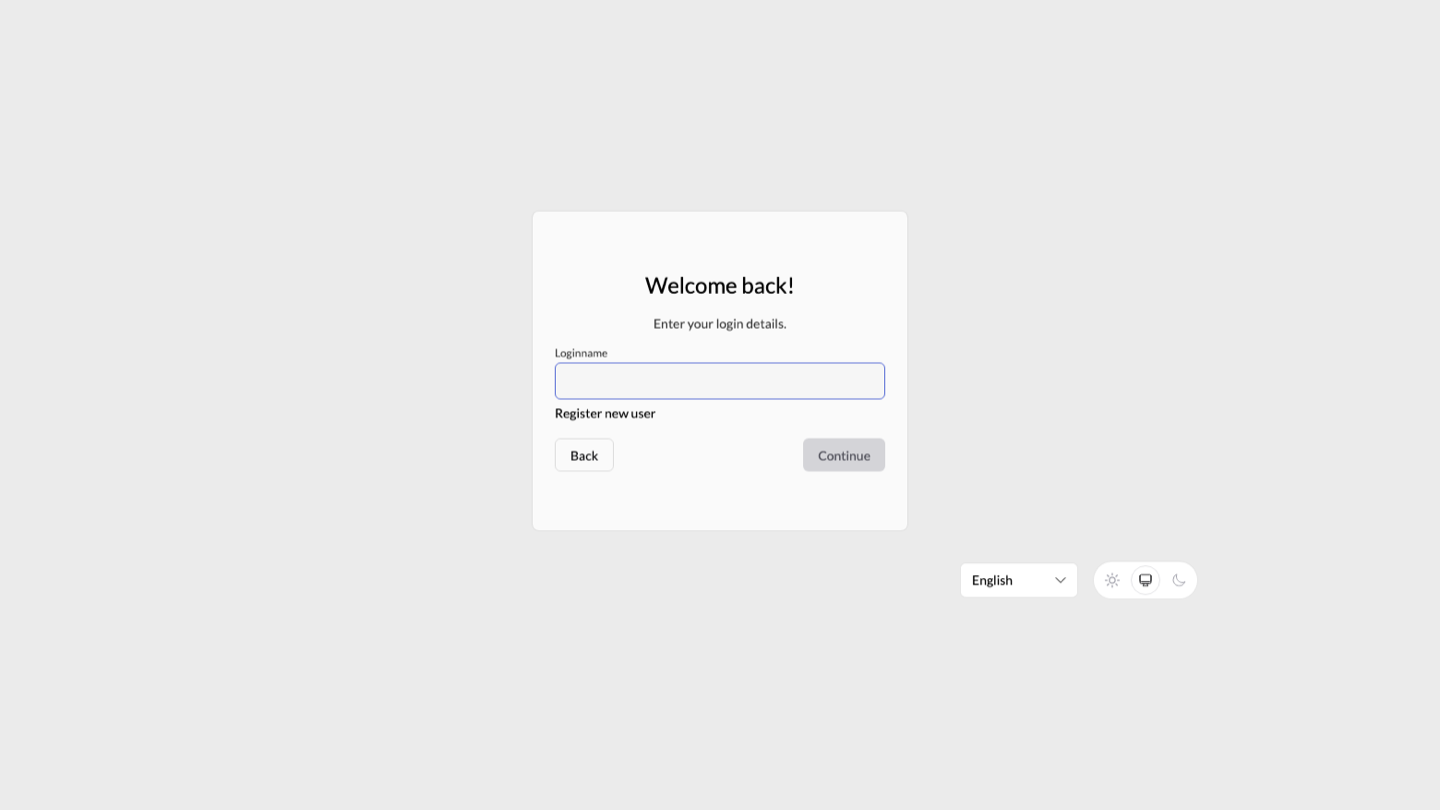
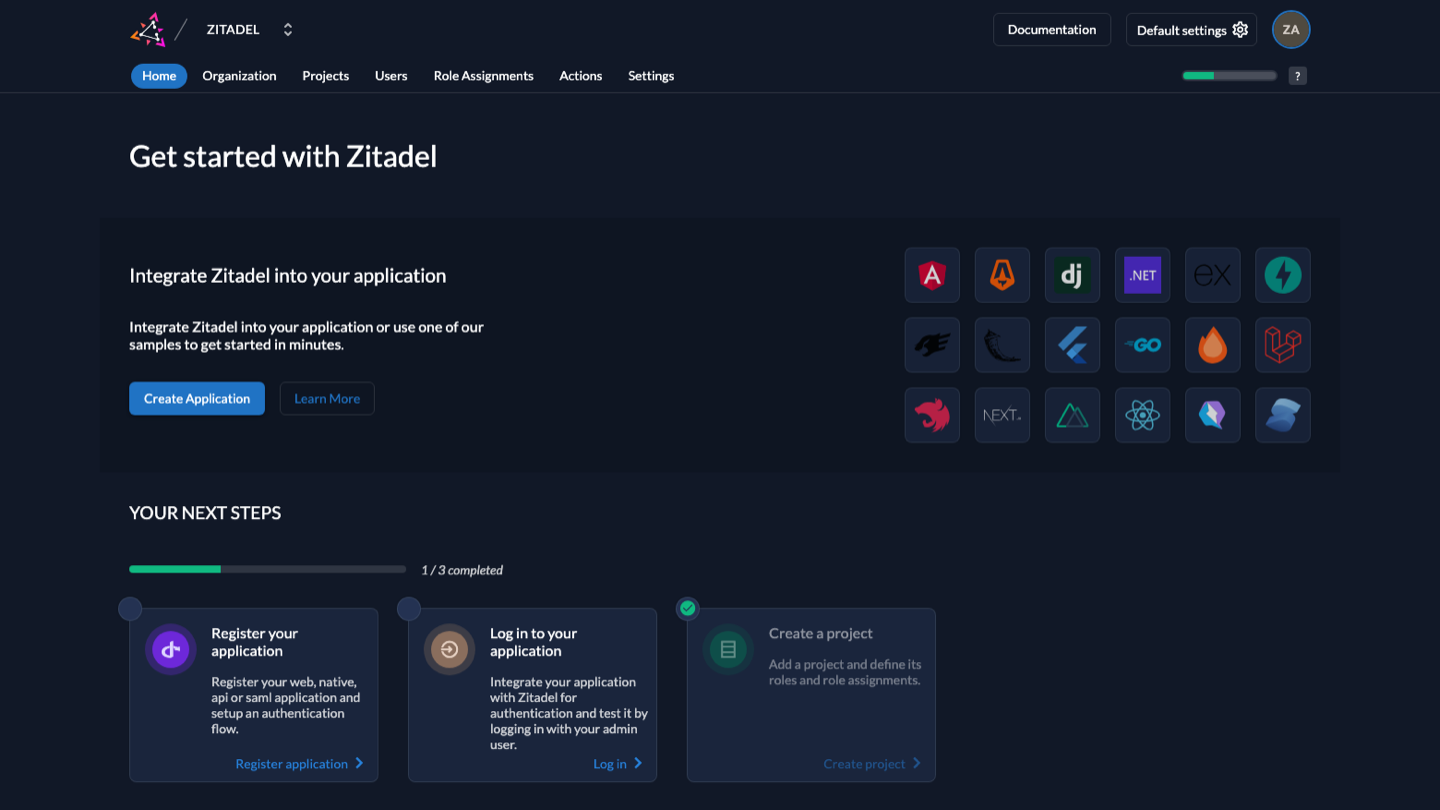
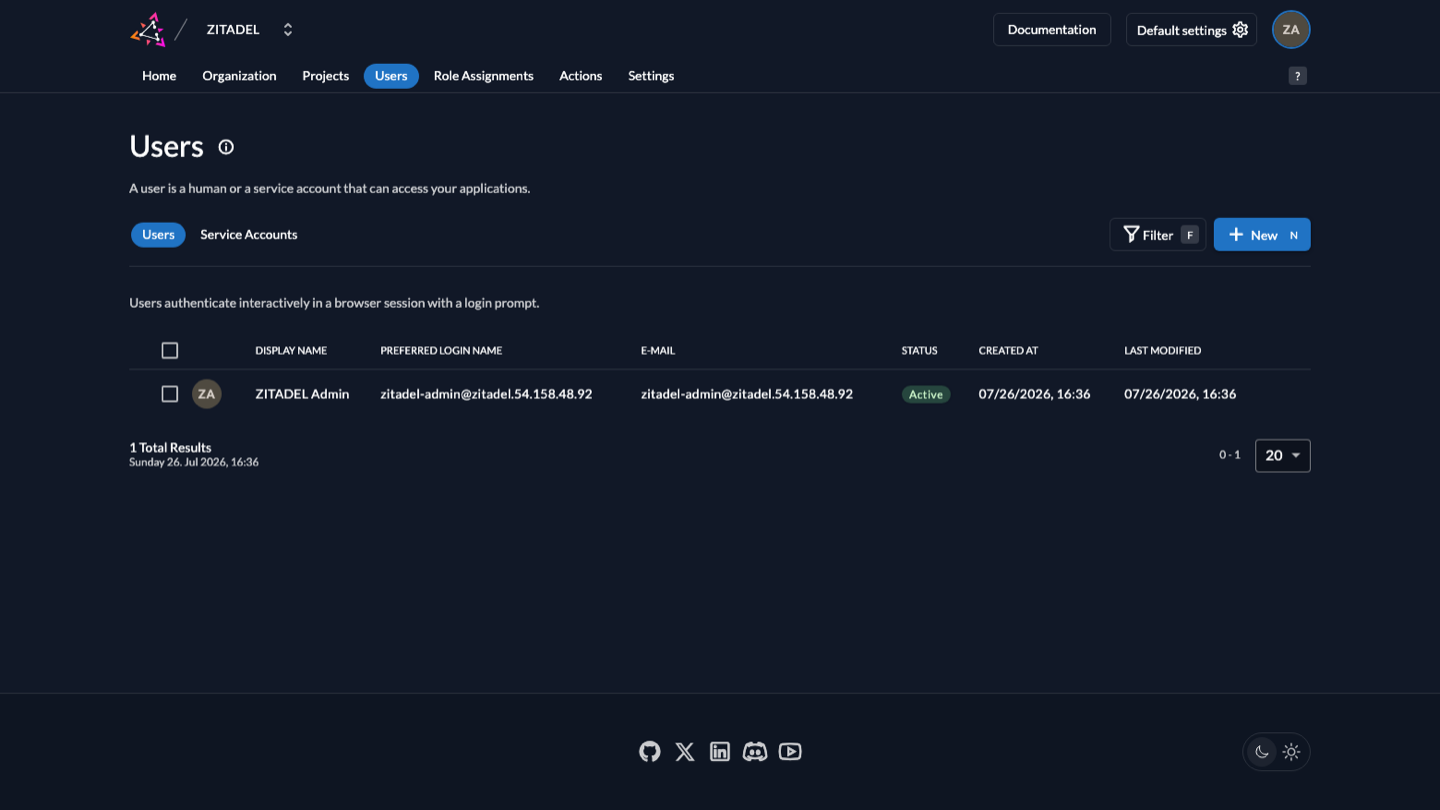
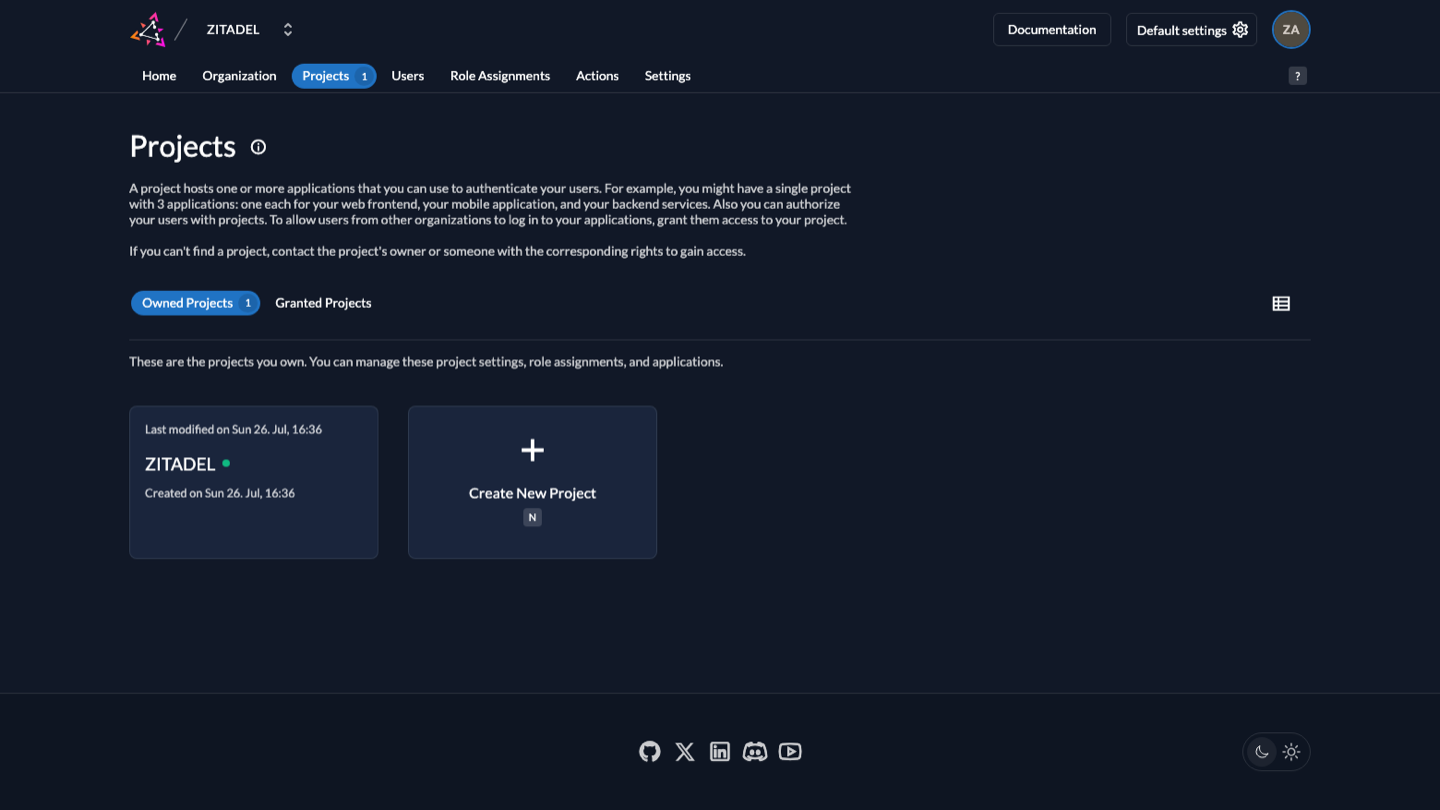
This is a repackaged open source software product wherein additional charges apply for cloudimg support services.
## Why This AMI Over Manual Deployment
Standing up ZITADEL by hand means provisioning and tuning PostgreSQL, generating a masterkey to encrypt secrets at rest, wiring the separate Login v2 user interface container to the API with a service token, terminating TLS in front of the whole thing, and pinning every image so the deployment is reproducible. Every one of those steps is a place to leave a weak default in the component that all of your other applications will trust. This AMI removes that work: a complete identity and access management platform is answering over HTTPS within minutes of launch, with its database, its Login v2 interface and its reverse proxy already wired together and hardened.
## What Is Running
ZITADEL is an open source identity and access management platform. It gives your applications a complete authentication and authorization backend: single sign-on over OpenID Connect, OAuth 2.0 and SAML, passwordless and passkey login, multi-factor authentication, and multi-tenancy through organizations, projects, roles and self-service. A full web console lets administrators manage organizations, users, projects, applications, login policies and branding, while applications integrate through the OIDC issuer and the management and auth APIs.
The image runs the official upstream ZITADEL server and Login v2 containers, pinned by digest and shipped unmodified, alongside a bundled PostgreSQL instance that holds the identity store. Host nginx terminates TLS on port 443 and reverse-proxies to both. The identity store lives on a dedicated, independently resizable data volume rather than the operating system disk, so it can be grown without rebuilding the instance.
## Example Use Case: SaaS Multi-Tenant Authentication
A B2B SaaS company needs isolated login experiences for each of its customer organizations - separate branding, distinct identity providers, and per-tenant role assignments - without managing a separate identity server for every customer. With this AMI, the team launches a single ZITADEL instance, creates an organization per tenant in the admin console, configures each with its own login policy and upstream identity provider federation, and registers the SaaS application as an OIDC relying party. End users authenticate through tenant-branded login pages with passkeys or multi-factor authentication, receive scoped tokens containing organization and role claims, and the SaaS backend enforces authorization using standard OIDC token introspection.
## Secure By Default - Nothing Is Baked In
Because ZITADEL is itself the security boundary, this image ships with no known secret of any kind. On every instance's first boot, and before the service is reachable, it generates a unique 32-character masterkey (the key that encrypts ZITADEL's secrets at rest), a unique PostgreSQL password, a unique initial administrator password, unique API tokens and a fresh TLS certificate. None of these exist in the image itself - the captured image carries no database, no masterkey, no administrator password and no private key. The build proves this before shipping: it verifies that the per-instance administrator password authenticates, and that a blank password, a wrong token and a common default password are all rejected.
The bundled PostgreSQL database is not published on any host port and is reachable only over a private container network. The ZITADEL API and the Login v2 interface bind to loopback only. The security group publishes port 22 and port 443 and nothing else, and there is deliberately no plaintext listener at all, because single sign-on flows carry tokens.
## Getting Started
Launch the instance, retrieve the per-instance administrator credentials over SSH, and open the console in a browser to create your first organization and application. The paired step-by-step deploy guide covers the console tour, registering an OIDC application, validating the discovery document, driving the management API with the per-instance token, and swapping in your own domain and certificate before production use.
## Support
Every cloudimg image is backed by 24/7 technical support and a step-by-step deploy guide.

The cloudimg image ships the free and open source, AGPL-3.0 licensed AliasVault, run the officially supported way as the...

This image runs Apache Directory Server (ApacheDS) 2.0, the Apache Software Foundation's extensible, embeddable director...

This image runs Apache SpamAssassin, the open source, Apache-2.0 licensed anti-spam platform.

Authentik is an open source identity provider: single sign-on, multi-factor authentication, user management and access c...

This image runs Authgear, the open source authentication server and identity provider.
This image runs Beelzebub, the open source low code honeypot and deception framework.