Base
Hardened build
minimal ports, security patches applied at build time

Apache Hop, the Hop Orchestration Platform, for visually designing and running data pipelines and workflows, with per instance credentials and a dedicated data volume, backed by cloudimg support.
Apache Hop, the Hop Orchestration Platform, is an open source data engineering and data orchestration platform for visually designing and running data pipelines and workflows. It provides a browser based, drag and drop editor for building, running and monitoring data integration, transformation and orchestration logic, plus a headless execution server for scheduled and remote pipeline runs. This image ships Hop fully installed and configured so a complete data orchestration platform is ready within minutes of launch: the Hop Web visual editor behind an authenticated reverse proxy, and the Hop Server execution server, both supervised by the operating system.
cloudimg generates a fresh password on first boot for every instance and applies it to both the web editor and the execution server, replacing the well known stock defaults so no two instances ship the same credentials. Hop projects, pipelines, workflows and the execution server configuration live on a dedicated data volume that can be resized independently of the operating system disk. Every image is paired with a step by step deploy guide and is backed by 24/7 cloudimg support.
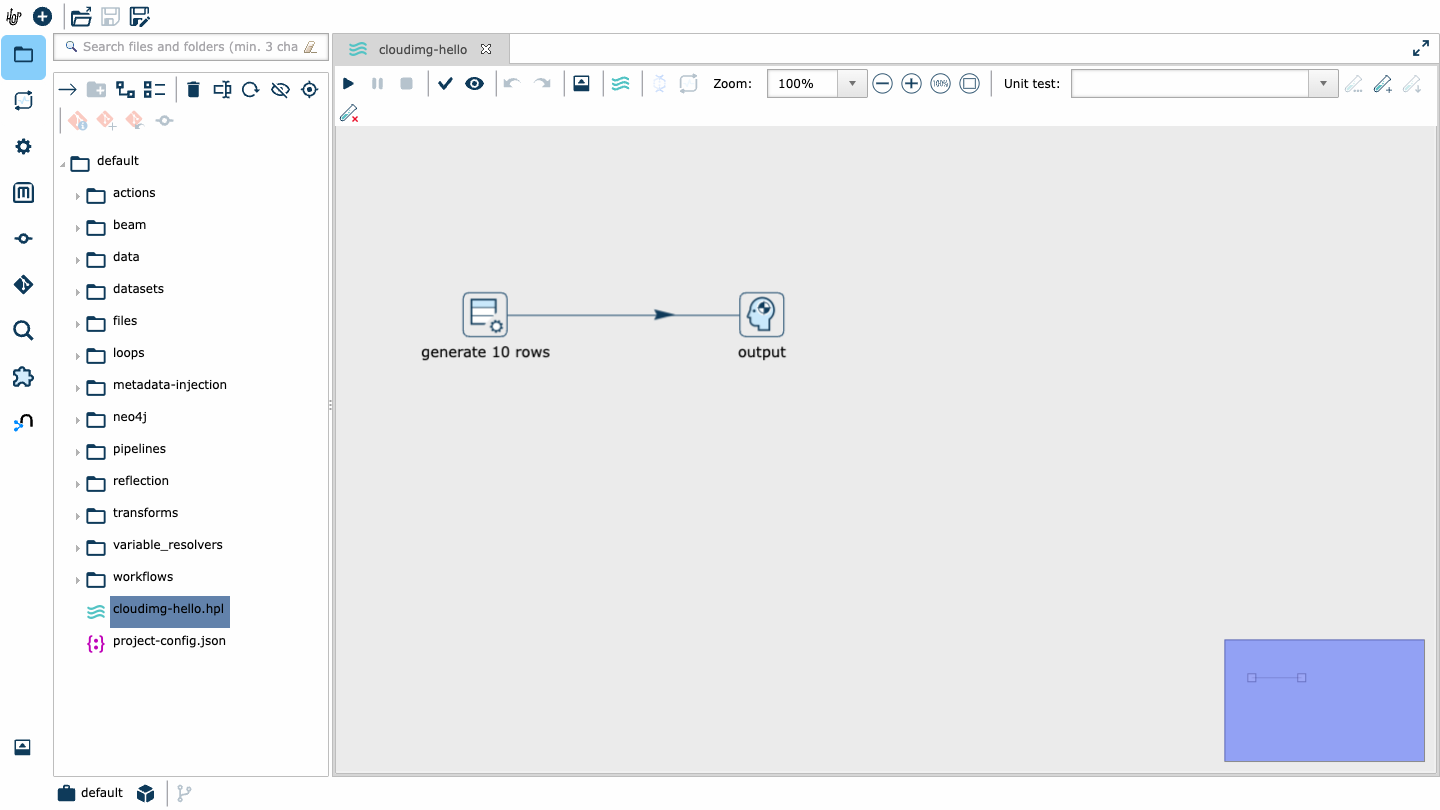
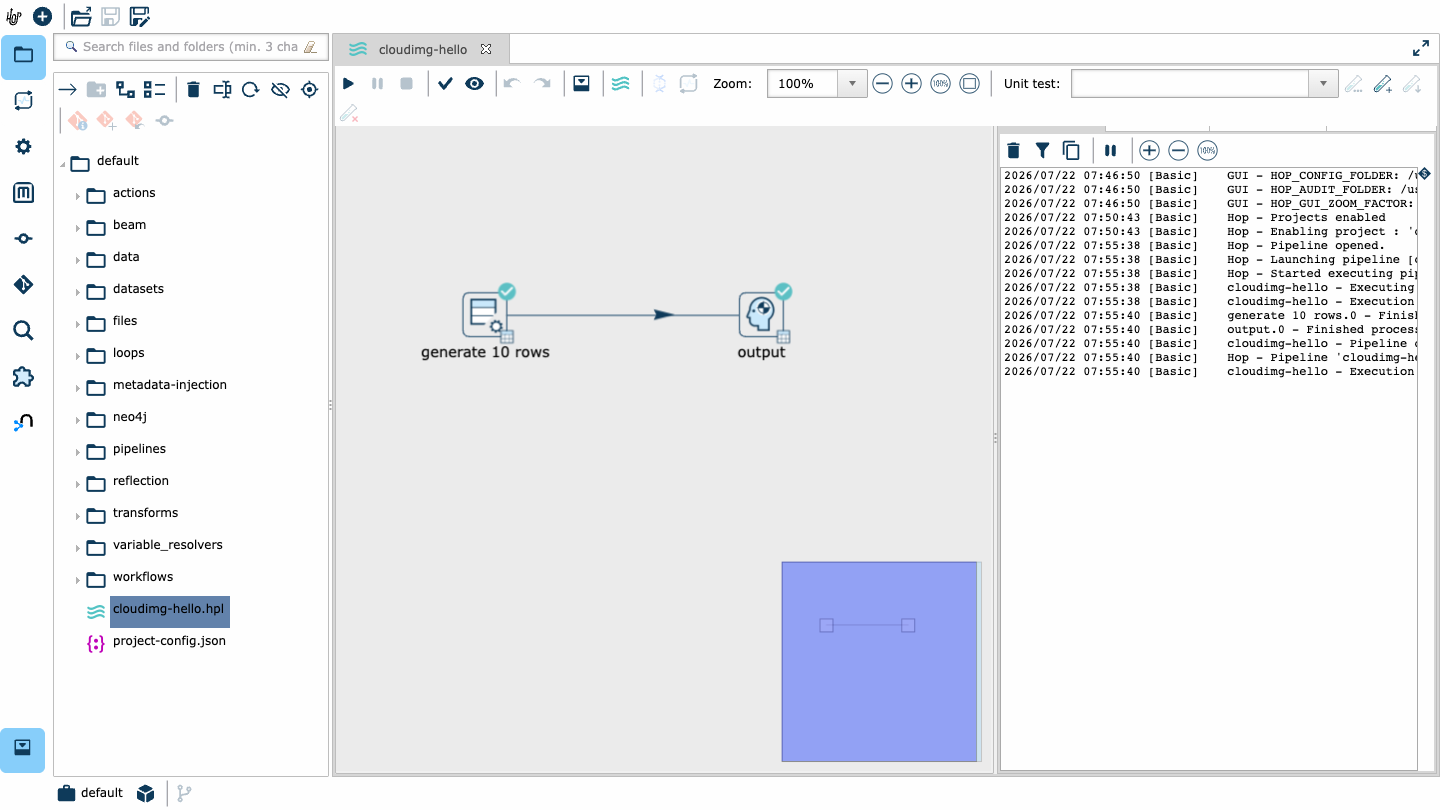
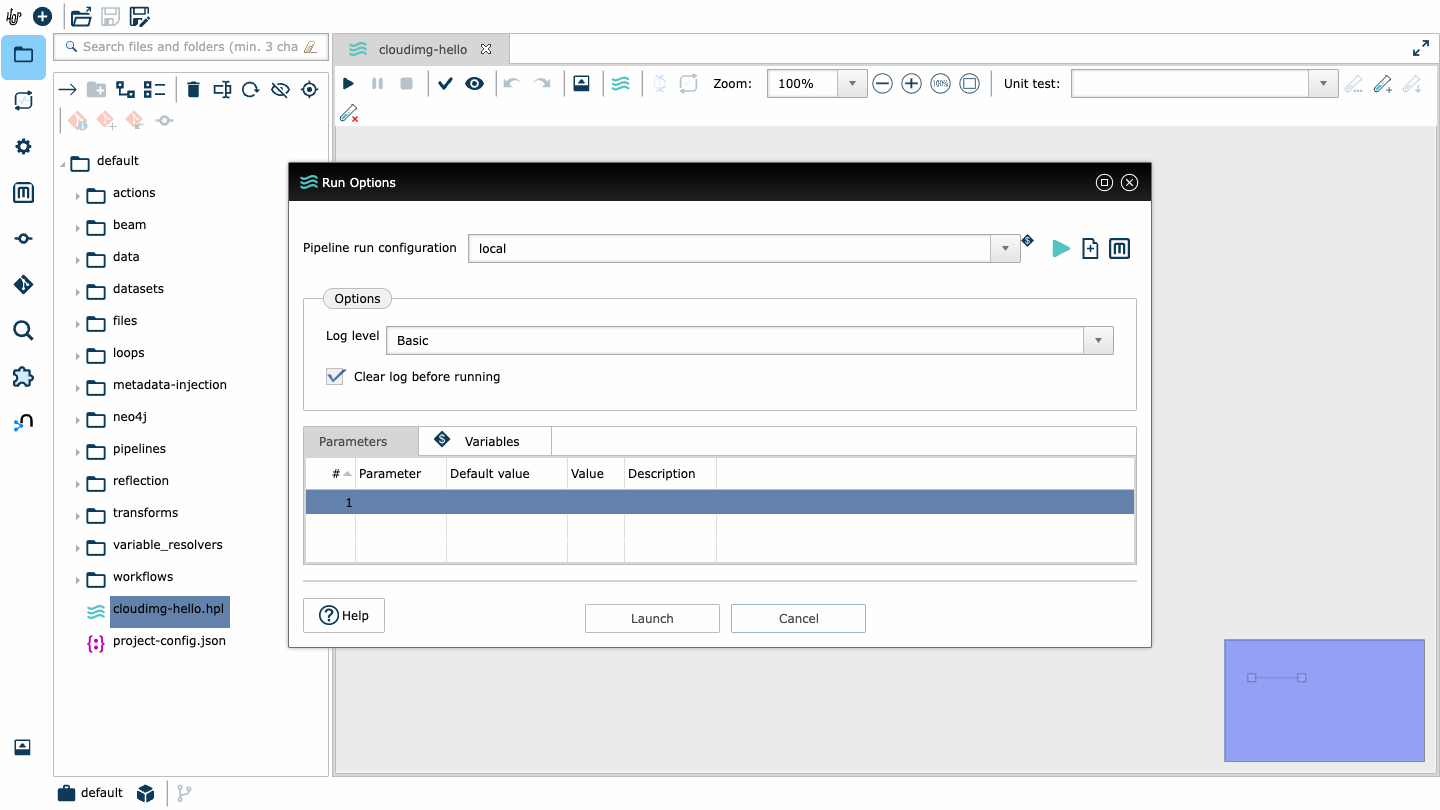
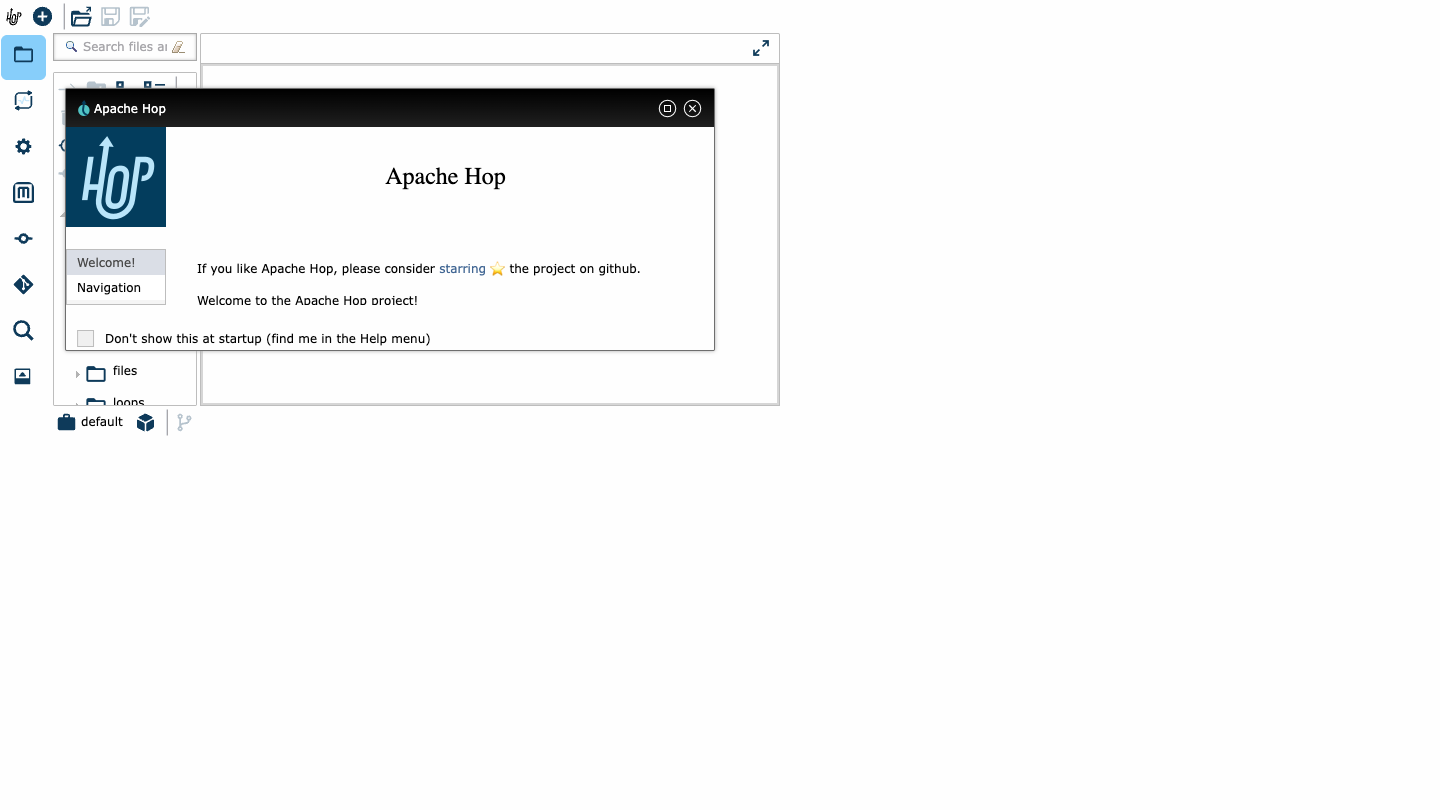
Real screenshots taken while testing this image against its deployment guide.
This is a repackaged open source software product wherein additional charges apply for cloudimg support services.
Overview Apache Hop (the Hop Orchestration Platform) is an open source data engineering and data orchestration platform for visually designing and running data pipelines and workflows. It provides a browser-based, drag-and-drop editor to build, run and monitor data integration, transformation and orchestration logic, plus a headless execution server for scheduled and remote pipeline runs. This AMI delivers Hop fully installed and configured so a complete data orchestration platform is running within minutes of launch. The current release available is Apache Hop. About cloudimg cloudimg specialises in delivering production-hardened, support-backed AMIs on AWS Marketplace. Our engineering team maintains and supports every image we publish, ensuring rapid updates, security patching and hands-on guidance for customers running data workloads in production. Why This AMI Over Alternatives Unlike a bare Hop installation, a generic community image, or a Docker-based setup, this AMI eliminates the manual steps that slow down production readiness: - No shared default credentials - A one-shot first-boot service generates a unique password per instance and writes it into both the web editor and the execution server, replacing the well-known stock defaults that ship with a manual install. This closes the security risk of default credentials being exposed on the public internet.
2. SSH into the instance and retrieve your generated credentials from the root-only file.
3. Browse to the instance public address and sign in to the Hop Web editor.
4. Open the bundled sample project, then design and run your first pipeline. For evaluation, launch on a smaller instance type to explore the editor and test pipeline logic at minimal cost before scaling up for production workloads. Ready to get started with expert guidance? Contact cloudimg for a free deployment consultation - our engineers can walk you through your first Hop pipeline, help plan a migration from Pentaho/Kettle, or advise on instance sizing for your workload. Example Use Case: Batch ETL Into a Data Warehouse A data team can use Hop to read from operational databases and flat files, apply cleansing, lookups and transformations visually, and load the results into a warehouse or object storage on a schedule. The Hop Server runs the workflow unattended and exposes execution status, so engineers monitor and adjust pipelines without redeploying code. Additional Use Cases - Data integration between databases, APIs, files and cloud storage

This image runs Apache Airflow as a single node deployment. Airflow is installed into a dedicated Python virtual environ...

Apache Flink is the open source framework and distributed processing engine for stateful computations over unbounded and...

This image runs Apache Hive, the open source data warehouse software that lets you read, write and manage large datasets...

This image runs Apache NiFi, the open source dataflow automation platform, as a single node deployment.

This image runs Apache SeaTunnel, an open source, high performance, distributed data integration and ETL platform.

This image runs Apache Spark 4.1.2 (built for Hadoop 3) as a single node standalone cluster.