
Apache NiFi Dataflow Automation
Overview
Production-ready Apache NiFi with HTTPS, auto-generated credentials, and a dedicated data volume - no manual setup. Backed by 24/7 cloudimg expert support.
See it running
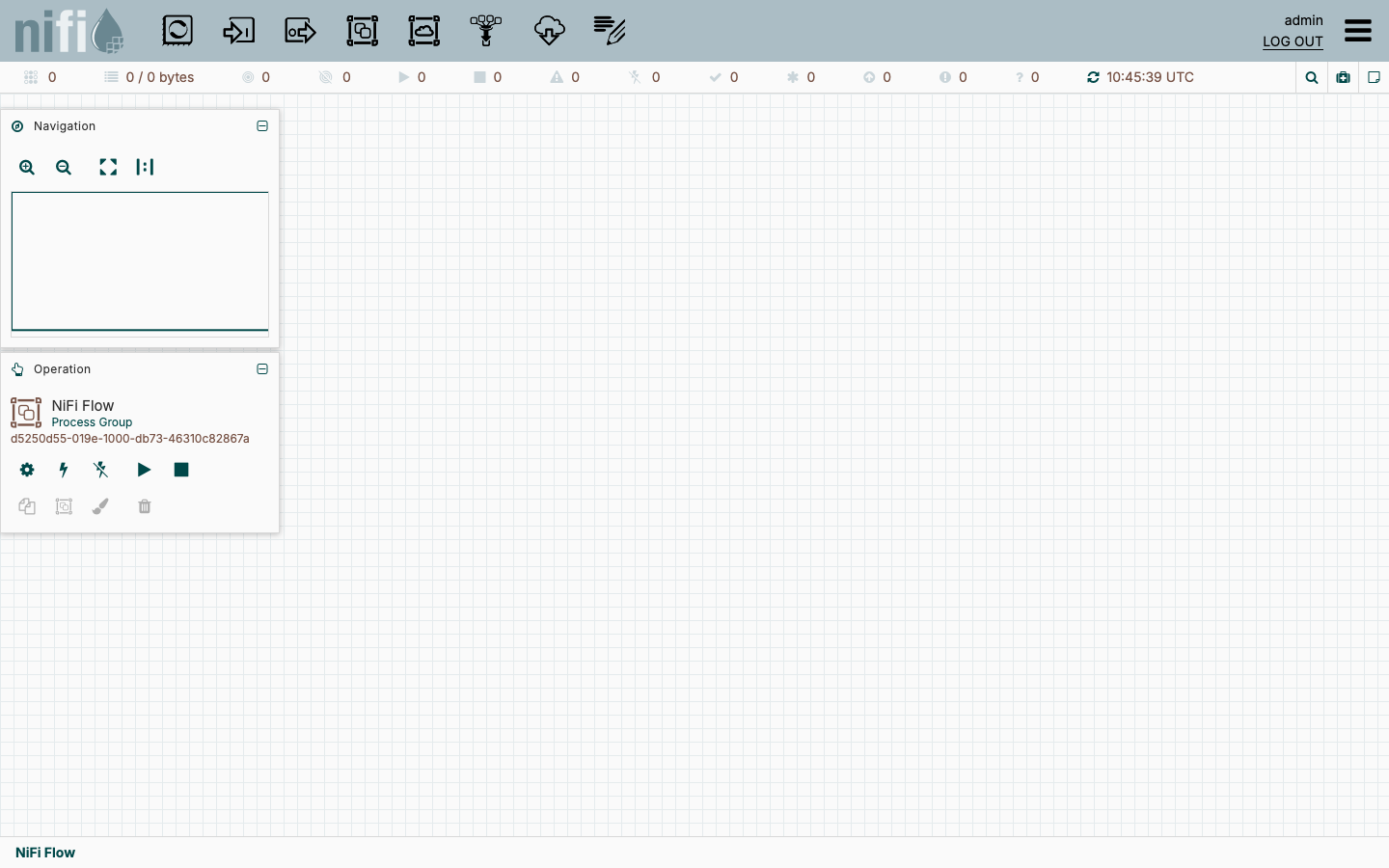
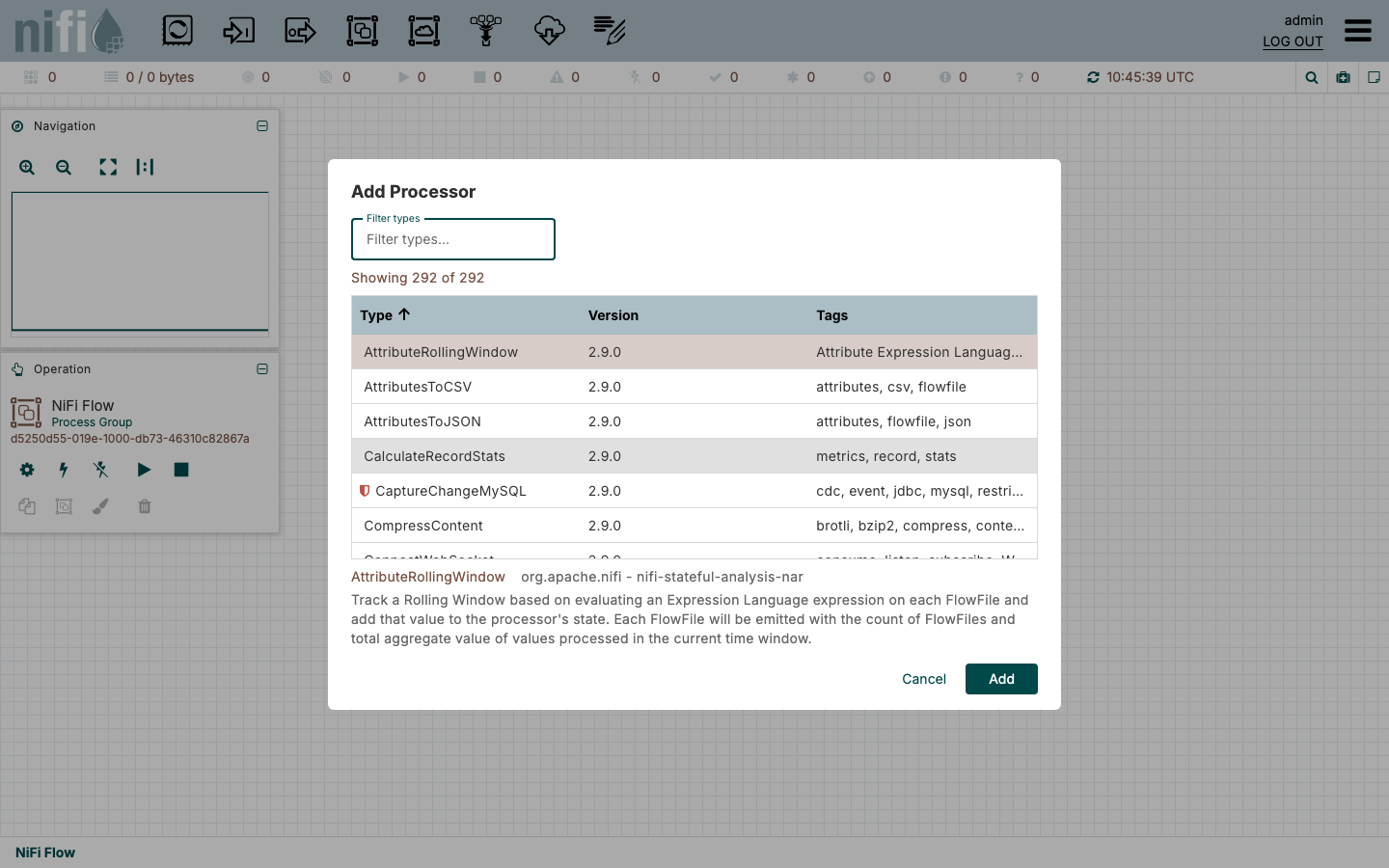
Real screenshots of this software running on the cloudimg image, taken while testing the deployment guide.

Description
This is a repackaged open source software product wherein additional charges apply for cloudimg support services.
Overview
Apache NiFi is a powerful open source platform for automating the flow of data between systems. It provides a web-based, drag-and-drop interface to build, schedule and monitor data routing, transformation and system mediation logic at scale. This AMI delivers NiFi fully installed and configured as a single-node deployment so a complete dataflow automation platform is running within minutes of launch. The current release available is the latest stable Apache NiFi 2.x.
Why This AMI Over Alternatives
Unlike bare NiFi installations or generic community AMIs, this image eliminates the manual steps that slow down production readiness:
- No certificate or proxy configuration - An nginx reverse proxy is pre-configured to terminate HTTPS on port 443, so you skip the manual TLS setup that other deployments require.
- No shared default passwords - A one-shot first-boot service generates a unique single-user login password per instance and rotates the flow-sensitive properties key, eliminating the most common NiFi security misconfiguration.
- Independently resizable storage - NiFi repositories and flow definitions live on a dedicated EBS data volume, so you can resize storage without rebuilding the instance - a significant advantage over co-located installs during upgrades or scaling.
- Immediate productivity - Launch, retrieve your credentials, and start designing flows on the NiFi canvas without touching Java configuration, systemd units, or proxy host whitelists.
Compared to managed ETL services like AWS Glue, NiFi gives you full visual control over routing logic, protocol translation, and real-time streaming without per-job pricing constraints.
Application Stack
Apache NiFi is installed from the official Apache binary distribution and runs under a dedicated unprivileged service account, supervised by systemd. NiFi serves its web console over HTTPS on the loopback interface; nginx terminates HTTPS on port 443 and forwards to the NiFi listener (plain HTTP on port 80 redirects to HTTPS), with the NiFi proxy host whitelist configured for the instance address. The NiFi repositories and flow definition live on a dedicated, independently resizable EBS data volume.
Secure First Boot
On first boot a one-shot service generates a fresh single-user login password unique to that instance, rotates the flow-sensitive properties key, configures the proxy host, and writes the credentials to a root-only file. No shared or default credentials ship in the image. This approach eliminates the number-one cause of NiFi security incidents in self-managed deployments - reused or published default passwords.
Getting Started
1. Launch the AMI on your chosen EC2 instance type.
2. SSH into the instance and retrieve your generated credentials from the root-only file.
3. Browse to the instance public address over HTTPS and sign in.
4. Drag processors onto the NiFi canvas, connect them, and start your first dataflow.
For evaluation, launch on a smaller instance type to explore the canvas and test flow logic at minimal infrastructure cost before scaling up for production workloads.
Example Use Case: IoT Event Ingestion
A team collecting sensor telemetry from edge devices can use NiFi's ListenTCP and ConsumeKafka processors to ingest thousands of events per second, apply schema validation and enrichment with UpdateAttribute, then route cleaned records to Amazon S3 via PutS3Object. The visual canvas lets engineers monitor backpressure, retry failures, and adjust routing rules without redeploying code.
Additional Use Cases
- Real-time and batch ETL between databases, APIs and cloud storage
- Log and event stream collection from distributed systems
- System mediation and protocol translation (HTTP, FTP, MQTT, Kafka, JDBC)
- Data ingestion pipelines feeding Amazon S3, Redshift, or OpenSearch
cloudimg Support
24/7 technical support by email and live chat. Our engineers assist with NiFi deployment, upgrades, flow design, processor configuration, performance tuning and clustering guidance. Critical issues receive a one-hour average response time.
Apache NiFi and Apache are trademarks of the Apache Software Foundation. All other product and company names are trademarks or registered trademarks of their respective holders. Use of them does not imply any affiliation with or endorsement by them.
Key Features
- Apache NiFi preinstalled and ready, with an HTTPS web console behind an nginx reverse proxy and the NiFi repositories on a dedicated data volume, and no manual setup required
- Hardened first boot generates a fresh single user login password and rotates the flow sensitive properties key for every instance, storing the credentials in a file only the root user can read
- 24/7 technical support from cloudimg, with expert assistance for NiFi deployment, flow design, processor configuration and upgrades