Base
Hardened build
minimal ports, security patches applied at build time

persistent message streaming in rust, with a browser console for streams and topics
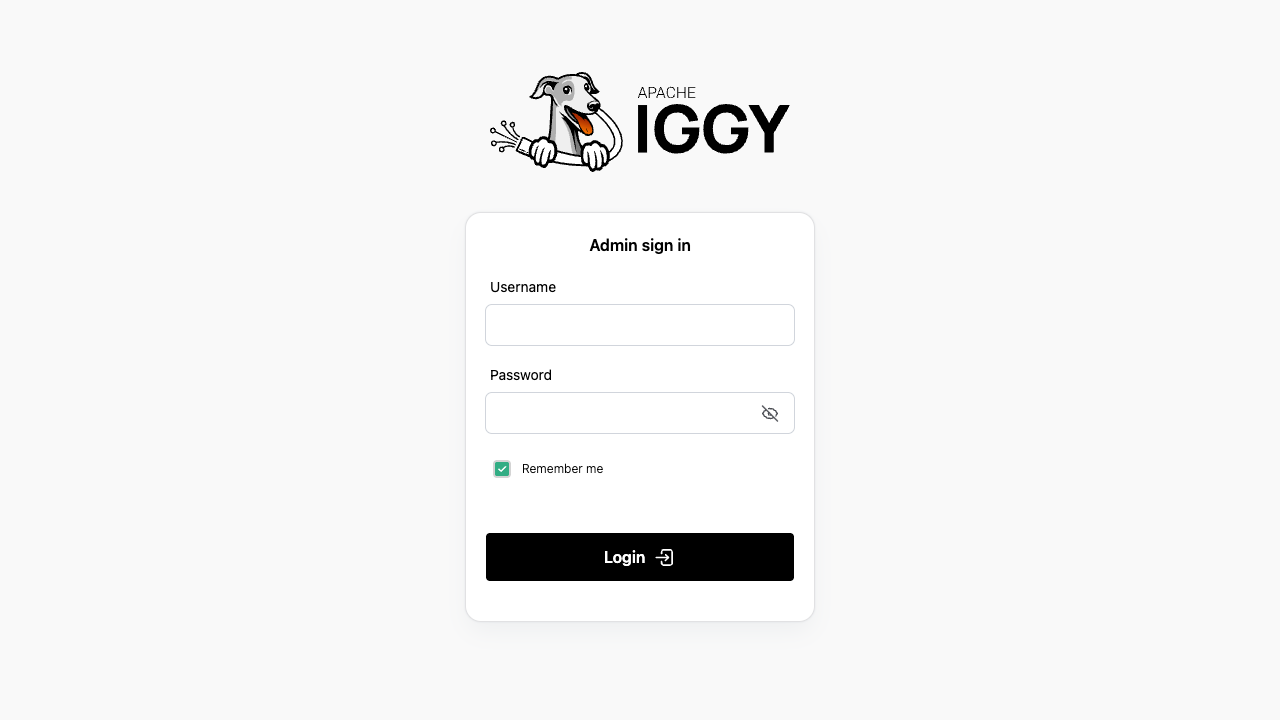
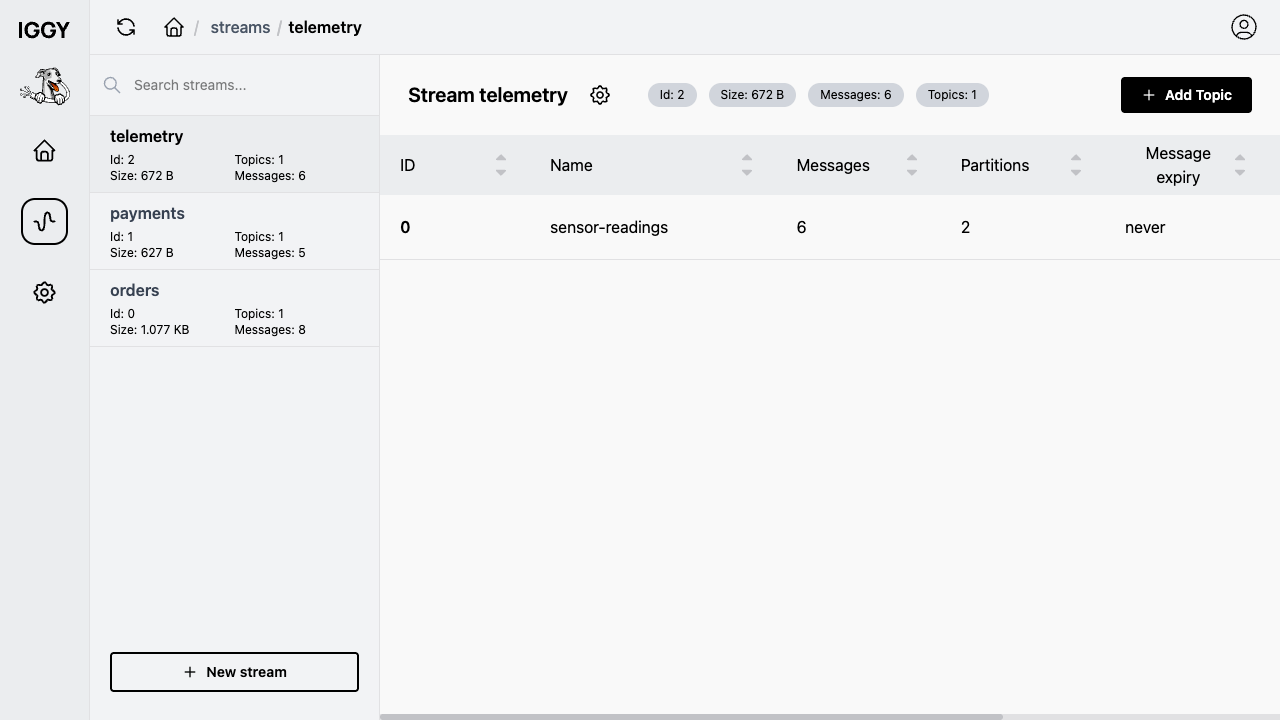
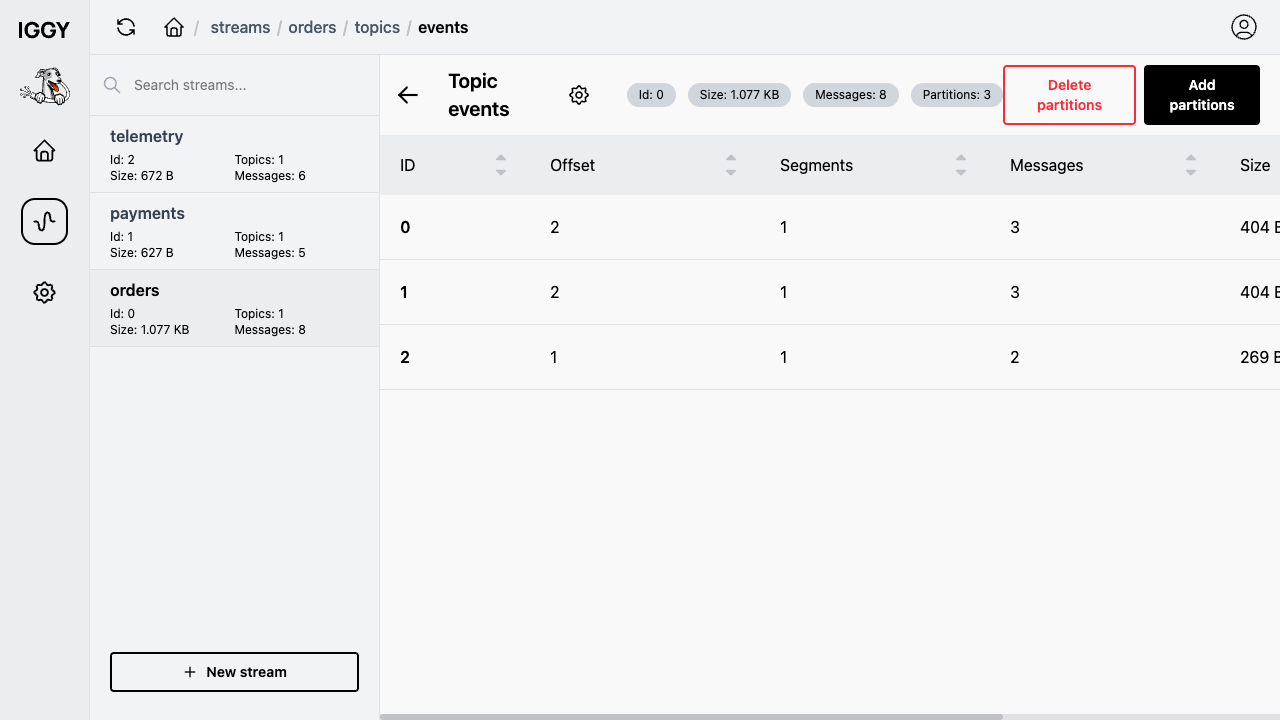
Apache Iggy is a persistent, high throughput message streaming platform written in Rust. It stores messages as append only segments organised into streams, topics and partitions, and serves them over a fast TCP binary transport and an HTTP REST API, with built in users, authentication and consumer groups. Producers publish messages to topics and consumers read them by offset with consumer groups, so teams can build event driven pipelines, log and telemetry transport, and real time data flows. A web console signs in, browses streams, topics and partitions, and inspects messages, while client SDKs connect over the binary TCP transport or the HTTP API.
cloudimg packages Apache Iggy and its official web console as a ready to run appliance: the server and console run as managed services behind an nginx reverse proxy, a unique administrator password is generated on first boot and written to a root only file with no default login, stream data lives on a dedicated independently resizable volume, and the image is built on a hardened, fully patched base with a paired step by step deployment guide and 24/7 support.
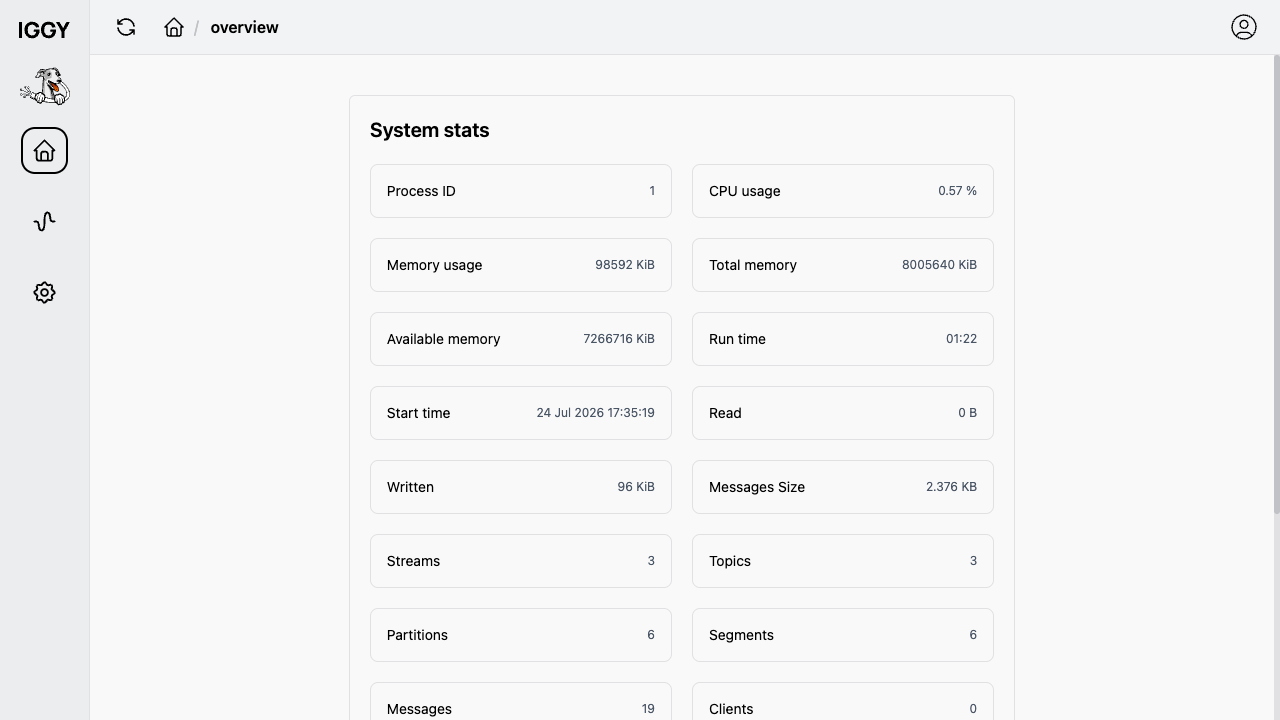
Real screenshots taken while testing this image against its deployment guide.
This is a repackaged open source software product wherein additional charges apply for cloudimg support services.
## A Working Message Streaming Platform in Minutes
Apache Iggy is a persistent, high-throughput message streaming platform written in Rust. It stores messages as append-only segments organised into streams, topics and partitions, and serves them over a fast TCP binary transport and an HTTP REST API, with users, authentication and consumer groups. This AMI ships Apache Iggy 0.8.0 as a self-contained single-node appliance - the Iggy server and its web console are installed, configured and running behind nginx the moment the instance boots, so you can create a stream, produce messages and consume them straight away.
## Who This Is For
## Application Stack
## Secure By Default
Apache Iggy's root user is created only on first server startup against an empty data directory, and upstream development images use a well-known iggy/iggy credential. This image does not ship that:
## Production-Grade Storage Layout
Stream data - the append-only segments, topics, partitions and the users store - lives on a dedicated gp3 EBS volume mounted at /var/lib/iggy and bind-mounted into the server, kept off the OS disk and independently resizable. A customer instance reproduces the identical layout on first boot.
## Getting Started
1. Launch the AMI on an m5.large instance or larger
2. SSH into the instance and read the generated administrator password from the root-only credentials file
3. Open your browser to the instance public address on port 80 and sign in as the Iggy root user
4. Create a stream and a topic, then send and consume messages over the HTTP API or connect an Iggy SDK client to the TCP transport on port 8090
For a detailed walkthrough, see the user guide linked in the Additional Resources section.
## Recommended Instance Sizing
## 24/7 cloudimg Support
Every deployment is backed by cloudimg engineers available around the clock via email and live chat. Support covers initial deployment and instance sizing, TLS termination in front of the web console and API, security-group and network hardening, Iggy configuration and streaming-model guidance, and version upgrades. Critical issues receive a one-hour average response time.
## Evaluation
This AMI uses standard AWS pay-as-you-go infrastructure billing. Launch an instance to evaluate Apache Iggy and terminate at any time with no long-term commitment.
Apache Iggy is a trademark of the Apache Software Foundation. All product and company names are trademarks or registered trademarks of their respective holders. Use of them does not imply any affiliation with or endorsement by them.

Launch a ready-to-use AKHQ Kafka GUI with a pre-configured broker in minutes. Secured by default with unique credentials...

This image runs Apache ActiveMQ Artemis, the high performance, non blocking message broker from the Apache ActiveMQ proj...
This image runs Apache ActiveMQ Classic, the long established open source message broker from the Apache Software Founda...

Arroyo is a distributed stream processing engine that lets you run SQL over real-time data streams.
You broadcast from OBS Studio or any encoder that speaks WHIP, or directly from a browser tab, and viewers watch in any ...

Centrifugo pre-configured behind an nginx reverse proxy: a scalable real-time messaging server that pushes events to onl...