Base
Hardened build
minimal ports, security patches applied at build time
a self hosted WebRTC live streaming server with sub second latency: publish via WHIP, watch via WHEP in any browser, locked down by default
Broadcast Box is a self hosted live streaming server built on WebRTC. It implements WHIP for ingest and WHEP for playback, delivering glass to glass latency measured in fractions of a second rather than the ten to thirty seconds a traditional HLS or DASH pipeline imposes. You broadcast from OBS Studio or any WHIP capable encoder, or straight from a browser tab, and viewers watch in any modern browser with no plugin, no app and no third party streaming service in the path. It serves its own web player, an administration portal and the WHIP and WHEP signalling on one HTTP port and muxes all WebRTC media onto a single UDP port.
The cloudimg image compiles the pinned upstream release and then removes the build toolchain and source tree, so what ships is a single static binary with no compiler left behind. Publishing is closed by default: it ships the RESERVED ingest policy so every broadcast must present a per instance bearer token, and that token, the admin token and the reserved stream profile are all generated fresh on first boot with nothing baked into the image. It runs as a hardened non root systemd service, comes with a paired deployment guide, and is backed by 24/7 cloudimg support.
Real screenshots taken while testing this image against its deployment guide.
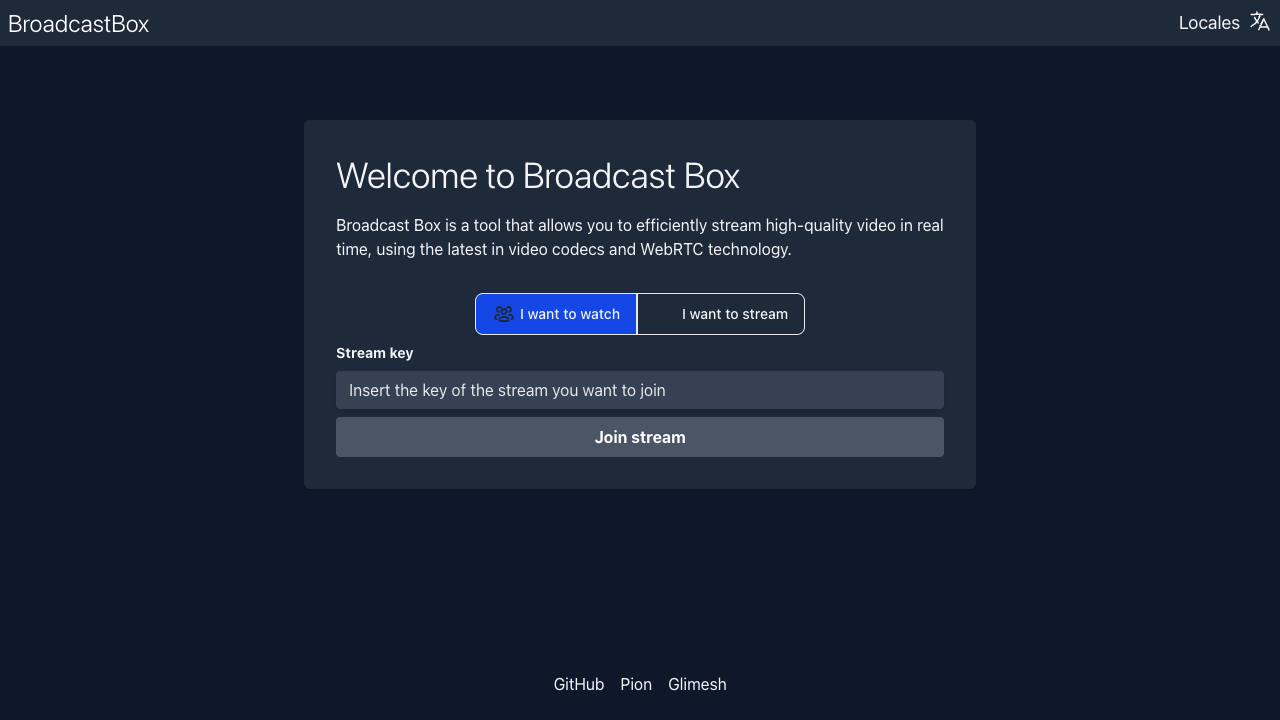
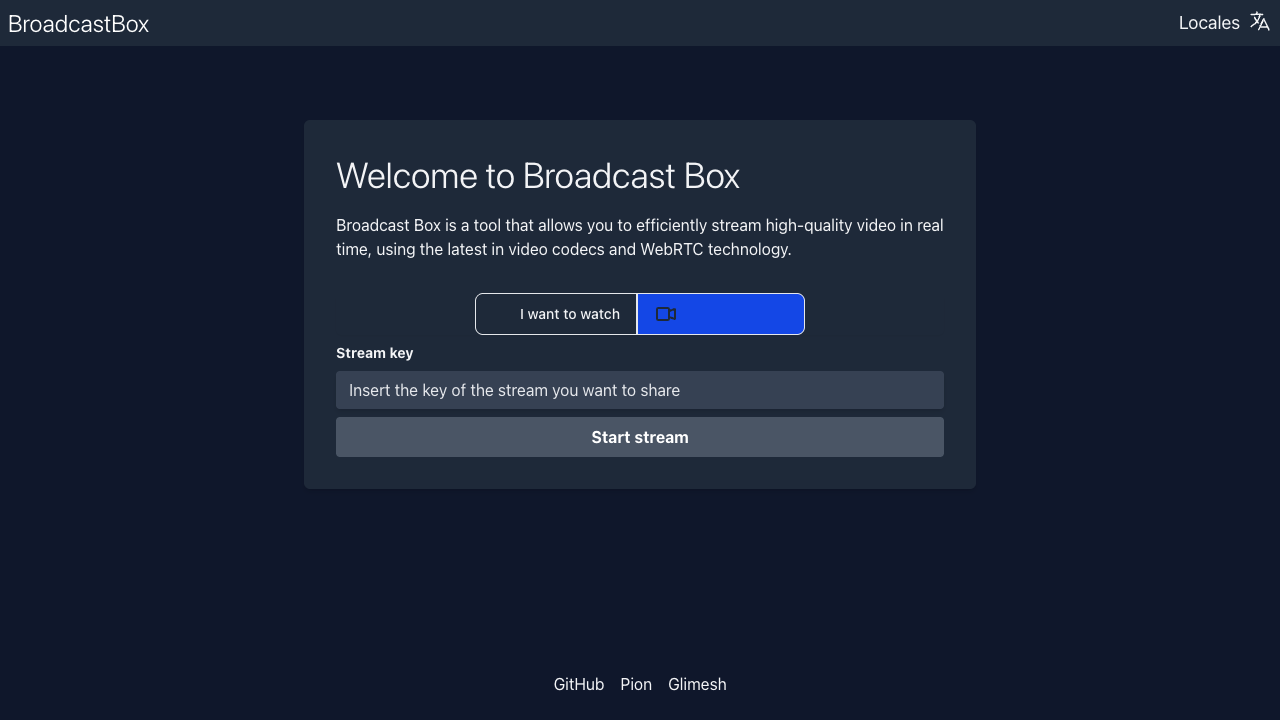
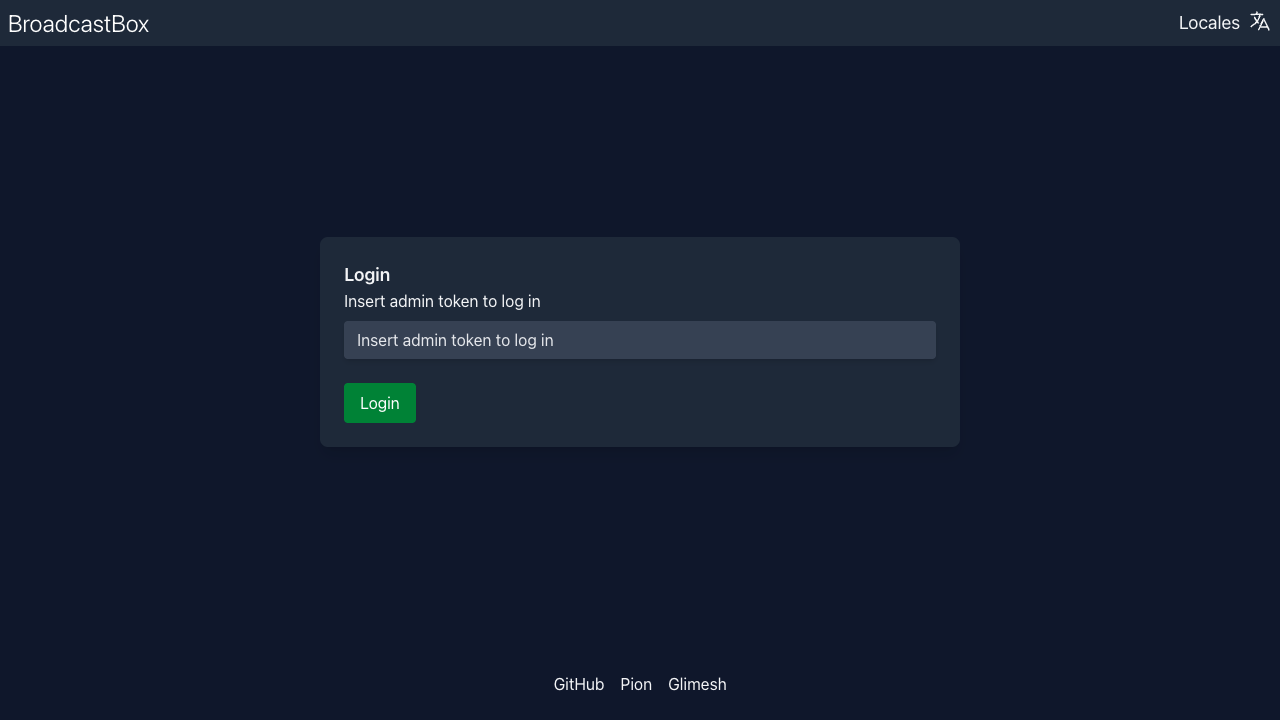
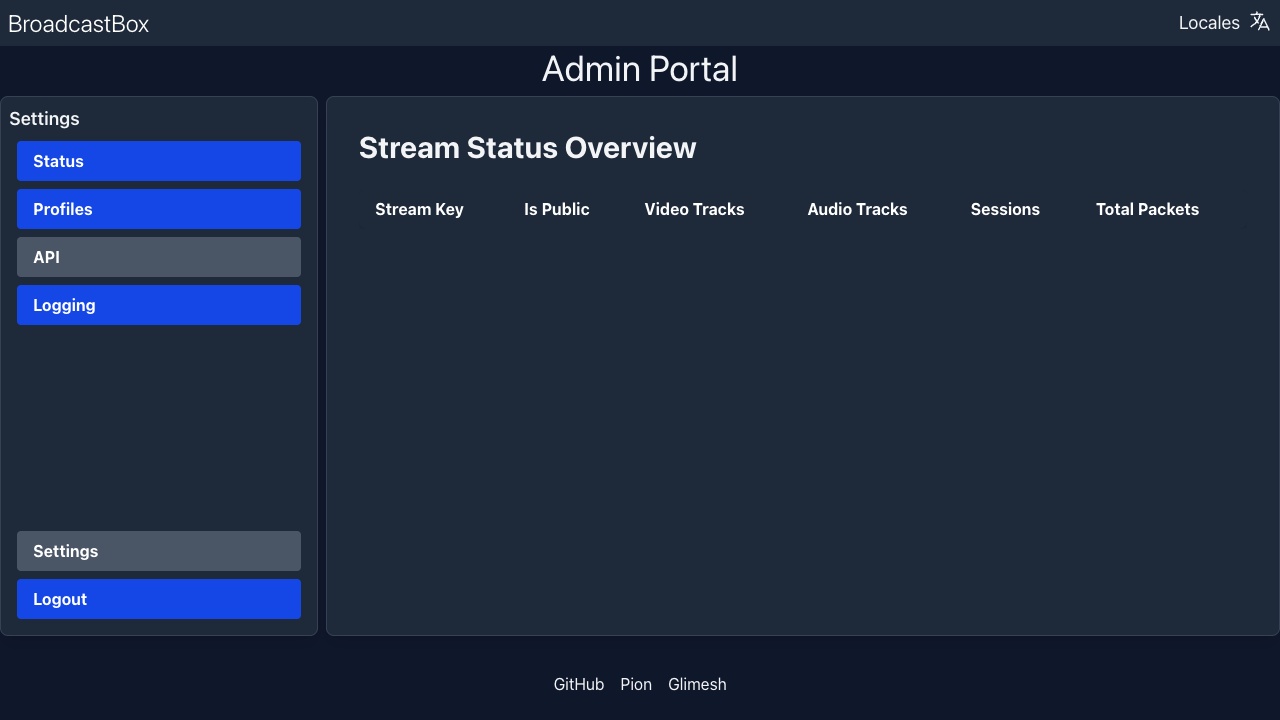
This is a repackaged open source software product wherein additional charges apply for cloudimg support services.
## Overview
Broadcast Box is a self-hosted live streaming server built on WebRTC. It implements WHIP for ingest and WHEP for playback, delivering glass-to-glass latency measured in fractions of a second rather than the ten to thirty seconds a traditional HLS or DASH pipeline imposes. You broadcast from OBS Studio or any WHIP-capable encoder, or straight from a browser tab, and viewers watch in any modern browser with no plugin, no app, and no third-party streaming service in the path. The current release available is Broadcast Box 2.0.2.
## Why Broadcast Box on AWS Marketplace
Unlike self-hosting from source, which requires installing Go, Node.js, compiling the server, configuring systemd, and hardening credentials manually, this AMI delivers a production-ready streaming endpoint that is listening within minutes of instance launch. Compared to managed streaming platforms, your video path stays entirely within your own AWS account with no data leaving your VPC unless you choose otherwise.
## Application Stack
This image delivers Broadcast Box fully built and running under systemd. The Go server and its React interface are compiled from the pinned upstream release during image build, and the compilers and source tree are removed before capture. What ships is a single static binary and the built interface with no build toolchain left behind. The interface provides a stream discovery home page, a browser-based publish page, a player with cinema mode, a statistics page showing uptime and subscriber counts, and an administration portal for managing stream profiles and rotating tokens.
## Closed by Default
Publishing is closed by default, a deliberate change from the upstream default. Broadcast Box normally allows anyone to publish to any stream key that has not been reserved, which on an instance with a public address means an open media relay. This image instead requires every publish to present a bearer token belonging to a reserved stream profile, and exactly one such profile is created on first boot. The administration portal is protected by a separate token, also generated on first boot. No credential is baked into the image, the server runs as a dedicated non-privileged user rather than root, and the operating system ships fully patched with unattended security updates enabled.
## Networking
Broadcast Box serves its web player, the administration portal, and the WHIP and WHEP signalling on port 80, and muxes all WebRTC media, both ingest and playback, onto a single UDP port 3478, so you open one media port rather than an ephemeral range. The security group opens SSH, port 80, and UDP 3478. Both port 80 and UDP 3478 must be reachable; opening port 80 alone allows signalling to succeed while the media path silently fails, so scope both to your intended audience.
## Use Cases
## Getting Started
Launch the AMI, SSH in, and retrieve your first-boot credentials from the instance. Configure OBS Studio with the WHIP endpoint and bearer token, then open the player URL in any browser to verify playback. For browser-based publishing, add HTTPS via a reverse proxy or AWS ALB. A detailed quickstart guide covering OBS configuration, HTTPS setup, and stream profile management is available in the Additional Resources section.
## cloudimg Support
24/7 technical support by email and chat. Help with deployment, opening the required ports, retrieving first-boot credentials, configuring OBS, adding HTTPS for browser publishing, and managing reserved stream profiles.
Broadcast Box is distributed under the MIT license. cloudimg is not affiliated with or endorsed by Glimesh or the Broadcast Box project. All product and company names are trademarks or registered trademarks of their respective holders. Use of them does not imply any affiliation with or endorsement by them.

Launch a ready-to-use AKHQ Kafka GUI with a pre-configured broker in minutes. Secured by default with unique credentials...

This image runs Apache ActiveMQ Artemis, the high performance, non blocking message broker from the Apache ActiveMQ proj...
This image runs Apache ActiveMQ Classic, the long established open source message broker from the Apache Software Founda...

This image runs Apache Iggy, a persistent, high-throughput message streaming platform written in Rust.

Arroyo is a distributed stream processing engine that lets you run SQL over real-time data streams.

Centrifugo pre-configured behind an nginx reverse proxy: a scalable real-time messaging server that pushes events to onl...