Base
Hardened build
minimal ports, security patches applied at build time

run SQL over real-time data streams as stateful, fault tolerant pipelines
Arroyo is a distributed stream processing engine that lets you run SQL over real-time data streams. You express your logic as a SQL query and Arroyo turns it into a stateful, fault-tolerant pipeline that processes events continuously as they arrive, with event-time windows, streaming joins, stateful aggregation and exactly-once checkpointing. It connects to Kafka, Kinesis, Redpanda, Pulsar, MQTT and more, and pipelines are authored in a browser console with a SQL editor and live query preview.
The cloudimg image runs Arroyo preconfigured behind an nginx reverse proxy as a self-contained single-node cluster with an embedded metadata store, so there is no external database to provision. Arroyo ships with no authentication of its own, so the image binds every internal service to loopback and adds a login prompt plus a per-instance engine key, both generated fresh on first boot and never baked in. It comes with a paired deployment guide and 24/7 cloudimg support.
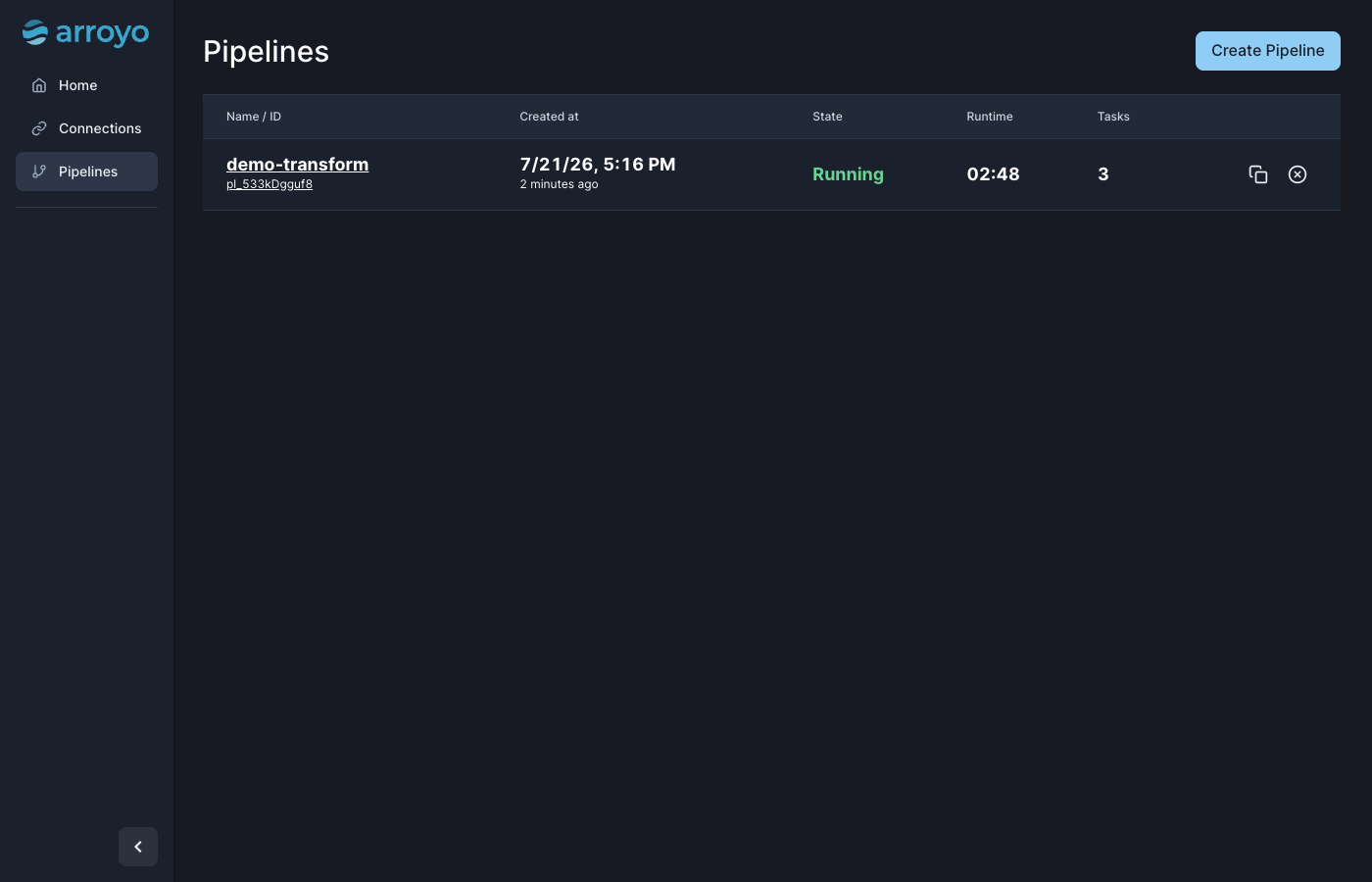
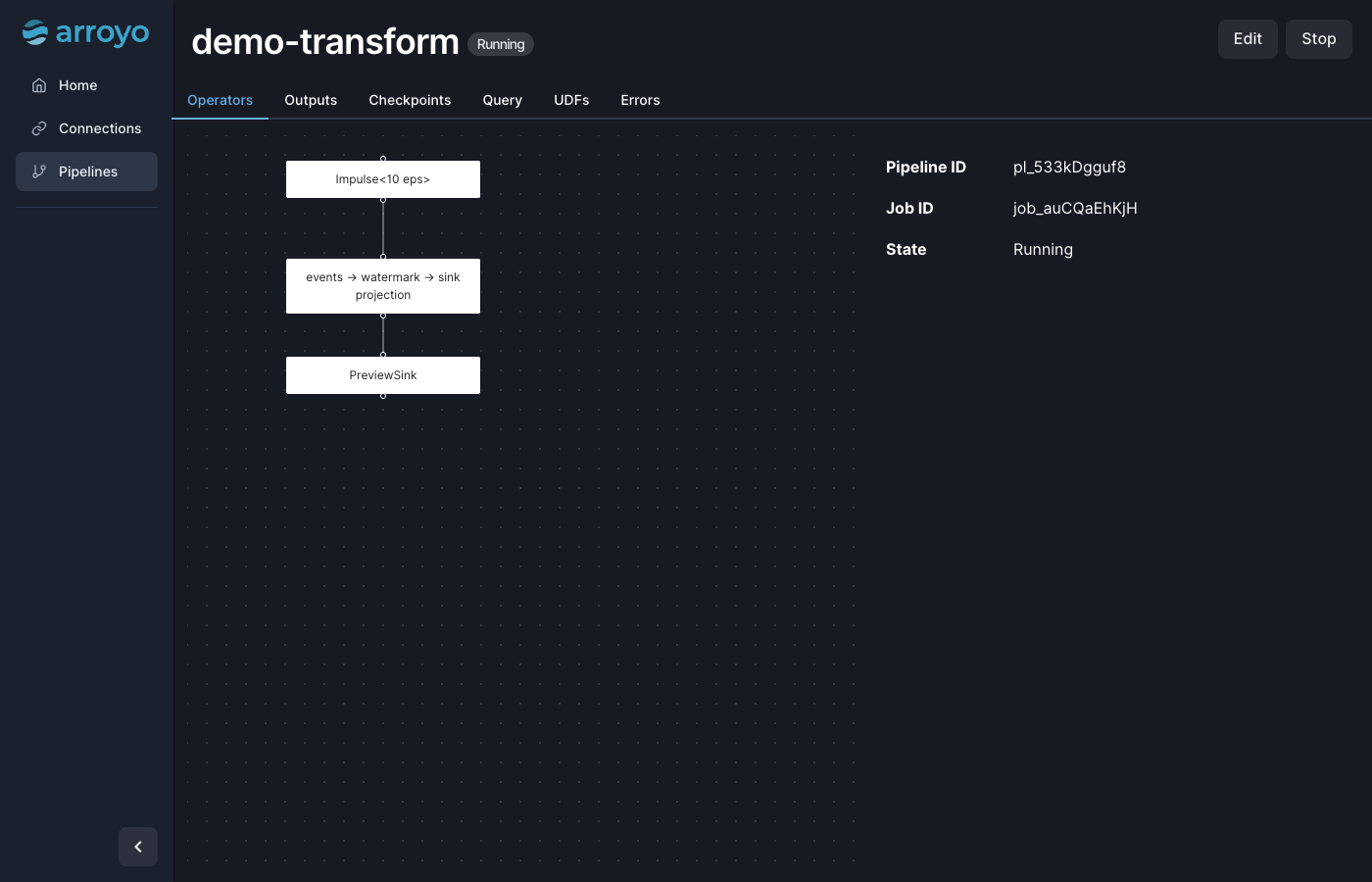
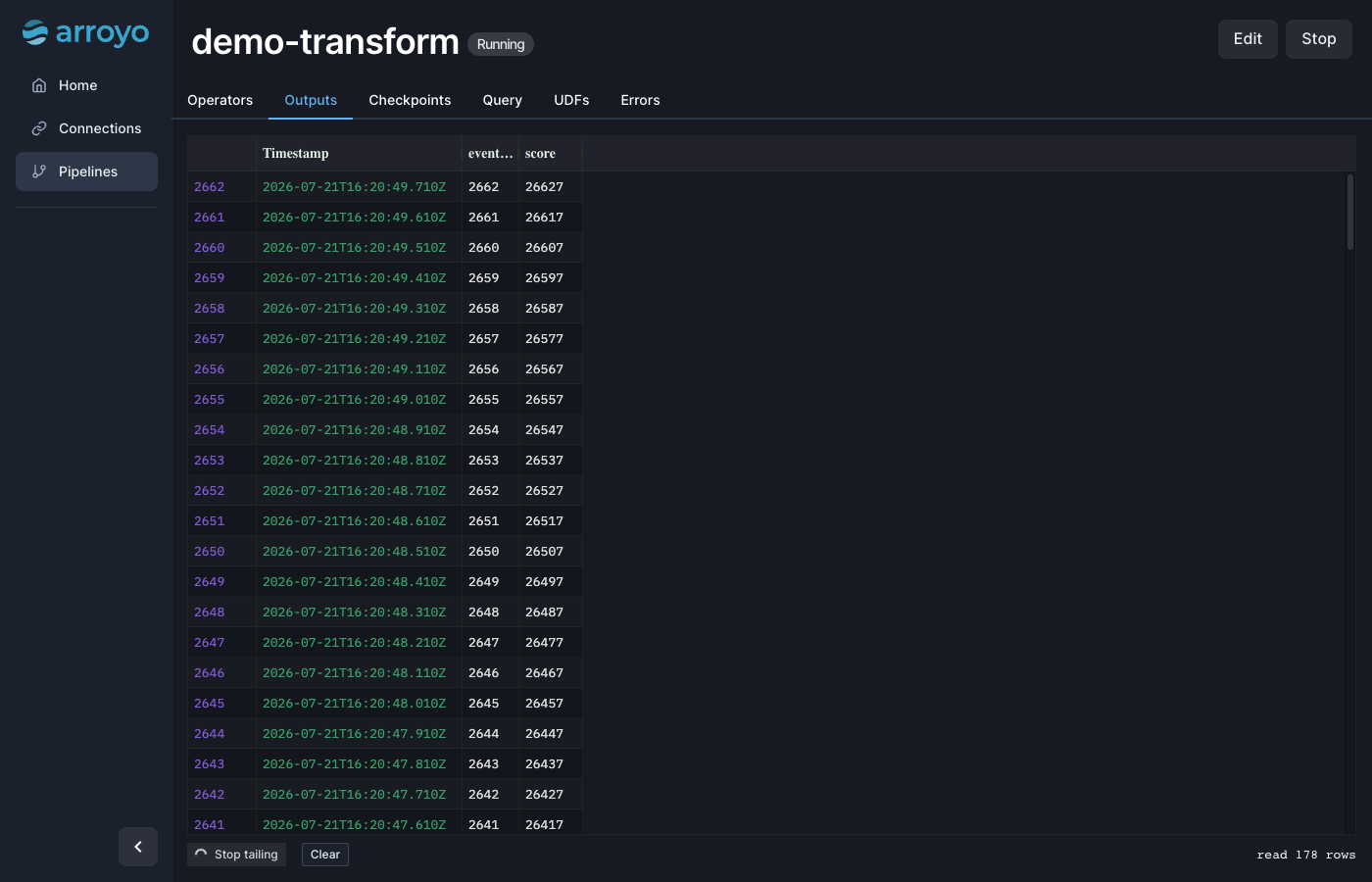
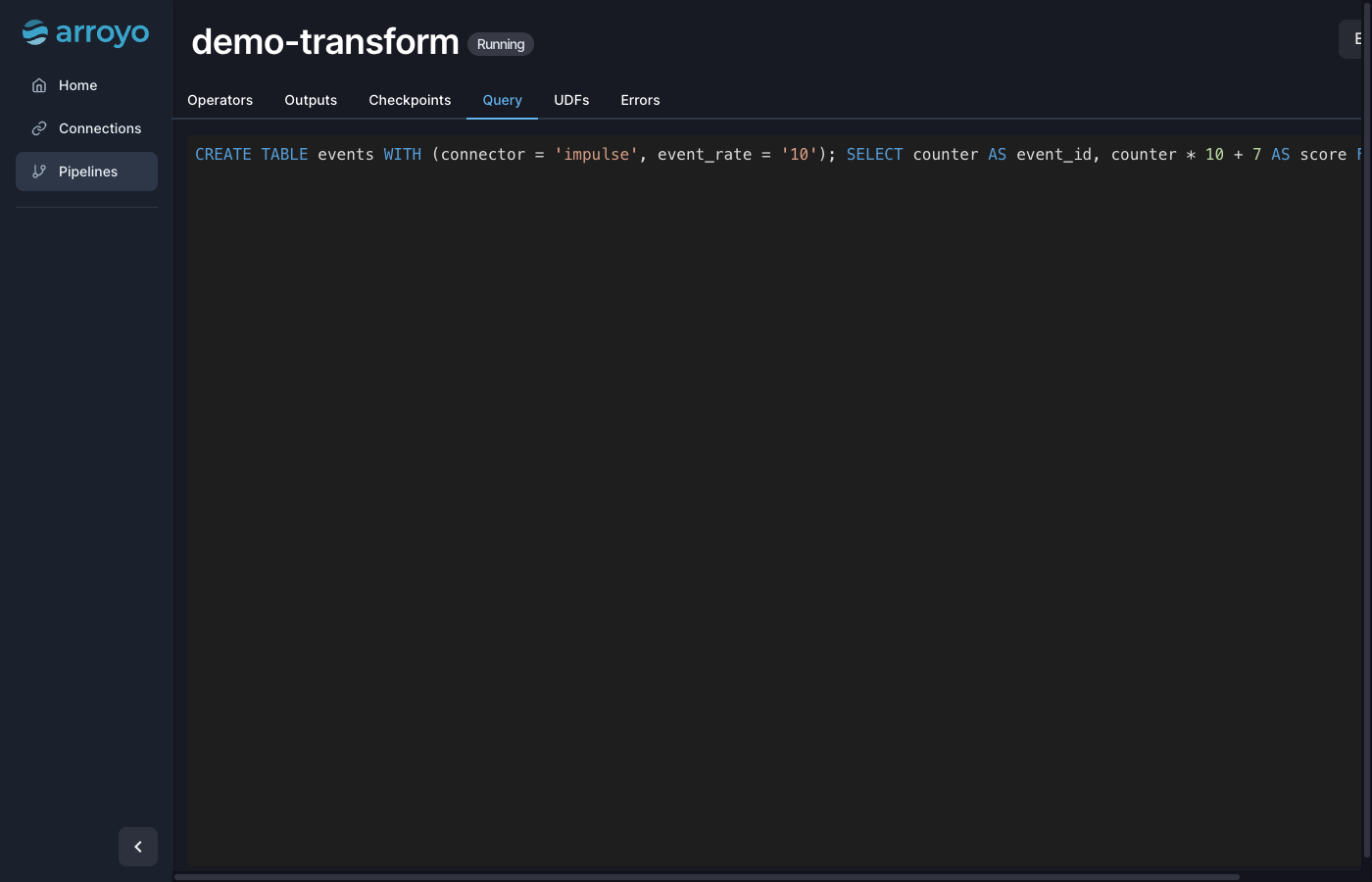
Real screenshots taken while testing this image against its deployment guide.
This is a repackaged open source software product wherein additional charges apply for cloudimg support services.
## Arroyo - SQL Stream Processing Engine
Arroyo is a distributed stream processing engine that lets you express real-time data logic as SQL queries and run them as stateful, fault-tolerant pipelines. This AMI delivers a fully configured, secure single-node deployment so you can go from launch to a running pipeline in minutes - no manual installation, no dependency troubleshooting, and no proxy configuration required.
## Who This Is For
Data engineers and platform teams already running Kafka, Kinesis, or other brokers on AWS who need a processing layer without hiring dedicated streaming infrastructure staff. If your team writes SQL but does not want to build and operate bespoke streaming applications, Arroyo lets you ship pipelines with the skills you already have.
## Example Use Case: Real-Time IoT Fleet Monitoring
An operations team ingests sensor readings from an MQTT broker into Arroyo, applies a 1-minute tumbling window aggregation in SQL, joins the result with a device-metadata table, and sinks anomaly alerts to a Kafka topic consumed by a dashboard. The entire pipeline is authored in the browser-based console, previewed live, and promoted to production with a single click - no JVM tuning, no custom code deployment.
## What You Get Out of the Box
## Why This Image Instead of Self-Installing
Standing up Arroyo yourself means fetching and verifying the release, writing a cluster configuration, choosing a metadata store, binding every internal service so it is not exposed, adding an authentication layer Arroyo does not provide on its own, and fronting it all with a reverse proxy. This image resolves every one of those decisions in a single launch.
## Browser-Based Console
Pipelines are authored in a console featuring a SQL editor, live query preview, a visual pipeline graph, and per-operator throughput and checkpoint metrics. You can see exactly what a query is doing before and after you start it.
## Getting Started
1. Launch the instance from the AWS Marketplace listing.
2. SSH in and read the generated administrator credentials from the root-only file.
3. Browse to the instance on port 80 and sign in.
4. Write a SQL query in the console, preview it live, and start it as a pipeline.
5. Connect an external source such as Kafka to stream your own data through it.
## 24/7 cloudimg Support
This image includes around-the-clock technical support by email and chat covering deployment, connecting external sources and sinks, engine sizing, checkpointing and state, user-defined functions, TLS termination, and upgrades. Critical issues receive a one-hour average first response.
Arroyo is distributed under the Apache License 2.0 or the MIT license, at your option. All product and company names are trademarks or registered trademarks of their respective holders. Use of them does not imply any affiliation with or endorsement by them.

Launch a ready-to-use AKHQ Kafka GUI with a pre-configured broker in minutes. Secured by default with unique credentials...

This image runs Apache ActiveMQ Artemis, the high performance, non blocking message broker from the Apache ActiveMQ proj...
This image runs Apache ActiveMQ Classic, the long established open source message broker from the Apache Software Founda...

This image runs Apache Iggy, a persistent, high-throughput message streaming platform written in Rust.

This image runs Apache Storm, a distributed, fault-tolerant, real-time computation system.
You broadcast from OBS Studio or any encoder that speaks WHIP, or directly from a browser tab, and viewers watch in any ...