Baikal CalDAV & CardDAV Server
Overview
Self-hosted CalDAV and CardDAV server ready in minutes - no setup wizard, no shared credentials. Sync calendars and contacts privately on your own AWS infrastructure with24/7 cloudimg support.
See it running
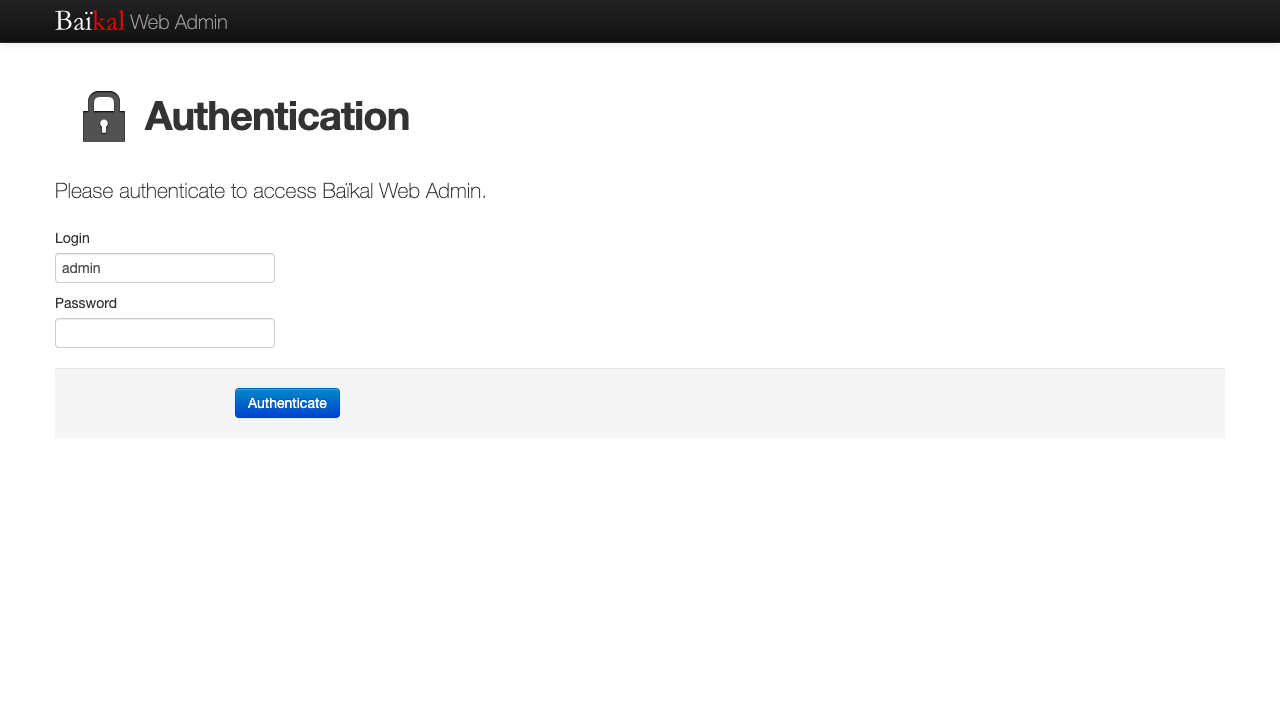
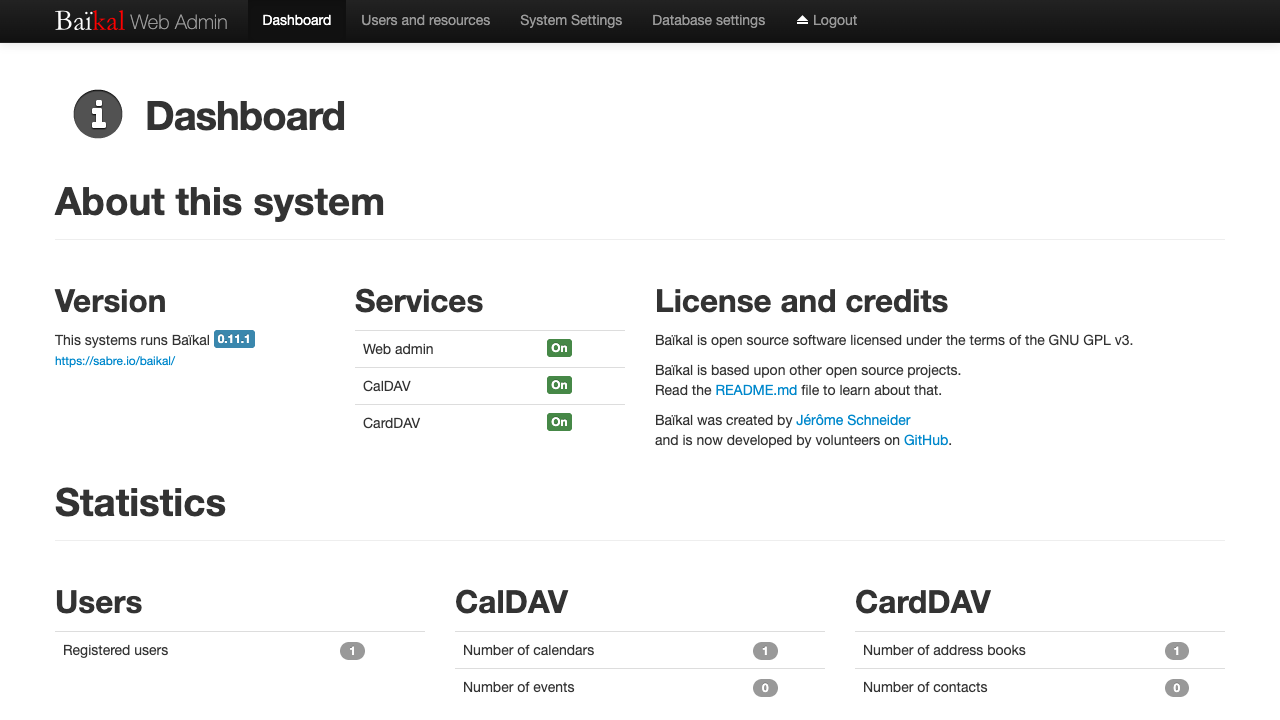
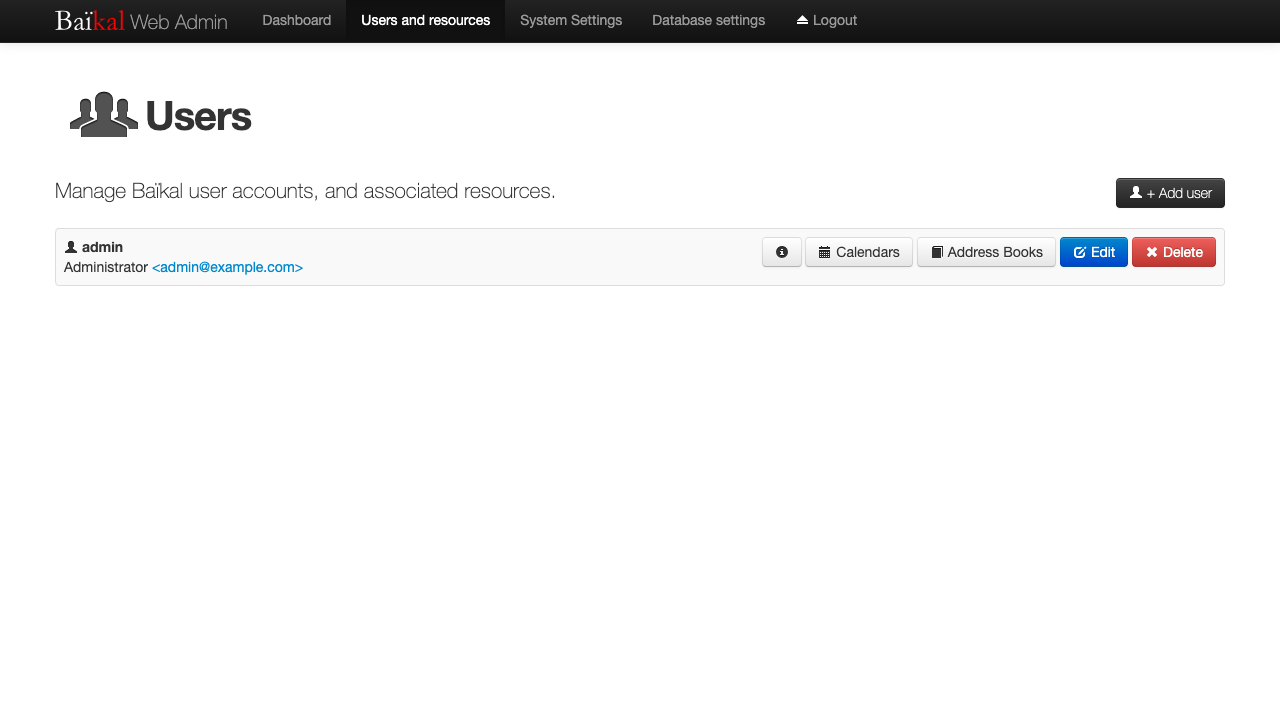
Real screenshots of this software running on the cloudimg image, taken while testing the deployment guide.
Description
This is a repackaged open source software product wherein additional charges apply for cloudimg support services.
## Private Calendar and Contact Sync - Running in Minutes
Baikal is an open source, self-hosted CalDAV and CardDAV server that lets you sync calendars and contacts across all your devices while keeping data private on infrastructure you control. This AMI delivers Baikal 0.11 fully installed and configured - no setup wizard, no manual dependency management, no default credentials. Launch the instance and sign in to the admin console to start creating users, calendars, and address books.
## Why This AMI Instead of a Manual Install
Installing Baikal from source requires configuring PHP extensions, tuning a web server, setting up a database, running a browser-based setup wizard, and hardening credentials - a process that can take hours and leaves room for misconfiguration. This image eliminates that entire workflow:
- Zero configuration required - PHP8.3 with OPcache, nginx, and SQLite are pre-tuned and connected
- No separate database server - SQLite keeps the appliance fully self-contained, reducing operational overhead
- No shared or default credentials - every instance generates its own unique admin password and encryption key on first boot
- Dedicated data volume - configuration, SQLite database, and DAV data reside on an independently resizable EBS volume
## Application Stack
- Baikal 0.11 built on the proven Sabre/dav library
- PHP 8.3 with OPcache and all required extensions
- nginx web server optimized for CalDAV/CardDAV traffic
- SQLite storage on a dedicated data volume
## Secure First Boot
On first launch, a one-shot service generates a fresh administrator password unique to that instance, regenerates the application encryption key, and writes credentials to a root-only file. This eliminates the risk of shared credentials across deployments - every instance starts with a clean, unique security posture.
## Compatible Clients and AWS Integration
Baikal works with any standards-compliant CalDAV or CardDAV client, including:
- Apple Calendar and Contacts (macOS and iOS)
- DAVx5 (Android)
- Thunderbird (desktop)
- GNOME Calendar and Contacts (Linux)
On the AWS side, the dedicated data volume leverages Amazon EBS for durable, resizable storage. You can enable EBS encryption for data-at-rest protection and use Amazon CloudWatch to monitor instance health and performance metrics.
## Use Cases
- Privacy-focused teams - A small team that needs shared calendars and address books without sending data to third-party SaaS platforms. Launch in your own VPC and keep all personal and scheduling data under your control.
- Self-hosted alternative to commercial platforms - Replace hosted calendar and contact services with an open-standards server that you own, avoiding vendor lock-in and recurring per-user fees.
- Multi-device sync for individuals and families - Sync calendars and contacts across phones, tablets, and desktops using open standards rather than proprietary ecosystems.
## cloudimg Support
24/7 technical support by email and live chat. Our engineers assist with Baikal deployment, upgrades, client configuration, performance tuning, and storage administration. Critical issues receive a one-hour average response time.
## Getting Started
1. Launch the AMI from AWS Marketplace
2. Retrieve the generated admin password from the root-only credentials file on the instance
3. Browse to the instance address and sign in to the Baikal admin console
4. Create users, calendars, and address books
5. Point your CalDAV/CardDAV clients at the instance URL to begin syncing
All product and company names are trademarks or registered trademarks of their respective holders. Use of them does not imply any affiliation with or endorsement by them.
Key Features
- Launch a fully configured CalDAV and CardDAV server in minutes instead of spending hours on manual PHP, nginx, and database setup. Baikal 0.11 with PHP 8.3, OPcache, nginx, and self-contained SQLite storage is pre-tuned and ready - no setup wizard to complete, no dependencies to install. Compatible with Apple Calendar, DAVx5, Thunderbird, GNOME Calendar, and any standards-compliant client.
- Every instance generates its own unique administrator password and encryption key on first boot, stored in a root-only file. No shared or default credentials ever ship in the image. This eliminates credential-sharing risk across deployments - a security gap that manual installs often leave open when teams reuse passwords or forget to change defaults.
- 24/7 technical support from cloudimg by email and live chat, with a one-hour average response for critical issues. Engineers assist with Baikal deployment, upgrades, CalDAV/CardDAV client configuration, performance tuning, and EBS storage administration - expertise that community forums and generic AWS support cannot provide for this specific application stack.