
BookStack Knowledge Base - Ready-to-Run
Overview
Deploy a private BookStack knowledge base in minutes - no setup wizard needed. Pre-configured with nginx, PHP8.3, and MariaDB, with unique credentials generated per instance.
See it running
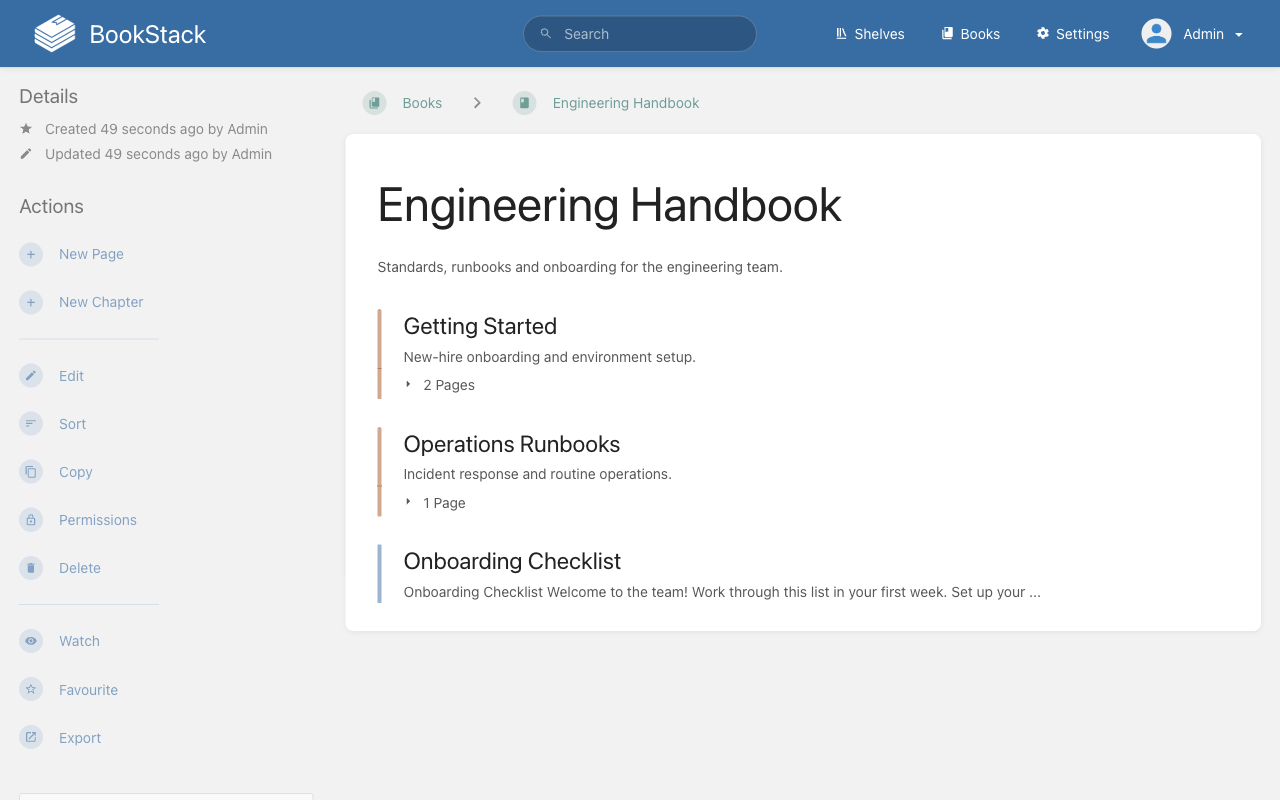
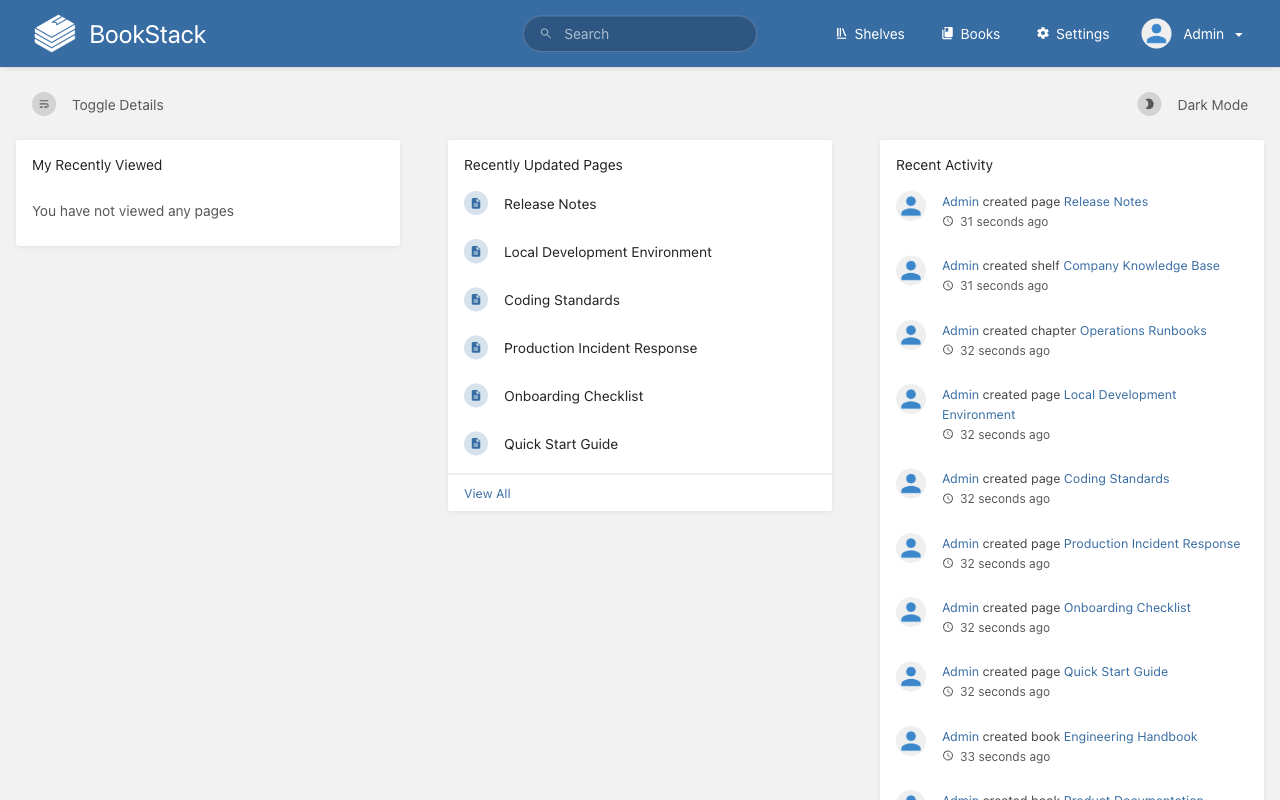
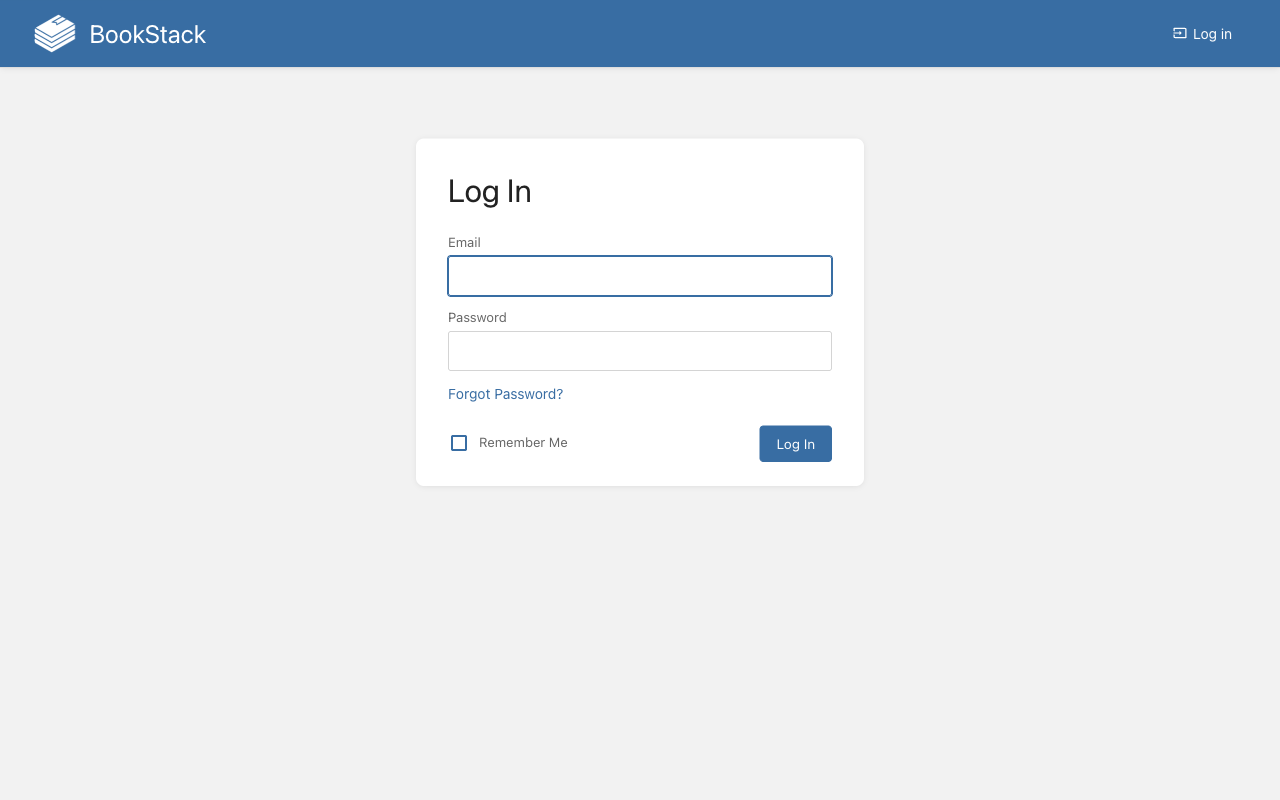
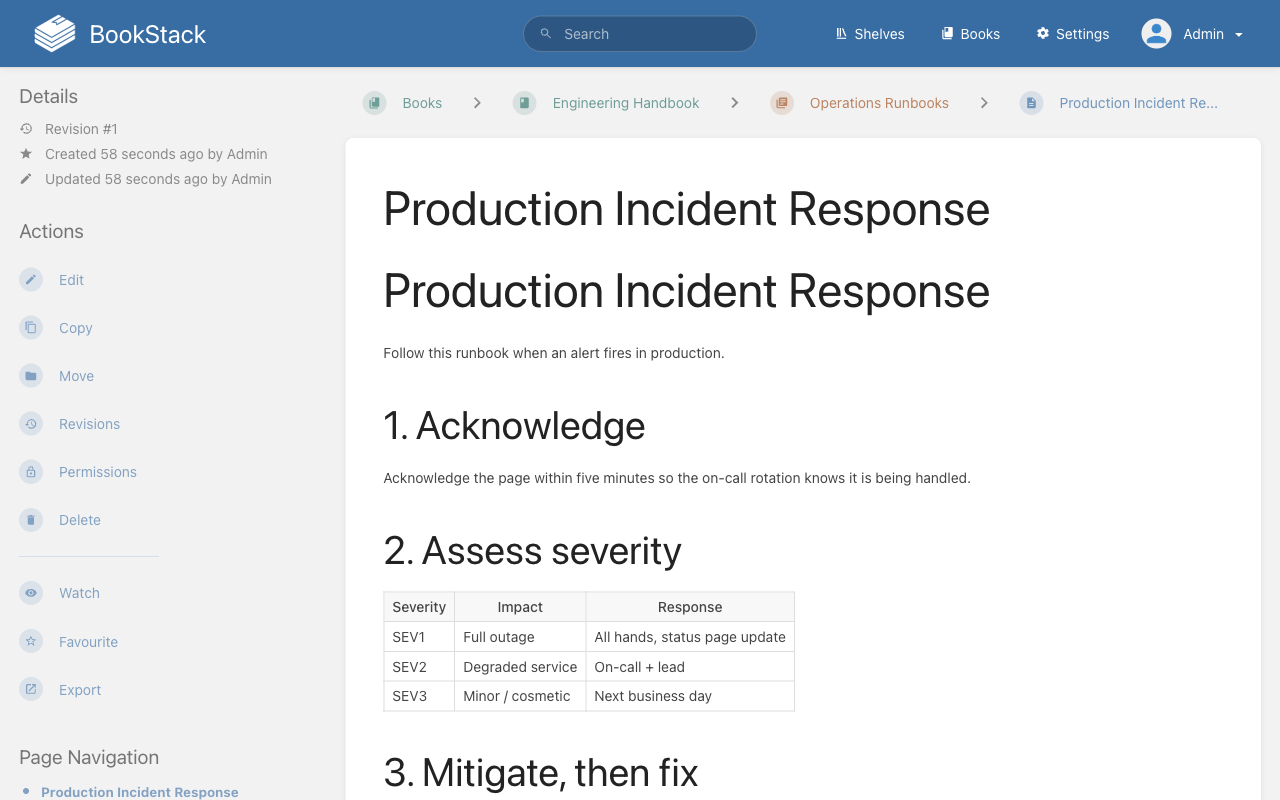
Real screenshots of this software running on the cloudimg image, taken while testing the deployment guide.
Description
This is a repackaged open source software product wherein additional charges apply for cloudimg support services.
## BookStack Knowledge Base - Production-Ready on AWS
BookStack is the popular free open source platform for organising and storing documentation and knowledge. This AMI delivers BookStack fully installed and configured so your team has a complete, private knowledge base running within minutes of launch - no setup wizard, no manual database migrations, and no shared credentials.
The current release available is BookStack 24.05.
## Why Choose This AMI Over a Manual Install
A fresh BookStack installation typically requires provisioning a web server, configuring PHP, creating a database, running migrations, and completing a setup wizard. This image eliminates every manual step. Launch the instance, retrieve your unique administrator credentials, and start creating content immediately. Application files, uploads, and the database reside on dedicated, independently resizable storage volumes, giving you flexibility to scale storage without rebuilding the instance.
## Application Stack
BookStack runs as a Laravel application on PHP 8.3 with OPcache, served by nginx with php-fpm. MariaDB provides the database backend. Database migrations are already applied, so you land directly on the sign-in page.
## Secure By Default
On first boot a one-shot service generates:
- A fresh Laravel application key
- A fresh MariaDB password
- A fresh administrator password
All credentials are unique to that instance and written to a root-only file. The instance's own address is set as the application URL automatically. No shared or default credentials ship in the image.
## Key Features
- Organised content structure - Shelves, Books, Chapters, and Pages
- Rich editing - WYSIWYG and Markdown editors
- Full-text search across all content
- Page revisions and history for audit trails
- Built-in diagrams.net drawing for technical diagrams
- Roles and granular permissions for team access control
- Full REST API for automation and integration
- LDAP and SAML SSO support for enterprise authentication
## Use Case: Engineering Teams Replacing Per-Seat SaaS Wikis
Engineering teams running 20-200 users who want to eliminate per-seat wiki costs can deploy this AMI in their own VPC. Store runbooks, architecture decision records, and onboarding guides in a platform you fully control. Because BookStack runs inside your AWS account, sensitive documentation never leaves your network - ideal for teams with data residency requirements or compliance obligations in regulated industries such as healthcare or financial services.
## Additional Use Cases
- Internal documentation and team knowledge bases
- Standard operating procedures and technical manuals
- Self-hosted alternative to SaaS wiki tools
- Compliance-sensitive environments requiring data residency in a private VPC
## 24/7 cloudimg Support
This AMI includes technical support from cloudimg engineers available around the clock by email and live chat. Support covers BookStack deployment, upgrades, performance tuning, LDAP and SAML single sign-on configuration, email and storage setup, REST API integration, and database administration. Critical issues receive a one-hour average response time.
## Getting Started
1. Launch the AMI in your VPC with ports 80/443 and 22 open in your security group
2. Wait approximately 60 seconds for first-boot credential generation to complete
3. SSH into the instance and retrieve the admin email and password from the root-only credentials file
4. Browse to the instance's public IP or DNS address
5. Sign in as the administrator and begin creating shelves, books, and pages
For guided deployment assistance, HTTPS certificate setup, or LDAP/SAML configuration help, contact cloudimg support.
All product and company names are trademarks or registered trademarks of their respective holders. Use of them does not imply any affiliation with or endorsement by them.
Key Features
- BookStack, the open source documentation and knowledge-base platform, preinstalled with nginx, PHP 8.3 and MariaDB, migrations applied, ready to use with no manual setup wizard
- Secure by default: a fresh Laravel application key, MariaDB password and administrator password are generated for every instance on first boot and the admin email and password are stored in a root only file
- 24/7 technical support from cloudimg for deployment, upgrades, LDAP/SAML SSO, REST API integration, performance tuning and database administration